Histo!

Histo!

다운로드: App Store
로고: Histo!

Histo! 미세해부학 마스터 및 조직학 시험 완벽 대비

언제 어디서나 오프라인으로 2,179개의 대화형 식별 슬라이드와 전문가가 검증한 퀴즈를 사용하여 조직 식별을 마스터하는 수천 명의 의대 및 치대생들과 함께하세요.

다운로드: App Store

개발사

John Ash

카테고리

Medical

다운로드

22K+

사용자 평점

5.0/5

총 평가 수

0

지원 언어

1

미시 세계를 마스터하세요

이 인터페이스를 사용하는 22K+ 명의 사용자.

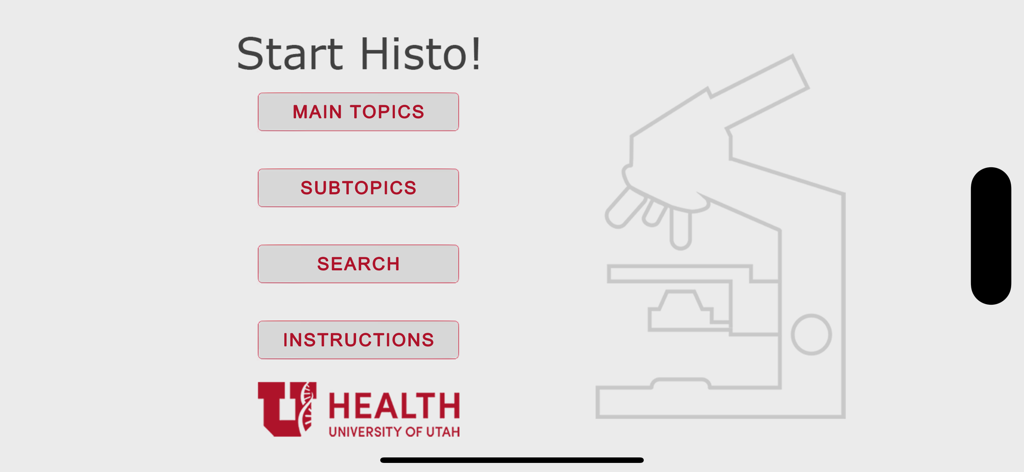
메인 메뉴와 유타 대학교 보건 로고가 있는 Histo 앱 시작 화면
메인 메뉴와 유타 대학교 보건 로고가 있는 Histo 앱 시작 화면

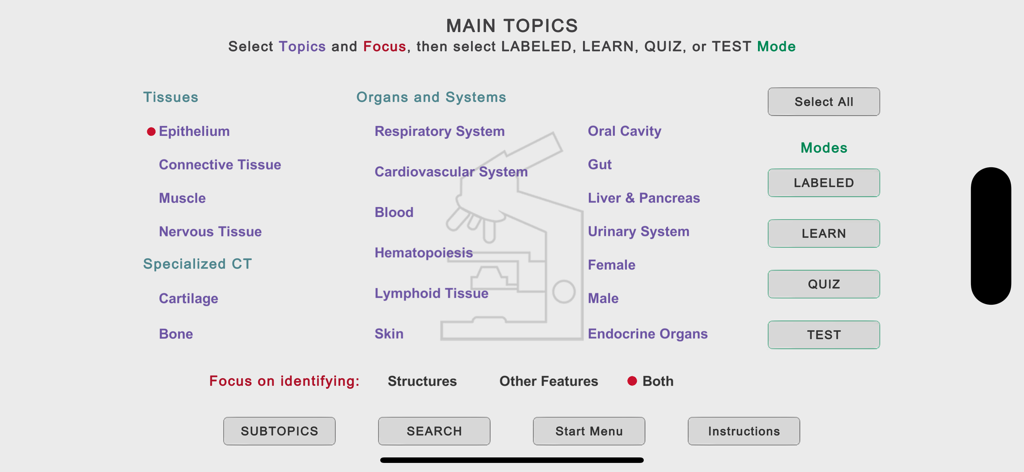
조직 및 기관계의 학습 카테고리를 보여주는 Histo 앱의 메인 주제 메뉴
조직 및 기관계의 학습 카테고리를 보여주는 Histo 앱의 메인 주제 메뉴

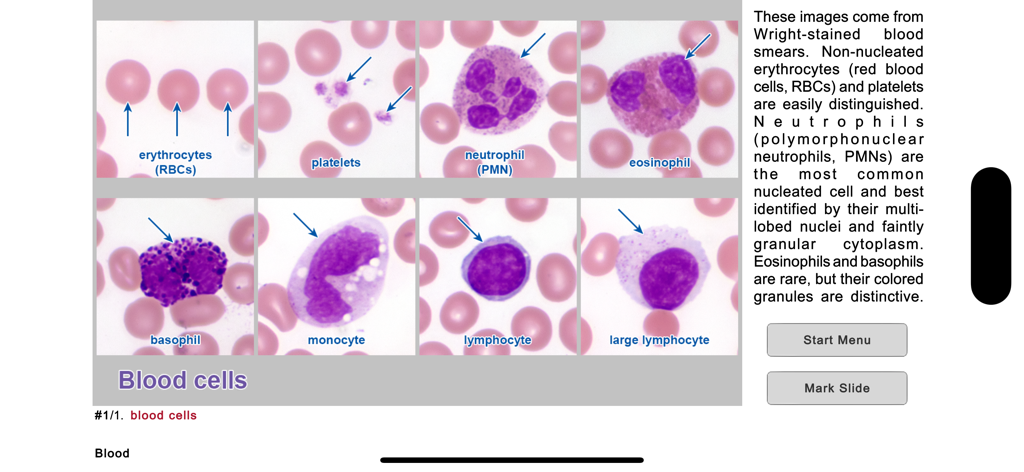
다양한 혈구의 라벨이 지정된 현미경 이미지를 보여주는 조직학 학습 슬라이드
다양한 혈구의 라벨이 지정된 현미경 이미지를 보여주는 조직학 학습 슬라이드

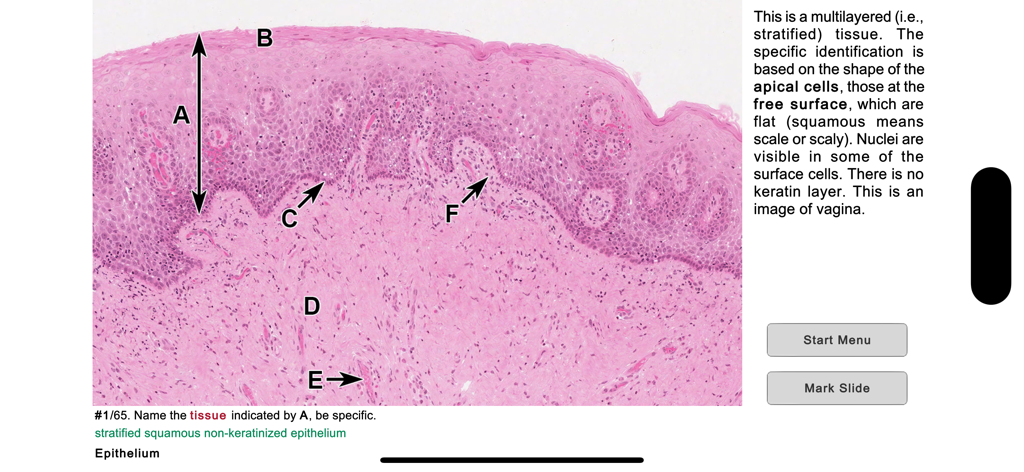
Histo 의학 학습 앱에 있는 중층 편평 상피의 현미경 사진
Histo 의학 학습 앱에 있는 중층 편평 상피의 현미경 사진

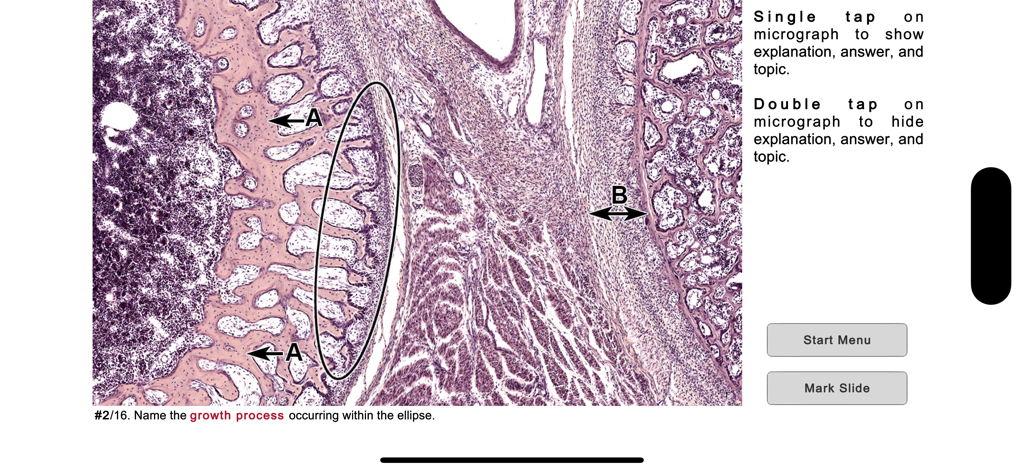
현미경 슬라이드와 식별 질문이 있는 조직학 퀴즈 인터페이스
현미경 슬라이드와 식별 질문이 있는 조직학 퀴즈 인터페이스

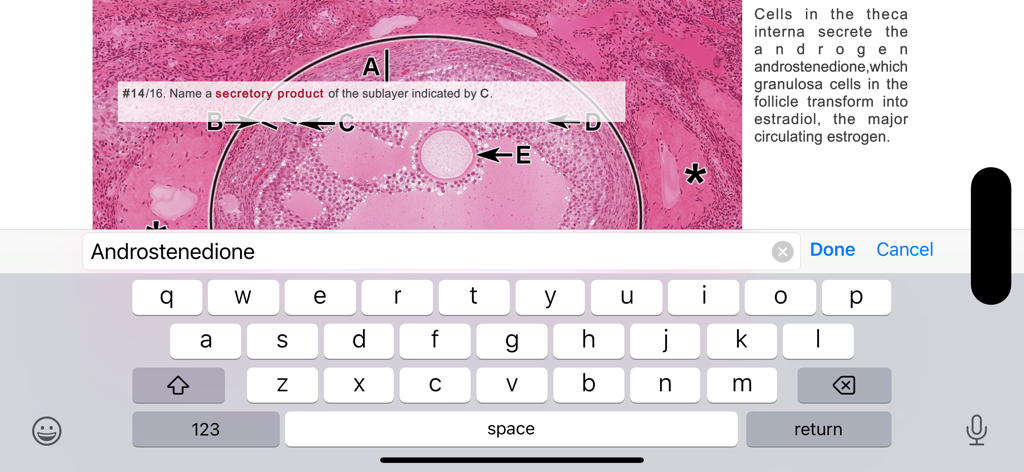
라벨이 지정된 조직 슬라이드와 키보드 입력이 포함된 Histo 앱의 조직학 테스트 질문
라벨이 지정된 조직 슬라이드와 키보드 입력이 포함된 Histo 앱의 조직학 테스트 질문

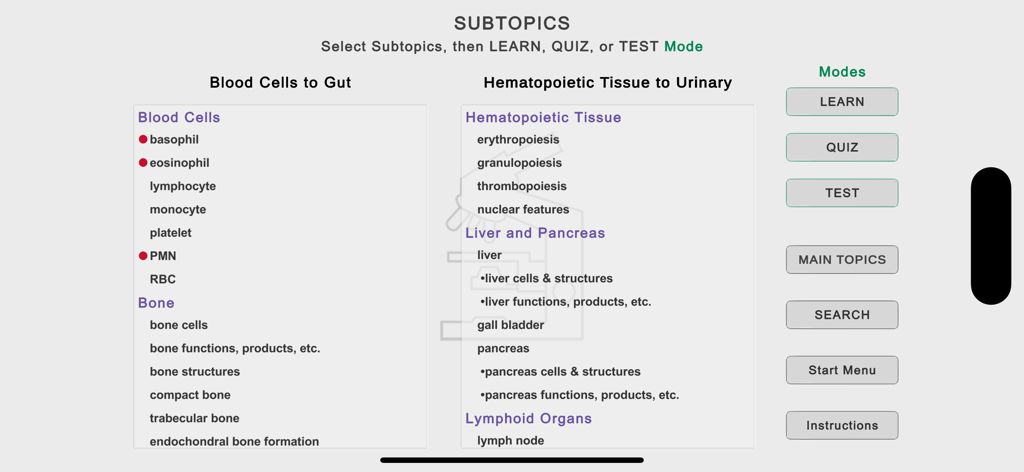
혈구 및 뼈와 같은 카테고리와 학습 모드를 보여주는 Histo 앱의 소주제 선택 화면
혈구 및 뼈와 같은 카테고리와 학습 모드를 보여주는 Histo 앱의 소주제 선택 화면

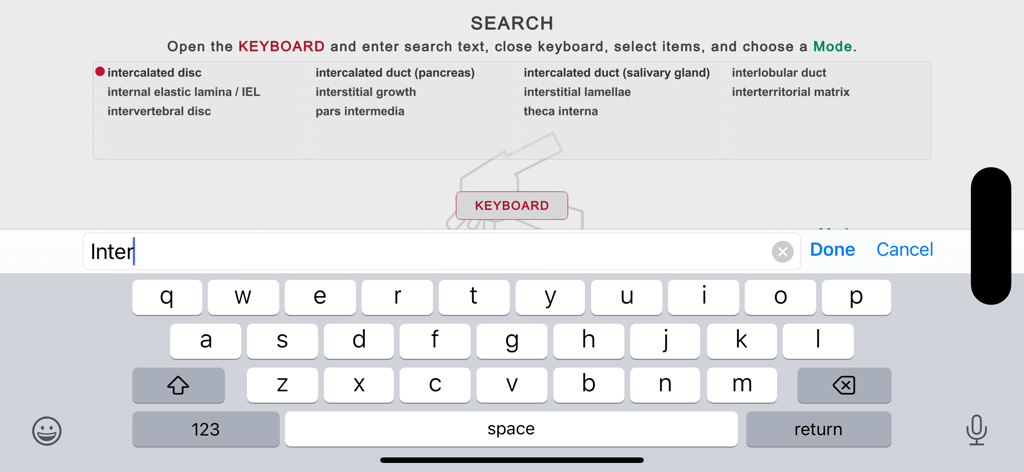
키보드와 의학 조직학 용어 목록을 보여주는 Histo 앱의 검색 화면

키보드와 의학 조직학 용어 목록을 보여주는 Histo 앱의 검색 화면

학술적 정밀함으로 조직학 마스터

이 앱을 돋보이게 하는 도구, 22K+ 명의 사용자가 선택.

🔬

고해상도 대화형 도감

복잡한 미세해부학의 즉각적인 자가 테스트를 위해 라벨을 켜고 끌 수 있는 기능을 갖춘 2,179개의 식별 슬라이드를 마스터하세요.

🎓

능동적 회상 훈련

지식을 공고히 하기 위해 능동적 회상을 사용하는 전용 학습, 퀴즈 및 테스트 모드로 실습과 강의 사이의 간극을 메우세요.

🎯

효율적인 오답 검토

완전히 오프라인으로 작동하는 스마트 마킹 시스템을 통해 틀린 슬라이드를 자동으로 추적하고 자신의 취약한 부분에 집중하세요.

앱 소개

에 대해 알아야 할 모든 것 Histo!.

설명

Histo! helps you learn histology and test your knowledge. It is the favorite study aid of medical and dental students in histology courses at the University of Utah. The App currently contains 2179 identification slides, based on 547 photomicrographic images. It is organized into 19 Main Topics and 148 Subtopics. It does not require an internet connection. NAVIGATION •Three navigation menus are provided, one to choose among the Main Topics, a second to select Subtopics of the Main Topics, and a Search feature to find slides using 675 keywords. These meus allow you focus your study as broadly or narrowly as desired. •Once slides are displayed, a one-finger left or right swipe moves forward or backward by one slide, a two-finger swipe jumps 10 slides. LABELED SLIDE MODE •This mode presents 92 micrographs that cover the Main Topics. Important structural features are named, and short explanations are given. These micrographs provide an efficient way for anyone new to a topic to quickly learn the identifications and spatial relationships of the microanatomy that are key for identifying tissues and organs. •The labels can be turned on and off by tapping, allowing immediate self-testing while learning. LEARN, QUIZ, and TEST (LQT) MODES •These modes are based on 2087 questions and answers related to 455 micrographs. •In the Learn mode, each slide displays a question, the answer, and a short explanation. The slides are presented in a logical order that helps you learn the material. •In the Quiz mode, only the question is shown, and the order of presentation is randomized. You can tap to see the answer and explanation. A Quiz persists until the user deletes it. •In the Test mode, you tap to display the built-in keyboard to answer the question, then grade your response. Results for each Main Topic are shown when you have finished a Test. STRUCTURES AND ADDITIONAL FEATURES •Histo! addresses both microanatomy and functional histology. About 70% of the LQT slides ask for identification of structures, the remainder are related to other features of these structures, such as functions, molecular components, or diseases. •From the Main Topic menu, you choose whether to review structures or other features, or both. MARKING AND UNMARKING SLIDES •Slides in any mode may be marked for later review. This happens automatically when you miss a question in the Test mode, and by tapping a button in the Label, Learn, or Quiz modes. •Whenever you return to the Start screen, either during a session or later after exiting, you are offered the chance to review slides marked in any of the four modes. Buttons to review marked slides are also present on the Main and Subtopics menus. •Slides that have been marked can be unmarked during a review by scoring the question as completely correct in the Test mode or tapping a button in the Learn or Quiz modes. SHOWING SPECIFIC SLIDES •Identifiers for slides viewed in the Labeled, Learn or Quiz modes can be recorded and then distributed via electronic documents. Anyone importing these identifiers can view the slides in the Learn mode. •Students can ask for help with a structural or functional question related to a specific slide and instructors can present preselected examples to an individual or group.

최신 버전

1.4.03

크기

455.9 MB

출시일

2019년 6월 6일

조직학 시험에서 만점을 받을 준비가 되셨나요?

유타 대학교의 최고의 학습 도구를 사용하는 22,000명 이상의 의대 및 치대생들과 함께하세요. 언제 어디서나 100% 오프라인으로 능동적 회상을 통해 2,100개 이상의 슬라이드를 마스터하세요.

다운로드: App Store

App information, icons, screenshots, and descriptions displayed on this page are sourced from the Apple App Store and are the property of their respective developers. Download estimates and rankings are based on MWM's proprietary models and may not reflect actual figures. This page is provided for informational and analytical purposes only.

Believe this page infringes your intellectual property? File a dispute