iCircuit 3D
iCircuit 3D
다운로드: App Store

이 페이지는 앱이나 개발자의 공식 페이지가 아니며, 정보 제공 및 논평을 목적으로 작성된 독립 편집 간행물입니다. 명시적으로 달리 언급되지 않는 한, 해당 앱이나 개발자는 MWM, Apple, Google Play, 앱 퍼블리셔 또는 앱 개발자와 제휴, 보증, 후원, 승인 또는 공식적으로 연결되어 있지 않으며, 이 페이지의 어떤 내용도 해당 앱이 MWM의 서비스를 사용하여 개발되었음을 의미하지 않습니다. 모든 상표, 로고, 스크린샷 및 기타 콘텐츠는 해당 소유자의 자산입니다.

로고: iCircuit 3D
다운로드: App Store

iCircuit 3D

위험 부담 없는 3D 샌드박스에서 아이디어를 현실로 만드세요. 복잡한 회로를 설계하고, 아두이노 코드를 테스트하고, 실제 실패의 비용이나 결과 없이 150개 이상의 사실적인 부품으로 실험하세요.

주요 수치

다운로드

10K+

사용자 평점

4.1/5

총 평가 수

100

개발사

Krueger Systems, Inc.

카테고리

Education

지원 언어

7

최신 버전

1.1

크기

165.7 MB

출시일

2021년 1월 28일
기능

궁극의 가상 전자공학 실험실

학생, 메이커 및 전문 엔지니어를 위해 설계된 고충실도 3D 시뮬레이션 엔진으로 더 빠르고 스마트하게 반복하세요.

빠르게 실패하고, 더 빠르게 배우세요

부품을 안전하게 한계까지 밀어붙이세요. 잘못 배선하면 '매직 스모크'가 비싼 하드웨어를 낭비하지 않고 오류를 진단하고 수정하는 데 도움이 됩니다.

프로그래밍 가능한 3D 프로젝트

실제 아두이노 코드를 실행하여 모터와 센서를 구동하세요. 사실적인 조명, 소리 및 움직임으로 디자인이 살아 움직이는 것을 지켜보세요.

다음 스크린샷과 설명은 앱의 공식 스토어 목록에서 직접 가져온 것이며 앱 개발자의 자산입니다.

앱 스토어

스크린샷
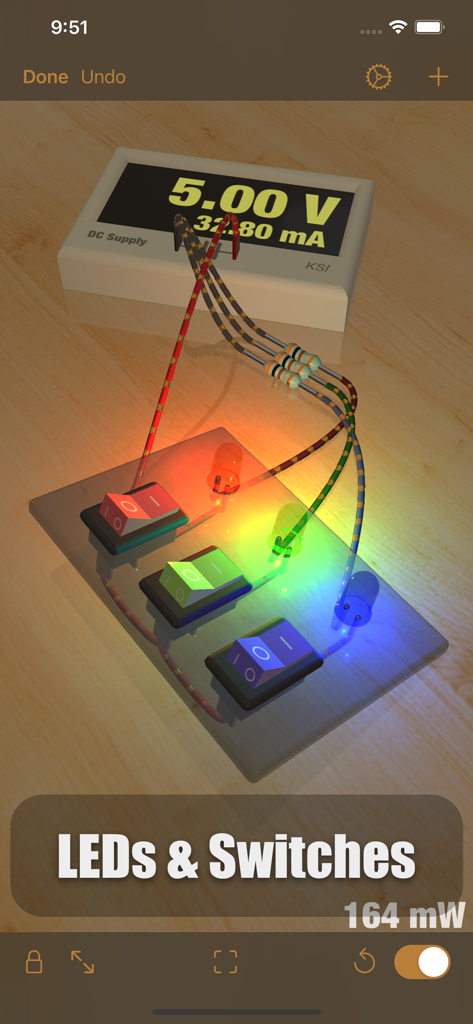
iCircuit 3D - 가상 작업 공간의 로커 스위치에 연결된 밝은 빨강, 초록, 파랑 LED가 있는 전자 회로의 3D 시뮬레이션
가상 작업 공간의 로커 스위치에 연결된 밝은 빨강, 초록, 파랑 LED가 있는 전자 회로의 3D 시뮬레이션

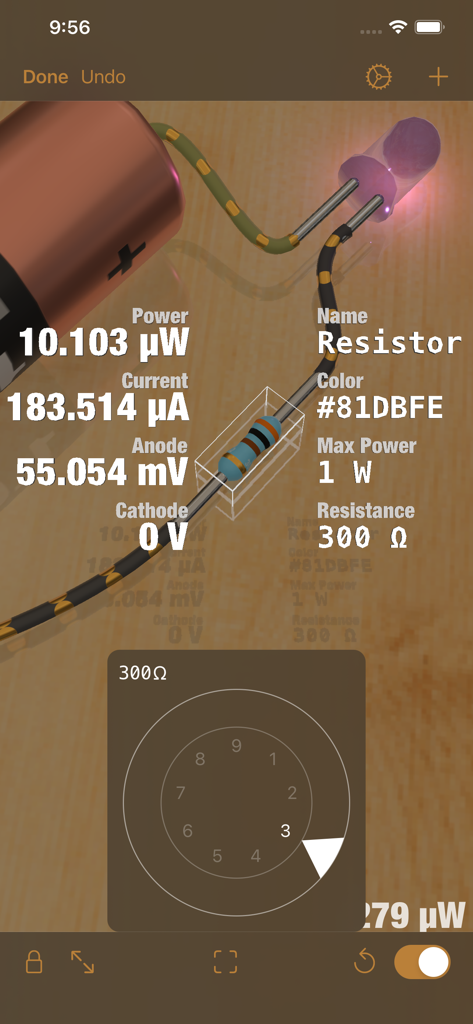
iCircuit 3D - iCircuit 3D에서 실시간 기술 데이터를 보여주고 저항기의 저항 조정 다이얼을 표시하는 전자 회로의 3D 시뮬레이션
iCircuit 3D에서 실시간 기술 데이터를 보여주고 저항기의 저항 조정 다이얼을 표시하는 전자 회로의 3D 시뮬레이션

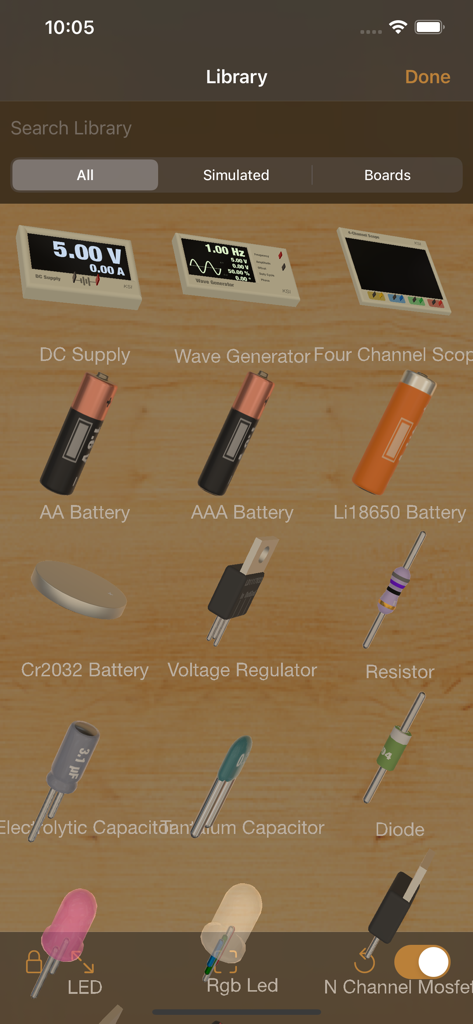
iCircuit 3D - iCircuit 3D 앱의 전자 부품 3D 라이브러리

iCircuit 3D 앱의 전자 부품 3D 라이브러리

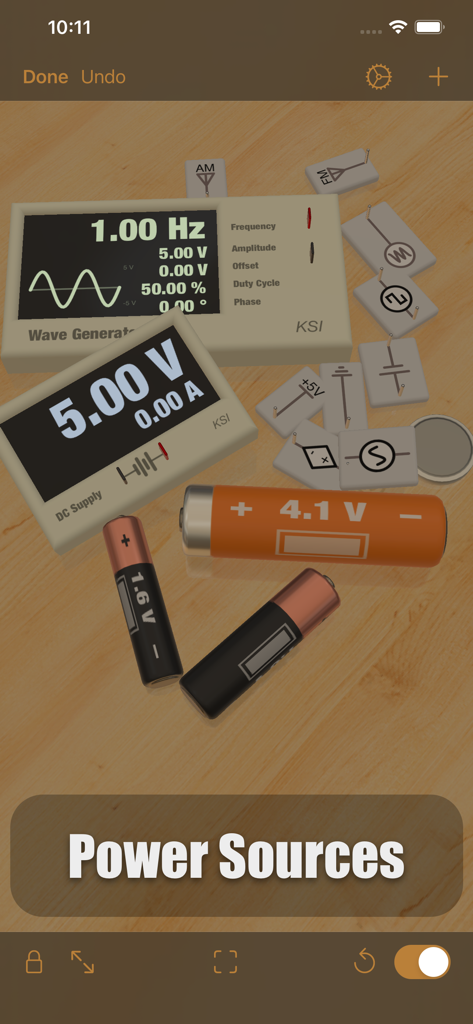
iCircuit 3D - iCircuit 3D의 가상 작업 공간에 있는 다양한 3D 전원 및 배터리
iCircuit 3D의 가상 작업 공간에 있는 다양한 3D 전원 및 배터리

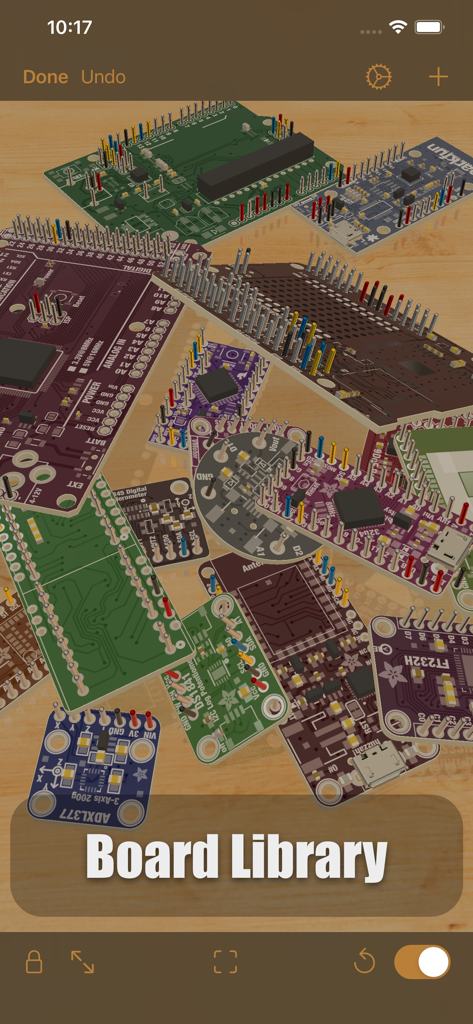
iCircuit 3D - iCircuit 3D 보드 라이브러리에 표시된 다양한 전자 회로 기판 및 마이크로컨트롤러 컬렉션
iCircuit 3D 보드 라이브러리에 표시된 다양한 전자 회로 기판 및 마이크로컨트롤러 컬렉션

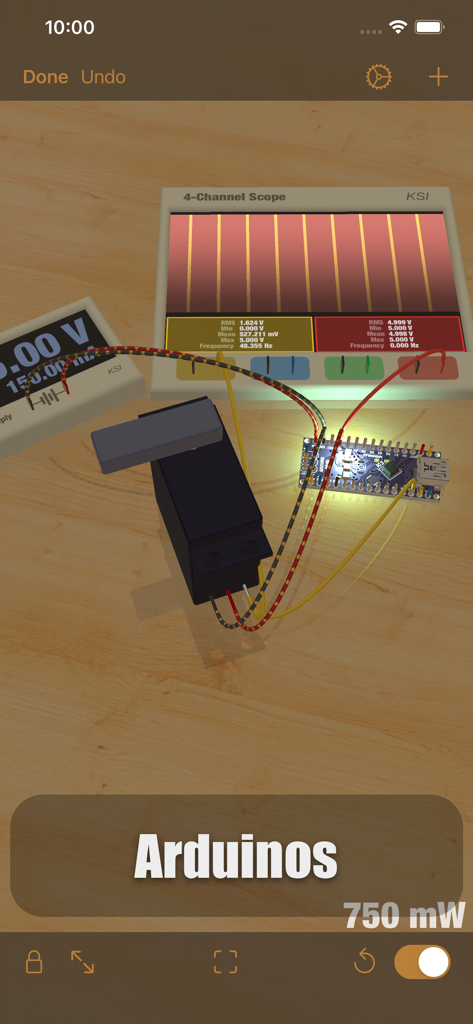
iCircuit 3D - 가상 작업 공간의 오실로스코프 및 서보 모터와 함께 있는 아두이노 나노 회로의 3D 시뮬레이션
가상 작업 공간의 오실로스코프 및 서보 모터와 함께 있는 아두이노 나노 회로의 3D 시뮬레이션

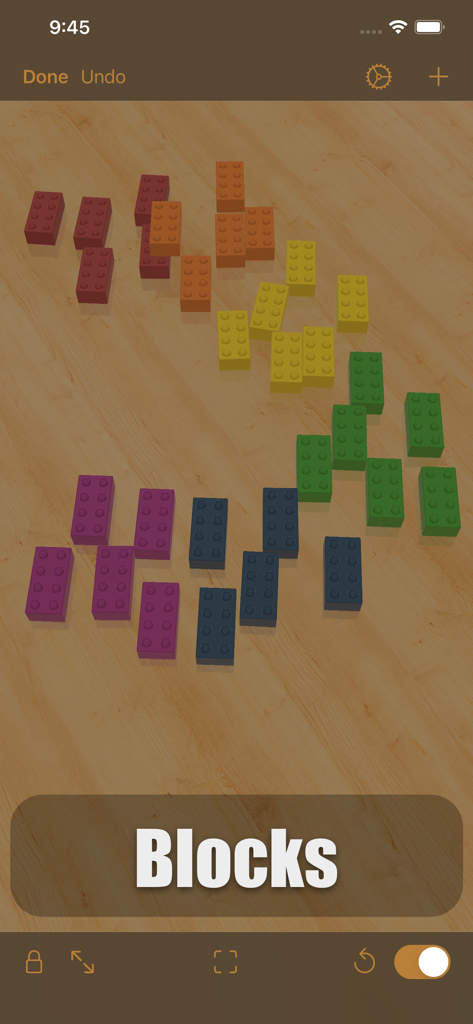
iCircuit 3D - iCircuit 3D 앱 인터페이스 내의 가상 나무 작업 공간에 흩어져 있는 다채로운 3D 빌딩 블록
iCircuit 3D 앱 인터페이스 내의 가상 나무 작업 공간에 흩어져 있는 다채로운 3D 빌딩 블록

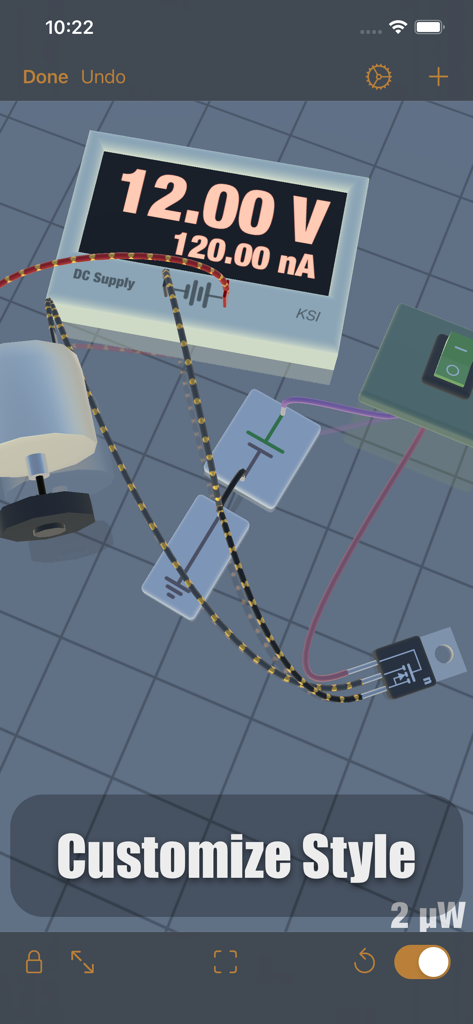
iCircuit 3D - DC 전원 공급 장치, 모터 및 배선이 있는 가상 작업 공간의 전자 회로 3D 시뮬레이션

DC 전원 공급 장치, 모터 및 배선이 있는 가상 작업 공간의 전자 회로 3D 시뮬레이션

설명

iCircuit 3D gives you an endless virtual workbench upon which to design and test your electronics projects. It combines the robust electronics simulation engine of the original iCircuit with the latest rendering and 3D physics technology of iOS. Don’t let the physical availability of parts be a constraint on your creativity! Choose from an expansive library of more than 150 physically and electronically simulated parts and over 1,000 reference boards to build and test your circuits for flaws, simulate your physical designs, and test your Arduino code in a fun sandbox environment. Each of these parts is adoringly rendered to look like the real thing so that you can enjoy the beauty of electronics. When powered, LEDs light up realistically, DC motors spin, and speakers make noise! Follow the flow of current along your simulated wires, and see pinout and color code data on the circuit components themselves. Tapping a part gives you quick access to simulated values such as voltage and current and also allows you to change the parameters of the part. In the event of a wiring issue or an over-stressed element, magic smoke will billow from the point of failure, making it easy to locate, diagnose, and fix errors. Add photographs and other reference images to the environment to keep them close at hand. You can even import your own 3D models to attach your electronics to, or use Blocks to build an enclosure, or a panel for them! Features: * Tons of resistors, capacitors, and LEDs * Multiple breadboard and wiring elements * Diodes, Transistors, and MOSFETs * DC power supplies * Waveform Generators to make AC, Square, and Sawtooth signals * Various batteries, including AA, AAA, 18650, and coin * Switches, including SPST and SPDT * Buzzers and speakers * DC motors and Servos * Programmable Arduino elements! * The full symbolic original iCircuit library * Over 1,000 reference circuit boards. These are not fully simulated, but are great for layout out your designs. * Import custom circuit elements in Eagle Board or Fritzing element formats (imported circuits won’t simulate, but you can at least wire them up) * Import custom 3D models to attach your projects to, and simulate their behavior on the workbench * Import images for reference or documentation, and they’ll appear as physical photographs All of these are available in the 3D work environment that mimics an electronics workbench. When you add parts, they land on the table due to gravity. From there you can drag them around and connect them to each other by drawing wires between their ports. When a circuit is completed, they start simulating. Once connected to each other, wires stay connected no matter where the part is positioned. You can stick them to other parts to make panels and structures, or just leave them laying on the bench haphazardly, like I do. iCircuit 3D was designed with a strong emphasis on fun and exploration and there are a lot more features along those lines to discover! I hope you enjoy this new take on circuit software.

Download

다운로드: App Store

이 페이지는 앱이나 개발자의 공식 페이지가 아니며, 정보 제공 및 논평을 목적으로 작성된 독립 편집 간행물입니다. 명시적으로 달리 언급되지 않는 한, 해당 앱이나 개발자는 MWM, Apple, Google Play, 앱 퍼블리셔 또는 앱 개발자와 제휴, 보증, 후원, 승인 또는 공식적으로 연결되어 있지 않으며, 이 페이지의 어떤 내용도 해당 앱이 MWM의 서비스를 사용하여 개발되었음을 의미하지 않습니다. 모든 상표, 로고, 스크린샷 및 기타 콘텐츠는 해당 소유자의 자산입니다.