ID Lock - Secure Data Manager
다운로드: App Store

이 페이지는 앱이나 개발자의 공식 페이지가 아니며, 정보 제공 및 논평을 목적으로 작성된 독립 편집 간행물입니다. 명시적으로 달리 언급되지 않는 한, 해당 앱이나 개발자는 MWM, Apple, Google Play, 앱 퍼블리셔 또는 앱 개발자와 제휴, 보증, 후원, 승인 또는 공식적으로 연결되어 있지 않으며, 이 페이지의 어떤 내용도 해당 앱이 MWM의 서비스를 사용하여 개발되었음을 의미하지 않습니다. 모든 상표, 로고, 스크린샷 및 기타 콘텐츠는 해당 소유자의 자산입니다.

로고: ID Lock - Secure Data Manager
다운로드: App Store

ID Lock - Secure Data Manager

위험한 포스트잇에 의존하는 것을 멈추세요. 군사 등급 256비트 AES 암호화로 비밀번호, 신용카드 및 민감한 데이터를 보호하고 iPhone, iPad 및 Mac 전반에서 원활하게 동기화하세요.

주요 수치

다운로드

800

사용자 평점

4.0/5

총 평가 수

200

개발사

Software Ops LLC

카테고리

Utilities

지원 언어

2

최신 버전

26.1.3

크기

98.2 MB

출시일

2019년 2월 12일
기능

디지털 보안을 쉽게 마스터하세요

ID Lock은 어수선한 메모를 중앙 집중식 군사 등급 금고로 대체하여 비밀번호와 민감한 문서를 안전하게 보관하면서도 접근 가능하게 합니다.

군사 등급 암호화

256비트 AES 암호화와 독점적인 추가 키체인 보안 계층으로 비밀번호 및 은행 정보를 보호하세요.

원활한 Apple 생태계 동기화

안전한 클라우드 백업으로 iPhone, iPad 및 Mac 전반에서 금고에 즉시 액세스하고 디지털 생활을 동기화하세요.

다음 스크린샷과 설명은 앱의 공식 스토어 목록에서 직접 가져온 것이며 앱 개발자의 자산입니다.

앱 스토어

스크린샷
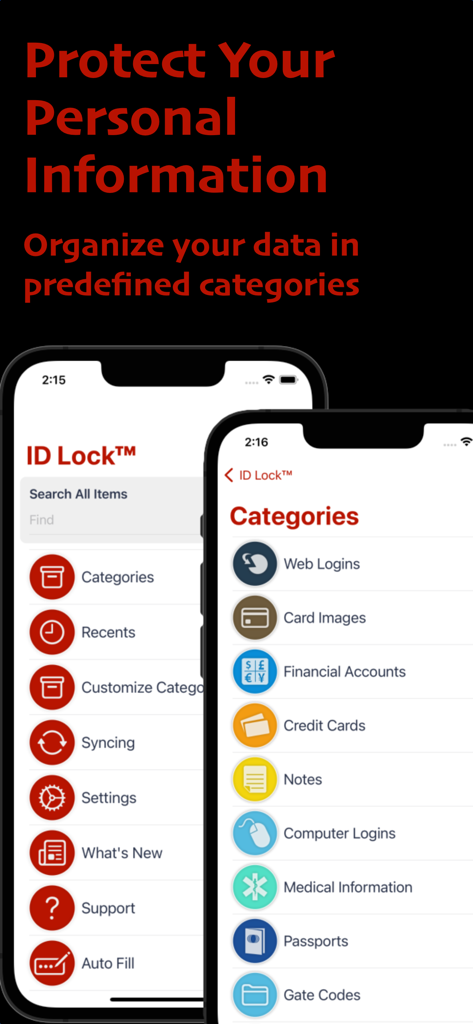
ID Lock - Secure Data Manager - ID Lock 앱 인터페이스가 은행 계좌 및 신용 카드와 같은 미리 정의된 카테고리로 데이터를 구성하는 것을 보여줍니다.
ID Lock 앱 인터페이스가 은행 계좌 및 신용 카드와 같은 미리 정의된 카테고리로 데이터를 구성하는 것을 보여줍니다.

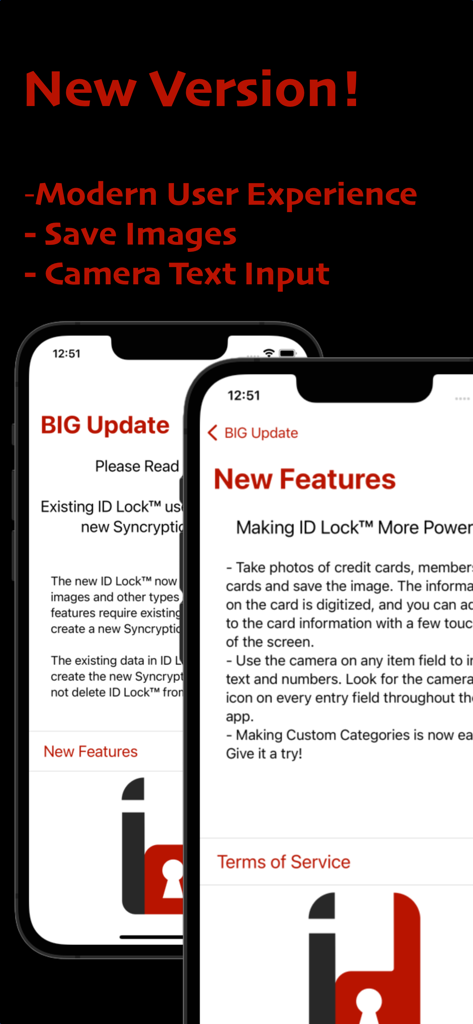
ID Lock - Secure Data Manager - ID Lock 앱 업데이트 화면이 현대적인 UI 카메라 텍스트 입력 및 이미지 저장 옵션과 같은 새로운 기능을 보여줍니다.
ID Lock 앱 업데이트 화면이 현대적인 UI 카메라 텍스트 입력 및 이미지 저장 옵션과 같은 새로운 기능을 보여줍니다.

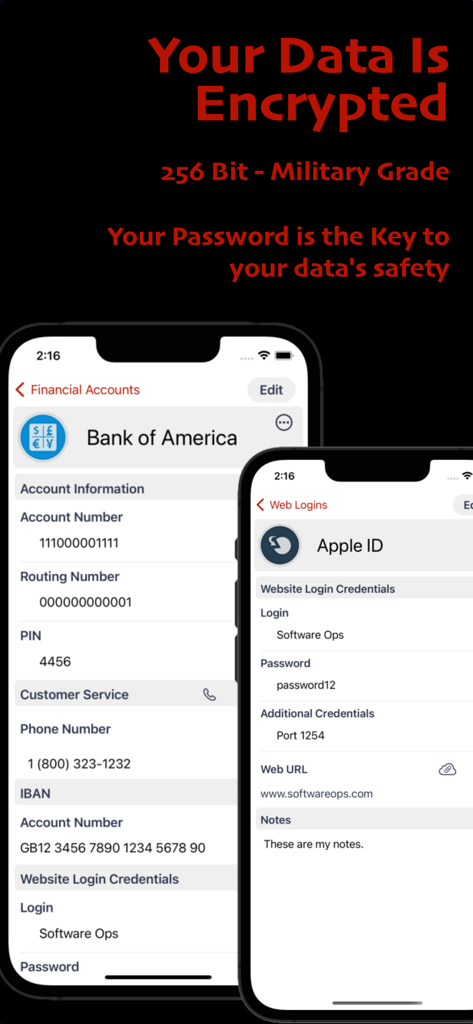
ID Lock - Secure Data Manager - ID Lock 앱이 군사 등급 암호화로 암호화된 금융 및 웹 로그인 데이터를 보여줍니다.
ID Lock 앱이 군사 등급 암호화로 암호화된 금융 및 웹 로그인 데이터를 보여줍니다.

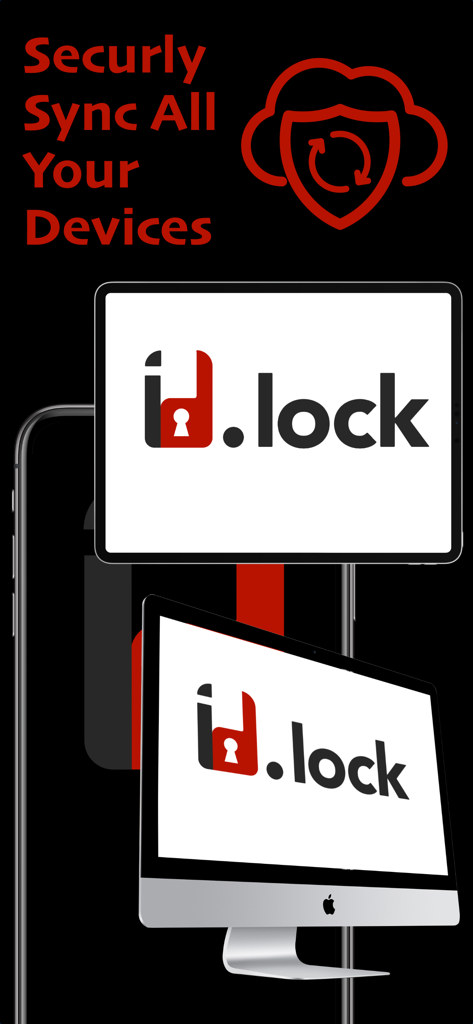
ID Lock - Secure Data Manager - ID Lock 앱이 iPhone, iPad 및 Mac 장치 간에 안전한 데이터 동기화를 보여줍니다.
ID Lock 앱이 iPhone, iPad 및 Mac 장치 간에 안전한 데이터 동기화를 보여줍니다.

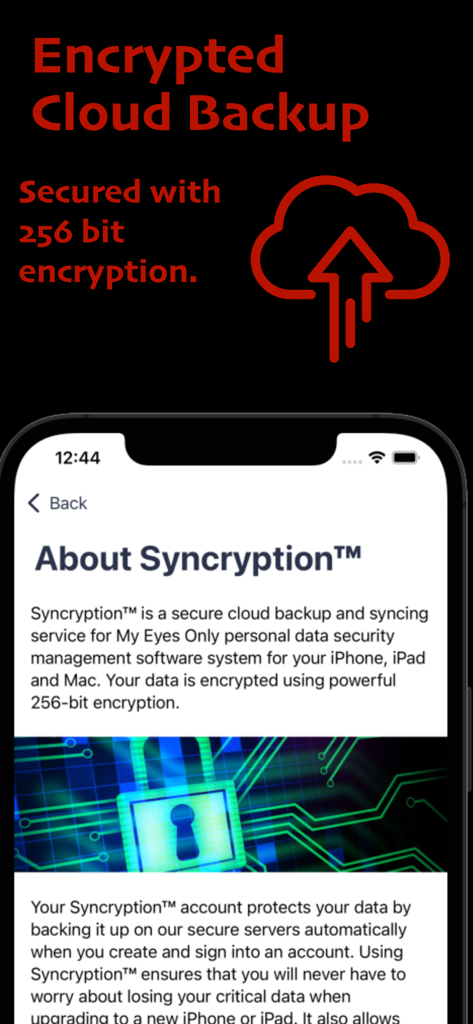
ID Lock - Secure Data Manager - ID Lock 앱 화면이 암호화된 클라우드 백업 및 256비트 암호화 기능을 보여줍니다.
ID Lock 앱 화면이 암호화된 클라우드 백업 및 256비트 암호화 기능을 보여줍니다.

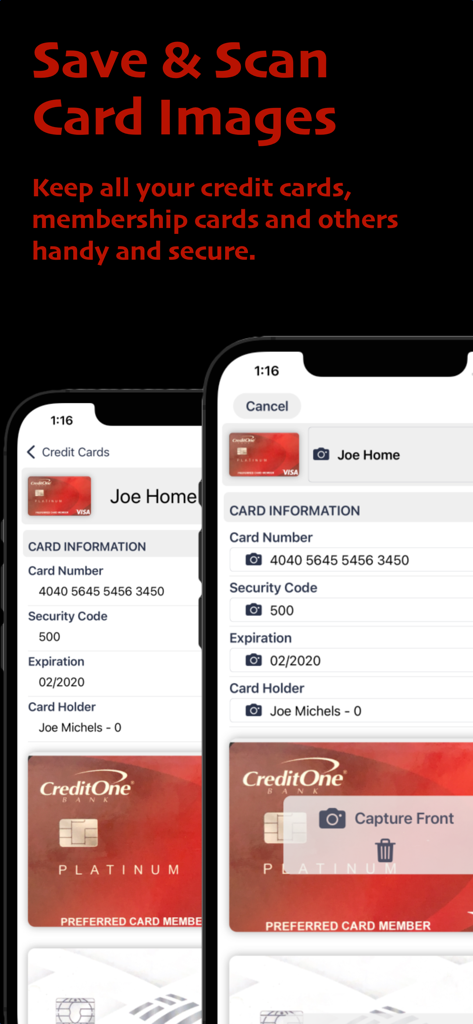
ID Lock - Secure Data Manager - 신용 카드 정보를 안전하게 스캔하고 저장하는 모바일 인터페이스.

신용 카드 정보를 안전하게 스캔하고 저장하는 모바일 인터페이스.

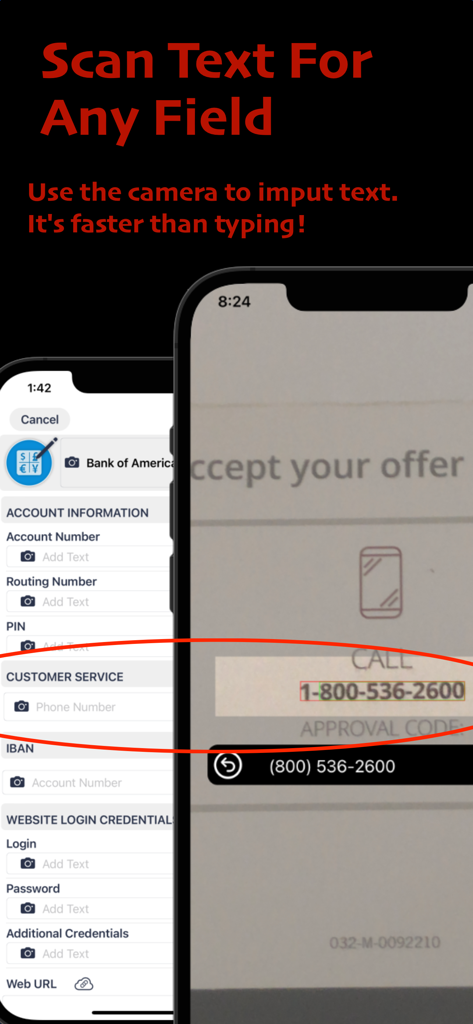
ID Lock - Secure Data Manager - ID Lock 앱이 문서에서 전화번호를 스캔하여 데이터 입력을 자동화하는 스마트폰 화면.
ID Lock 앱이 문서에서 전화번호를 스캔하여 데이터 입력을 자동화하는 스마트폰 화면.

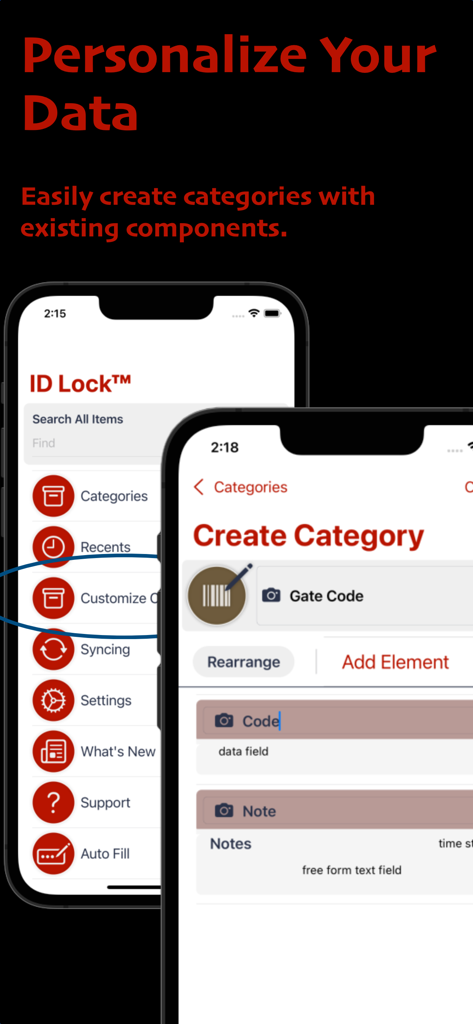
ID Lock - Secure Data Manager - ID Lock 앱 인터페이스가 게이트 코드 및 메모와 같은 특정 필드로 사용자 지정 데이터 카테고리를 만드는 과정을 보여줍니다.

ID Lock 앱 인터페이스가 게이트 코드 및 메모와 같은 특정 필드로 사용자 지정 데이터 카테고리를 만드는 과정을 보여줍니다.

설명

Say goodbye to post-it notes and lost passwords. Keep your passwords and personal information safe and secure with ID Lock®. Our app is designed with your convenience in mind, offering fast and easy setup, secure backup and syncing across all of your devices. Security Features ID Lock® securely stores all of your important information, including web site passwords, credit card numbers, bank account information, and more. Our advanced encryption technology includes password protection, powerful 256-bit AES encryption, and an additional layer of keychain security that other apps don't have. Never worry about loss or theft again. Sync Across Devices ID Lock® synchronizes your data across all of your iOS devices, allowing you to have instant access to your critical information wherever you are. And with our secure cloud service, your data is backed up and protected at all times. Easy to Use Interface Convenience is key with ID Lock®. Our user-friendly interface makes data entry fast and easy, and our 14 built-in data categories and customizable options allow you to tailor the app to your needs. Plus, our full-text search and support for Bluetooth keyboards make it easy to find the information you need quickly. Try Before You Buy Try ID Lock® risk-free with our try-before-you-buy option. Our in-app purchase unlocks secure syncing and cloud backup, unlimited items, and extra features. And for a limited time, we're offering secure syncing and cloud backup free for 30 days. Auto-Renewing Subscription Please note that ID Lock is an auto-renewing subscription service, and your credit card will be charged through your iTunes account. You can turn off auto-renew at any time from your iTunes account settings. -------------------------------------------------------------- Auto-Renewing Subscription Your subscription will automatically renew each month or year, and your credit card will be charged through your iTunes account. You can turn off auto-renew at any time from your iTunes account settings. Privacy Policy: https://www.softwareops.com/software-ops-privacy-policy Terms of Use: https://www.softwareops.com/software-ops-license-agreement

Download

다운로드: App Store

이 페이지는 앱이나 개발자의 공식 페이지가 아니며, 정보 제공 및 논평을 목적으로 작성된 독립 편집 간행물입니다. 명시적으로 달리 언급되지 않는 한, 해당 앱이나 개발자는 MWM, Apple, Google Play, 앱 퍼블리셔 또는 앱 개발자와 제휴, 보증, 후원, 승인 또는 공식적으로 연결되어 있지 않으며, 이 페이지의 어떤 내용도 해당 앱이 MWM의 서비스를 사용하여 개발되었음을 의미하지 않습니다. 모든 상표, 로고, 스크린샷 및 기타 콘텐츠는 해당 소유자의 자산입니다.