이 페이지는 앱이나 개발자의 공식 페이지가 아니며, 정보 제공 및 논평을 목적으로 작성된 독립 편집 간행물입니다. 명시적으로 달리 언급되지 않는 한, 해당 앱이나 개발자는 MWM, Apple, Google Play, 앱 퍼블리셔 또는 앱 개발자와 제휴, 보증, 후원, 승인 또는 공식적으로 연결되어 있지 않으며, 이 페이지의 어떤 내용도 해당 앱이 MWM의 서비스를 사용하여 개발되었음을 의미하지 않습니다. 모든 상표, 로고, 스크린샷 및 기타 콘텐츠는 해당 소유자의 자산입니다.
iFax App Send Fax From iPhone
보안, 엔터프라이즈급 문서 배달을 위해 iFax를 신뢰하는 5백만 명 이상의 전문가 및 Fortune 500대 기업에 합류하세요. 물리적 기계나 유선 전화 없이 이동 중에도 즉시 팩스를 보내고 받을 수 있습니다.
세계에서 가장 안전한 모바일 팩스 기기로 낡은 하드웨어를 교체한 5백만 명의 전문가와 함께하세요. 이동 중에 문서를 보내고, 받고, 관리하세요.
엔터프라이즈급 보안
256비트 SSL 암호화로 HIPAA 및 GLBA 규정을 완전히 준수하세요. 완전한 마음의 평화로 의료 기록 및 법률 계약을 안전하게 처리하세요.
내장 문서 스캐너
iPhone을 고화질 팩스 기기로 바꾸세요. FedEx를 찾을 필요 없이 실물 문서를 스캔하고, 디지털 서명을 추가하고, 몇 초 만에 팩스를 보내세요.
다음 스크린샷과 설명은 앱의 공식 스토어 목록에서 직접 가져온 것이며 앱 개발자의 자산입니다.
앱 스토어
스크린샷
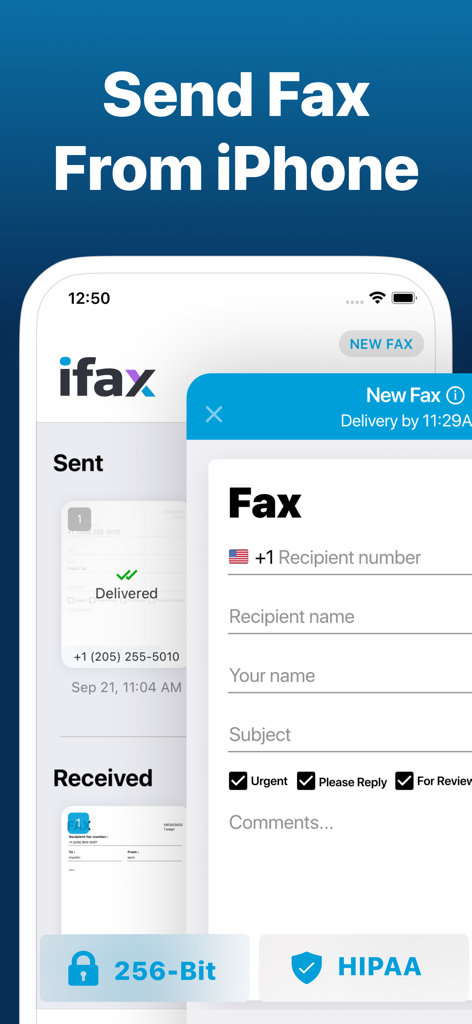
iPhone에서 안전하고 HIPAA 규정을 준수하는 팩스를 보내는 iFax 앱 인터페이스
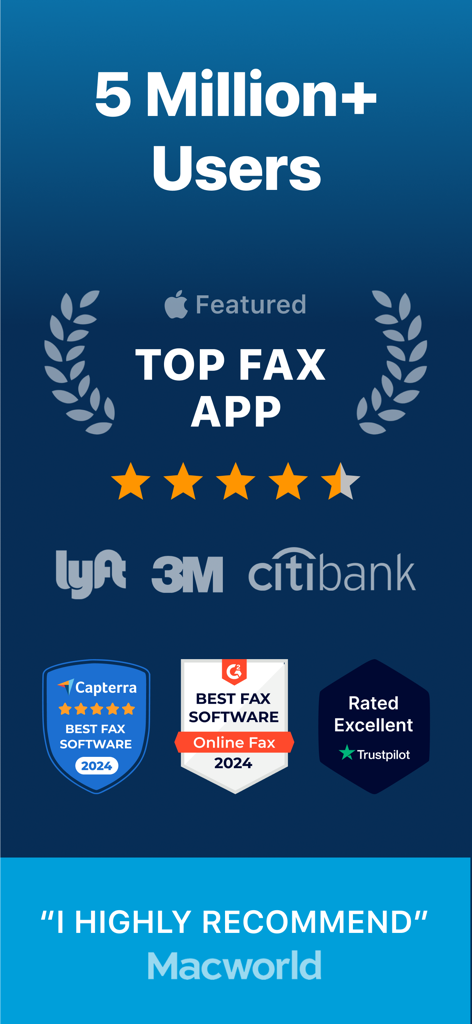
Capterra G2 및 Trustpilot의 iFax 앱 수상 및 최고 등급, 5백만 사용자 및 기업 파트너 표시
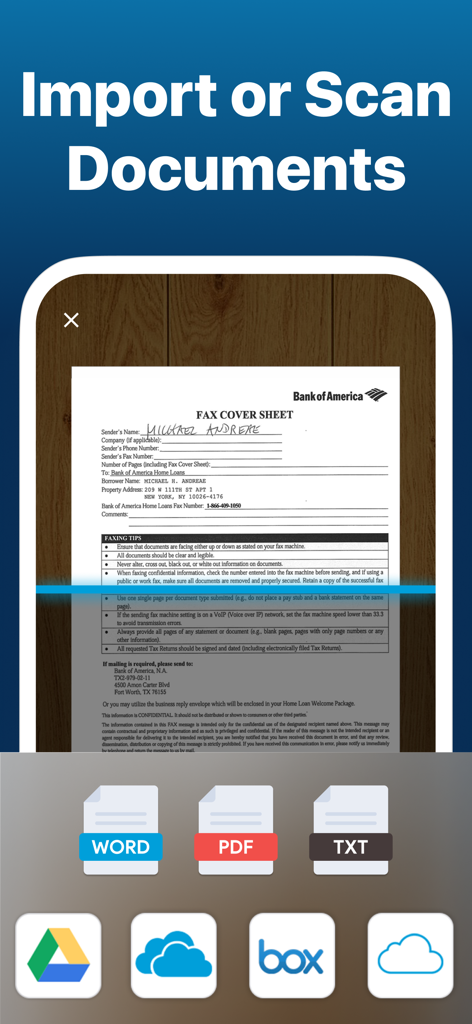
클라우드 스토리지에서 가져오기 옵션과 함께 팩스 표지를 스캔하는 iFax 앱의 모바일 인터페이스
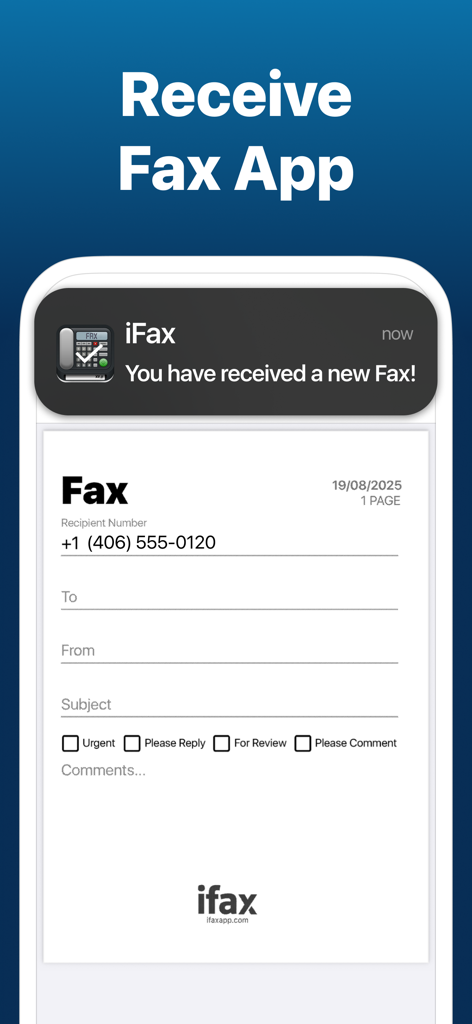
iFax 앱에서 새로 수신된 팩스 알림 스마트폰
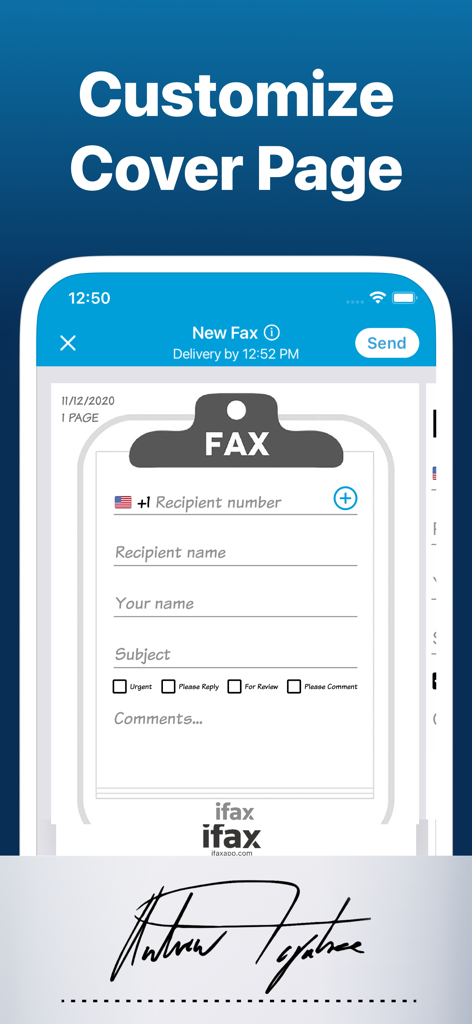
수신자 세부 정보 및 우선 순위 확인란으로 팩스 표지를 사용자 지정하는 iFax 앱 인터페이스
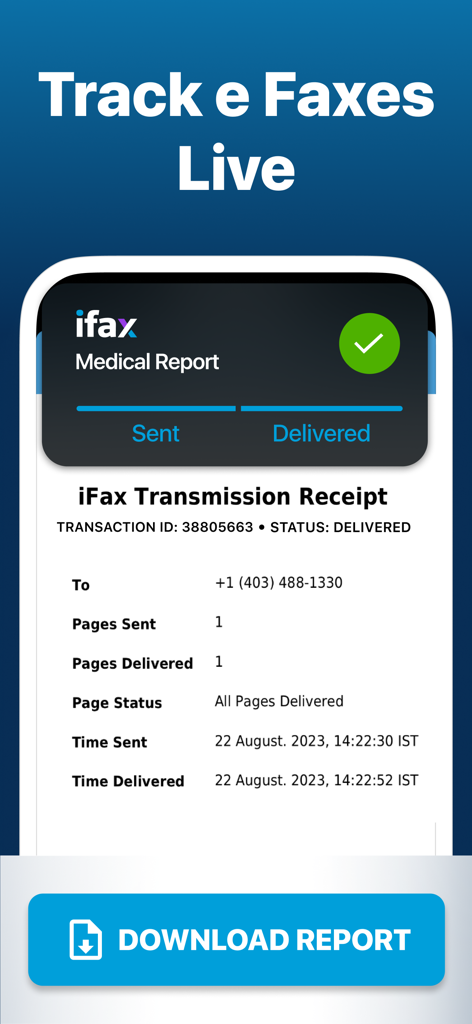
배달 확인 및 추적 세부 정보가 포함된 의료 보고서에 대한 iFax 전송 영수증을 보여주는 모바일 화면
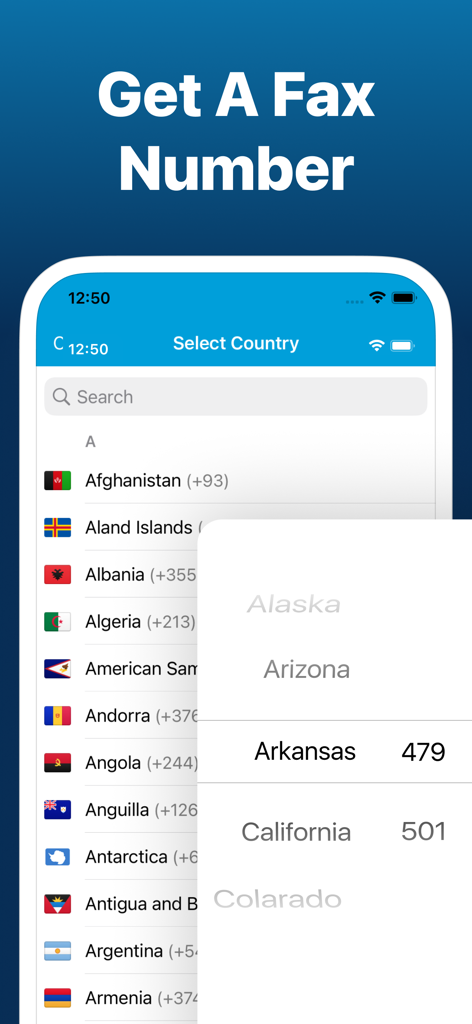
개인 팩스 번호를 받기 위해 iFax 앱 내에서 국가 및 미국 주 지역 번호 선택
설명
Are you in need of a hassle-free & cost-effective way to fax from your iPhone for free? Look no further than iFax, the original & best free e Fax app. With iFax, your iPhone or iPad instantly transforms into a portable free online fax machine. Say hello to your go to online fax services!
With a user base of over 5 million individuals spanning 20,000 companies, including Fortune 500 powerhouses & esteemed nonprofit institutions like Citibank, the US Government, Harvard University, SAS, Lyft, PWC, 3M, Invitae, & many more, iFax has established itself as the go-to faxer service for all your internet faxing needs, including unlimited fax plus many other features.
How iFax Works
- Whether you need to send a single fax or a multitude of faxes, iFax has you covered, right from your iPhone.
- Get started with faxing in minutes, all without the need to create an account or deal with cumbersome paperwork.
- Seamlessly send & receive faxes on the go with iFax, the world's leading fax app, offering free fax from iphone free app features.
-Send a free fax from iphone free with iFax
Why Choose iFax App for Your Free e Fax++ Needs
HIPAA & GLBA-Compliant, Enterprise-Grade Faxing: iFax offers faxing with enhanced security, bulk faxing, & multiple fax numbers – the ultimate fax plus solution.
Go Paperless with Cloud Faxing: Leverage cloud integration for importing & faxing images, documents, & PDFs from iCloud, Google Drive, Dropbox, while enjoying efax free benefits.
100% Safe & Private: Securely fax business & personal documents worldwide with iFax's robust 256-bit SSL encryption & HIPAA-compliant faxing, your security is our priority.
Powerful Document Scanner: iFax features an advanced e-fax scanner for swift & easy faxing of personal files, business documents, images, & more.
Multi-Platform Support: Send & receive faxes effortlessly with iFax on your iPhone, iPad,computer & Apple Watch, making faxing a breeze for individuals & businesses.
The iFax Success Story
Launched in 2008, the same year as the Apple App Store's inception, iFax has faithfully served millions of users who have collectively sent & received over 20 million faxes. Over the past decade, iFax has risen to become the world's most popular fax app today, offering fax plus features that are hard to beat.
SUBSCRIPTIONS
- Prices vary based on selected region & duration, starting from $27.99/month (USD).
- Subscription duration options include 1 month & 1 week.
- A fax number will remain active as long as the subscription is active. Once deactivated, faxes received to your number may not be accessible.
- The free trial period lasts for 7 days & monthly subscription charges are then made automatically to the given payment account unless canceled 24 hours prior to the end of the trial period.
- iFax contains both free trial & paid subscriptions for fax+. Free trial offers are only available once per subscription per user.
- Subscriptions will automatically renew unless auto-renew is turned off at least 24-hours prior to the end of the current period.
- Initial payments are charged to a user's iTunes Account at confirmation of purchase.
- Charges for renewal occur within 24-hours prior to the end of the current period.
- Subscriptions can be managed by the user & auto-renewal can be turned off by going to the user's Account Settings after purchase.
- Any unused portion of a free trial period, if offered, will be forfeited when the user purchases a subscription to that publication, where applicable.
- Fair Use Policy - iFax reserves the right to limit any or all of the above services based on what it deems to be abusive practices, unusually high usage or what iFax deems as 'Fair Use'.
- Privacy Policy - https://www.ifaxapp.com/privacy
- Terms Of Use - https://www.ifaxapp.com/terms
- Apple Terms of Use - https://www.apple.com/legal/internet-services/itunes/dev/stdeula/
*iPhone & iPad are trademarks of Apple Inc.
이 페이지는 앱이나 개발자의 공식 페이지가 아니며, 정보 제공 및 논평을 목적으로 작성된 독립 편집 간행물입니다. 명시적으로 달리 언급되지 않는 한, 해당 앱이나 개발자는 MWM, Apple, Google Play, 앱 퍼블리셔 또는 앱 개발자와 제휴, 보증, 후원, 승인 또는 공식적으로 연결되어 있지 않으며, 이 페이지의 어떤 내용도 해당 앱이 MWM의 서비스를 사용하여 개발되었음을 의미하지 않습니다. 모든 상표, 로고, 스크린샷 및 기타 콘텐츠는 해당 소유자의 자산입니다.