디지털 노트, 스케치, 플래너를 완벽하게 제어하세요. 학생이든 창작자든, 애플펜슬에 최적화된 깔끔한 경험을 즐기세요. 일회성 구매로 구독은 없습니다.
개발사
Tyler Sherman
카테고리
Productivity
다운로드
900
사용자 평점
5.0/5
총 평가 수
0
지원 언어
1
당신의 창의적인 캔버스
이 인터페이스를 사용하는 900 명의 사용자.
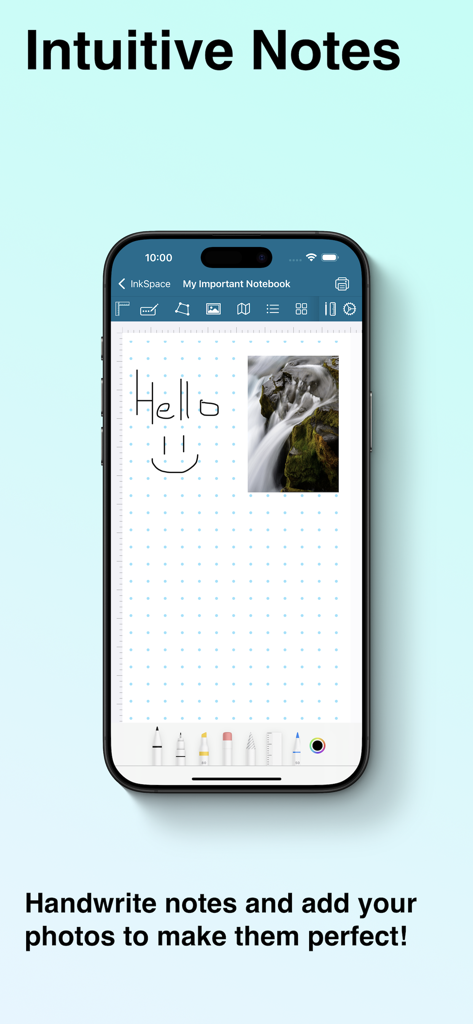
스마트폰 화면에 잉크스페이스 디지털 노트 앱의 손글씨 메모와 삽입된 사진이 표시된 모습
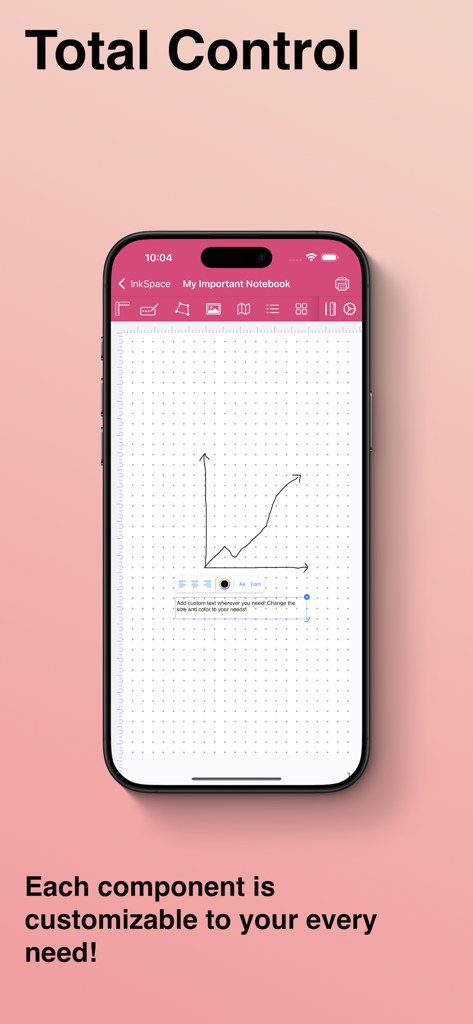
스마트폰에서 잉크스페이스 앱 인터페이스를 보여주며, 손으로 그린 그래프가 있는 맞춤형 디지털 노트
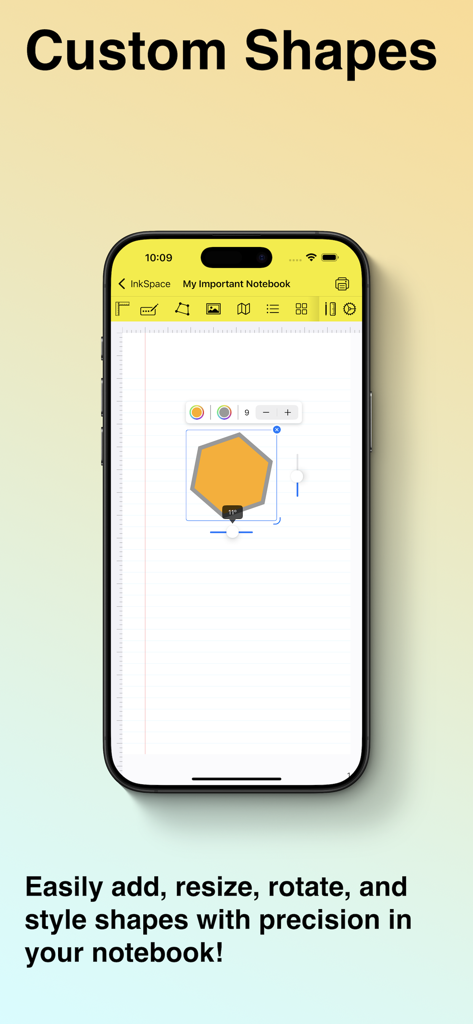
아이폰 화면에 잉크스페이스 앱 인터페이스가 표시되고, 디지털 노트 페이지에서 사용자 정의 육각형 모양이 편집되는 모습
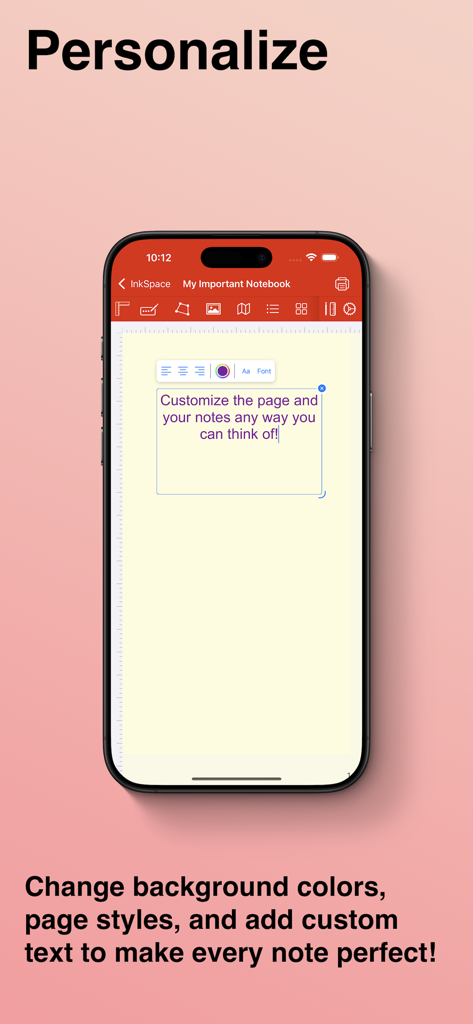
아이폰의 잉크스페이스 모바일 앱 인터페이스에 사용자 지정 노트 배경 및 텍스트 편집 기능이 표시된 모습
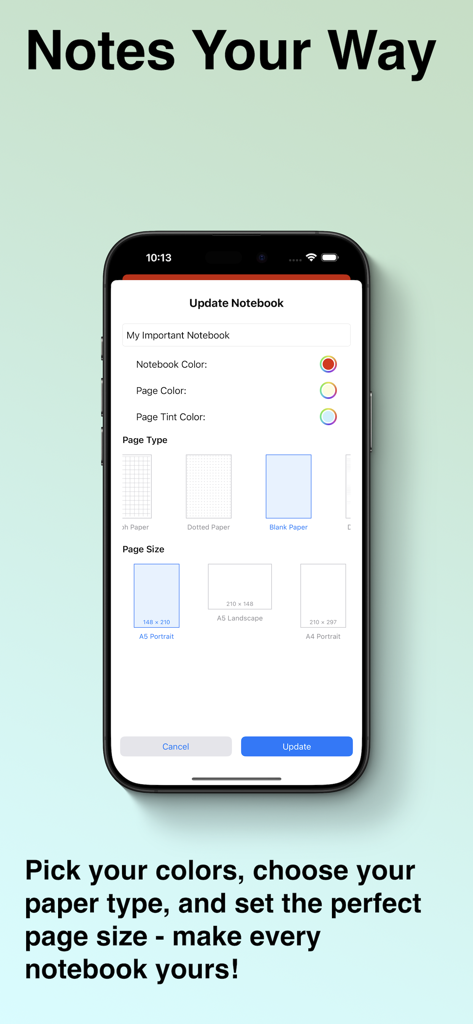
노트 색상 및 용지 유형을 사용자 지정하기 위한 잉크스페이스 인터페이스
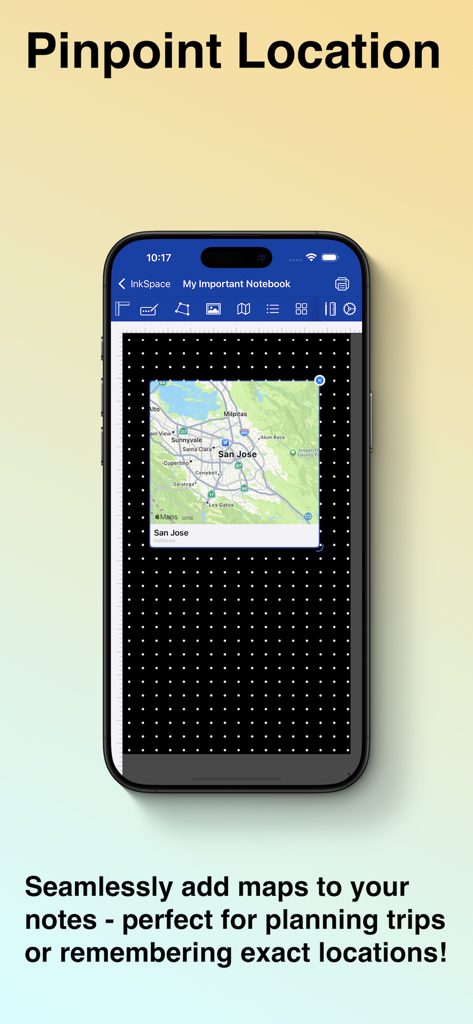
스마트폰의 디지털 노트 페이지에 통합된 지도 기능을 보여주는 잉크스페이스 앱 기능
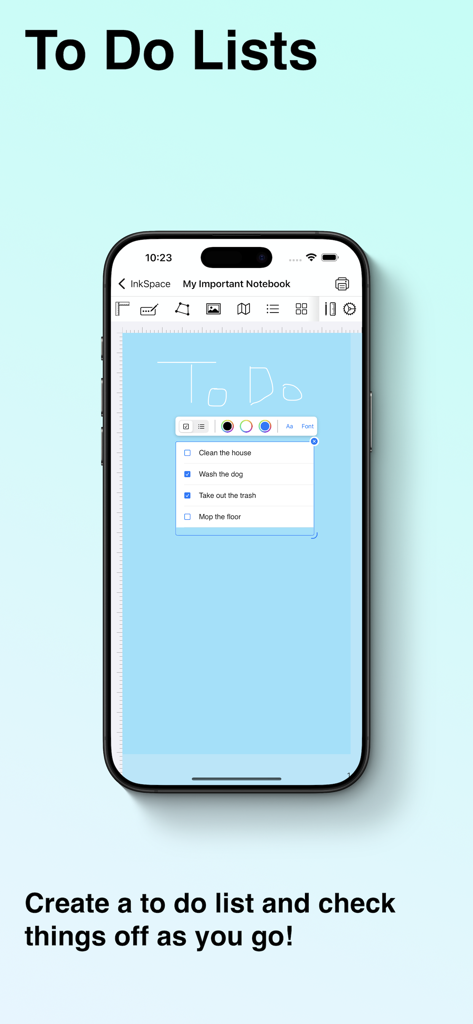
아이폰에 잉크스페이스 앱의 파란색 페이지에 체크박스가 있는 디지털 할 일 목록이 표시된 모습
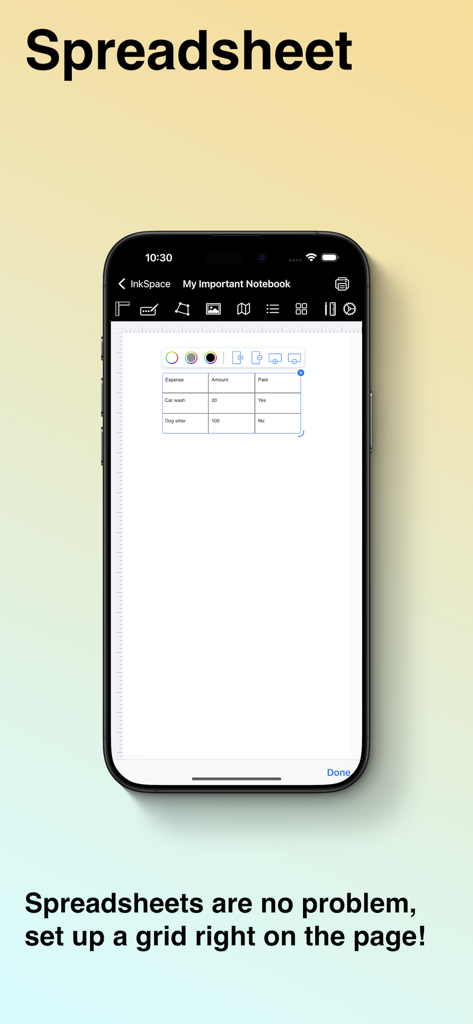
스마트폰에 디지털 노트 페이지에 삽입된 사용자 지정 스프레드시트 그리드가 표시된 잉크스페이스 앱 인터페이스
당신의 디지털 캔버스, 당신의 규칙
이 앱을 돋보이게 하는 도구, 900 명의 사용자가 선택.
🎨
완벽한 스타일 제어
나만의 분위기와 스타일에 맞는 맞춤 페이지 색상, 강조 스타일, 프리미엄 노트 팩으로 모든 디테일을 개인화하세요.
🖊️
끊김 없는 창의적 자유
애플펜슬 필기, PDF 주석, 맞춤형 레이아웃을 손쉽게 혼합하여 완벽한 학습 가이드, 저널 또는 프로젝트 계획을 만드세요.
♾️
영원히 구독 없음
일회성 구매로 프리미엄 도구를 잠금 해제하여 구독 피로를 극복하세요. 당신의 콘텐츠를 영원히 소유하고 연결 없이 어디서든 작업하세요.
앱 소개
에 대해 알아야 할 모든 것 InkSpace.
설명
Unleash Your Creativity with InkSpace
InkSpace is the ultimate digital notebook for iPhone and iPad, designed for those who want complete creative freedom. Whether you're taking notes, brainstorming ideas, sketching designs, planning projects, or journaling, InkSpace gives you total control over every aspect of your notebooks.
Endless Custom Notebooks
- Create unlimited notebooks with as many pages as you need.
- Write, draw, and sketch effortlessly using your Apple Pencil, stylus, or fingers.
- Insert custom shapes, text, lists, checkboxes, grids, maps, and images to organize your notes.
- Add tags and bookmarks to quickly find important notes.
- Attach PDFs, documents, and reference materials directly to your pages to keep all your content in one place.
Customize Every Detail to Fit Your Style
- Choose from a variety of built-in templates for note taking, sketching, journaling, meal tracking, and more.
- Expand your collection with premium notebook packs, available for a one time purchase, unlocking high-quality templates without subscriptions.
- Adjust page styles, including ruled, dotted, grid, blank, planners, and more.
- Modify page colors, accent colors, and notebook color for total customizability.
- Switch between different page orientations, sizes, and layouts for the perfect fit.
Seamless Organization & Effortless Navigation
- Quickly find what you need with searchable tags and a powerful indexing system.
- Sync across all your devices, so your notes are always accessible.
- Enjoy a minimalist, clutter-free interface that lets you focus on what matters.
- Work offline or online - InkSpace is designed to be fully functional without an internet connection.
Perfect for Everyone
- Whether you're a student, artist, writer, researcher, professional, or just someone who loves to jot down ideas, InkSpace adapts to your needs.
- Students: Take lecture notes, annotate PDFs, create study guides, and organize research effortlessly.
- Artists & Designers: Sketch concepts, brainstorm layouts, and refine designs with precision tools.
- Writers & Journalists: Draft stories, keep a daily journal, or structure articles with ease.
- Business Professionals: Plan projects, take meeting notes, and track ideas efficiently.
- Planners & Organizers: Design to-do lists, bullet journals, and habit trackers with complete flexibility.
InkSpace isn’t just another note taking app, it’s your personal creative space. Whether you're capturing ideas, structuring projects, or sketching designs, everything is fully customizable to fit your workflow.
최신 버전
1.1.4
크기
4.8 MB
출시일
2025년 3월 12일
오늘 당신의 창의적 자유를 만끽하세요
구독은 잊고 당신만의 완벽한 디지털 공간을 디자인하세요. 당신의 아이디어만큼이나 특별한 노트를 경험하려면 지금 잉크스페이스를 다운로드하세요.
App information, icons, screenshots, and descriptions displayed on this page are sourced from the Apple App Store and are the property of their respective developers. Download estimates and rankings are based on MWM's proprietary models and may not reflect actual figures. This page is provided for informational and analytical purposes only.
Believe this page infringes your intellectual property? File a dispute