
이 페이지는 앱이나 개발자의 공식 페이지가 아니며, 정보 제공 및 논평을 목적으로 작성된 독립 편집 간행물입니다. 명시적으로 달리 언급되지 않는 한, 해당 앱이나 개발자는 MWM, Apple, Google Play, 앱 퍼블리셔 또는 앱 개발자와 제휴, 보증, 후원, 승인 또는 공식적으로 연결되어 있지 않으며, 이 페이지의 어떤 내용도 해당 앱이 MWM의 서비스를 사용하여 개발되었음을 의미하지 않습니다. 모든 상표, 로고, 스크린샷 및 기타 콘텐츠는 해당 소유자의 자산입니다.


Keeper Password Manager
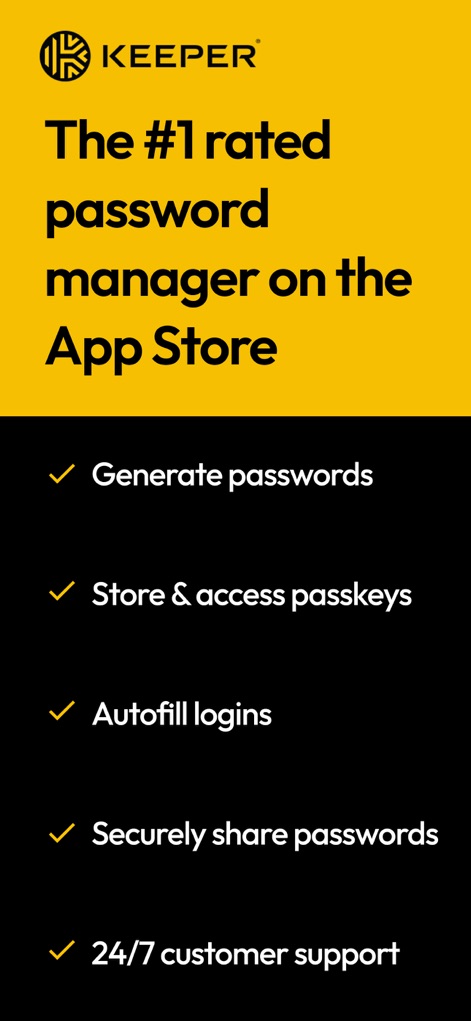
당신의 디지털 삶은 혼돈입니까? Keeper Password Manager는 암호라는 지뢰밭에서 살아남을 수 있도록 당신의 손에 통제권을 쥐여줍니다.
다운로드
2.5M+사용자 평점
총 평가 수
354.0K개발사
카테고리
Productivity지원 언어
20최신 버전
17.8.0크기
155.3 MB출시일
2019년 2월 12일이 앱이 디지털 보안 및 편의성을 어떻게 혁신하는지 알아봅니다.
Keeper Password Manager 분석: 핵심 기능 심층 해부
제로 지식 암호화 및 AES-256 보안
이 도구는 최고 수준의 제로 지식(Zero-Knowledge) 및 AES-256 암호화를 통해 사용자의 모든 민감한 데이터가 무단 접근으로부터 안전하게 보호되도록 합니다.
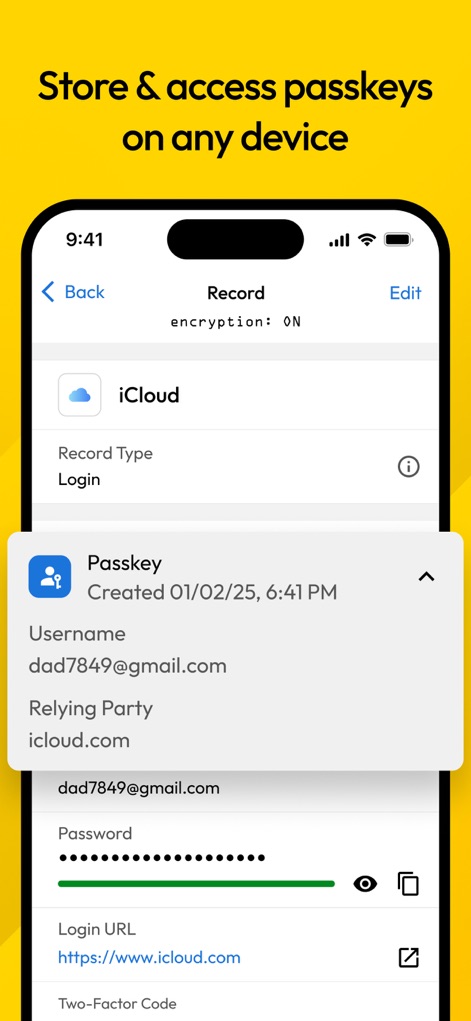
안전한 비밀번호 저장 및 동기화
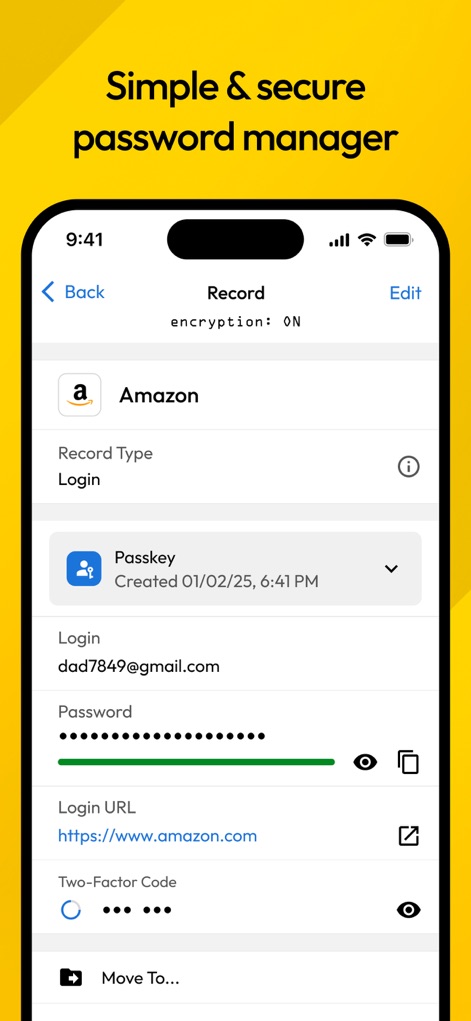
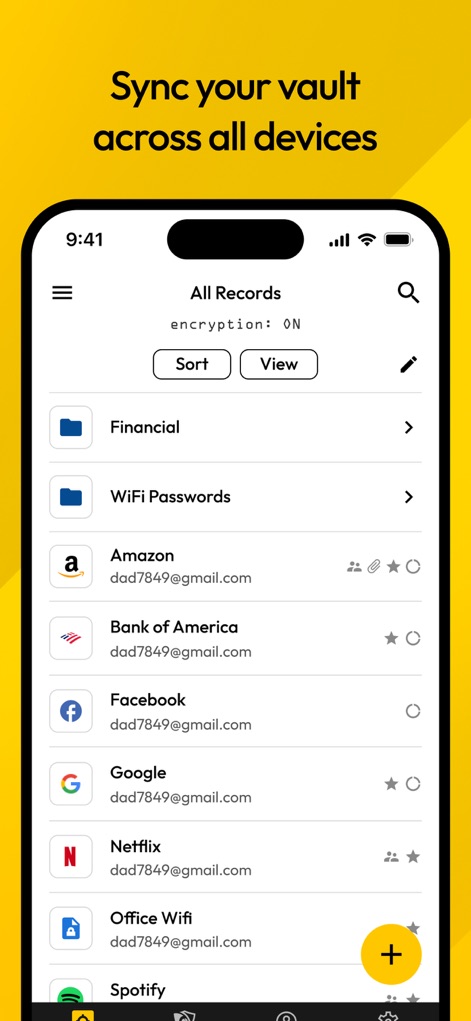
이 앱은 비밀번호, 패스키, 2단계 인증 코드 및 기타 민감 데이터를 모든 기기에서 강력하고 안전하게 보관하고 실시간으로 동기화할 수 있도록 합니다.
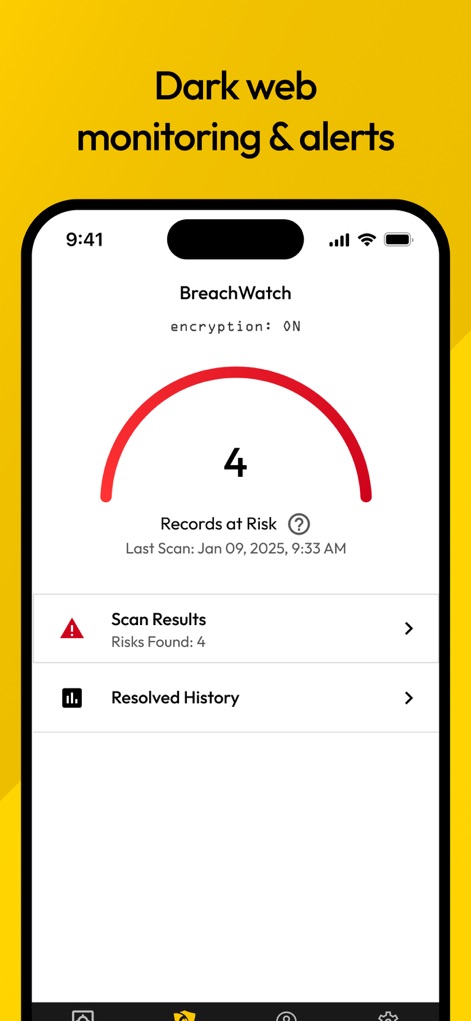
다크 웹 모니터링 (BreachWatch)
이 도구는 다크 웹을 지속적으로 모니터링하여 유출된 계정 및 비밀번호를 감지하고, 침해 발생 시 즉시 사용자에게 알려 신속한 대응을 가능하게 합니다.
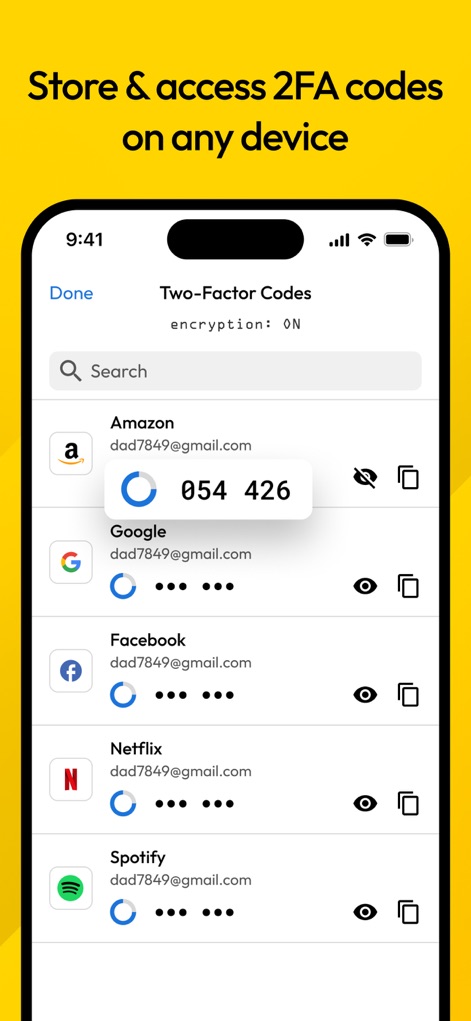
2단계 인증(2FA) 코드 저장 및 자동 입력
이 앱은 2단계 인증(2FA) 코드를 안전하게 저장하고 자동으로 입력하여 다양한 웹사이트 및 앱에서 계정 보안을 강화하고 로그인 과정을 간소화합니다.
비밀번호 및 패스키 자동 완성
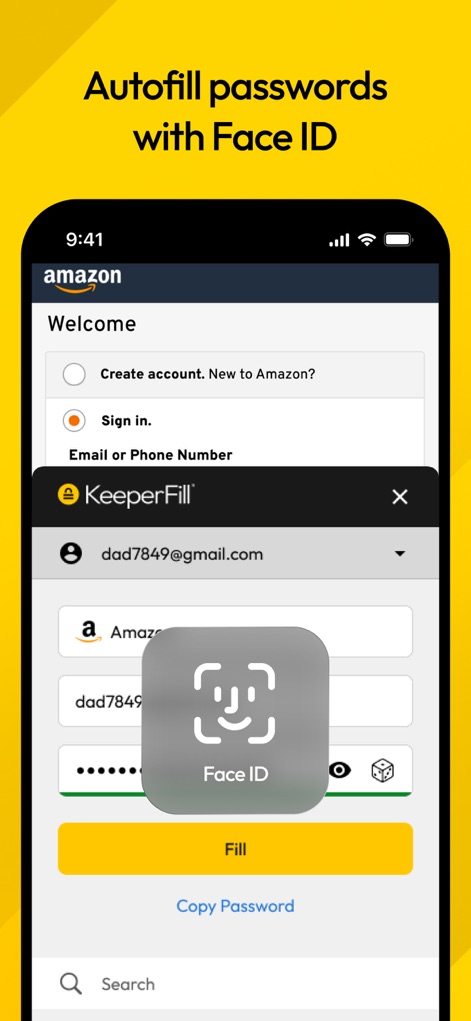
이 앱은 웹사이트 및 앱에서 비밀번호와 패스키를 자동으로 채워 넣어 로그인 과정을 간소화하고 사용자의 시간을 절약하며 편의성을 크게 높여줍니다.
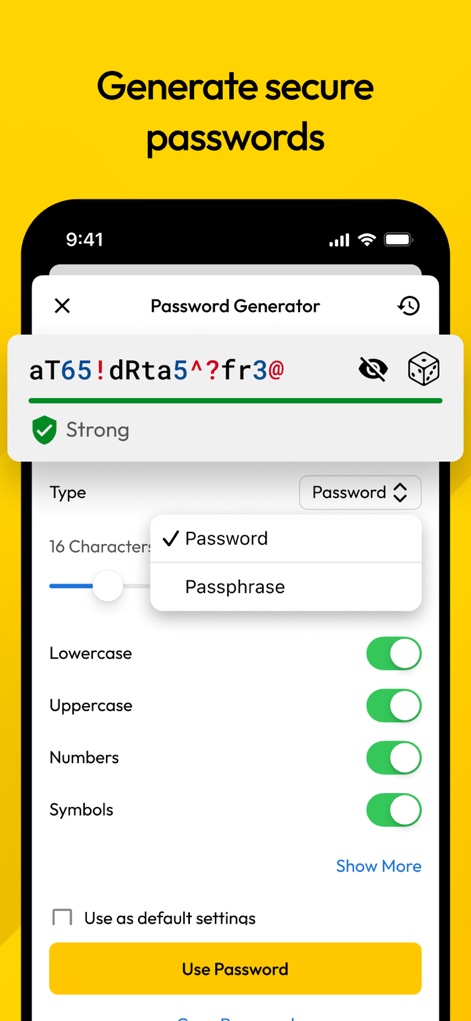
강력한 비밀번호 생성기
이 도구는 내장된 비밀번호 생성기를 통해 강력하고 고유한 비밀번호 및 암호를 손쉽게 생성하여 사용자의 온라인 보안을 강화할 수 있도록 돕습니다.
자주 묻는 질문
에 대해 알아야 할 모든 것 Keeper Password Manager
What is Keeper Password Manager?
Keeper Password Manager is an app that secures passwords, passkeys, and 2FA codes using AES-256 encryption. It generates strong passwords, autofills logins, syncs across devices, and monitors the Dark Web for breaches.
Does Keeper Password Manager generate strong passwords?
Yes, Keeper Password Manager includes a built-in password generator that creates strong, random passwords and passphrases. It allows customization for length, characters, numbers, and symbols.
Can Keeper Password Manager autofill passwords?
Yes, Keeper Password Manager autofills login credentials across mobile apps and browsers. It uses KeeperFill, which can be authenticated with fingerprint or Face ID for secure access.
Is Keeper Password Manager secure?
Yes, Keeper Password Manager is highly secure, utilizing patented zero-knowledge security, AES-256-bit encryption, and PBKDF2 technology. It is SOC-2, ISO 27001, ISO 27017, ISO 20718, FedRAMP, and StateRAMP certified.
Can I store passkeys with Keeper Password Manager?
Yes, Keeper Password Manager allows users to save and sync passkeys, along with passwords and 2FA codes. These can be accessed from any device and are stored in an encrypted digital vault.
Does Keeper Password Manager offer two-factor authentication (2FA) support?
Yes, Keeper Password Manager supports two-factor authentication (2FA) for vault access and stores/protects TOTP codes for autofilling into other sites. It also supports security keys like YubiKey.
Can Keeper Password Manager monitor for data breaches?
Yes, Keeper Password Manager includes BreachWatch, which monitors the Dark Web for breached accounts and passwords. It notifies users immediately if their information is exposed, enabling quick action.
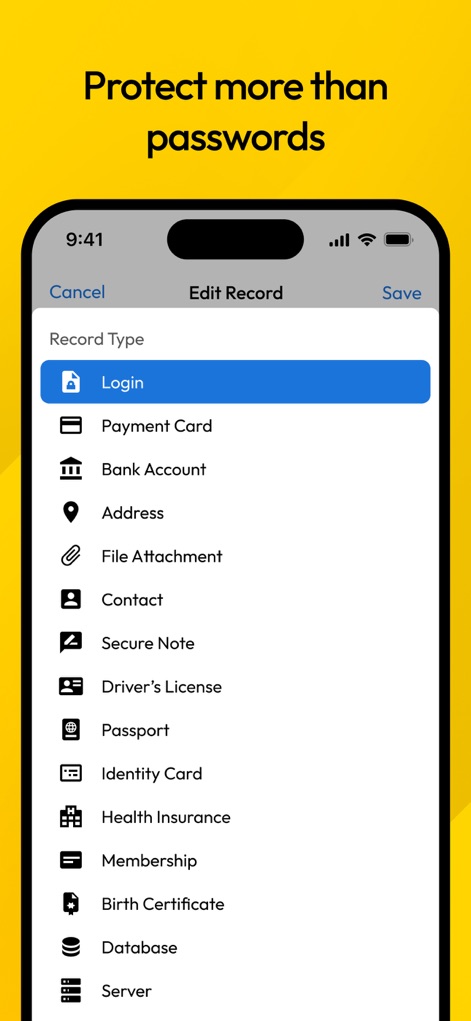
What record types can Keeper Password Manager store?
Keeper Password Manager stores various record types, including login credentials, payment cards, addresses, bank accounts, secure files, notes, photos, driver's licenses, passports, and SSH keys.
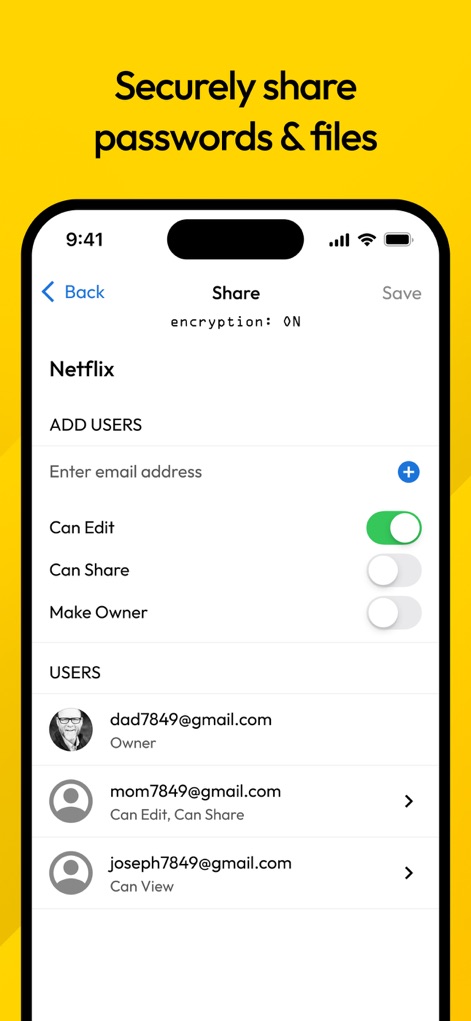
Can I share passwords securely using Keeper Password Manager?
Yes, Keeper Password Manager enables secure sharing of credentials with other Keeper users or via a "One-Time Share" link for non-users. Users can define permissions like edit or view access.
Can I sync my Keeper vault across multiple devices?
Yes, Keeper Password Manager syncs your encrypted digital vault across all your phones, tablets, and computers. This ensures consistent access to your passwords and data.
다음 스크린샷과 설명은 앱의 공식 스토어 목록에서 직접 가져온 것이며 앱 개발자의 자산입니다.
앱 스토어
스크린샷
설명
Download
비슷한 앱
유사한 기능과 사용자 경험을 가진 앱

Proton Pass - Password Manager
Proton AG

Dashlane Password Manager
Dashlane

Password Manager - mSecure
mSeven Software, LLC

Kepttor Password Manager
MACREL SRL SEMPLIFICATA

DataVault Manager - Encrypted
MIKHAIL SHERSHNEV

Authenticator ·
SMM service, s.r.o.

Bitwarden Password Manager
Bitwarden Inc

Authenticator App ⁸
AGILE CODE LIMITED

Authenticator App ℗
RHO DEVELOPERS LLC
이 페이지는 앱이나 개발자의 공식 페이지가 아니며, 정보 제공 및 논평을 목적으로 작성된 독립 편집 간행물입니다. 명시적으로 달리 언급되지 않는 한, 해당 앱이나 개발자는 MWM, Apple, Google Play, 앱 퍼블리셔 또는 앱 개발자와 제휴, 보증, 후원, 승인 또는 공식적으로 연결되어 있지 않으며, 이 페이지의 어떤 내용도 해당 앱이 MWM의 서비스를 사용하여 개발되었음을 의미하지 않습니다. 모든 상표, 로고, 스크린샷 및 기타 콘텐츠는 해당 소유자의 자산입니다.