Kml Viewer-Kml Converter app
다운로드: App Store

이 페이지는 앱이나 개발자의 공식 페이지가 아니며, 정보 제공 및 논평을 목적으로 작성된 독립 편집 간행물입니다. 명시적으로 달리 언급되지 않는 한, 해당 앱이나 개발자는 MWM, Apple, Google Play, 앱 퍼블리셔 또는 앱 개발자와 제휴, 보증, 후원, 승인 또는 공식적으로 연결되어 있지 않으며, 이 페이지의 어떤 내용도 해당 앱이 MWM의 서비스를 사용하여 개발되었음을 의미하지 않습니다. 모든 상표, 로고, 스크린샷 및 기타 콘텐츠는 해당 소유자의 자산입니다.

로고: Kml Viewer-Kml Converter app
다운로드: App Store

Kml Viewer-Kml Converter app

이동 중에도 KML 파일을 보고, 변환하고, 생성할 수 있는 올인원 도구입니다. 온라인이든 오프라인이든 어디서나 데스크톱 GIS 데이터와 모바일 워크플로우를 원활하게 연결하세요.

주요 수치

다운로드

116K+

사용자 평점

1.0/5

총 평가 수

0

개발사

p swagath

카테고리

Navigation

지원 언어

1

최신 버전

2.0.3

크기

2.0 MB

출시일

2016년 6월 10일
기능

현장에서 공간 데이터를 완벽하게 제어하세요

데스크톱 GIS 소프트웨어와 모바일 작업 사이의 전문적인 가교 역할을 합니다. KML 데이터를 정밀하게 보고, 생성하고, 관리하세요.

원활한 워크플로우 통합

이메일, WhatsApp 또는 iCloud Drive에서 KML 파일을 즉시 엽니다. iTunes 파일 공유를 통해 복잡한 현장 프로젝트를 위한 대규모 데이터 세트를 손쉽게 동기화하세요.

현장 데이터 수집

지리적 지점을 실시간으로 캡처합니다. 길게 눌러 마커를 찍고, 사용자 정의 이름을 추가하고, 사무실로 보낼 새 KML 파일을 생성하세요.

다음 스크린샷과 설명은 앱의 공식 스토어 목록에서 직접 가져온 것이며 앱 개발자의 자산입니다.

앱 스토어

스크린샷
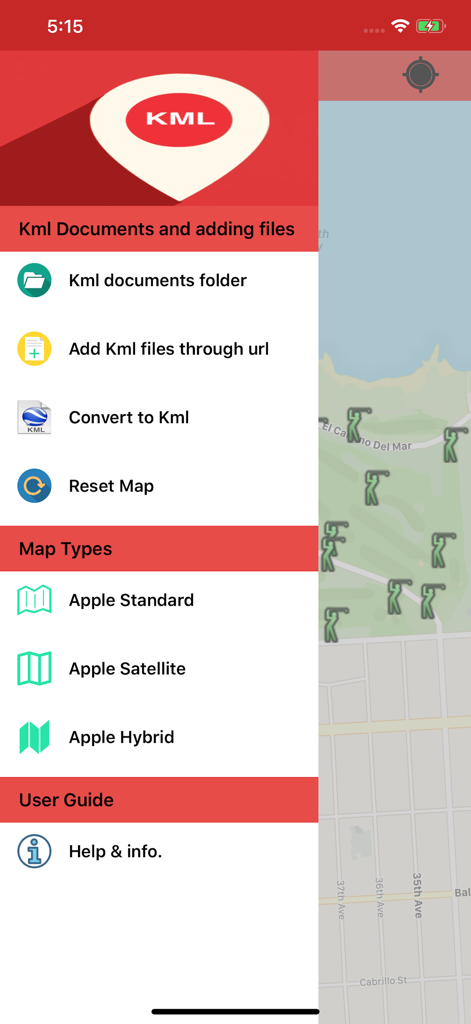
Kml Viewer-Kml Converter app - 지도 인터페이스 위에 파일 관리 및 지도 유형 옵션이 표시된 KML 뷰어 및 컨버터 앱의 사이드바 메뉴.
지도 인터페이스 위에 파일 관리 및 지도 유형 옵션이 표시된 KML 뷰어 및 컨버터 앱의 사이드바 메뉴.

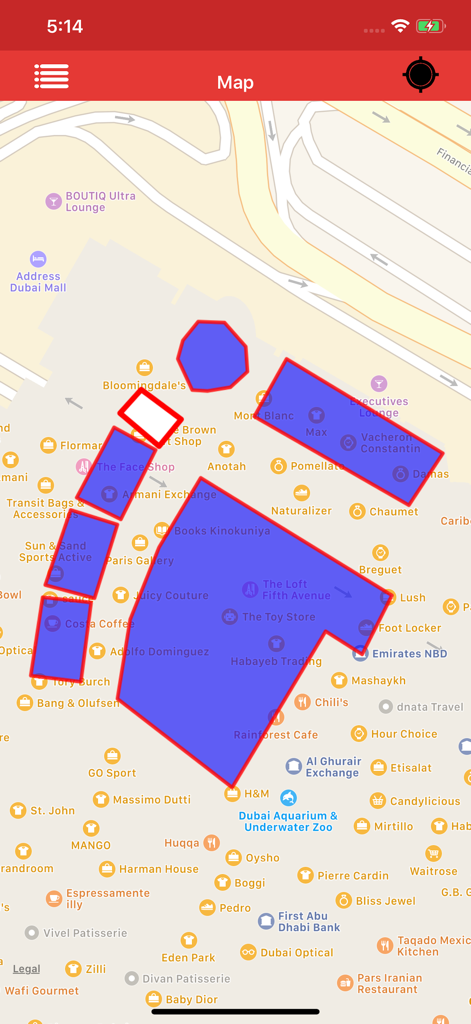
Kml Viewer-Kml Converter app - 지도에 파란색 폴리곤 오버레이를 표시하는 KML 뷰어 앱 인터페이스
지도에 파란색 폴리곤 오버레이를 표시하는 KML 뷰어 앱 인터페이스

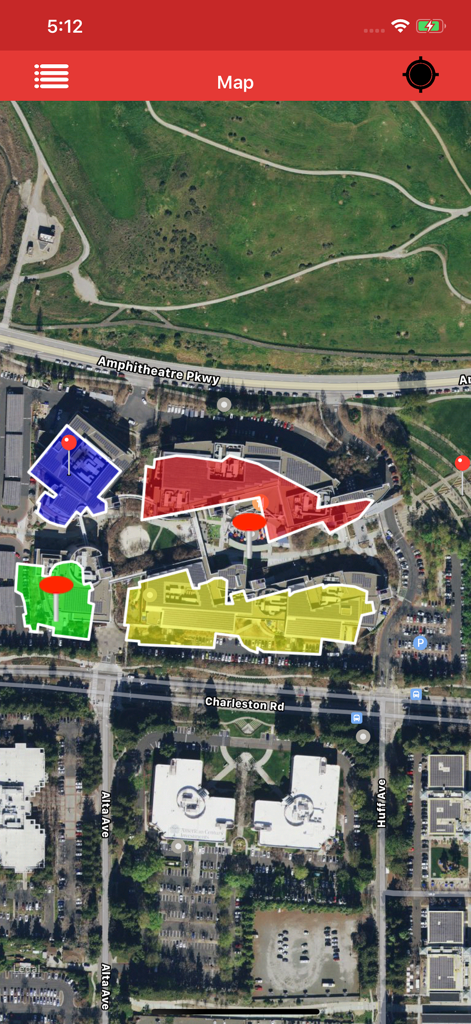
Kml Viewer-Kml Converter app - 건물 배치도를 나타내는 색상화된 KML 폴리곤과 마커가 있는 위성 지도 보기
건물 배치도를 나타내는 색상화된 KML 폴리곤과 마커가 있는 위성 지도 보기

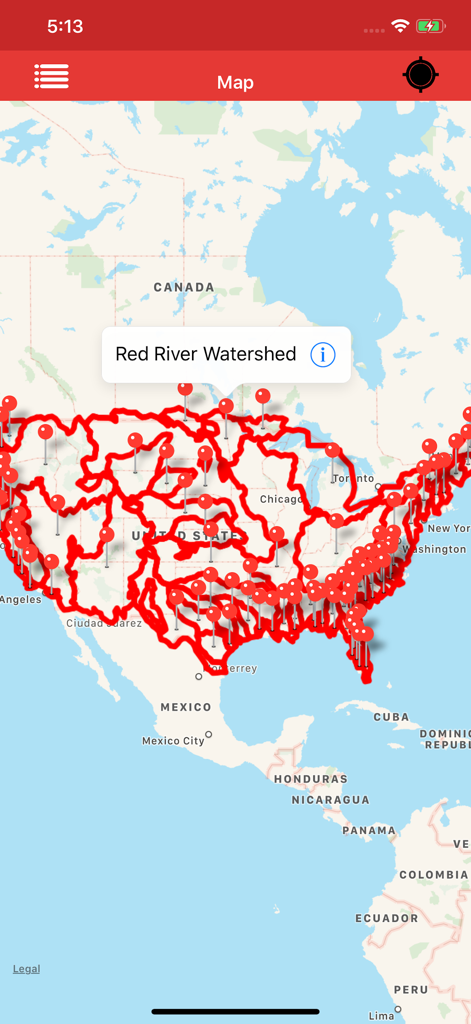
Kml Viewer-Kml Converter app - 미국 전역의 레드강 유역(Red River Watershed)에 대한 상세한 빨간색 지도 오버레이와 마커를 표시하는 KML 뷰어 앱
미국 전역의 레드강 유역(Red River Watershed)에 대한 상세한 빨간색 지도 오버레이와 마커를 표시하는 KML 뷰어 앱

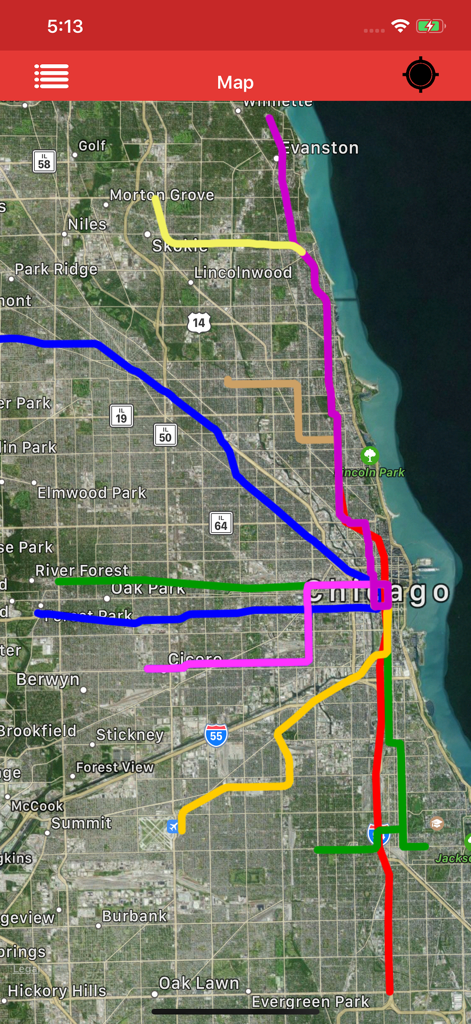
Kml Viewer-Kml Converter app - 도시 지역의 데이터를 나타내는 여러 색상의 KML 경로 오버레이가 있는 위성 지도 보기
도시 지역의 데이터를 나타내는 여러 색상의 KML 경로 오버레이가 있는 위성 지도 보기

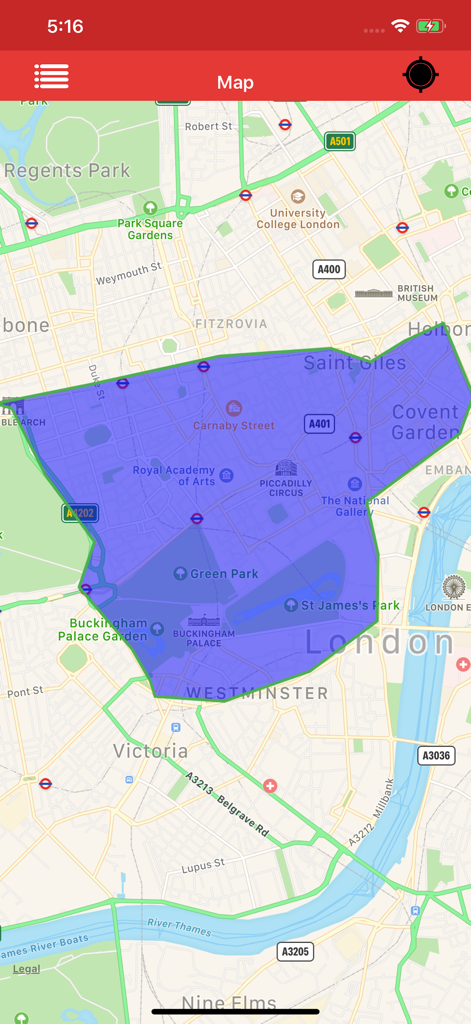
Kml Viewer-Kml Converter app - 런던 중심부 지도에 대형 파란색 폴리곤 오버레이를 표시하는 KML 뷰어 앱의 스크린샷
런던 중심부 지도에 대형 파란색 폴리곤 오버레이를 표시하는 KML 뷰어 앱의 스크린샷

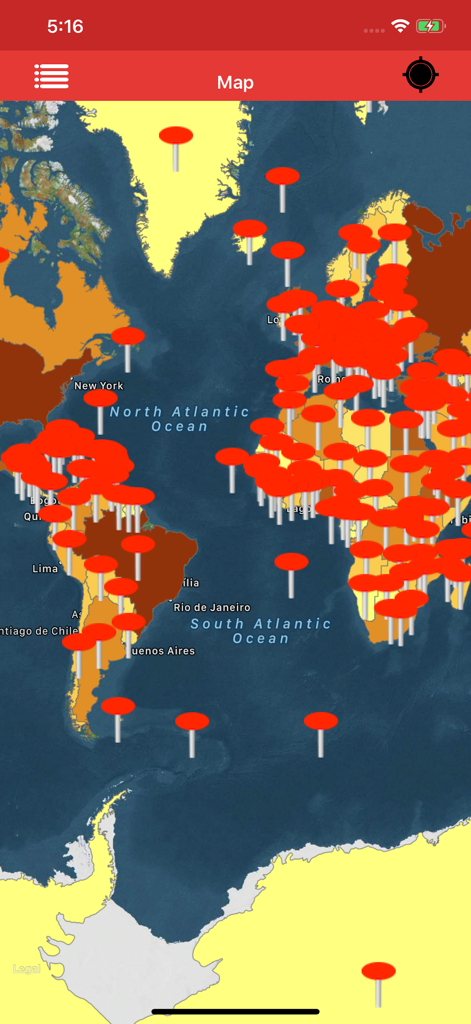
Kml Viewer-Kml Converter app - KML 뷰어 앱에서 여러 개의 빨간색 위치 마커를 보여주는 세계 지도 인터페이스
KML 뷰어 앱에서 여러 개의 빨간색 위치 마커를 보여주는 세계 지도 인터페이스

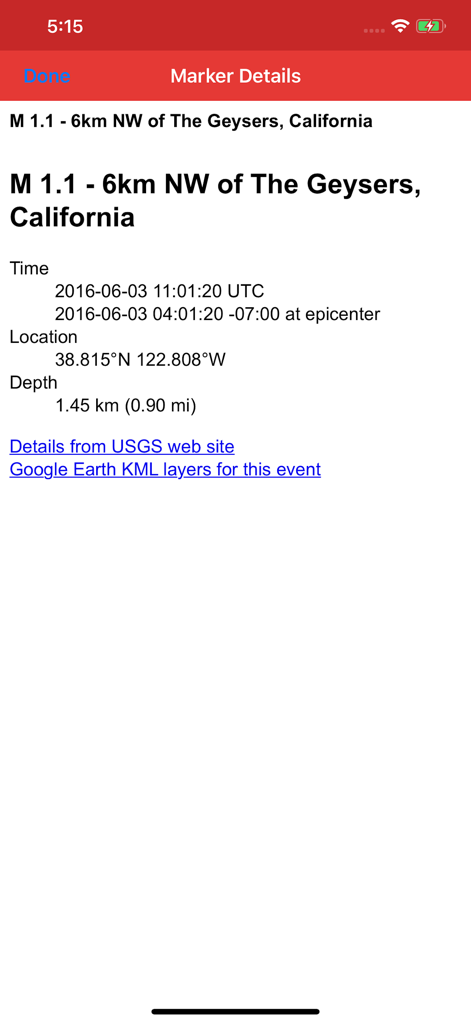
Kml Viewer-Kml Converter app - 지리 좌표 및 위치 정보를 보여주는 KML 뷰어 앱의 상세 마커 보기
지리 좌표 및 위치 정보를 보여주는 KML 뷰어 앱의 상세 마커 보기

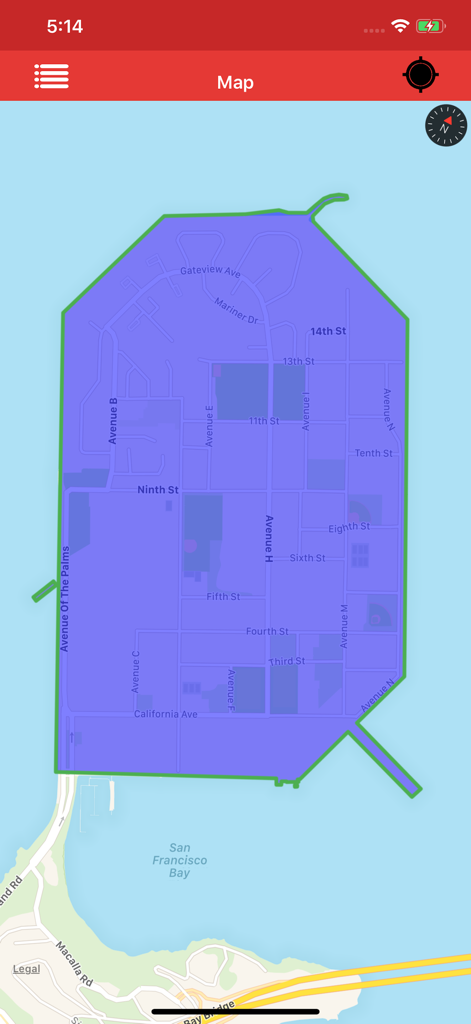
Kml Viewer-Kml Converter app - 샌프란시스코 트레저 아일랜드 지도에 파란색 폴리곤 오버레이를 표시하는 KML 뷰어 앱
샌프란시스코 트레저 아일랜드 지도에 파란색 폴리곤 오버레이를 표시하는 KML 뷰어 앱

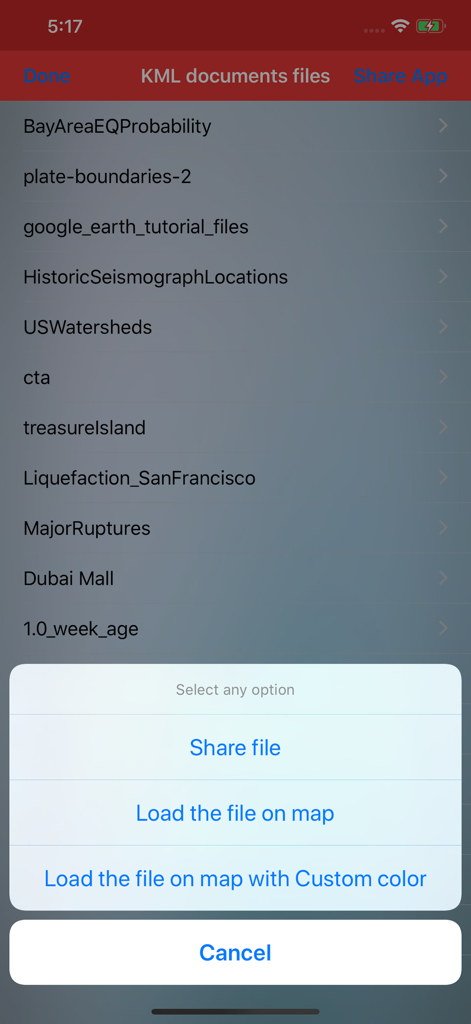
Kml Viewer-Kml Converter app - 문서 목록과 지도에 파일을 공유하거나 불러오는 옵션이 있는 팝업 메뉴를 보여주는 KML 뷰어 앱 인터페이스.

문서 목록과 지도에 파일을 공유하거나 불러오는 옵션이 있는 팝업 메뉴를 보여주는 KML 뷰어 앱 인터페이스.

설명

Kml Viewer-Kml Converter(Two in one) is an application provides you to load the kml files, convert kml files over the map. KML is a file extension for a placemark file used by Google Earth. The KML file specifies a set of features (placemarks, images, polygons, 3D models, textual descriptions, overlays, icons, etc.) for display in Here on Map. This app works for offline and online. 1)How to Export and Import .kml files into Application? You can view, add or import .kml files into the application in multiple ways —>Keep the .kml files to the mail, then long press on kml file from mail that shows the application icon.click to import the file over the map. —>Share files from other apps which will be similarly supported files like Email,WhatsApp,Notes, iCloud Drive,Save to files and other apps. —>Click on “Add through link” Icon on Menu bar enter .kml files link to add the files into the application. —>Connect your iPhone or iPad to System then iTunes will automatically opens an window.Click phone symbol on top left—>File Sharing and you can see the KML Viewer app then click on app icon to add .kml files.. —>Now you can share kml files to multiple apps similarly supported files. —>Tap on the file in Document folder to Share or export the kml files to another application —>Easily Export kml files to Another application. —>Easily Import kml files from Another application. 2)How to create Kml Markers? —>Long press on map to add markers. —>You can Convert the Kml with userDefined Names. —>After successfully saving the file will be stored in list. —>You can again load the saved Kml file over the map. —>You can send the Kml file through mail. 3)How to delete the Kml file? —>In the list section, swipe left to delete file.The file will be permanently deleted from the application. 4)How to See marker details? —>load kml file on map.If the file contains markers, then tap on the marker to see the detail description of marker like Description,email id, url links,phone numbers,Images,Web site page. —>Connect to Internet to open the url links,web pages,Images. Note: 1)This app contains Rich UserInterface. 2)This app contains less labels on map, and more on Menu bar.This helps user easy interaction on Map. "Continued use of GPS running in the background can dramatically decrease battery life."

Download

다운로드: App Store

이 페이지는 앱이나 개발자의 공식 페이지가 아니며, 정보 제공 및 논평을 목적으로 작성된 독립 편집 간행물입니다. 명시적으로 달리 언급되지 않는 한, 해당 앱이나 개발자는 MWM, Apple, Google Play, 앱 퍼블리셔 또는 앱 개발자와 제휴, 보증, 후원, 승인 또는 공식적으로 연결되어 있지 않으며, 이 페이지의 어떤 내용도 해당 앱이 MWM의 서비스를 사용하여 개발되었음을 의미하지 않습니다. 모든 상표, 로고, 스크린샷 및 기타 콘텐츠는 해당 소유자의 자산입니다.








