이 페이지는 앱이나 개발자의 공식 페이지가 아니며, 정보 제공 및 논평을 목적으로 작성된 독립 편집 간행물입니다. 명시적으로 달리 언급되지 않는 한, 해당 앱이나 개발자는 MWM, Apple, Google Play, 앱 퍼블리셔 또는 앱 개발자와 제휴, 보증, 후원, 승인 또는 공식적으로 연결되어 있지 않으며, 이 페이지의 어떤 내용도 해당 앱이 MWM의 서비스를 사용하여 개발되었음을 의미하지 않습니다. 모든 상표, 로고, 스크린샷 및 기타 콘텐츠는 해당 소유자의 자산입니다.
Linearity Move Motion Graphics
정적인 디자인을 역동적인 스토리로 만드는 가장 직관적인 방법. Figma에서 원활하게 가져오고, 모양을 쉽게 변형하고, iPad와 Mac에서 고급 애니메이션을 만드세요.
Linearity Move는 정적인 디자인과 역동적인 스토리텔링의 격차를 해소하여, 가파른 학습 곡선 없이 전문가 수준의 모션 도구를 제공합니다.
모핑으로 즉각적인 모션
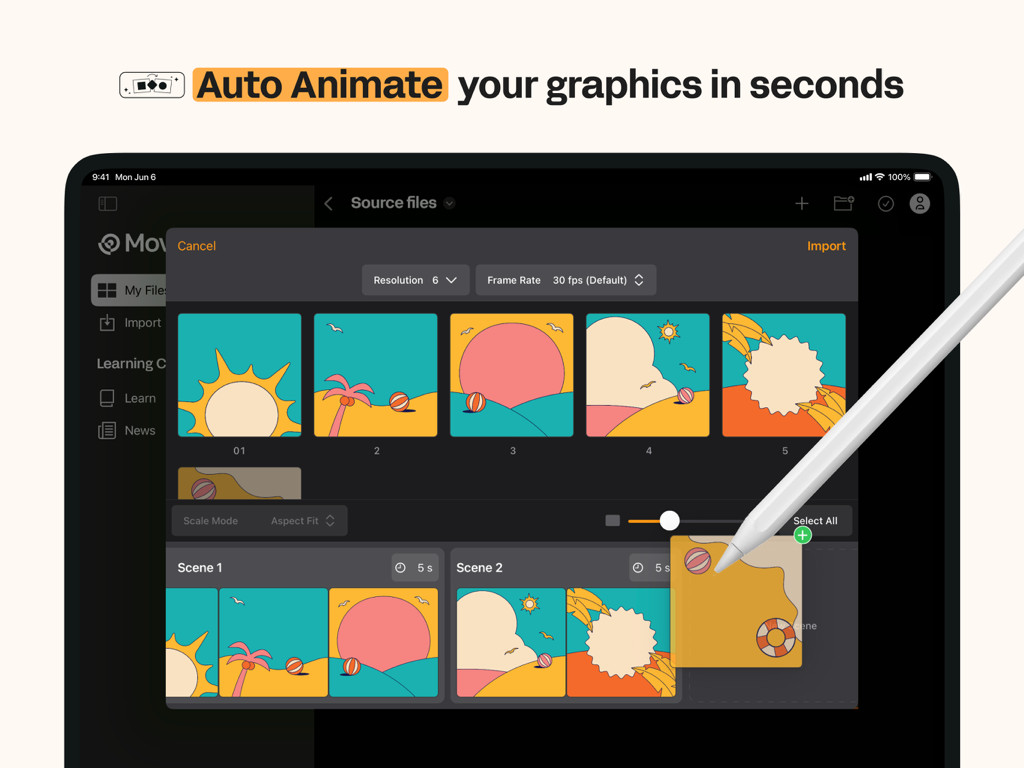
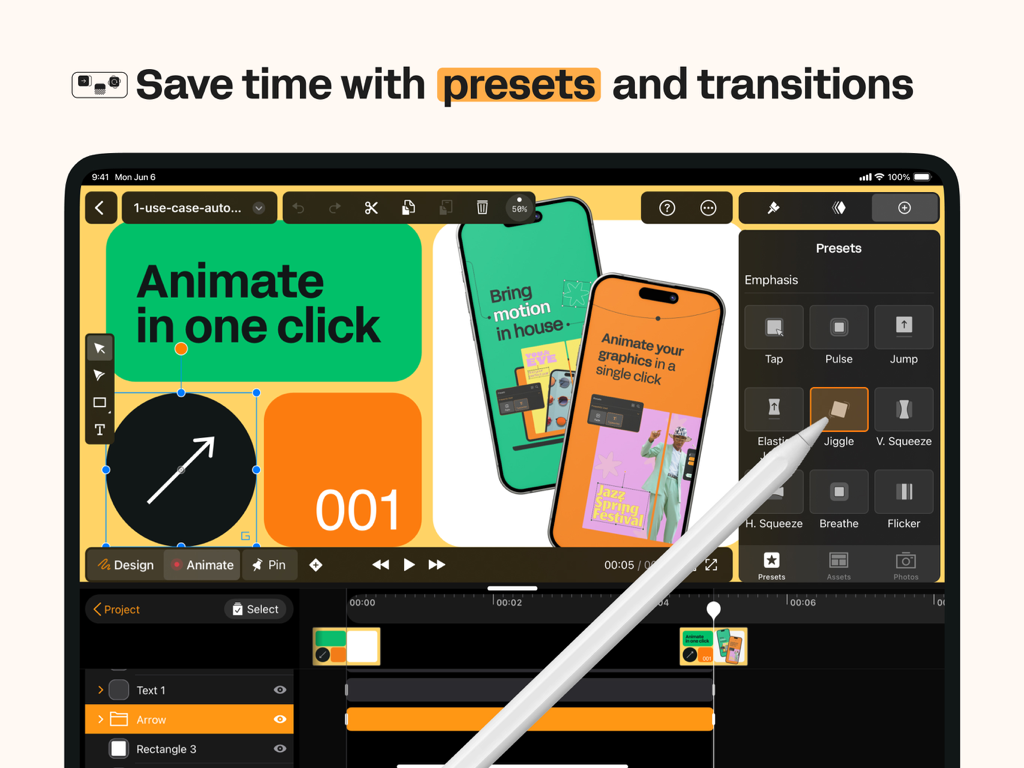
지루한 키프레임 작업을 건너뛰세요. 클릭 한 번으로 모양과 레이어를 유동적인 애니메이션으로 자동 변환하세요.
원활한 디자인 통합
Figma, Illustrator 또는 Sketch 파일을 모든 레이어를 그대로 가져오세요. 프로젝트를 재구성하는 대신 애니메이션을 시작하세요.
다음 스크린샷과 설명은 앱의 공식 스토어 목록에서 직접 가져온 것이며 앱 개발자의 자산입니다.
앱 스토어
스크린샷
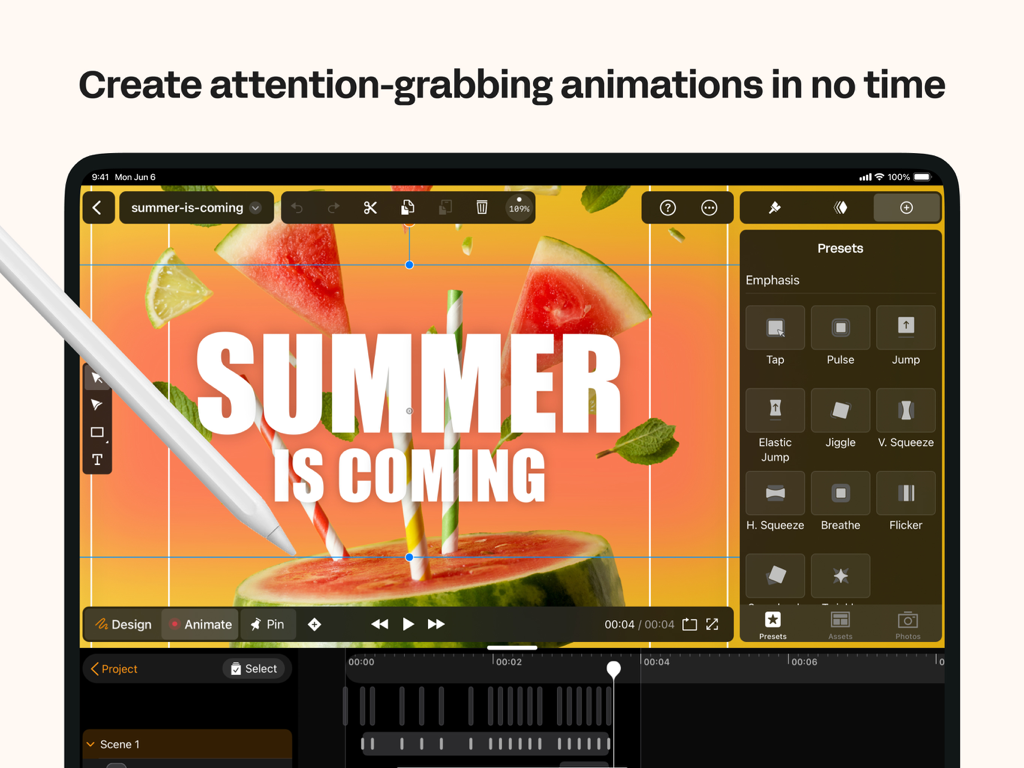
여름 프로젝트를 위한 모션 그래픽 사전 설정이 표시된 iPad의 Linearity Move 앱 인터페이스.
모션 그래픽을 위한 자동 애니메이션 기능이 표시된 Linearity Move iPad 인터페이스
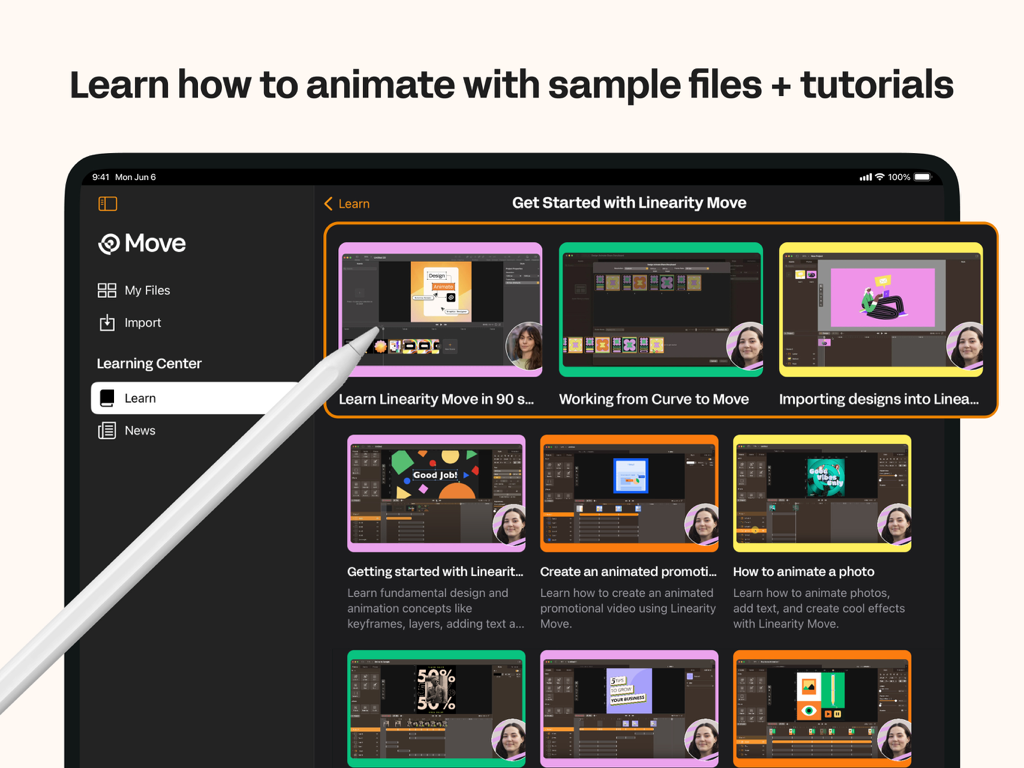
다양한 애니메이션 비디오 튜토리얼이 포함된 Linearity Move 학습 센터를 표시하는 iPad 화면
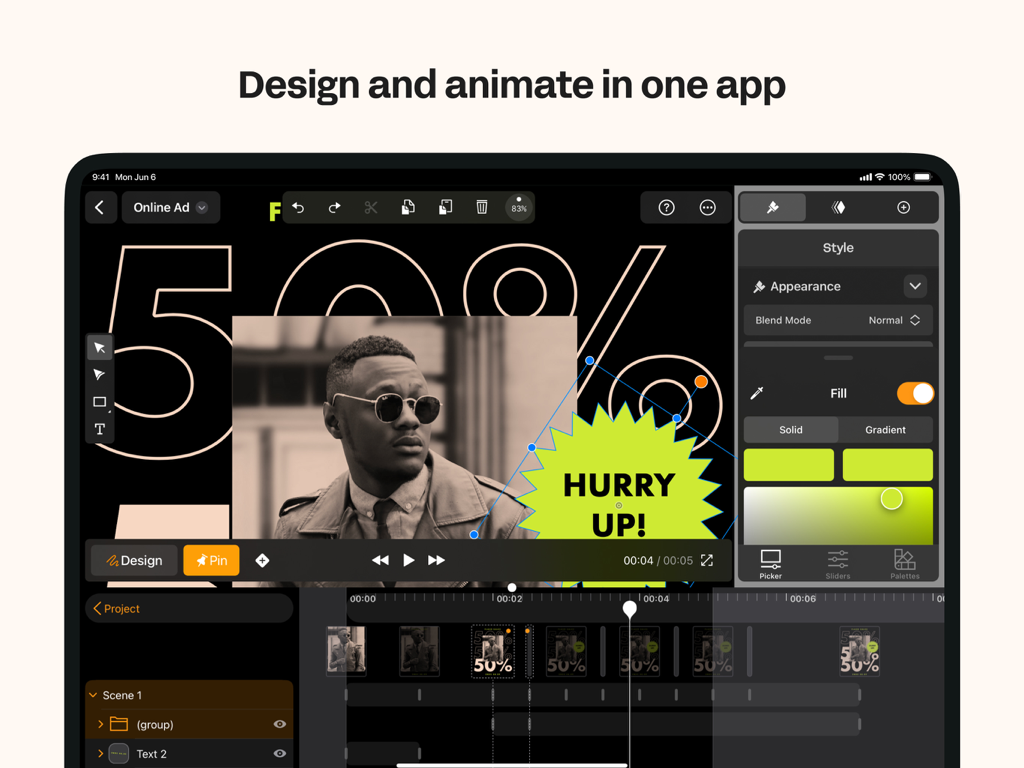
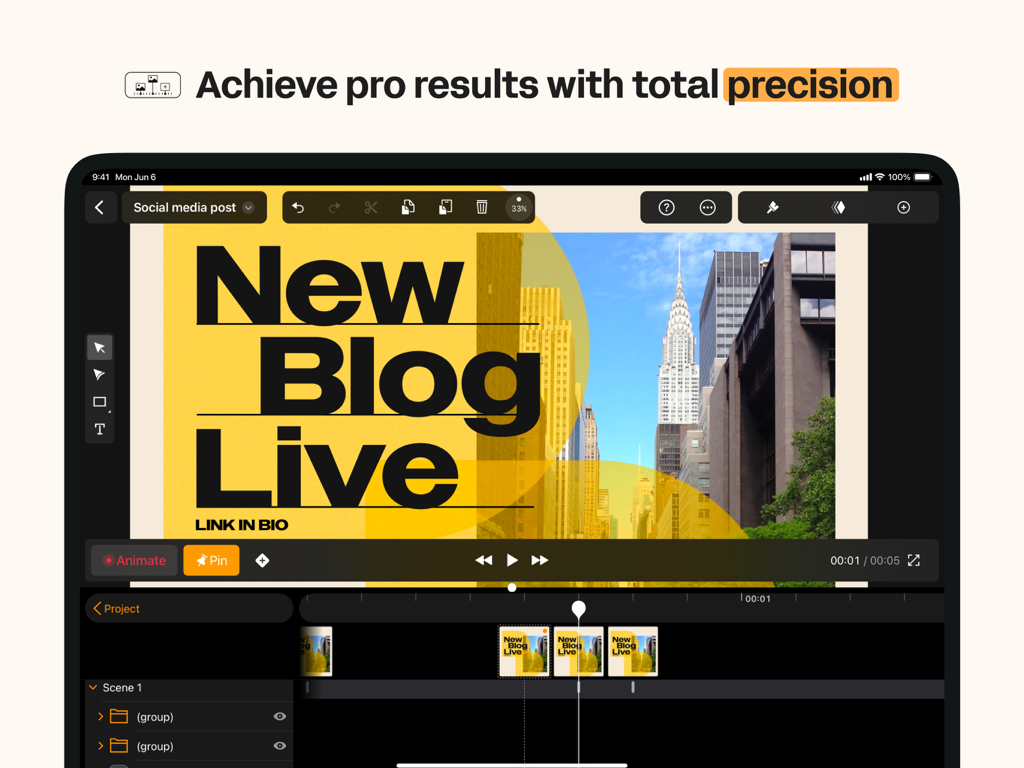
소셜 미디어 그래픽을 위한 디자인 및 애니메이션 도구가 표시된 Linearity Move iPad 앱 인터페이스
비디오 타임라인이 있는 전문 모션 그래픽 애니메이션을 보여주는 iPad의 Linearity Move 앱 인터페이스.
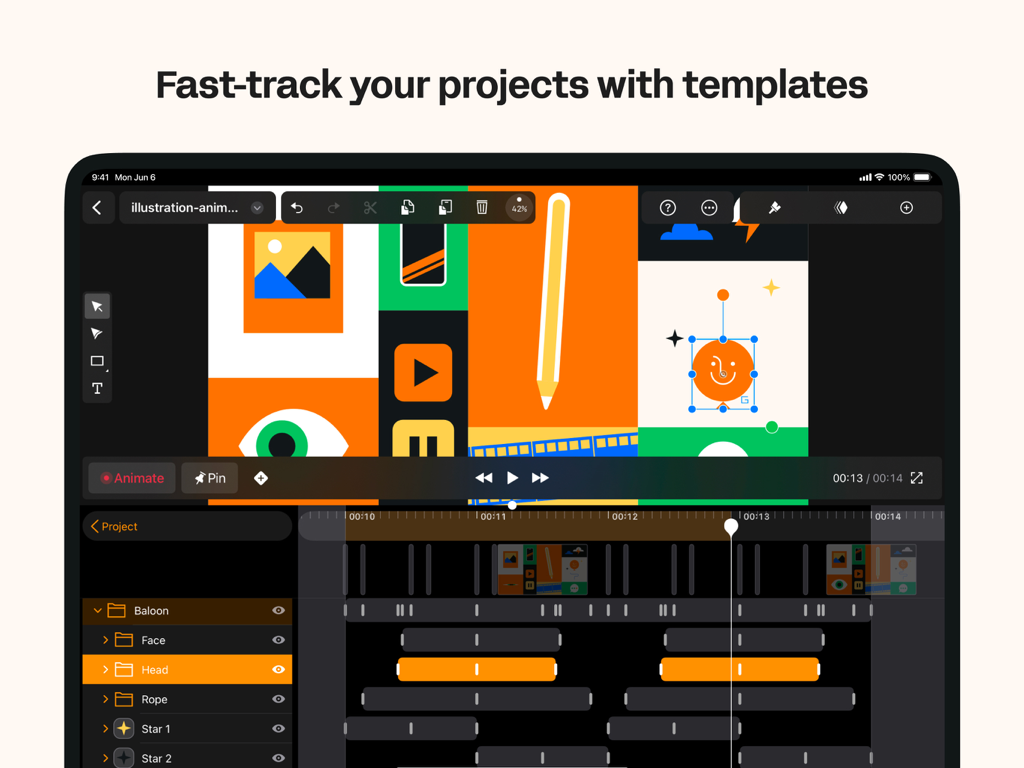
그래픽 디자인 템플릿과 모션 타임라인이 표시된 iPad의 Linearity Move 애니메이션 인터페이스.
모션 그래픽 애니메이션 사전 설정이 표시된 iPad의 Linearity Move 앱 인터페이스.
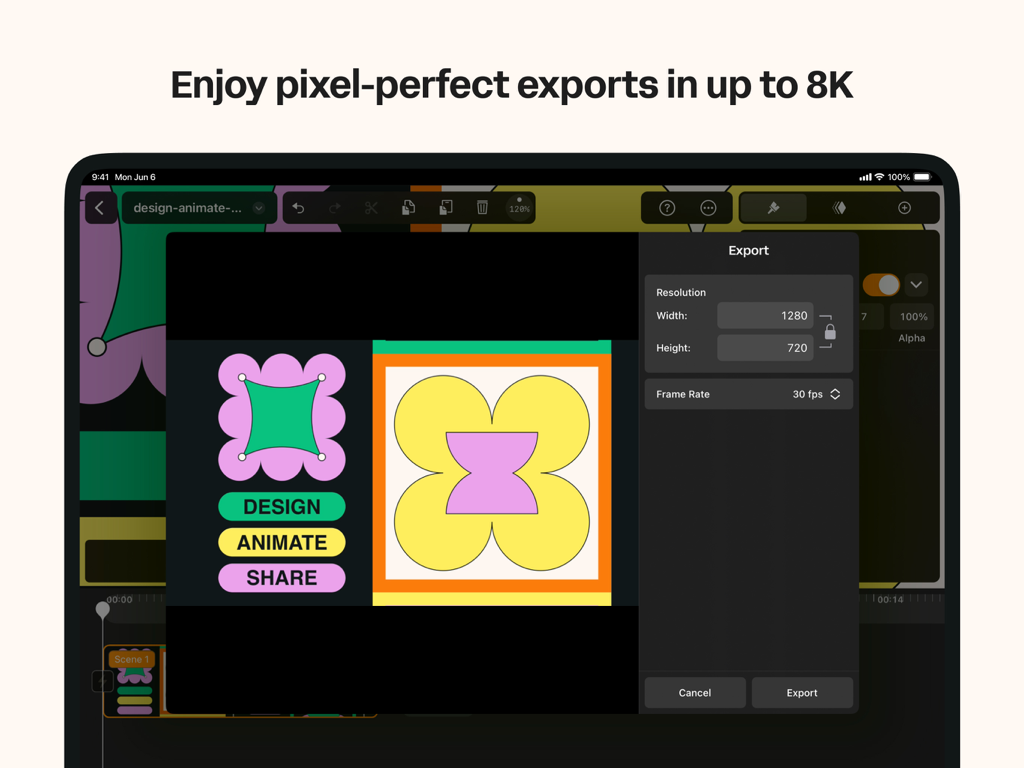
고품질 모션 그래픽의 해상도 및 프레임 속도 설정을 표시하는 iPad의 Linearity Move 내보내기 메뉴.
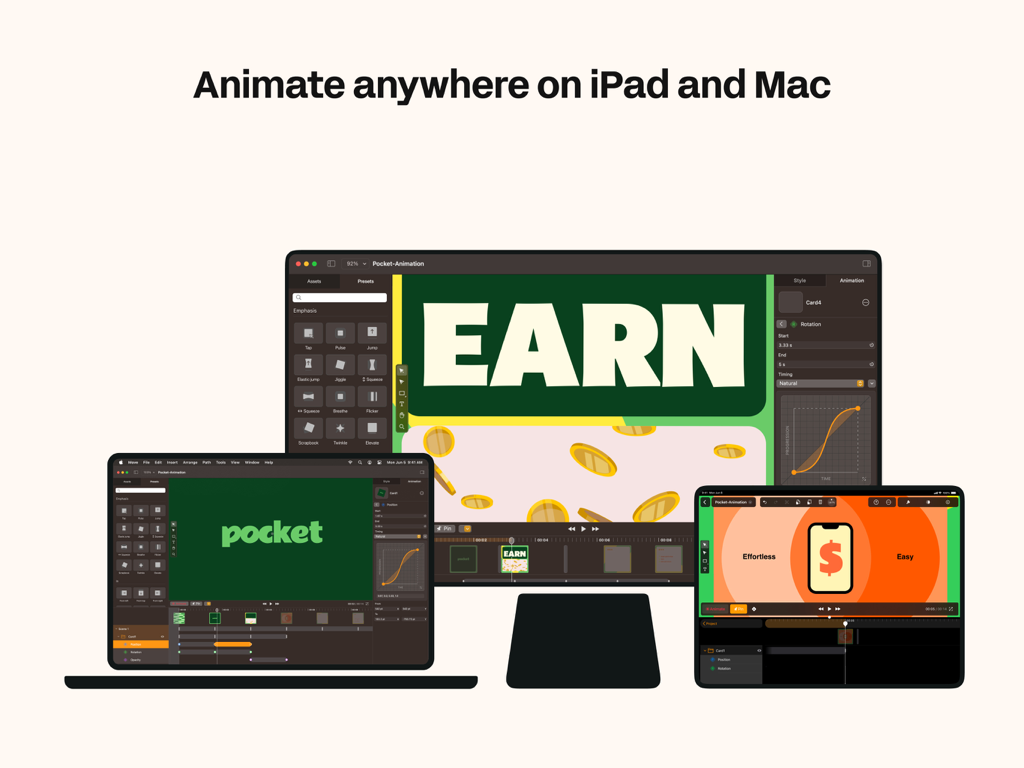
MacBook, iPad 및 데스크톱 모니터에 표시되는 Linearity Move 애니메이션 소프트웨어 인터페이스.
Linearity Move 모션 그래픽 앱 사용자 리뷰
설명
Bring your ideas to life with motion graphics designed for modern creatives.
Linearity Move for iPad and Mac transforms static visuals into dynamic animations — fast, intuitive, and built for designers, marketers, and anyone who wants to tell stories through motion.
Whether you’re animating brand visuals, social media assets, explainer videos, or logo reveals, Move gives you all the tools you need to design, animate, and export professional-quality motion graphics — all in one app.
Create motion graphics effortlessly
Design isn’t static anymore. With Linearity Move, you can turn vector art, illustrations, or text into expressive animations in just a few steps.
Start with artwork from Figma, Adobe Illustrator, Sketch, or Linearity Curve, and Move keeps all your layers and groups intact — giving you total control over every element in motion.
Animate with precision
From simple fades to complex morphs, Move gives you powerful motion design controls that feel intuitive.
Morphing: Instantly transform one shape into another for seamless logo or icon animations.
Pinning: Anchor start and end points to create fluid, natural movement.
Custom timing curves: Shape acceleration and easing with Bézier controls for a polished, cinematic feel.
Real-time keyframing: Every tweak updates automatically — no need for complex timeline management.
You can even add images, videos, and audio to your projects to create rich, multimedia motion pieces.
One interface for design and animation
Linearity Move unifies design and animation in one clean workspace.
Switch between Design mode to edit shapes, nodes, and text, and Animate mode to craft motion with precise control.
No need to jump between separate design and video apps — everything happens in one intuitive interface optimized for touch and desktop.
Built for professionals — accessible to everyone
Linearity Move brings the power of motion graphics to designers of all levels.
Whether you’re a marketing creative, illustrator, or motion designer, Move helps you animate faster without sacrificing quality.
You don’t need to master complex timelines — the app makes animation approachable while keeping professional depth for advanced users.
Templates and rapid prototyping
Need to get started quickly?
Choose from ready-made templates for social media stories, ads, product demos, logo animations, and more.
Each template is fully editable, so you can adapt it to your brand and publish in minutes.
High-quality exports for every platform
Deliver motion graphics that look crisp everywhere.
Export your work in MP4, MOV, or GIF formats, up to 8K resolution, ready for social media, video production, or digital signage.
Your animations stay sharp, scalable, and professional across all screen sizes.
Seamless sync and collaboration
Your projects are always with you.
Start animating on your Mac, then continue on iPad with identical tools and synced progress through your Linearity account.
Collaborate with teammates or switch devices mid-project without missing a frame.
Who it’s for
• Motion designers: Build and refine professional-grade animations faster than ever.
• Graphic designers & illustrators: Add motion to your vector artwork and brand visuals with zero learning curve.
• Marketing teams & agencies: Produce attention-grabbing motion content in-house, from ad creatives to social stories.
• Beginners & students: Learn motion design fundamentals through intuitive tools and step-by-step templates.
이 페이지는 앱이나 개발자의 공식 페이지가 아니며, 정보 제공 및 논평을 목적으로 작성된 독립 편집 간행물입니다. 명시적으로 달리 언급되지 않는 한, 해당 앱이나 개발자는 MWM, Apple, Google Play, 앱 퍼블리셔 또는 앱 개발자와 제휴, 보증, 후원, 승인 또는 공식적으로 연결되어 있지 않으며, 이 페이지의 어떤 내용도 해당 앱이 MWM의 서비스를 사용하여 개발되었음을 의미하지 않습니다. 모든 상표, 로고, 스크린샷 및 기타 콘텐츠는 해당 소유자의 자산입니다.