
이 페이지는 앱이나 개발자의 공식 페이지가 아니며, 정보 제공 및 논평을 목적으로 작성된 독립 편집 간행물입니다. 명시적으로 달리 언급되지 않는 한, 해당 앱이나 개발자는 MWM, Apple, Google Play, 앱 퍼블리셔 또는 앱 개발자와 제휴, 보증, 후원, 승인 또는 공식적으로 연결되어 있지 않으며, 이 페이지의 어떤 내용도 해당 앱이 MWM의 서비스를 사용하여 개발되었음을 의미하지 않습니다. 모든 상표, 로고, 스크린샷 및 기타 콘텐츠는 해당 소유자의 자산입니다.


Logic Circuit Simulator Pro
고성능 Qnet 알고리즘을 사용하여 기본 게이트부터 사용자 지정 8비트 프로세서까지 모든 것을 설계하세요. 차세대 컴퓨터 아키텍트를 위해 제작된 프리미엄, 광고 없는 워크스페이스입니다.
다운로드
3K+사용자 평점
총 평가 수
0개발사
카테고리
Developer Tools지원 언어
1최신 버전
1.0.0.5크기
127.5 MB출시일
2025년 2월 24일나만의 방식으로 미래를 설계하세요
전문가 수준의 로직 샌드박스로, 학생과 엔지니어가 데스크톱 수준의 정밀도로 복잡한 디지털 시스템을 프로토타이핑할 수 있도록 설계되었습니다.
사용자 지정 프로세서 아키텍처 설계
기본 게이트를 넘어선 설계. 전문 디지털 구성 요소 모음을 사용하여 복잡한 ALU 및 전체 CPU 아키텍처를 설계합니다.
고성능 Qnet 엔진
끊김 없는 시뮬레이션을 경험하세요. 당사의 뛰어난 넷리스트 알고리즘은 복잡한 분기 및 루프를 타협하지 않는 속도로 처리합니다.
다음 스크린샷과 설명은 앱의 공식 스토어 목록에서 직접 가져온 것이며 앱 개발자의 자산입니다.
앱 스토어
스크린샷
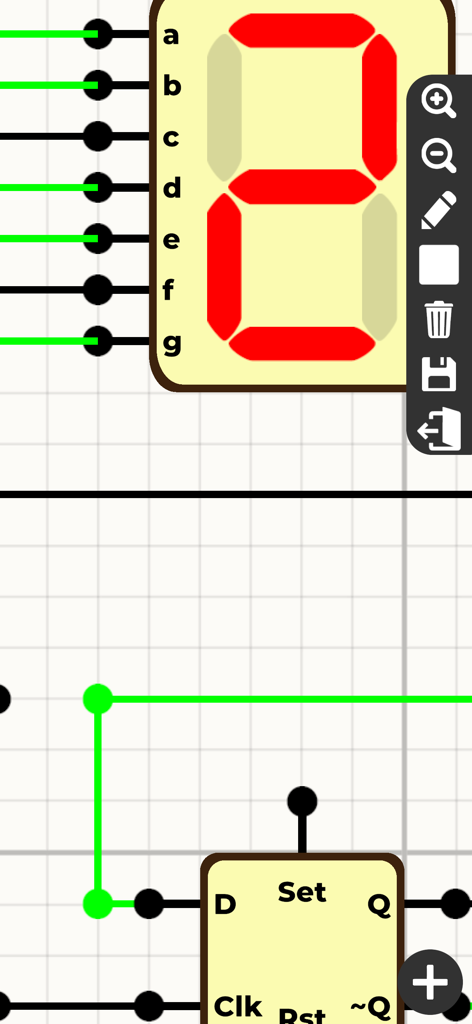
7세그먼트 디스플레이와 D 플립플롭이 포함된 Logic Circuit Simulator Pro 인터페이스.
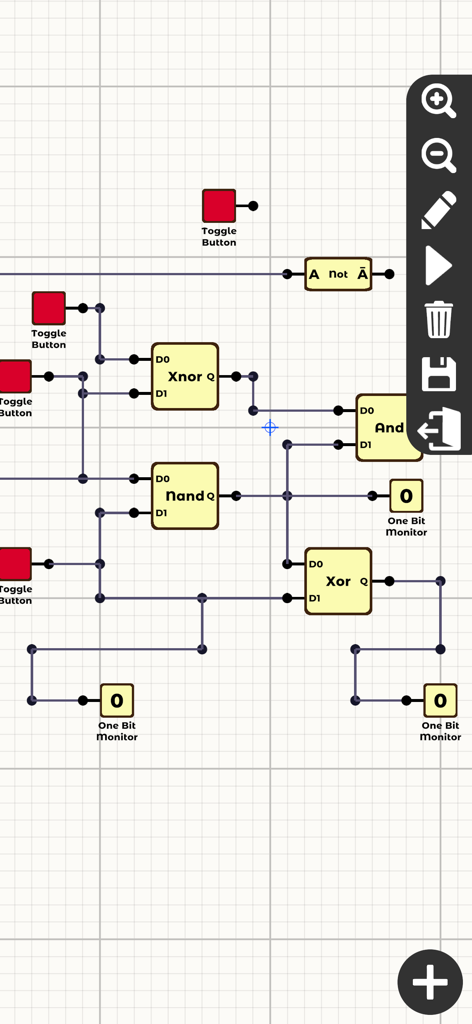
다양한 게이트와 모니터가 있는 디지털 논리 회로 시뮬레이션 인터페이스
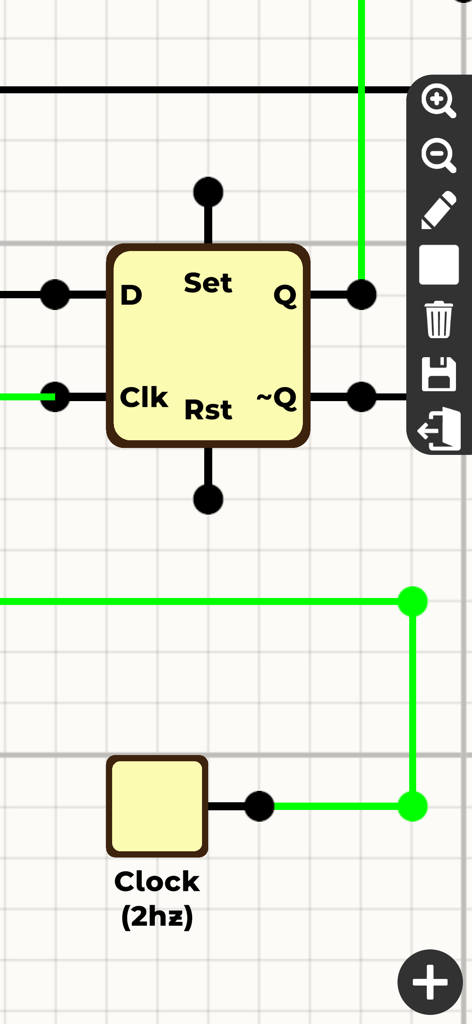
디지털 논리 회로 시뮬레이션 인터페이스 내부에 연결된 D 플립플롭 구성 요소 및 2Hz 클럭
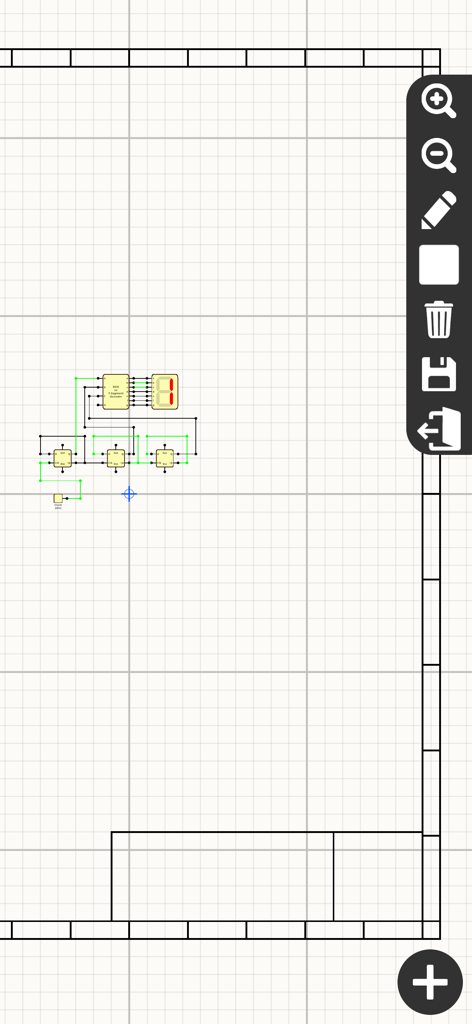
BCD 디코더 및 7세그먼트 디스플레이를 사용하여 논리 회로 설계 중인 디지털 그리드
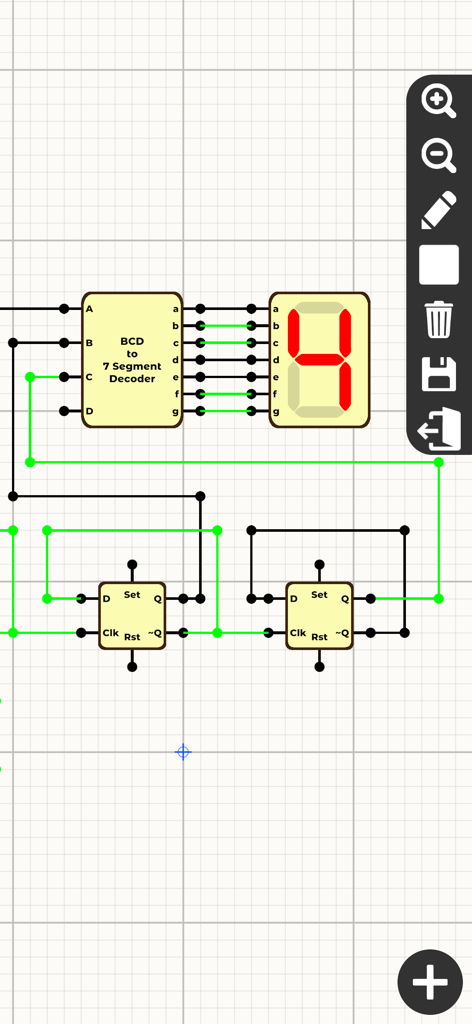
BCD 디코더 및 7세그먼트 디스플레이를 사용한 디지털 회로 시뮬레이션
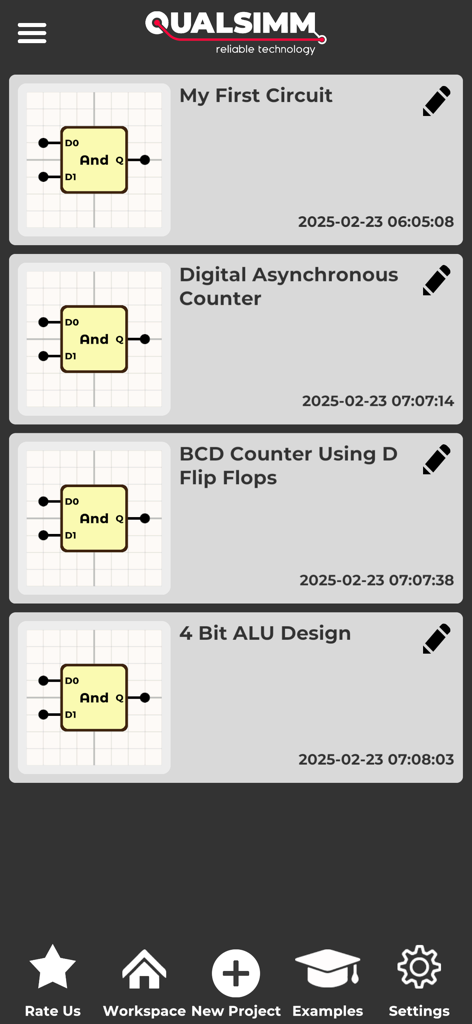
ALU 및 카운터와 같은 저장된 디지털 회로 프로젝트 목록을 표시하는 Logic Circuit Simulator Pro 인터페이스
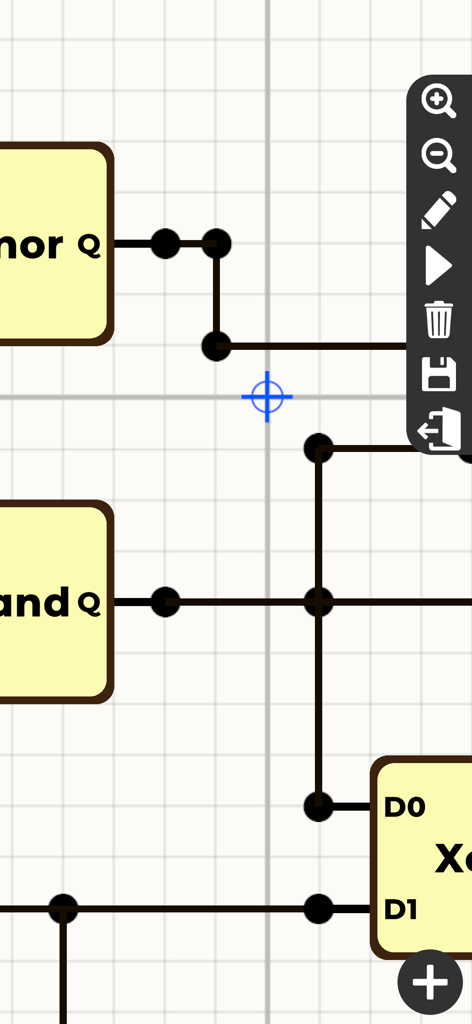
그리드 레이아웃에 게이트와 배선을 표시하는 디지털 논리 회로 시뮬레이터 인터페이스
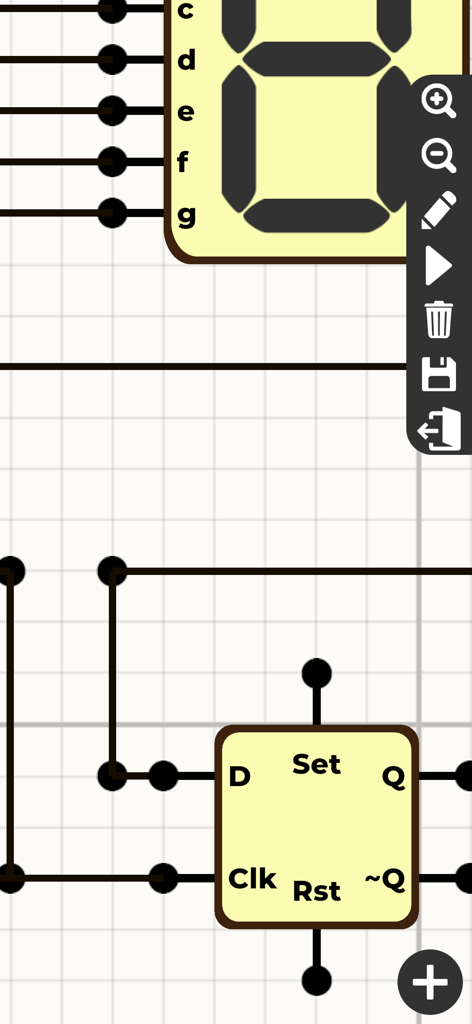
D 플립플롭과 7세그먼트 디스플레이가 포함된 논리 회로 설계 인터페이스
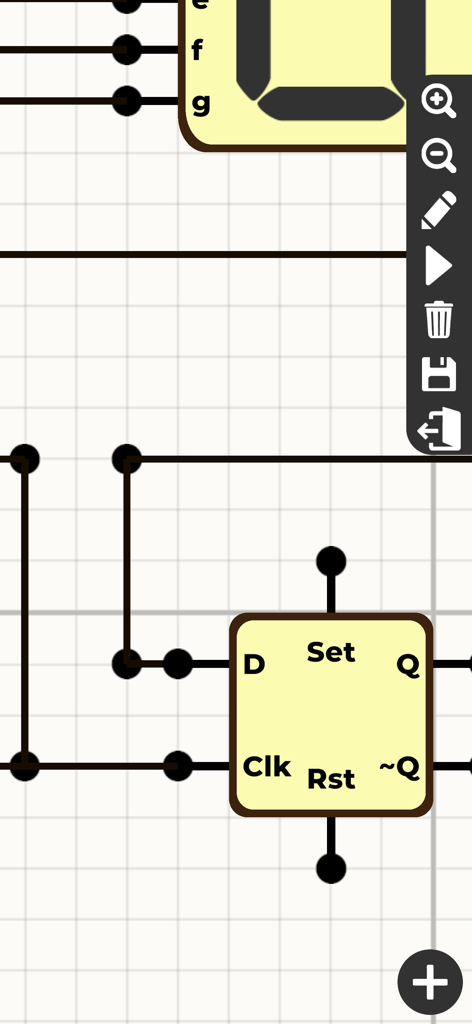
그리드상의 D 플립플롭 구성 요소 및 배선이 특징인 디지털 논리 회로 설계 인터페이스
설명
Download
비슷한 앱
같은 카테고리의 상위 앱

TestFlight
Apple Inc.

Replit: Vibe Code Apps
Replit, Inc

GitHub
GitHub

O-KAM Pro
Shenzhen VeePai IoT Intelligent Technology LLC

Apple Developer
Apple Inc.

Expo Go
650 Industries, Inc.

Scriptable
Simon Stovring

App Store Connect
Apple Inc.

Sekai: Create · Remix · Play
Versa AI, Inc.
이 페이지는 앱이나 개발자의 공식 페이지가 아니며, 정보 제공 및 논평을 목적으로 작성된 독립 편집 간행물입니다. 명시적으로 달리 언급되지 않는 한, 해당 앱이나 개발자는 MWM, Apple, Google Play, 앱 퍼블리셔 또는 앱 개발자와 제휴, 보증, 후원, 승인 또는 공식적으로 연결되어 있지 않으며, 이 페이지의 어떤 내용도 해당 앱이 MWM의 서비스를 사용하여 개발되었음을 의미하지 않습니다. 모든 상표, 로고, 스크린샷 및 기타 콘텐츠는 해당 소유자의 자산입니다.