Magic Remote Control WebOS TV
다운로드: App Store

이 페이지는 앱이나 개발자의 공식 페이지가 아니며, 정보 제공 및 논평을 목적으로 작성된 독립 편집 간행물입니다. 명시적으로 달리 언급되지 않는 한, 해당 앱이나 개발자는 MWM, Apple, Google Play, 앱 퍼블리셔 또는 앱 개발자와 제휴, 보증, 후원, 승인 또는 공식적으로 연결되어 있지 않으며, 이 페이지의 어떤 내용도 해당 앱이 MWM의 서비스를 사용하여 개발되었음을 의미하지 않습니다. 모든 상표, 로고, 스크린샷 및 기타 콘텐츠는 해당 소유자의 자산입니다.


로고: Magic Remote Control WebOS TV
다운로드: App Store

Magic Remote Control WebOS TV

복잡한 버튼과 분실된 리모컨의 답답함에서 벗어나세요. 빠르고 쉬운 키보드, 부드러운 터치패드, Siri 음성 명령으로 WebOS TV를 손쉽게 타이핑하고 탐색하고 제어하세요.

주요 수치

다운로드

630K+

사용자 평점

4.7/5

총 평가 수

10K+

개발사

MeisterApps BV

카테고리

Utilities

지원 언어

17

최신 버전

1.3.7

크기

64.0 MB

출시일

2022년 11월 9일
기능

스마트 TV를 위한 궁극의 업그레이드

분실된 리모컨을 찾고 느린 화면 타이핑으로 어려움을 겪는 것을 멈추세요. 최신 스트리밍 시대를 위해 설계된 고속 탐색 허브로 iPhone을 변신시키세요.

번개처럼 빠른 키보드

글자를 하나하나 클릭하는 답답함을 건너뛰세요. 몇 초 안에 영화, 쇼, 앱을 검색하기 위해 휴대폰의 기본 키보드를 사용하세요.

원활한 Siri 통합

손가락 하나 까딱하지 않고 TV를 제어하세요. Siri 음성 명령을 사용하여 iPhone 또는 Apple Watch에서 직접 볼륨, 전원 및 재생을 관리하세요.

다음 스크린샷과 설명은 앱의 공식 스토어 목록에서 직접 가져온 것이며 앱 개발자의 자산입니다.

앱 스토어

스크린샷
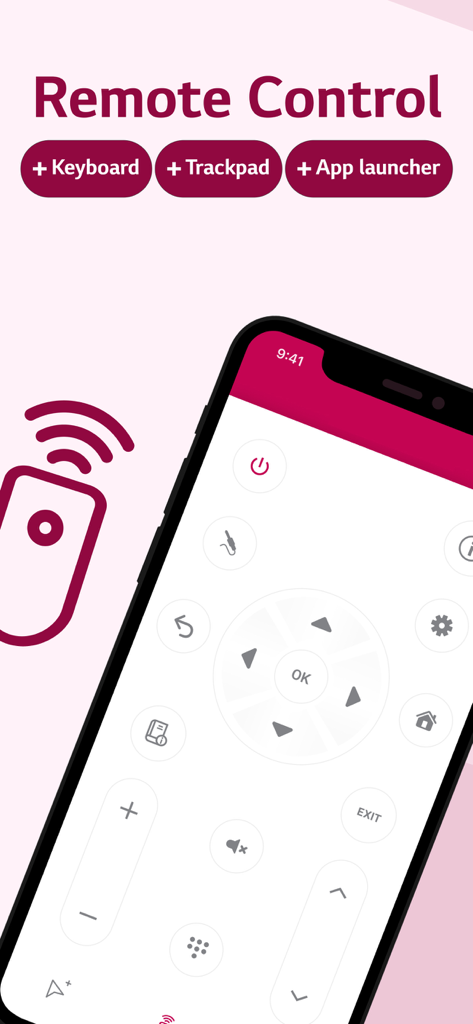
Magic Remote Control WebOS TV - iPhone 화면에 디지털 리모컨 인터페이스가 표시된 매직 리모컨 WebOS TV 앱
iPhone 화면에 디지털 리모컨 인터페이스가 표시된 매직 리모컨 WebOS TV 앱

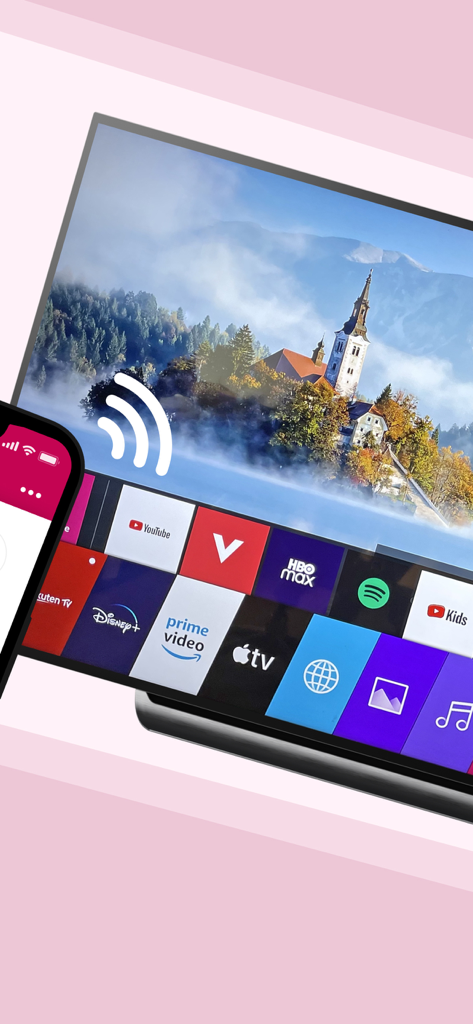
Magic Remote Control WebOS TV - iPhone이 WebOS 스마트 TV에 무선으로 연결되어 스트리밍 앱 메뉴 표시
iPhone이 WebOS 스마트 TV에 무선으로 연결되어 스트리밍 앱 메뉴 표시

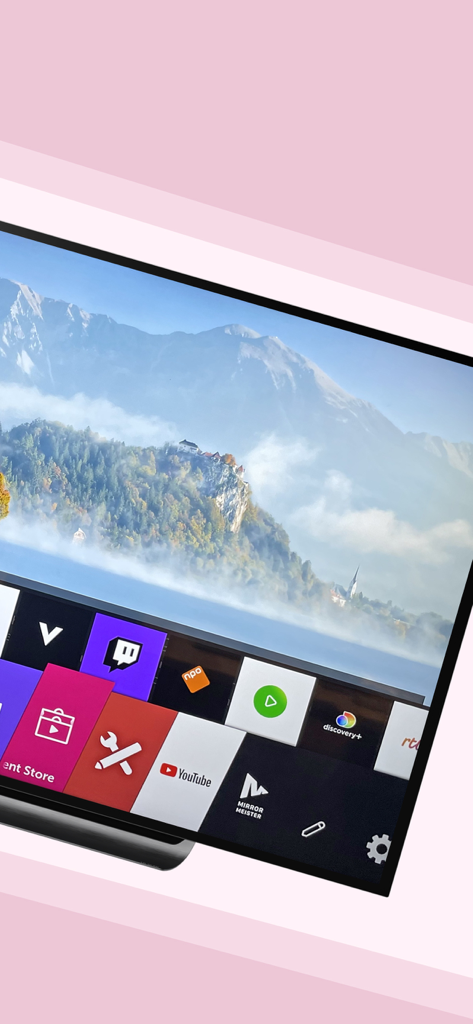
Magic Remote Control WebOS TV - YouTube 및 Twitch와 같은 스트리밍 앱 메뉴가 표시된 WebOS 스마트 TV 화면
YouTube 및 Twitch와 같은 스트리밍 앱 메뉴가 표시된 WebOS 스마트 TV 화면

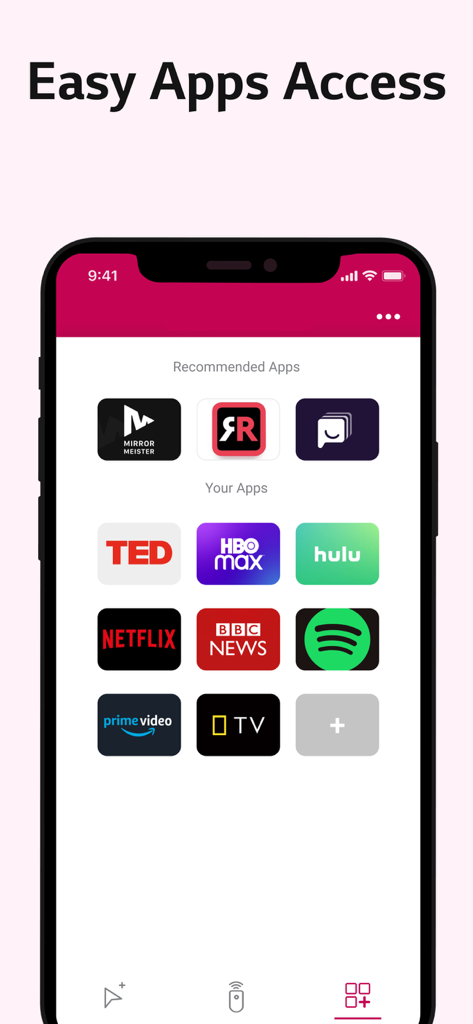
Magic Remote Control WebOS TV - Netflix Hulu 및 HBO Max와 같은 스트리밍 서비스에 대한 빠른 액세스 단축키를 보여주는 매직 리모컨 앱 스크린샷
Netflix Hulu 및 HBO Max와 같은 스트리밍 서비스에 대한 빠른 액세스 단축키를 보여주는 매직 리모컨 앱 스크린샷

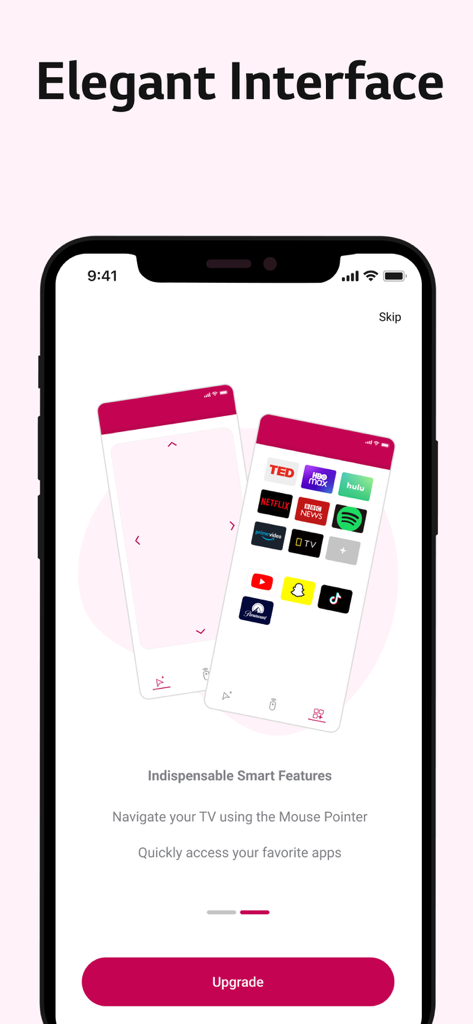
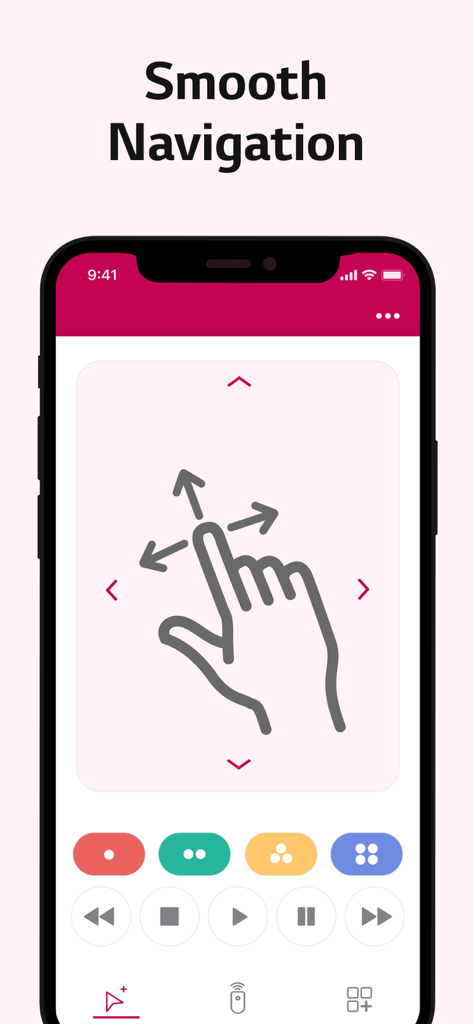
Magic Remote Control WebOS TV - 방향 스와이프 아이콘으로 부드러운 TV 탐색을 위한 대형 터치패드를 보여주는 iPhone 인터페이스
방향 스와이프 아이콘으로 부드러운 TV 탐색을 위한 대형 터치패드를 보여주는 iPhone 인터페이스

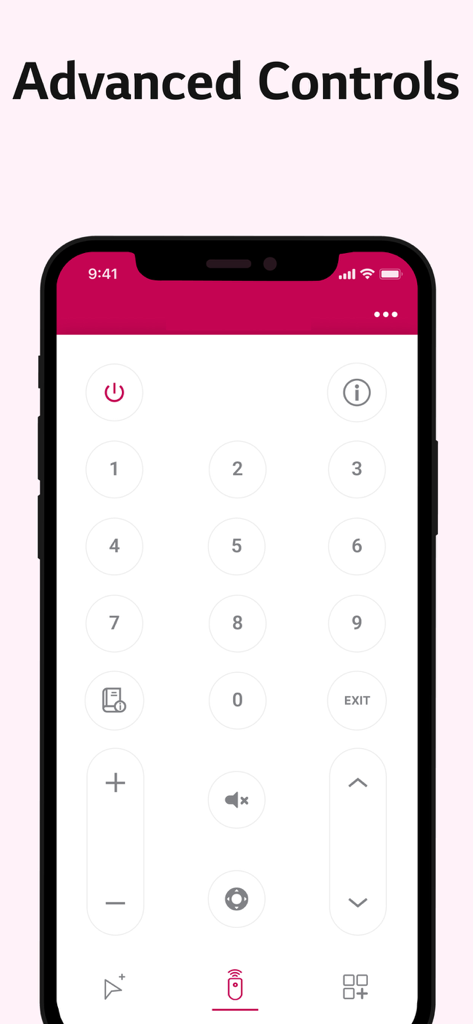
Magic Remote Control WebOS TV - WebOS TV용 숫자 패드 및 볼륨 컨트롤이 있는 디지털 TV 리모컨을 보여주는 iPhone 인터페이스
WebOS TV용 숫자 패드 및 볼륨 컨트롤이 있는 디지털 TV 리모컨을 보여주는 iPhone 인터페이스

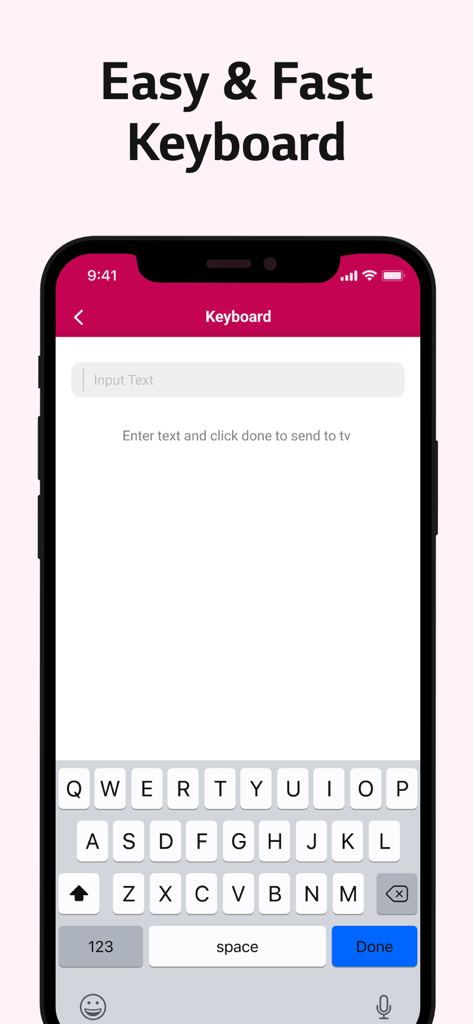
Magic Remote Control WebOS TV - 매직 리모컨 앱을 위한 쉽고 빠른 키보드 인터페이스

매직 리모컨 앱을 위한 쉽고 빠른 키보드 인터페이스

Magic Remote Control WebOS TV - 터치패드와 빠른 앱 액세스가 포함된 WebOS TV용 매직 리모컨 앱의 세련된 인터페이스를 보여주는 iPhone 디스플레이
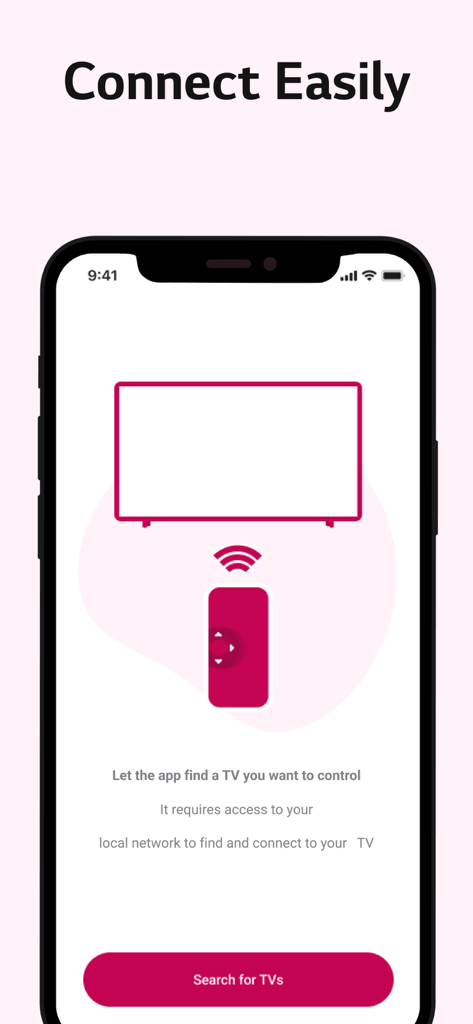
터치패드와 빠른 앱 액세스가 포함된 WebOS TV용 매직 리모컨 앱의 세련된 인터페이스를 보여주는 iPhone 디스플레이

Magic Remote Control WebOS TV - iPhone을 Wi-Fi를 통해 스마트 TV에 연결하는 방법을 보여주는 매직 리모컨 앱 설정 화면
iPhone을 Wi-Fi를 통해 스마트 TV에 연결하는 방법을 보여주는 매직 리모컨 앱 설정 화면

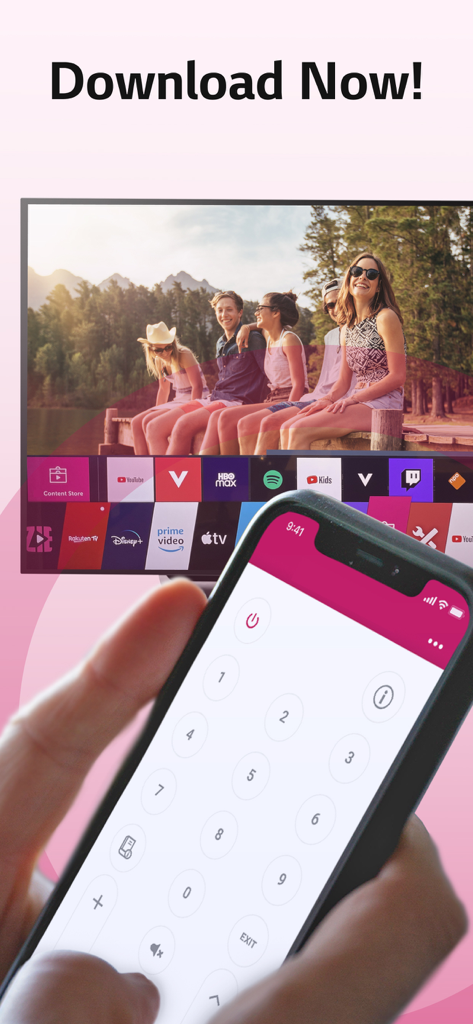
Magic Remote Control WebOS TV - WebOS 스마트 TV 인터페이스를 탐색하기 위해 매직 리모컨 앱을 사용하는 iPhone을 들고 있는 손

WebOS 스마트 TV 인터페이스를 탐색하기 위해 매직 리모컨 앱을 사용하는 iPhone을 들고 있는 손

설명

This #1 remote app allows you to easily control your WebOS or Netcast TV with your phone instead of using your physical, clunky remote. Easily use the keyboard on your phone/tablet, so you don’t have to scroll through letters to find something on your TV. Or, swipe over the touchpad to search things on tv. FEATURES: ■ Easy & fast keyboard to facilitate searches. ■ A large touchpad for quick navigation. ■ Netcast & WebOS support: The app works on all TVs. ■ Auto detect smart TV on the same WIFI network. ■ Side button volume control: Quickly increase or decrease the volume. ■ Siri Command: Control your tv with voice-commands. ■ PIN code Camera OCR: Easily scan the requested pin on your tv. ■ TV Toast Message: Type a message, send it to TV and surprise others. ■ Random Channel Picker: Uninspired? Let the app pick a channel for you. ■ Launch channels & apps direct from app. ■ Power on/off. ■ Switch channels up/down. ■ Adjust volume up/down. ■ Mute/ unmute. ■ TV Calendar Message: Display reminders on TV. ■ Turn TV into a fireplace, fish-tank or famous paintings. ADVANTAGES: - Easy browsing - Fast search - No more lost remotes - Save time - Best signal (wifi is stronger than infrared) - Latest technology - No more fighting over the remote control - Your phone/tablet controls everything - No more changing your TV remote’s battery *** Take a subscription to get all features and to remove ads *** REQUIREMENTS: 1) TV 2) WiFi 3) iPhone or iPad UNLIMITED ACCESS PRO SUBSCRIPTION: You need a subscription for unlimited access to all features without advertising and interruptions. Payment will be charged to iTunes Account at confirmation of purchase. Subscription automatically renews unless auto-renew is turned off at least 24-hours before the end of the current period. The account will be charged for renewal within 24-hours before the end of the current period and identify the cost of the renewal. Subscriptions may be managed by the user and auto-renewal may be turned off by going to the user's Account Settings after purchase. Any unused portion of a free trial period, if offered, will be forfeited when the user purchases a subscription to that publication, where applicable. - Terms of use: https://meisterapps.net/newsroom/meisterapps-terms-of-use-app-store - Privacy policy: https://meisterapps.net/newsroom/privacy-policy-app-store/ SUPPORT: Please contact us (by sending a log) if you have issues using the app. We do our very best to make you happy. You can use the feedback-form in the app to send us feedback of any kind, we take every single one into consideration. We are here to help you. Please visit our website for more information: https://meisterapps.net

Download

다운로드: App Store

이 페이지는 앱이나 개발자의 공식 페이지가 아니며, 정보 제공 및 논평을 목적으로 작성된 독립 편집 간행물입니다. 명시적으로 달리 언급되지 않는 한, 해당 앱이나 개발자는 MWM, Apple, Google Play, 앱 퍼블리셔 또는 앱 개발자와 제휴, 보증, 후원, 승인 또는 공식적으로 연결되어 있지 않으며, 이 페이지의 어떤 내용도 해당 앱이 MWM의 서비스를 사용하여 개발되었음을 의미하지 않습니다. 모든 상표, 로고, 스크린샷 및 기타 콘텐츠는 해당 소유자의 자산입니다.