Microsoft Lists

Microsoft Lists

다운로드: App Store
로고: Microsoft Lists

Microsoft Lists: 팀 업무를 추적하고 관리하는 스마트한 방법

복잡한 스프레드시트로 워크플로를 관리하는 것을 중단하세요. Microsoft 365 생태계 전체에서 원활하게 동기화되는 간단하고 유연한 목록으로 이동 중에 문제, 자산 및 루틴을 만들고, 공유하고, 추적하세요.

개발사

Microsoft Corporation

카테고리

Productivity

다운로드

1M+

사용자 평점

3.5/5

총 평가 수

1000

지원 언어

28

생산성을 한눈에

이 인터페이스를 사용하는 1M+ 명의 사용자.

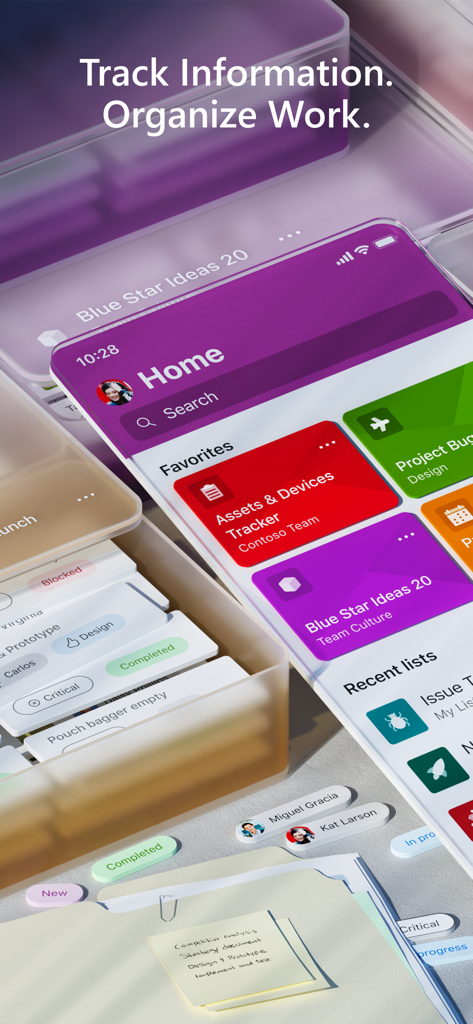
작업 추적 및 프로젝트 구성을 보여주는 Microsoft Lists 모바일 앱 홈 화면

작업 추적 및 프로젝트 구성을 보여주는 Microsoft Lists 모바일 앱 홈 화면

자산 및 공급업체에 대한 프로젝트 추적 카드를 보여주는 Microsoft Lists 모바일 인터페이스의 스타일화된 3D 보기

자산 및 공급업체에 대한 프로젝트 추적 카드를 보여주는 Microsoft Lists 모바일 인터페이스의 스타일화된 3D 보기

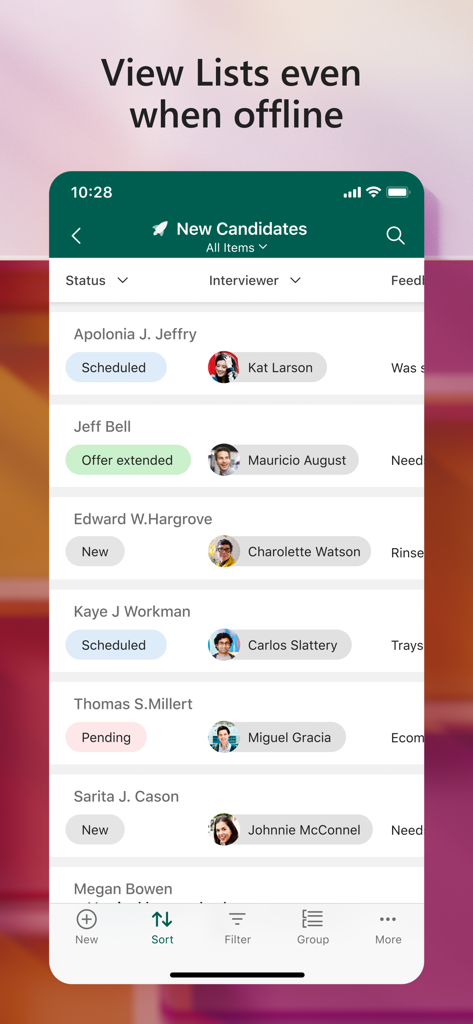
오프라인 보기에서도 목록 보기 아래에 후보자 이름 및 상태가 표시된 채용 추적기를 표시하는 Microsoft Lists 모바일 인터페이스

오프라인 보기에서도 목록 보기 아래에 후보자 이름 및 상태가 표시된 채용 추적기를 표시하는 Microsoft Lists 모바일 인터페이스

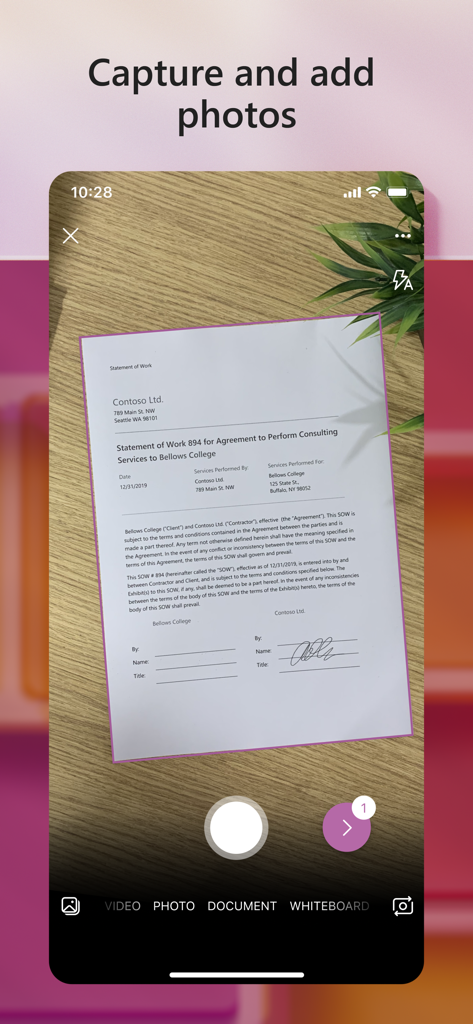
스마트폰 카메라를 사용하여 문서를 캡처하는 Microsoft Lists 모바일 앱 인터페이스

스마트폰 카메라를 사용하여 문서를 캡처하는 Microsoft Lists 모바일 앱 인터페이스

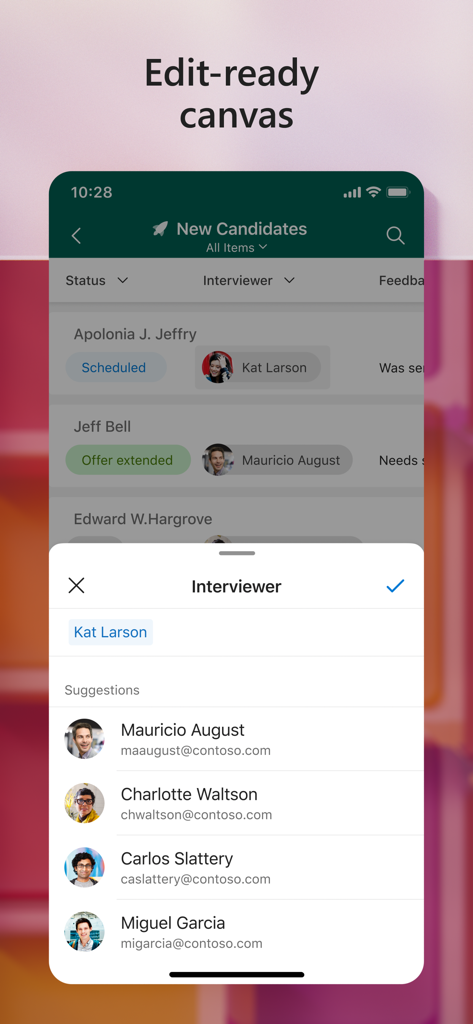
Microsoft Lists 앱 인터페이스에 채용 후보자 추적 및 면접관 할당이 표시됩니다.

Microsoft Lists 앱 인터페이스에 채용 후보자 추적 및 면접관 할당이 표시됩니다.

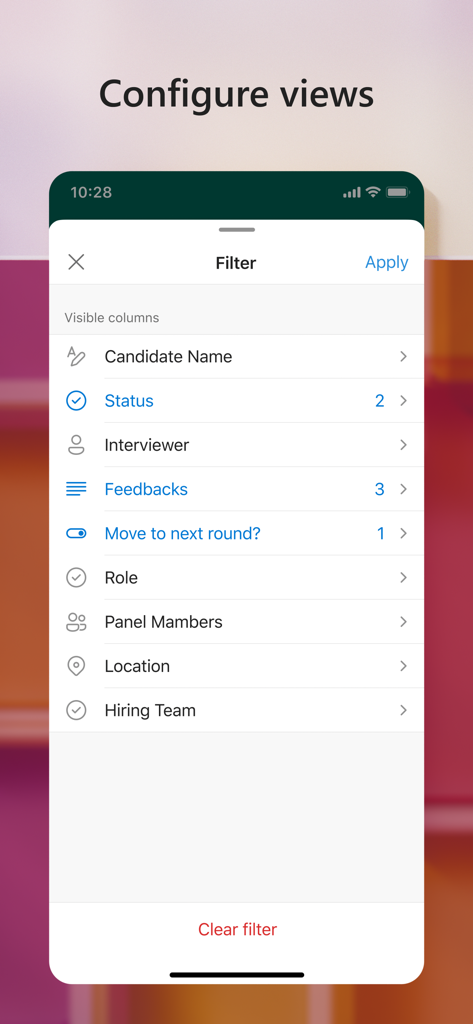
열 보기 필터 옵션을 보여주는 Microsoft Lists의 모바일 인터페이스

열 보기 필터 옵션을 보여주는 Microsoft Lists의 모바일 인터페이스

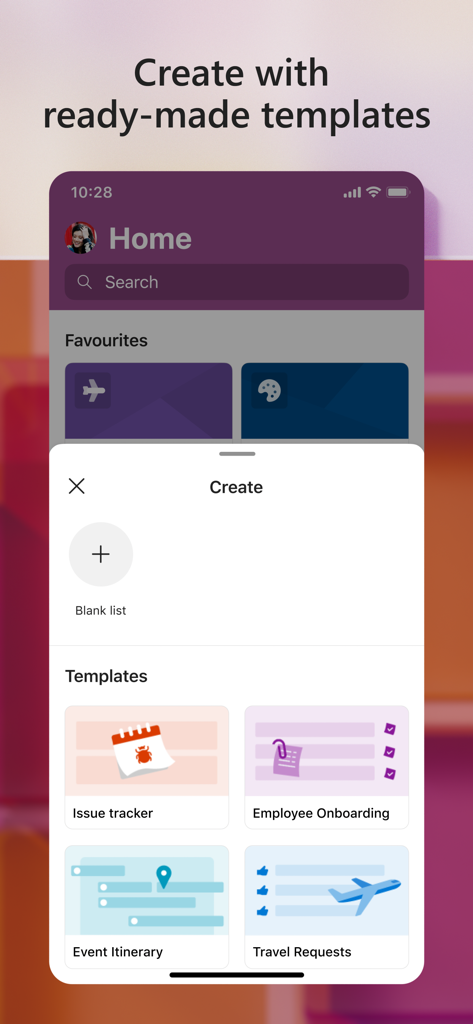
문제 추적 및 직원 온보딩을 위한 미리 만들어진 템플릿을 보여주는 Microsoft Lists 앱 인터페이스

문제 추적 및 직원 온보딩을 위한 미리 만들어진 템플릿을 보여주는 Microsoft Lists 앱 인터페이스

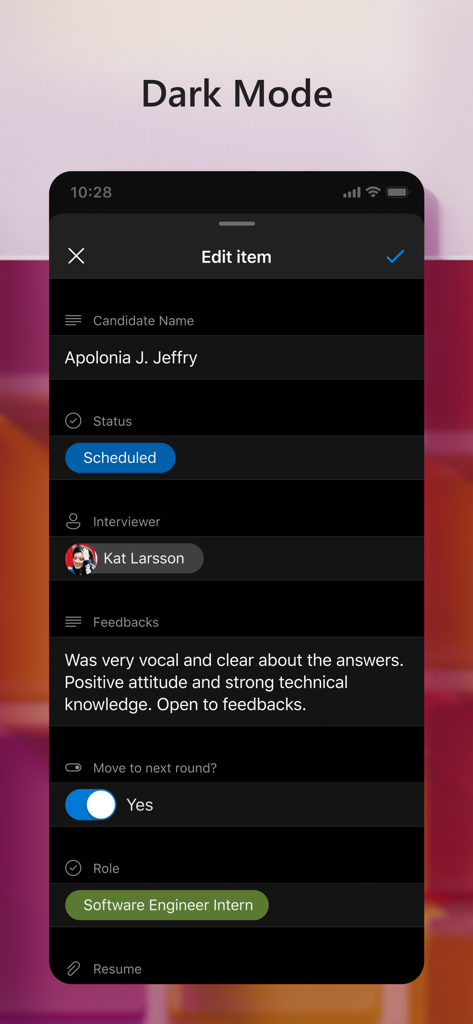
다크 모드의 Microsoft Lists 모바일 앱 스크린샷으로, 상태 및 피드백을 포함한 후보자 채용 프로필 편집 화면을 보여줍니다.

다크 모드의 Microsoft Lists 모바일 앱 스크린샷으로, 상태 및 피드백을 포함한 후보자 채용 프로필 편집 화면을 보여줍니다.

운영 효율성 극대화

이 앱을 돋보이게 하는 도구, 1M+ 명의 사용자가 선택.

📋

스마트 빠른 시작 템플릿

재고, 문제 추적 및 루틴을 위한 미리 만들어진 구조를 몇 초 안에 배포하여 처음부터 추적 시스템을 구축할 필요가 없습니다.

🛡️

민감한 회사 데이터가 보호되고 승인된 상태로 유지되도록 보장하는 내장 규정 준수 및 Intune MDM 지원으로 완벽한 마음의 평화를 유지하세요.

🔄

원활한 생태계 동기화

목록을 오프라인으로 편집하는 경우에도 Microsoft Teams 및 SharePoint 전체에서 즉각적인 업데이트로 팀 전체를 파악하세요.

앱 소개

에 대해 알아야 할 모든 것 Microsoft Lists.

설명

Note: This app will be retired soon. For more details, please visit https://aka.ms/listsmobileapp. Microsoft Lists is a Microsoft 365 app that helps you track information and organize your work. Lists are simple, smart, and flexible, so you can stay on top of what matters most to your team. Track issues, assets, routines, contacts, inventory and more using customizable views to keep everyone in sync. Create, use, and share your information with anyone, anywhere while on the go with a personalized, mobile-first experience. - Track and manage lists wherever you’re working - See recent and favorite lists - View lists even when offline - Edit your lists and list items - Capture and add photos with QR code support - Create, share, and track lists with anyone - Start quickly with ready-made templates - Customize your views using sort, filter, and group by - Dark mode and landscape orientation support - Built-in enterprise-grade data security and compliance - Intune device management support with MDM and MAM policies"

최신 버전

2.30.0

크기

331.4 MB

출시일

2021년 1월 19일

업무일 정리할 준비 되셨나요?

유연하고 안전한 Microsoft Lists의 기능으로 문제 추적, 자산 관리, 팀 동기화를 유지하세요. 지금 iPhone 및 iPad에서 사용할 수 있습니다.

다운로드: App Store

App information, icons, screenshots, and descriptions displayed on this page are sourced from the Apple App Store and are the property of their respective developers. Download estimates and rankings are based on MWM's proprietary models and may not reflect actual figures. This page is provided for informational and analytical purposes only.

Believe this page infringes your intellectual property? File a dispute