
MSG View


독점 형식 때문에 작업이 느려지는 것을 멈추세요. iPhone 또는 iPad에서 .MSG 파일을 원활하게 열고, 첨부 파일을 확인하고, 보관된 이메일에 직접 답장하세요.
개발사
카테고리
Productivity다운로드
3K+사용자 평점
총 평가 수
0지원 언어
13이 인터페이스를 사용하는 3K+ 명의 사용자.
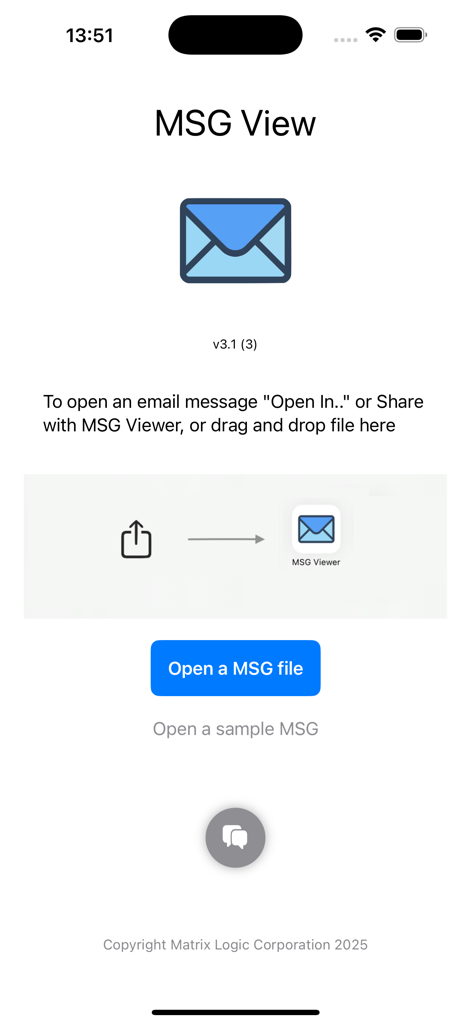
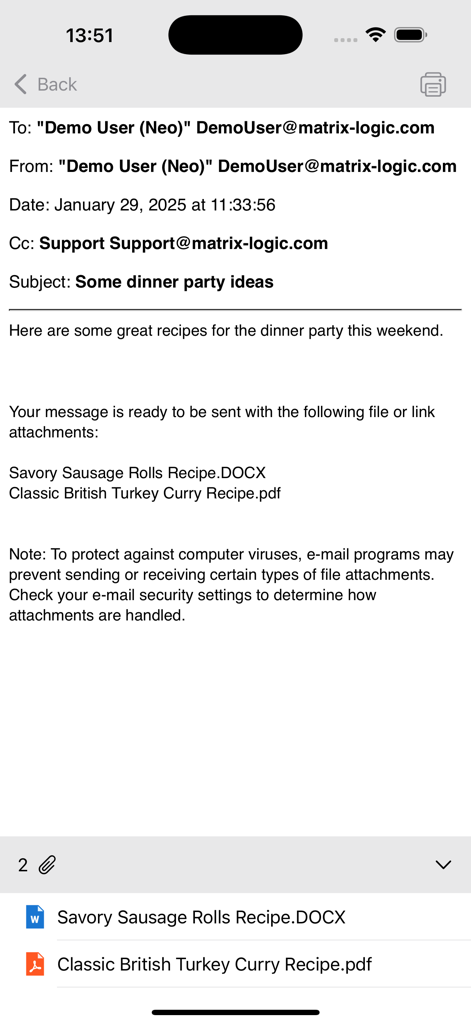
이 앱을 돋보이게 하는 도구, 3K+ 명의 사용자가 선택.
iOS 네이티브 '열기' 메뉴를 사용하여 OneDrive, SharePoint 또는 이메일에서 .MSG 파일을 탭 한 번으로 직접 열어보세요.
이동 중에 Outlook 파일 내에 포함된 송장, 계약서 및 문서를 쉽게 보거나, 인쇄하거나, 공유하세요.
정적 .MSG 파일을 즉시 새롭고 실시간 메일 메시지로 변환하여 지체 없이 중요한 정보에 회신하거나 전달하세요.
에 대해 알아야 할 모든 것 MSG View.
설명
최신 버전
3.5
크기
4.3 MB
출시일
2025년 2월 4일
모바일에서 Outlook 파일과 iOS 간의 격차를 해소하기 위해 MSG 뷰어를 신뢰하는 수천 명의 법률, 금융 및 IT 전문가들과 함께하세요. 지금 다운로드하여 언제 어디서나 .MSG 파일을 열고, 인쇄하고, 답장하세요.
같은 카테고리의 상위 앱

OpenAI OpCo, LLC

Google LLC

X.AI Corporation

Google LLC

Shanghai Zhixin Puhui Technology Co., Ltd.

Google LLC

Microsoft Corporation

Google LLC

Google LLC
App information, icons, screenshots, and descriptions displayed on this page are sourced from the Apple App Store and are the property of their respective developers. Download estimates and rankings are based on MWM's proprietary models and may not reflect actual figures. This page is provided for informational and analytical purposes only.
Believe this page infringes your intellectual property? File a dispute