MultiCast - Cast to TV
다운로드: App Store

이 페이지는 앱이나 개발자의 공식 페이지가 아니며, 정보 제공 및 논평을 목적으로 작성된 독립 편집 간행물입니다. 명시적으로 달리 언급되지 않는 한, 해당 앱이나 개발자는 MWM, Apple, Google Play, 앱 퍼블리셔 또는 앱 개발자와 제휴, 보증, 후원, 승인 또는 공식적으로 연결되어 있지 않으며, 이 페이지의 어떤 내용도 해당 앱이 MWM의 서비스를 사용하여 개발되었음을 의미하지 않습니다. 모든 상표, 로고, 스크린샷 및 기타 콘텐츠는 해당 소유자의 자산입니다.


로고: MultiCast - Cast to TV
다운로드: App Store

MultiCast - Cast to TV

표준 미러링의 한계를 뛰어넘으세요. 더 영향력 있는 프레젠테이션, 대화형 교육 및 역동적인 홈 엔터테인먼트를 위해 아름다운 그리드 레이아웃으로 여러 사진과 동영상을 스마트 TV로 동시에 전송하세요.

주요 수치

다운로드

400

사용자 평점

1.0/5

총 평가 수

0

개발사

正福 邹

카테고리

Utilities

지원 언어

19

최신 버전

1.0

크기

48.1 MB

출시일

2025년 12월 13일
기능

시각적 스토리텔링을 업그레이드하세요

1:1 미러링의 한계를 벗어나세요. MultiCast는 전문가 수준의 프레젠테이션과 몰입형 홈 엔터테인먼트를 위해 설계된 강력한 멀티미디어 캔버스로 스마트 TV를 변환합니다.

나란히 시각적 비교

전문가 수준의 그리드 레이아웃으로 여러 사진과 동영상을 동시에 표시합니다. 디자인 버전, 교육 자료 또는 부동산 평면도를 비교하는 데 완벽합니다.

범용 무선 호환성

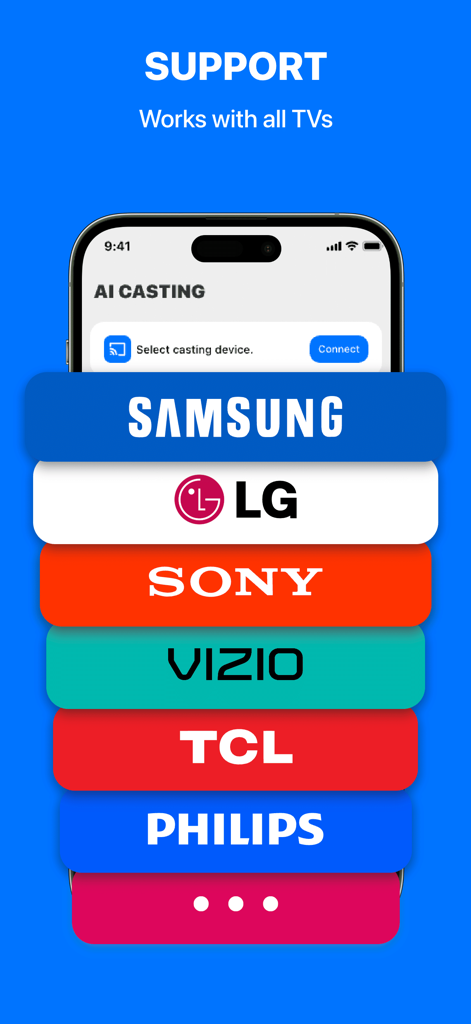
현대 스마트 홈을 위해 제작되었습니다. 추가 하드웨어 없이 AirPlay 및 DLNA 프로토콜을 통합하여 Samsung, LG, Sony 및 기타 주요 브랜드로 원활하게 전송하세요.

다음 스크린샷과 설명은 앱의 공식 스토어 목록에서 직접 가져온 것이며 앱 개발자의 자산입니다.

앱 스토어

스크린샷
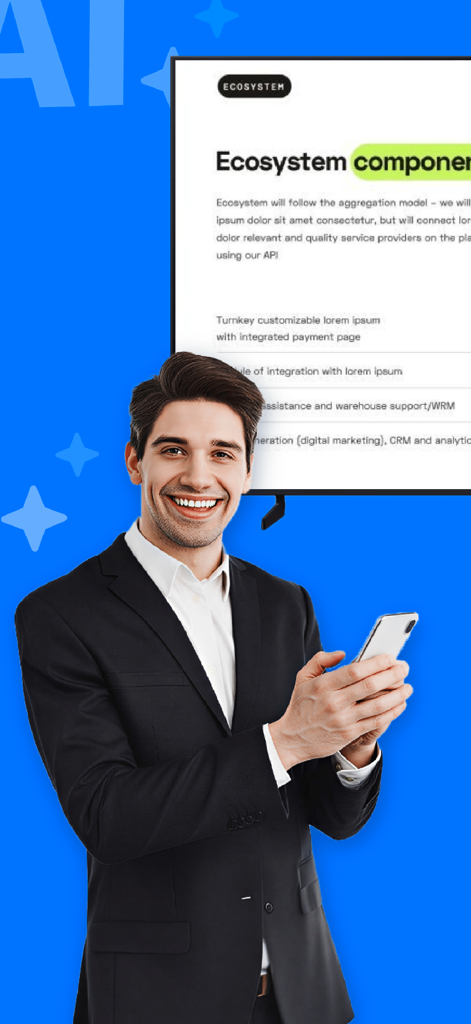
MultiCast - Cast to TV - 양복을 입은 남자가 스마트폰을 사용하여 대형 TV 화면에 문서를 미러링하는 모습
양복을 입은 남자가 스마트폰을 사용하여 대형 TV 화면에 문서를 미러링하는 모습

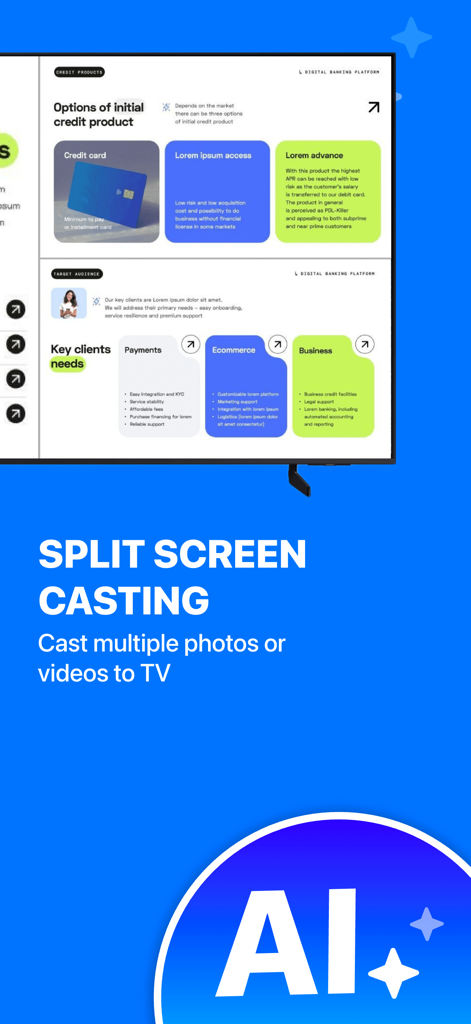
MultiCast - Cast to TV - 스마트 TV에서 분할 화면으로 비즈니스 프레젠테이션을 캐스팅하는 MultiCast 앱 인터페이스
스마트 TV에서 분할 화면으로 비즈니스 프레젠테이션을 캐스팅하는 MultiCast 앱 인터페이스

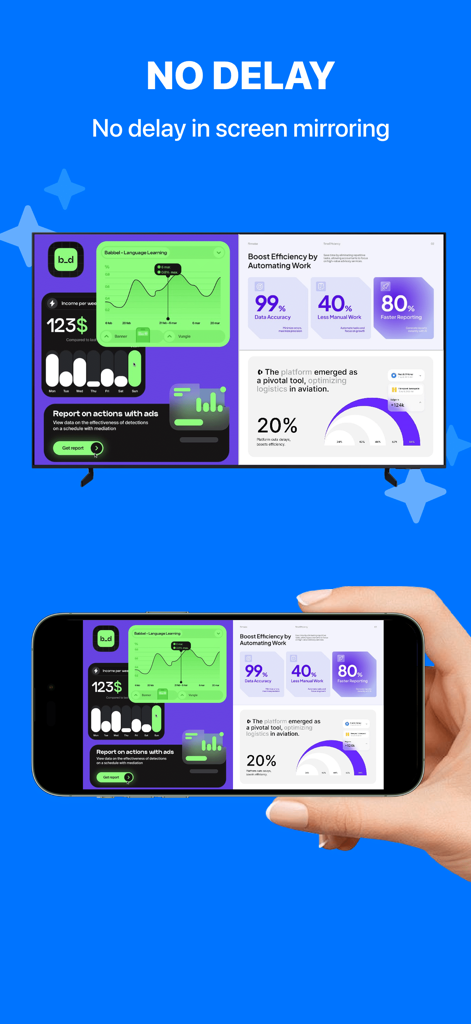
MultiCast - Cast to TV - 지연 없이 스마트 TV로 비즈니스 대시보드를 미러링하는 iPhone 화면
지연 없이 스마트 TV로 비즈니스 대시보드를 미러링하는 iPhone 화면

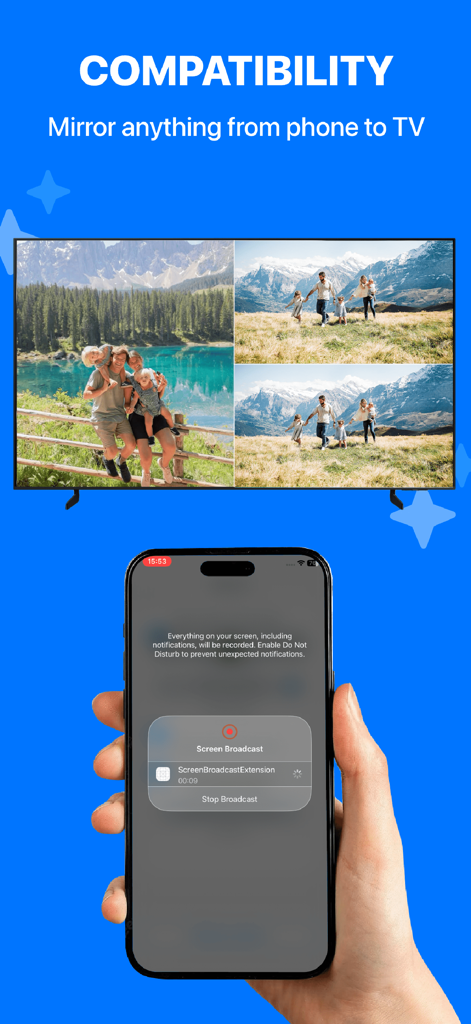
MultiCast - Cast to TV - MultiCast 앱을 사용하여 iPhone에서 미러링된 분할 화면 사진 콜라주를 표시하는 스마트 TV
MultiCast 앱을 사용하여 iPhone에서 미러링된 분할 화면 사진 콜라주를 표시하는 스마트 TV

MultiCast - Cast to TV - Samsung LG Sony를 포함한 MultiCast의 호환 스마트 TV 브랜드 표시 인터페이스
Samsung LG Sony를 포함한 MultiCast의 호환 스마트 TV 브랜드 표시 인터페이스

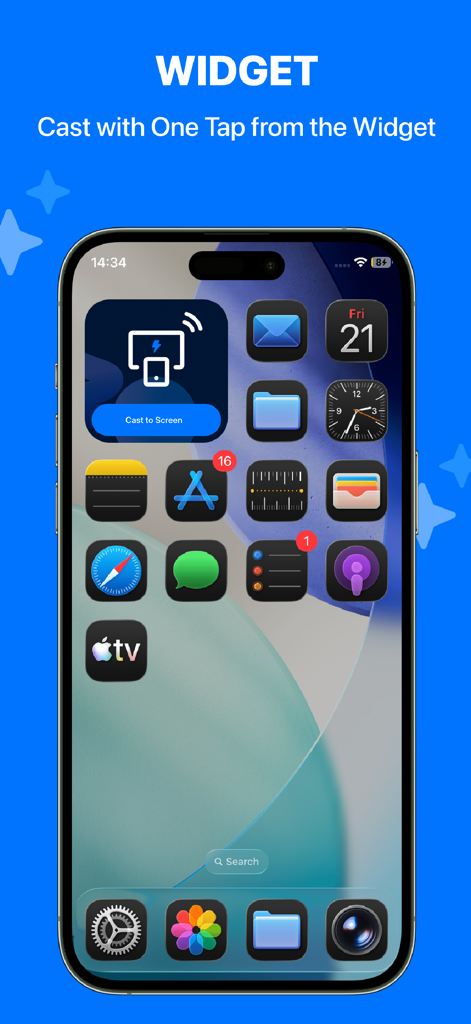
MultiCast - Cast to TV - TV로 바로 캐스팅하기 위한 MultiCast 위젯이 있는 iPhone 홈 화면

TV로 바로 캐스팅하기 위한 MultiCast 위젯이 있는 iPhone 홈 화면

설명

This is a professional split-screen casting app that allows you to cast multiple photos or videos to your TV simultaneously, displaying them in side-by-side or grid layouts for a richer visual experience. Whether for teaching presentations, team collaboration, showroom displays, or home entertainment, it easily meets multi-content viewing needs. FEATURES Split-Screen Casting - Cast multiple photos or videos to your TV at the same time, with automatic side-by-side or grid layout rendering. Multiple Modes - Supports one-to-one casting, one-to-many casting, and other modes to adapt to different usage scenarios. No Delay - Uses an optimized, stable transmission scheme to ensure smooth and synchronized playback. Compatibility - Supports AirPlay and DLNA casting protocols, enabling connection with most smart TVs on the market. Support - Thoroughly tested and optimized for many mainstream TV brands and models. USE CASES Education & Training - Teachers can cast multiple photos, videos, and materials side by side for comparison and interactive teaching. Meetings & Collaboration - Allows multiple presenters to cast their content simultaneously, enabling clearer discussion and improved communication efficiency. Showroom & Retail Displays - Perfect for exhibitions and retail spaces to present ads, product demos, and social content in parallel, increasing information density. Home Entertainment - Can be used as a “TV photo wall,” displaying multiple photos or videos at once—ideal for family gatherings or showcasing travel albums in a lively, engaging way. TIPS FOR USE - Make sure your phone and TV are connected to the same Wi-Fi network. - For a more stable casting experience, consider disabling VPN or proxy services. COMPATIBILITY We have conducted extensive testing on many popular TV devices and continue to optimize compatibility across more models. Due to differences in TV brands, systems, and firmware, casting experiences may vary. If you encounter any issues, feel free to contact us—we are committed to continuous improvement.

Download

다운로드: App Store

이 페이지는 앱이나 개발자의 공식 페이지가 아니며, 정보 제공 및 논평을 목적으로 작성된 독립 편집 간행물입니다. 명시적으로 달리 언급되지 않는 한, 해당 앱이나 개발자는 MWM, Apple, Google Play, 앱 퍼블리셔 또는 앱 개발자와 제휴, 보증, 후원, 승인 또는 공식적으로 연결되어 있지 않으며, 이 페이지의 어떤 내용도 해당 앱이 MWM의 서비스를 사용하여 개발되었음을 의미하지 않습니다. 모든 상표, 로고, 스크린샷 및 기타 콘텐츠는 해당 소유자의 자산입니다.








