MusicFolder 2
MusicFolder 2
다운로드: App Store

이 페이지는 앱이나 개발자의 공식 페이지가 아니며, 정보 제공 및 논평을 목적으로 작성된 독립 편집 간행물입니다. 명시적으로 달리 언급되지 않는 한, 해당 앱이나 개발자는 MWM, Apple, Google Play, 앱 퍼블리셔 또는 앱 개발자와 제휴, 보증, 후원, 승인 또는 공식적으로 연결되어 있지 않으며, 이 페이지의 어떤 내용도 해당 앱이 MWM의 서비스를 사용하여 개발되었음을 의미하지 않습니다. 모든 상표, 로고, 스크린샷 및 기타 콘텐츠는 해당 소유자의 자산입니다.

로고: MusicFolder 2
다운로드: App Store

MusicFolder 2

올드스쿨 수집가를 위한 불필요한 기능 없는 플레이어. 태그, 구독, 복잡함 없이, 당신이 정리한 그대로의 폴더와 끊김 없는 재생을 제공합니다.

주요 수치

다운로드

20K+

사용자 평점

3.6/5

총 평가 수

0

개발사

Alexander Ewering

카테고리

Music

지원 언어

2

최신 버전

2.12

크기

1.8 MB

출시일

2018년 4월 4일
기능

당신의 컬렉션을 위해 설계되었습니다

MusicFolder 2는 불필요한 기능을 없애고, 파일 중심의 원활한 폴더 기반 경험에 집중합니다.

순수한 폴더 탐색

메타데이터의 혼란을 버리세요. 기존 폴더 구조가 바로 당신의 재생 목록입니다—간단하고, 논리적이며, 신뢰할 수 있습니다.

유연한 제스처 인터페이스

직관적인 스와이프와 탭으로 재생을 제어하세요. 휴대폰을 볼 필요 없이 건너뛰고, 섞고, 볼륨을 조절하세요.

다음 스크린샷과 설명은 앱의 공식 스토어 목록에서 직접 가져온 것이며 앱 개발자의 자산입니다.

앱 스토어

스크린샷
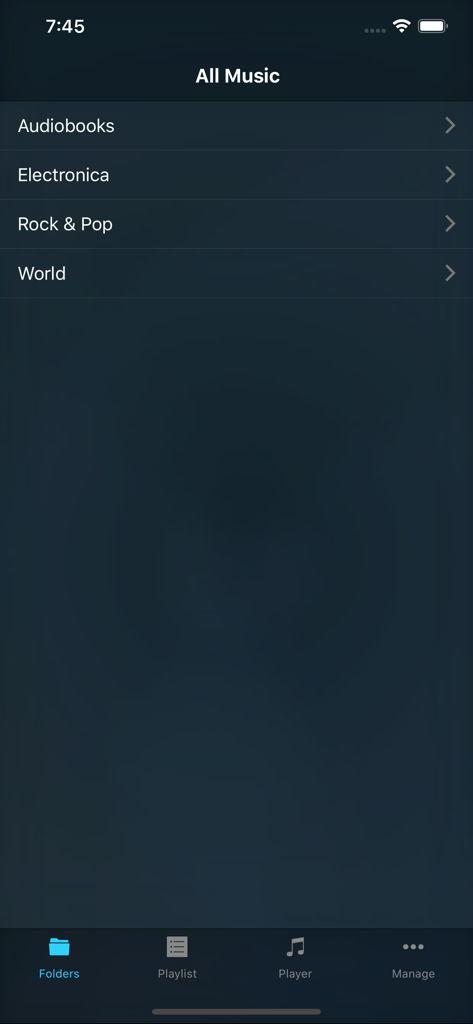
MusicFolder 2 - MusicFolder 2 앱 인터페이스에 Rock 및 Pop을 포함한 음악 폴더 목록이 표시됩니다.
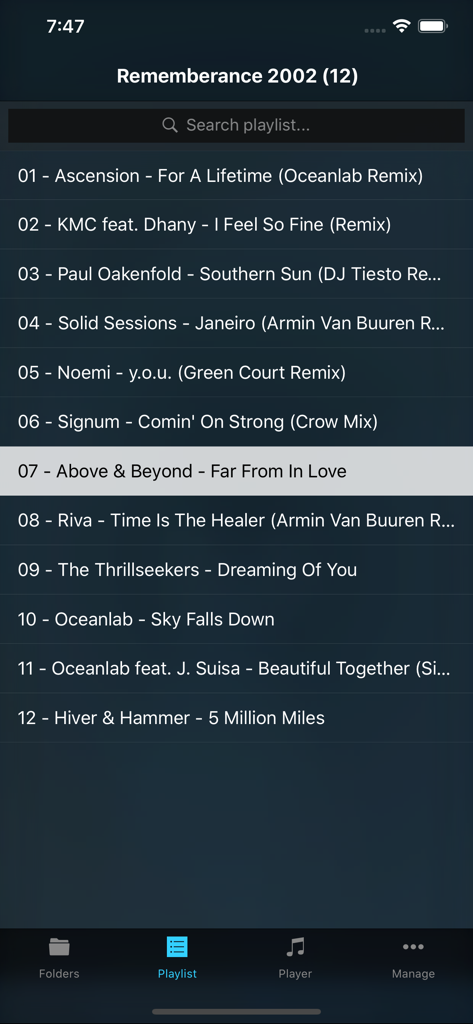
MusicFolder 2 앱 인터페이스에 Rock 및 Pop을 포함한 음악 폴더 목록이 표시됩니다.

MusicFolder 2 - MusicFolder 2 앱의 스크린샷으로, 폴더 구조로 정리된 음악 트랙 재생 목록이 표시됩니다.
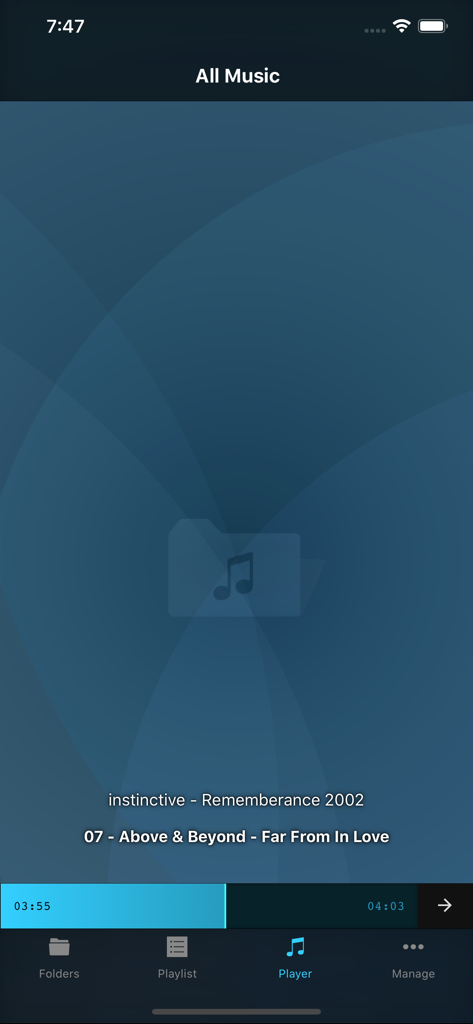
MusicFolder 2 앱의 스크린샷으로, 폴더 구조로 정리된 음악 트랙 재생 목록이 표시됩니다.

MusicFolder 2 - MusicFolder 2 앱의 현재 재생 화면으로, 미니멀리스트 폴더 기반 재생 인터페이스가 표시됩니다.
MusicFolder 2 앱의 현재 재생 화면으로, 미니멀리스트 폴더 기반 재생 인터페이스가 표시됩니다.

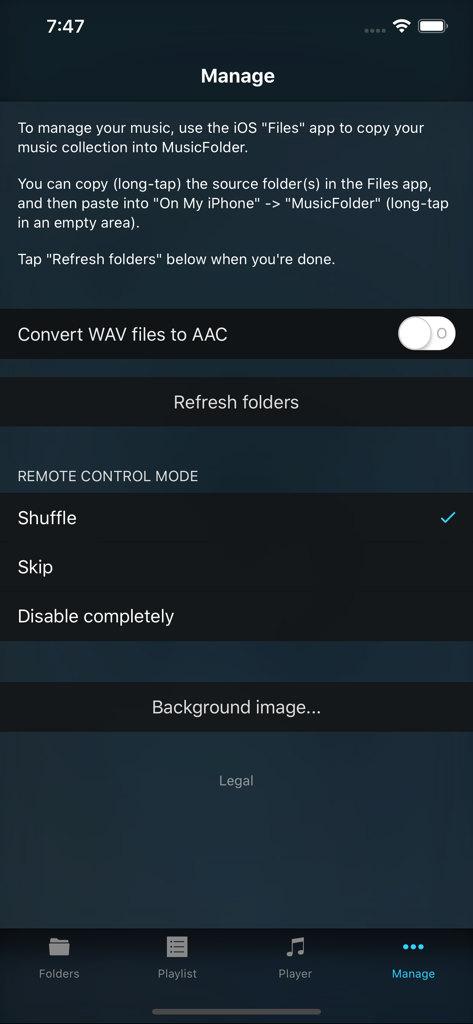
MusicFolder 2 - MusicFolder 2 앱의 관리 화면으로, 음악 파일 관리 지침 및 리모컨 설정이 표시됩니다.
MusicFolder 2 앱의 관리 화면으로, 음악 파일 관리 지침 및 리모컨 설정이 표시됩니다.

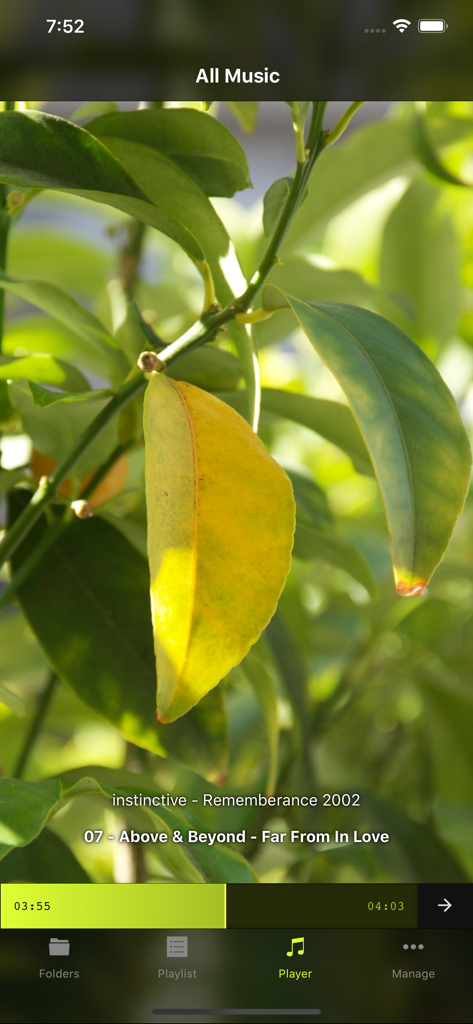
MusicFolder 2 - MusicFolder 2 플레이어 화면에 곡 제목과 사용자 지정 사진 배경이 표시됩니다.

MusicFolder 2 플레이어 화면에 곡 제목과 사용자 지정 사진 배경이 표시됩니다.

설명

Simple, no-frills music player for "oldschool" users who have a music library based on a folder structure instead of tags / metadata. This app is SIMPLISTIC BY DESIGN and does NOT HAVE A LOT OF FEATURES! However, those features that it DOES have work GREAT! IMPORTANT: You cannot use MusicFolder to play music from the regular "Music" app. Instead, you use the iPhone's "Files" app to copy your folder-based music library from your computer (or anywhere else) into MusicFolder. - Supported file formats: mp3, mp4, m4a, aac, alac, wav, adts, ac3, aiff, aifc, caf, snd, au, sd2. - GAPLESS PLAYBACK for all file formats. - Straightforward playlist concept: the playlist always simply consists of all songs in the current folder and its subfolders. - Fast interactive PLAYLIST SEARCH. - Smart folders that show your most listened to or most recently played songs. - GESTURE-BASED CONTROL, no need to look at the screen: swipe up/down to shuffle, swipe left/right to skip, double-tap to play/stop, hold and slide up/down for volume control. - Interactive SCRUBBING through the current song with the realtime seek bar, including waveform preview. - Configurable behavior at the end of a song and on remote control events (headphones / Control Center): skip, shuffle, stop, repeat. - Simple music library transfer and management using the iPhone's Files app. - Optional AUTOMATIC CONVERSION of newly added WAV files to AAC (various quality levels available) or ALAC (Apple Lossless). - Full remote control support for headphones and Control Center. - Full AIRPLAY support. - Supports portrait and landscape orientation. - Selecting a photo from your photo library will auto-generate a theme based on the photo's color structure. IMPORTANT: The app is STRICTLY for FOLDER-BASED libraries and does NOT support ANY kind of tags, cover art, or other metadata inside files. However, for people keeping their music library organized in folders "the oldschool way" and seeking a simple, stable, gapless-capable, no-frills portable player, this app is a godsend! Let us know if you have any suggesions or issues via our support page!

Download

다운로드: App Store

이 페이지는 앱이나 개발자의 공식 페이지가 아니며, 정보 제공 및 논평을 목적으로 작성된 독립 편집 간행물입니다. 명시적으로 달리 언급되지 않는 한, 해당 앱이나 개발자는 MWM, Apple, Google Play, 앱 퍼블리셔 또는 앱 개발자와 제휴, 보증, 후원, 승인 또는 공식적으로 연결되어 있지 않으며, 이 페이지의 어떤 내용도 해당 앱이 MWM의 서비스를 사용하여 개발되었음을 의미하지 않습니다. 모든 상표, 로고, 스크린샷 및 기타 콘텐츠는 해당 소유자의 자산입니다.







