myLightMeter PRO
myLightMeter PRO
다운로드: App Store

이 페이지는 앱이나 개발자의 공식 페이지가 아니며, 정보 제공 및 논평을 목적으로 작성된 독립 편집 간행물입니다. 명시적으로 달리 언급되지 않는 한, 해당 앱이나 개발자는 MWM, Apple, Google Play, 앱 퍼블리셔 또는 앱 개발자와 제휴, 보증, 후원, 승인 또는 공식적으로 연결되어 있지 않으며, 이 페이지의 어떤 내용도 해당 앱이 MWM의 서비스를 사용하여 개발되었음을 의미하지 않습니다. 모든 상표, 로고, 스크린샷 및 기타 콘텐츠는 해당 소유자의 자산입니다.

로고: myLightMeter PRO
다운로드: App Store

myLightMeter PRO

사진작가를 위해 사진작가가 설계했습니다. 빈티지 필름과 현대 디지털 워크플로우의 요구 사항에 맞춰 조정된 입사광 및 반사광 측광에서 비교할 수 없는 정확도를 경험하세요.

주요 수치

다운로드

343K+

사용자 평점

4.7/5

총 평가 수

2K+

개발사

David Quiles

카테고리

Photo & Video

지원 언어

2

최신 버전

1.9.105

크기

50.1 MB

출시일

2012년 12월 14일
기능

모든 샷을 위한 전문가 수준의 정밀도

독립형 노출계의 부피 없이 실험실 수준의 정확도를 요구하는 필름 순수주의자와 디지털 전문가를 위한 필수 도구 모음입니다.

실험실 수준의 정확도

1/3 스톱 해상도로 입사광 및 반사광 측광 간을 전환하여 비싼 필름을 보호하고 항상 완벽한 하이라이트를 보장합니다.

빈티지 감성, 현대적인 기술

내장된 하이퍼포컬 계산기를 사용하여 최대 5개의 사용자 지정 렌즈를 관리하여 빈티지 라이카 또는 핫셀블라드에 현대적인 성능의 정밀도를 제공합니다.

다음 스크린샷과 설명은 앱의 공식 스토어 목록에서 직접 가져온 것이며 앱 개발자의 자산입니다.

앱 스토어

스크린샷
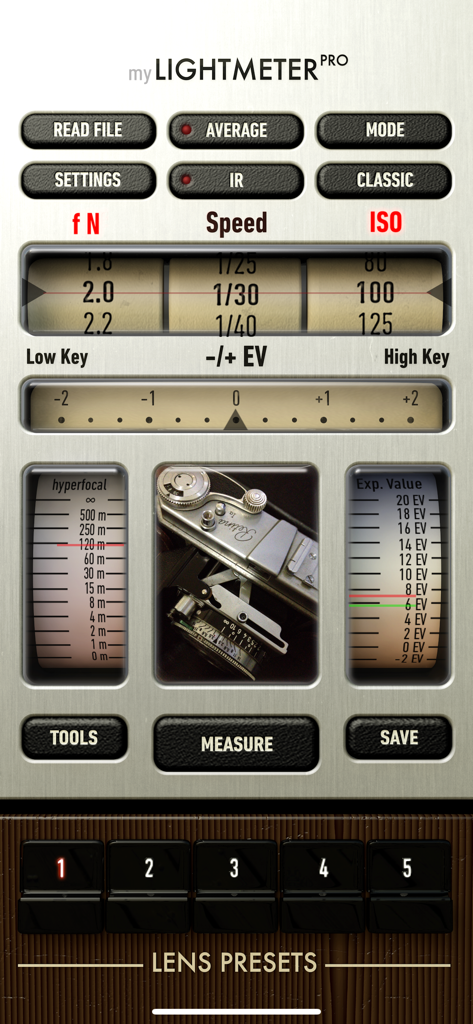
myLightMeter PRO - myLightMeter PRO 앱의 메인 인터페이스. 노출 설정과 빈티지 카메라 스타일 디자인을 보여줍니다.
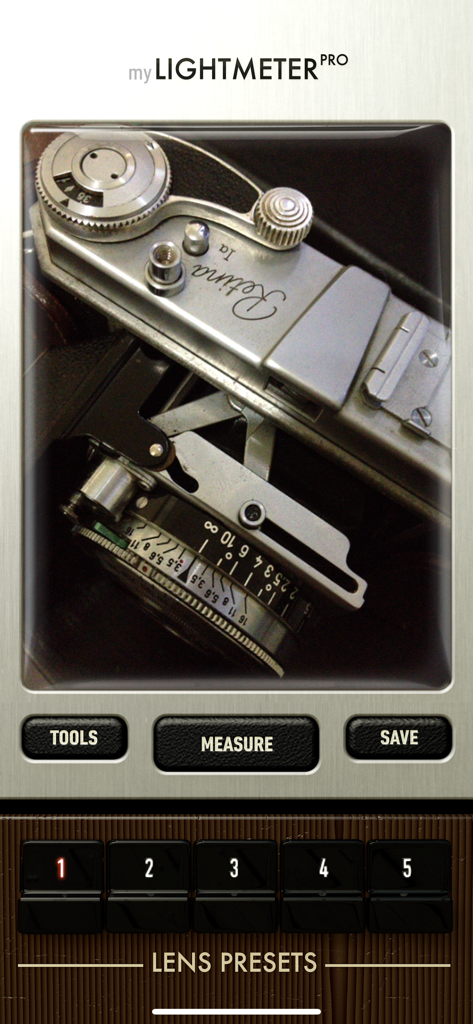
myLightMeter PRO 앱의 메인 인터페이스. 노출 설정과 빈티지 카메라 스타일 디자인을 보여줍니다.

myLightMeter PRO - myLightMeter PRO 앱 인터페이스. 측정 및 렌즈 사전 설정 버튼이 있는 뷰파인더를 통해 빈티지 카메라를 표시합니다.
myLightMeter PRO 앱 인터페이스. 측정 및 렌즈 사전 설정 버튼이 있는 뷰파인더를 통해 빈티지 카메라를 표시합니다.

myLightMeter PRO - 조리개, 셔터 속도 및 ISO 설정을 보여주는 클래식 복각 아날로그 노출계 인터페이스.
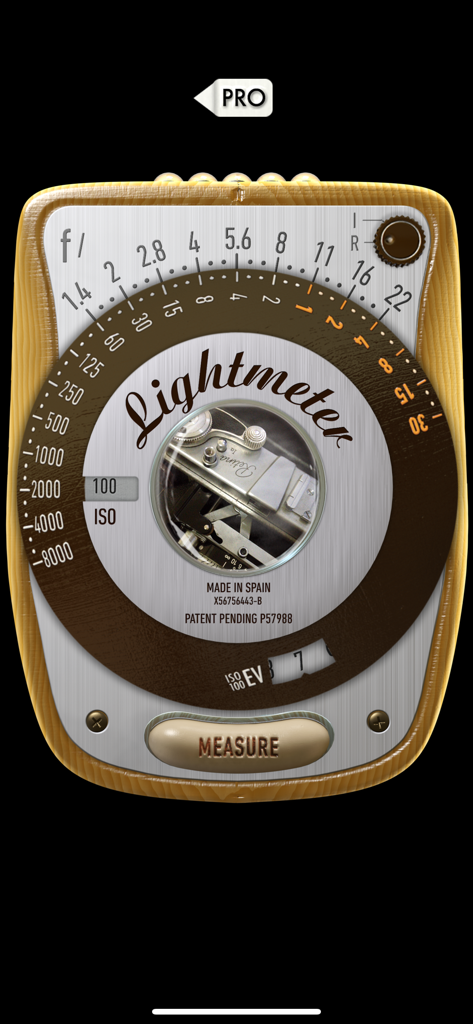
조리개, 셔터 속도 및 ISO 설정을 보여주는 클래식 복각 아날로그 노출계 인터페이스.

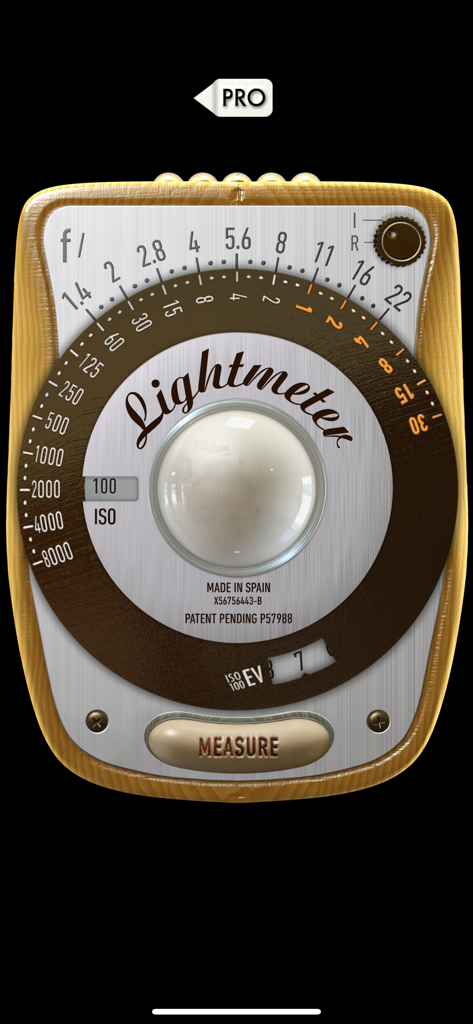
myLightMeter PRO - 조리개 및 셔터 속도 다이얼이 있는 빈티지 복각 노출계 인터페이스.

조리개 및 셔터 속도 다이얼이 있는 빈티지 복각 노출계 인터페이스.

설명

Designed by a photographer for photographers, focused on RELIABILITY and PRECISION for digital and analog photography. • Extended sensitivity as low as -2/-4EV (dark scenes) • Two different convenient interface designs. • Incident and reflected light metering modes. • Save exposure data. • f/Tools connection. • Independent calibration for the two metering modes. • Independent selection of aperture, speed, ISO and exposure compensation with 1/3 resolution. From 4 hours to 1/8000 sec., aperture from 1.0 to 512 and ISO from 0.8 to 6400. • Automatic priority for aperture or speed. (Automatic Av and Tv modes). • Automatic ISO or locked ISO options. • Point metering in camera view. • Maximum aperture limited by the selected lens. • Calculate the average of any number of measurements you want. • Read the exposure data of any photo from the gallery. • Calculate hyperfocal distance for 5 memorized lenses. Which also blocks maximum aperture. • Memory for 5 lenses with maximum aperture, focal length and film/sensor size for calculating hyperfocal distance and aperture. • Hyperfocal distance also for infrared light. (IR button) • Exposure value EV on an analog scale or right up front. • On 3.5 " displays preset lens buttons tilting the device or tapping at the bottom. • Be advised that accurate incident light reading needs a diffuser attached to the front camera. Without the diffuser still can be used but think about it, it will be a reflected reading taken with the front camera. I'm an independent photographer/designer/developer and am very grateful for your support. Trying to do the best lightmeter app ever, a lot more to come. You can ask for any improvement and I'll be happy to help. This app is constantly reviewed and improved because it is my tool, if you have any questions or suggestions feel free to contact me by email at davidquiles@me.com Thank you! David Quiles

Download

다운로드: App Store

이 페이지는 앱이나 개발자의 공식 페이지가 아니며, 정보 제공 및 논평을 목적으로 작성된 독립 편집 간행물입니다. 명시적으로 달리 언급되지 않는 한, 해당 앱이나 개발자는 MWM, Apple, Google Play, 앱 퍼블리셔 또는 앱 개발자와 제휴, 보증, 후원, 승인 또는 공식적으로 연결되어 있지 않으며, 이 페이지의 어떤 내용도 해당 앱이 MWM의 서비스를 사용하여 개발되었음을 의미하지 않습니다. 모든 상표, 로고, 스크린샷 및 기타 콘텐츠는 해당 소유자의 자산입니다.








