Note Taker: AI Minutes
다운로드: App Store

이 페이지는 앱이나 개발자의 공식 페이지가 아니며, 정보 제공 및 논평을 목적으로 작성된 독립 편집 간행물입니다. 명시적으로 달리 언급되지 않는 한, 해당 앱이나 개발자는 MWM, Apple, Google Play, 앱 퍼블리셔 또는 앱 개발자와 제휴, 보증, 후원, 승인 또는 공식적으로 연결되어 있지 않으며, 이 페이지의 어떤 내용도 해당 앱이 MWM의 서비스를 사용하여 개발되었음을 의미하지 않습니다. 모든 상표, 로고, 스크린샷 및 기타 콘텐츠는 해당 소유자의 자산입니다.

로고: Note Taker: AI Minutes
다운로드: App Store

Note Taker: AI Minutes

모든 대화를 실행 가능한 통찰력으로 전환하세요. 회의를 쉽게 녹음, 기록 및 요약하여 노트 필기가 아닌 리더십에 집중할 수 있습니다.

주요 수치

다운로드

0

사용자 평점

1.0/5

총 평가 수

0

개발사

Screen Time Control LLC

카테고리

Productivity

지원 언어

1

최신 버전

1.1.1

크기

81.3 MB

출시일

2025년 1월 30일
기능

회의 워크플로우를 완벽하게 관리하세요

혼란스러운 토론을 구조화된 통찰력으로 전환하세요. 정확성과 시간을 무엇보다 중요하게 생각하는 바쁜 전문가를 위해 설계되었습니다.

실행 요약

몇 시간의 다시 듣기를 건너뛰세요. 회의가 끝나자마자 전달되는 주요 내용과 명확한 실행 항목을 포함한 즉각적인 AI 생성 요약을 받아보세요.

정밀 회의록

전문 용어를 이해하는 높은 정확도의 AI로 모든 뉘앙스를 포착하여 모든 중요한 결정에 대한 신뢰할 수 있는 기록을 확보하세요.

다음 스크린샷과 설명은 앱의 공식 스토어 목록에서 직접 가져온 것이며 앱 개발자의 자산입니다.

앱 스토어

스크린샷
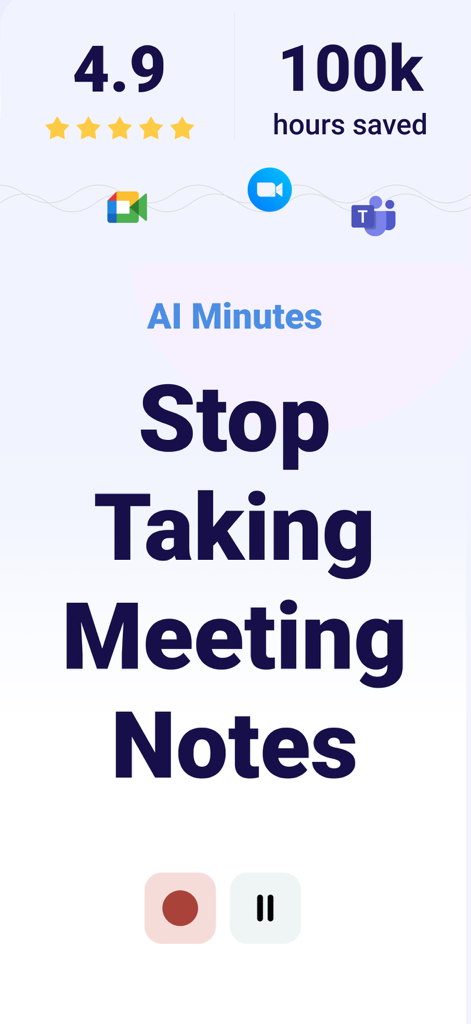
Note Taker: AI Minutes - AI Minutes 앱 인터페이스에 '회의 노트 작성 중지'라는 텍스트와 Zoom, Google Meet, Teams 아이콘이 표시됨
AI Minutes 앱 인터페이스에 '회의 노트 작성 중지'라는 텍스트와 Zoom, Google Meet, Teams 아이콘이 표시됨

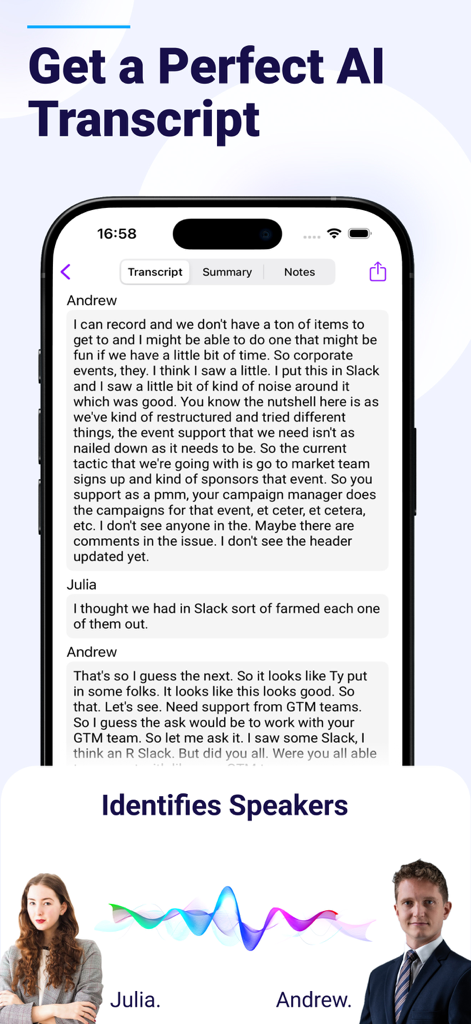
Note Taker: AI Minutes - Note Taker AI Minutes 모바일 앱 인터페이스에 회의록 기록 및 발언자 식별이 표시됨
Note Taker AI Minutes 모바일 앱 인터페이스에 회의록 기록 및 발언자 식별이 표시됨

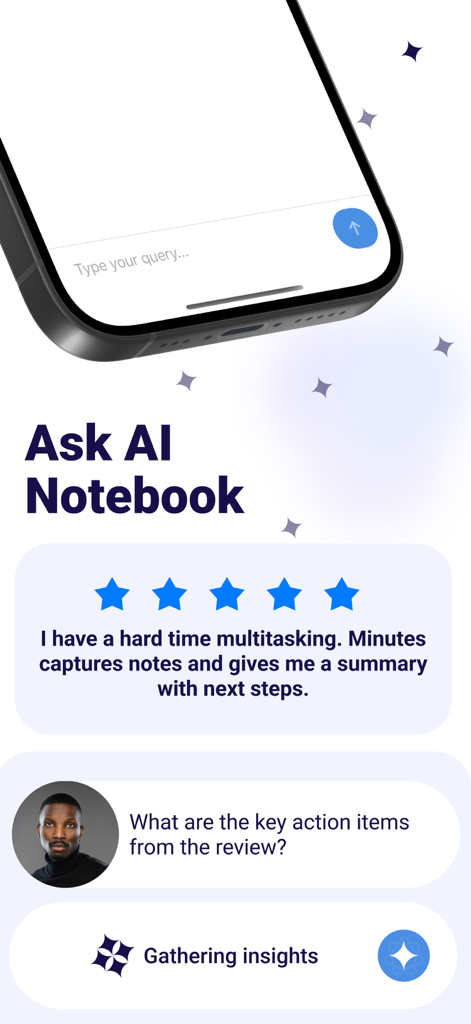
Note Taker: AI Minutes - AI Notebook 기능에서 회의록에서 주요 실행 항목을 찾기 위해 Note Taker 앱을 사용하는 전문가
AI Notebook 기능에서 회의록에서 주요 실행 항목을 찾기 위해 Note Taker 앱을 사용하는 전문가

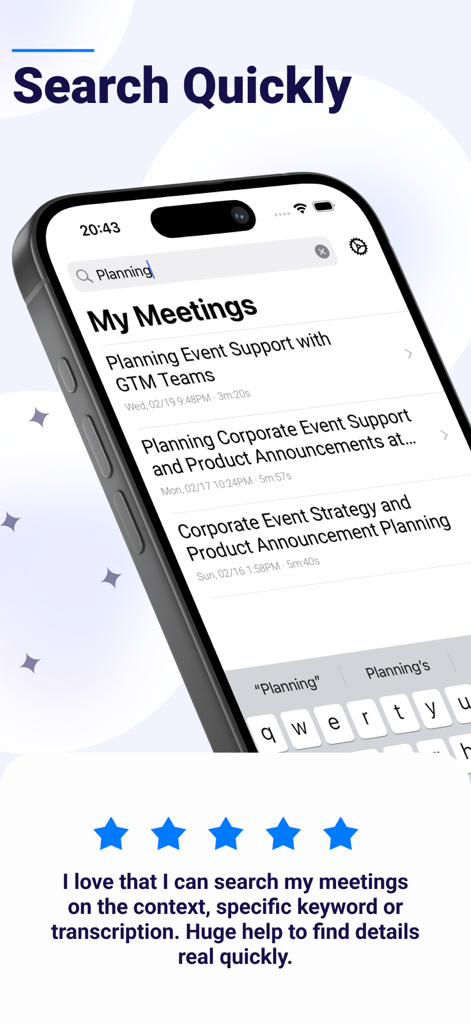
Note Taker: AI Minutes - iPhone 화면에 AI 회의록 및 회의록 검색 기능이 표시됨

iPhone 화면에 AI 회의록 및 회의록 검색 기능이 표시됨

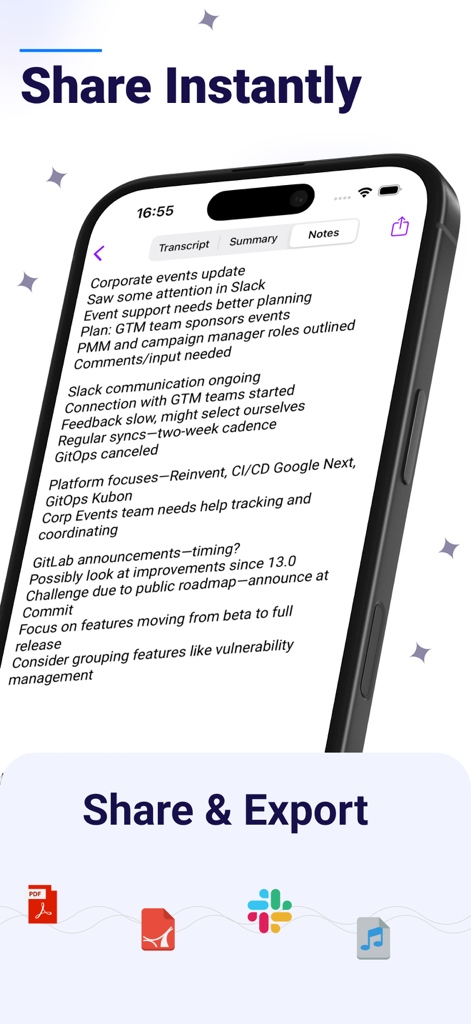
Note Taker: AI Minutes - iPhone 화면에 Slack 및 PDF로 공유 및 내보내기 옵션이 있는 기업 회의록이 표시됨
iPhone 화면에 Slack 및 PDF로 공유 및 내보내기 옵션이 있는 기업 회의록이 표시됨

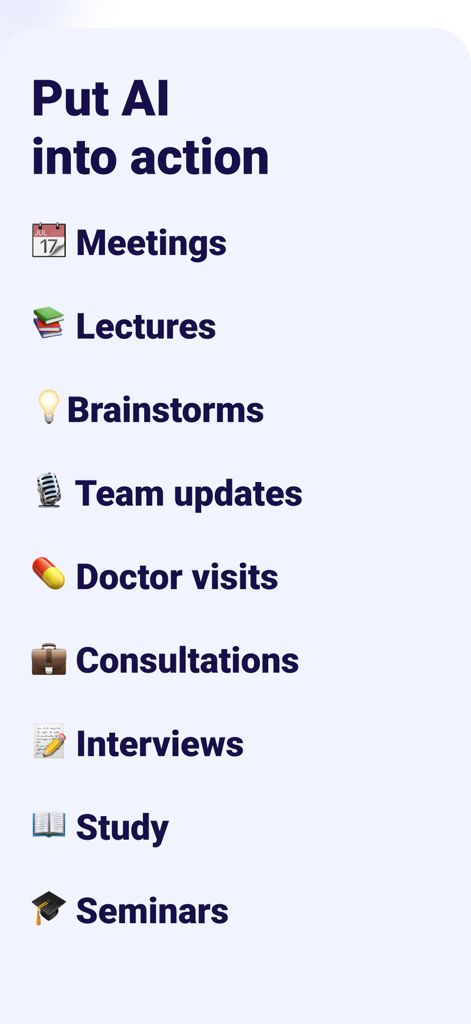
Note Taker: AI Minutes - 회의, 강의, 인터뷰 등 Note Taker AI의 사용 사례 목록

회의, 강의, 인터뷰 등 Note Taker AI의 사용 사례 목록

설명

AI Meeting Minutes – Record, Transcribe & Summarize Meetings Effortlessly Turn Meetings into Actionable Insights with AI-Powered Transcription and Summaries Struggling to keep up with meetings? Meeting Minutes simplifies your workflow by automatically recording, transcribing, and summarizing every discussion so you can stay focused and never miss important details. With just one tap, get crystal-clear recordings, highly accurate transcriptions, and AI-generated summaries delivered instantly. Whether you're leading a team, attending virtual meetings, or capturing key decisions, this AI-powered meeting tool transforms the way you work. Key Features - One-Tap Recording – Start recording instantly and capture every word. - AI-Powered Transcriptions – Get highly accurate, searchable transcripts in seconds. - Smart Summaries – Receive concise meeting recaps with key takeaways, action items, and decisions. - Replay and Review – Revisit important moments anytime with playback features. - Seamless Collaboration – Share transcriptions and summaries with your team instantly. - Searchable Meeting Notes – Find key details quickly with AI-powered keyword search. - Cross-Device Sync – Access your meetings anywhere, on any device. Who is Meeting Minutes for? - Business professionals and team leaders – Stay organized and run meetings efficiently. - Entrepreneurs and project managers – Capture ideas and track decisions effortlessly. - Students and researchers – Focus on learning while AI handles the note-taking. - Anyone looking to boost productivity – Spend less time reviewing meetings and more time taking action. Why Choose Meeting Minutes? Save time, increase productivity, and stay focused. Whether it’s brainstorming sessions, online lectures, or daily stand-ups, Meeting Minutes is your all-in-one meeting productivity tool. Subscription Pricing and Terms - Unlimited access with an auto-renewing yearly subscription for $119.99 per year. - Payment is charged to your iTunes Account at confirmation of purchase. - Subscription renews automatically unless canceled at least 24 hours before the end of the billing cycle. - Manage your subscription and auto-renewal settings in Account Settings. - Any unused free trial period will be forfeited upon subscription purchase. Need Help? Contact Us https://screentimecontrol.app/contact-us Legal & Privacy Privacy Policy: https://screentimecontrol.app/privacy-and-policy/ Terms & Conditions: https://screentimecontrol.app/terms-and-conditions/ Start Managing Your Meetings Smarter – Download Meeting Minutes Today.

Download

다운로드: App Store

이 페이지는 앱이나 개발자의 공식 페이지가 아니며, 정보 제공 및 논평을 목적으로 작성된 독립 편집 간행물입니다. 명시적으로 달리 언급되지 않는 한, 해당 앱이나 개발자는 MWM, Apple, Google Play, 앱 퍼블리셔 또는 앱 개발자와 제휴, 보증, 후원, 승인 또는 공식적으로 연결되어 있지 않으며, 이 페이지의 어떤 내용도 해당 앱이 MWM의 서비스를 사용하여 개발되었음을 의미하지 않습니다. 모든 상표, 로고, 스크린샷 및 기타 콘텐츠는 해당 소유자의 자산입니다.