
이 페이지는 앱이나 개발자의 공식 페이지가 아니며, 정보 제공 및 논평을 목적으로 작성된 독립 편집 간행물입니다. 명시적으로 달리 언급되지 않는 한, 해당 앱이나 개발자는 MWM, Apple, Google Play, 앱 퍼블리셔 또는 앱 개발자와 제휴, 보증, 후원, 승인 또는 공식적으로 연결되어 있지 않으며, 이 페이지의 어떤 내용도 해당 앱이 MWM의 서비스를 사용하여 개발되었음을 의미하지 않습니다. 모든 상표, 로고, 스크린샷 및 기타 콘텐츠는 해당 소유자의 자산입니다.


NotePad-Pro
다재다능한 디지털 노트북으로 생산성을 높이세요. iPad에서 다이어그램을 스케치하든 iPhone에서 목록을 관리하든 사용자 지정 카테고리, 스티커 및 원활한 PDF 내보내기로 삶을 정리하세요.
다운로드
800사용자 평점
총 평가 수
0개발사
카테고리
Utilities지원 언어
1최신 버전
1.0.41크기
50.4 MB출시일
2014년 8월 27일창의성과 생산성이 만나는 작업 공간
NotePad-Pro는 구조화된 목록과 시각적 스케치 간의 격차를 해소하여 하나의 강력한 앱에서 전문적 및 개인적 삶을 관리할 수 있는 자유를 제공합니다.
타이핑 및 손그림 조화
전체 모양, 스티커 및 사용자 지정 글꼴 모음을 사용하여 작성, 그리기 및 주석 달기. 창의적인 자유가 필요한 Apple Pencil 사용자 및 디지털 저널러에게 완벽합니다.
사진으로 구성하는 정리
시각적 파일링 시스템을 만들기 위해 사용자 지정 이미지로 메모를 분류하세요. 일반 텍스트 폴더를 뒤지지 않고 프로젝트를 즉시 탐색하세요.
다음 스크린샷과 설명은 앱의 공식 스토어 목록에서 직접 가져온 것이며 앱 개발자의 자산입니다.
앱 스토어
스크린샷
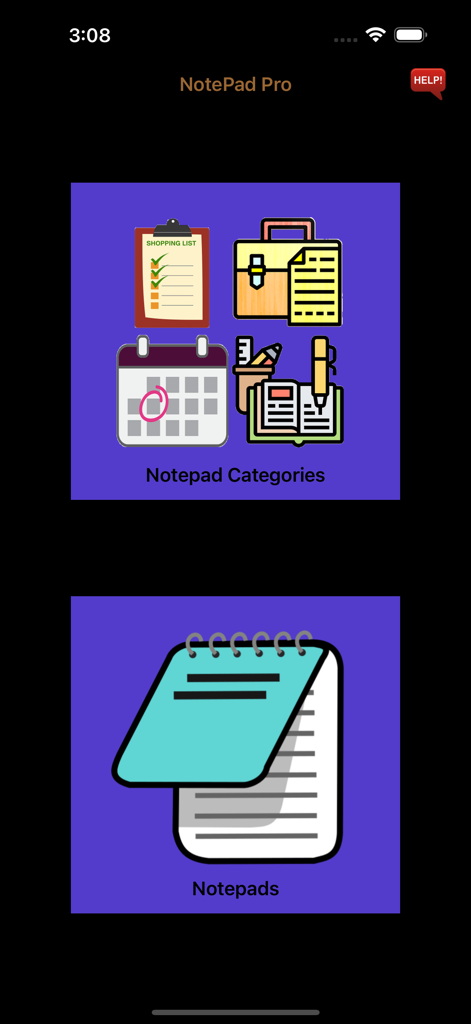
NotePad Pro 앱의 메인 메뉴로, 메모 카테고리 및 메모 버튼 표시
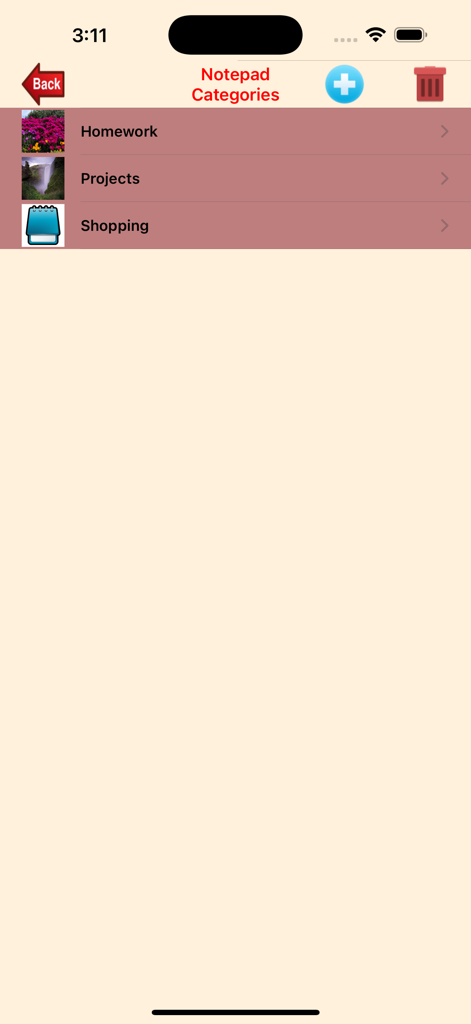
NotePad-Pro의 스크린샷으로, 숙제 프로젝트 및 사용자 지정 아이콘이 있는 쇼핑 카테고리 표시
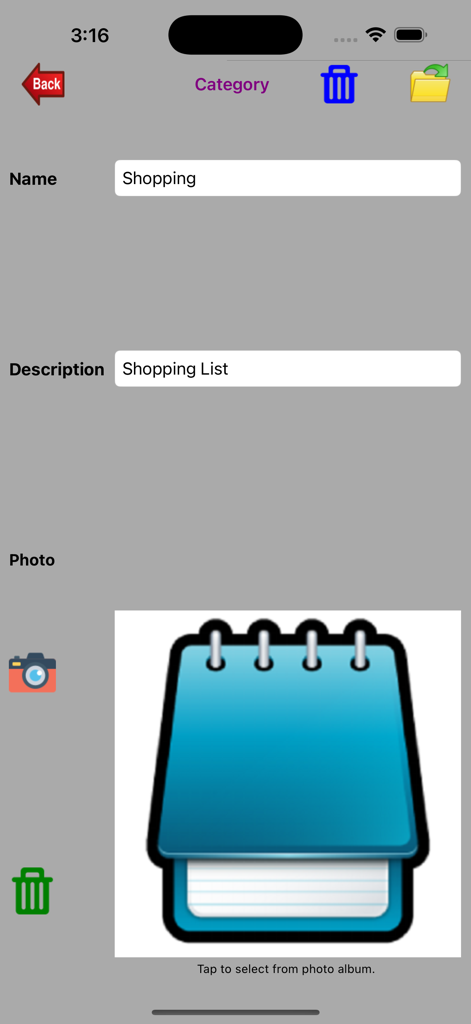
NotePad-Pro의 인터페이스로, 사용자 지정 아이콘 및 이름 필드가 있는 쇼핑 목록 카테고리 설정 화면 표시
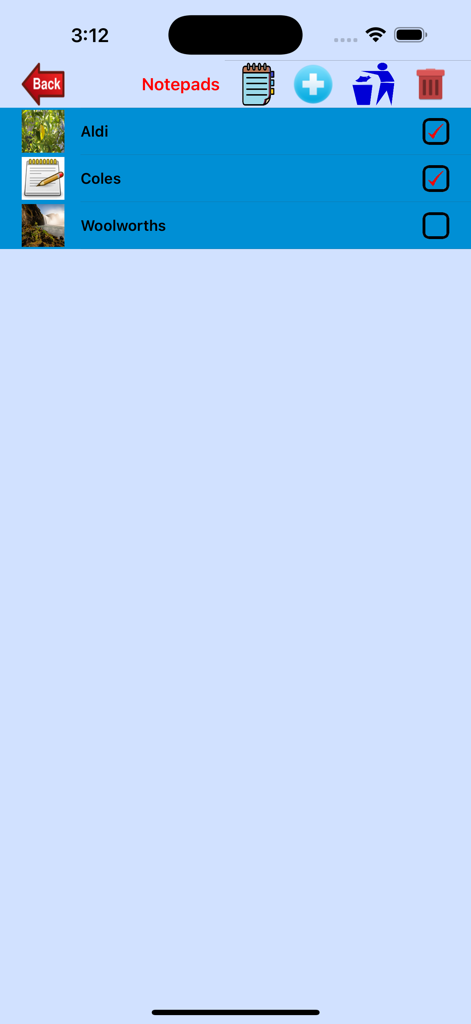
NotePad-Pro의 인터페이스로, 사용자 지정 썸네일이 있는 Aldi 및 Coles와 같은 쇼핑 카테고리 체크리스트 표시
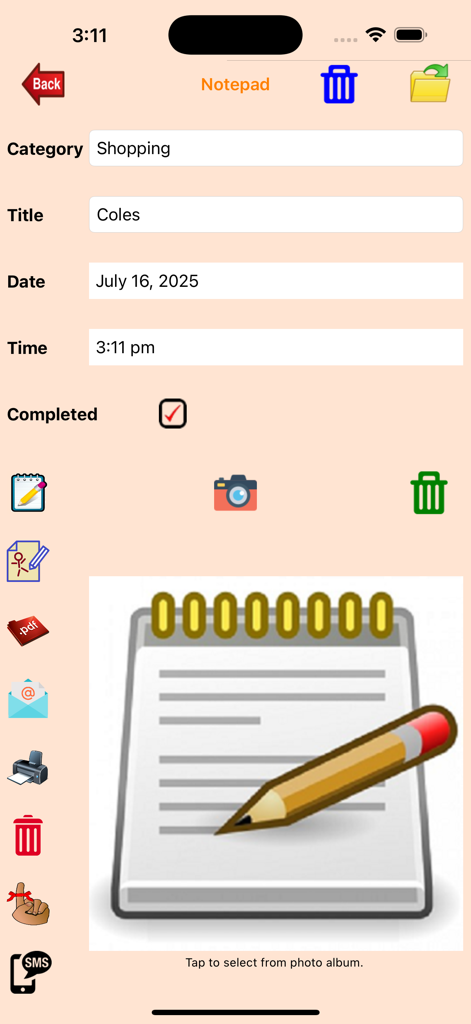
NotePad-Pro 앱 화면으로, 타이핑 및 손글씨 메모 옵션이 있는 Coles 쇼핑 목록 항목 표시
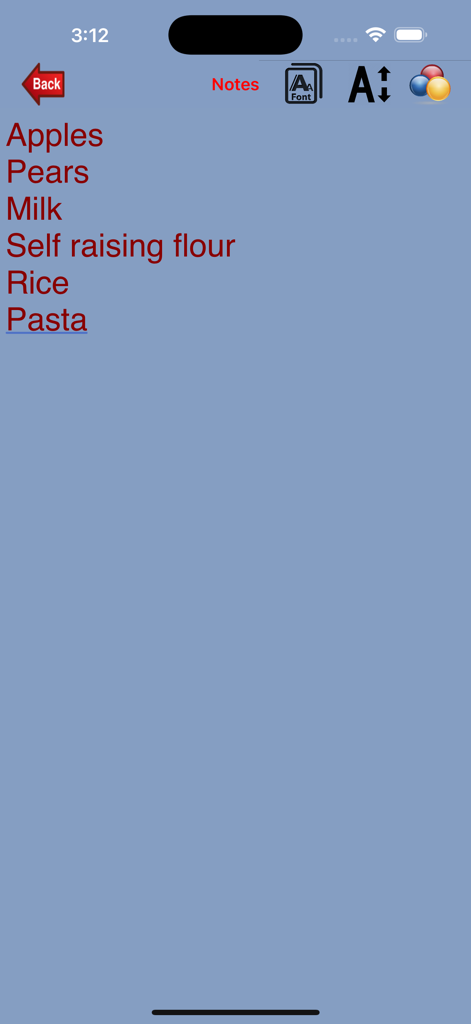
NotePad-Pro 앱 인터페이스에서 파란색 배경에 빨간색 텍스트가 있는 식료품 쇼핑 목록
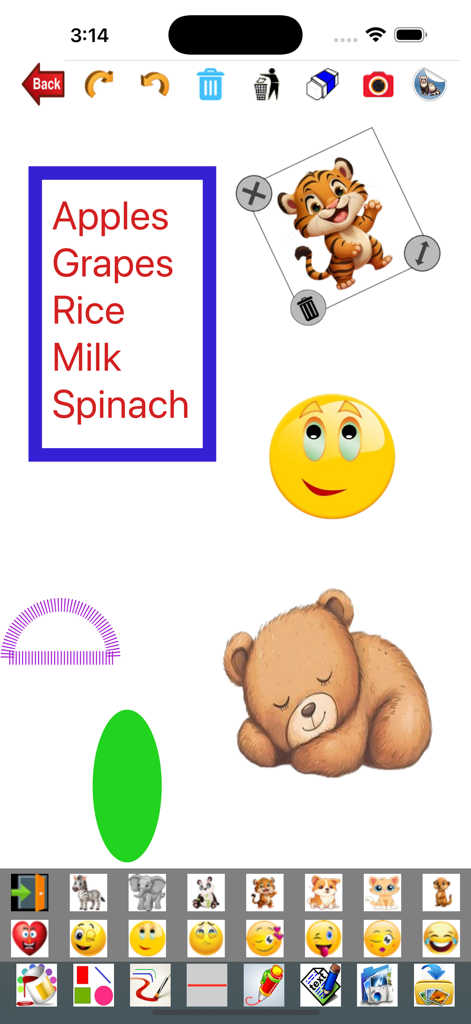
NotePad-Pro 앱 화면으로, 식료품 목록 동물 스티커 및 다채로운 모양 표시
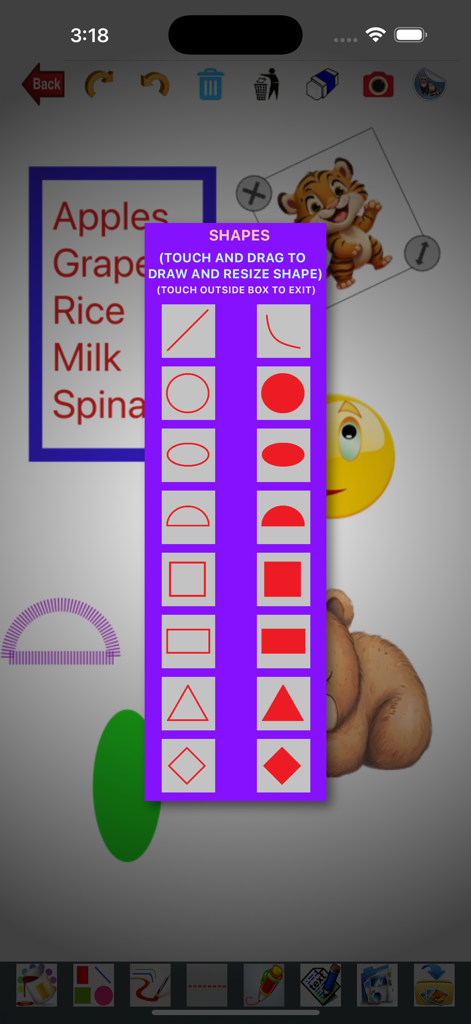
NotePad-Pro 앱 인터페이스로, 메모에 그리기 위한 다양한 기하학적 모양을 선택하는 메뉴 표시
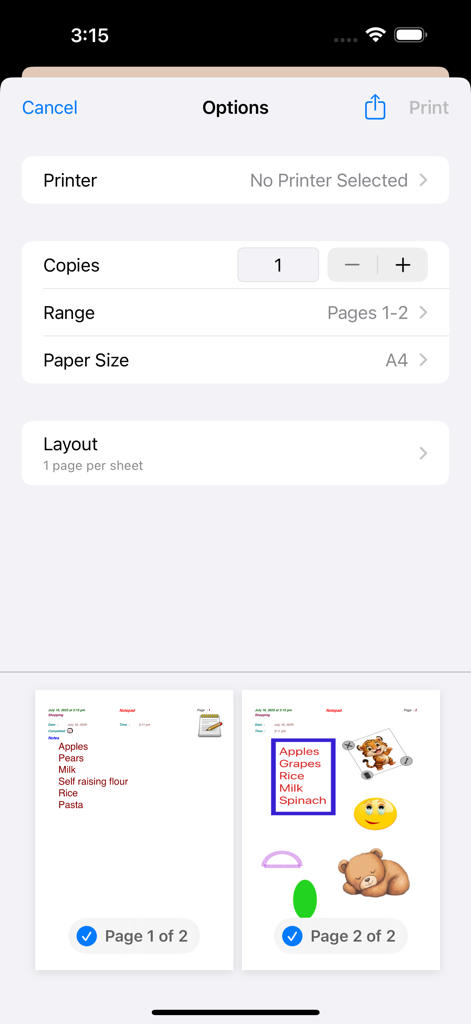
NotePad-Pro의 인쇄 옵션 화면으로, 텍스트와 스티커가 있는 페이지 미리 보기 표시
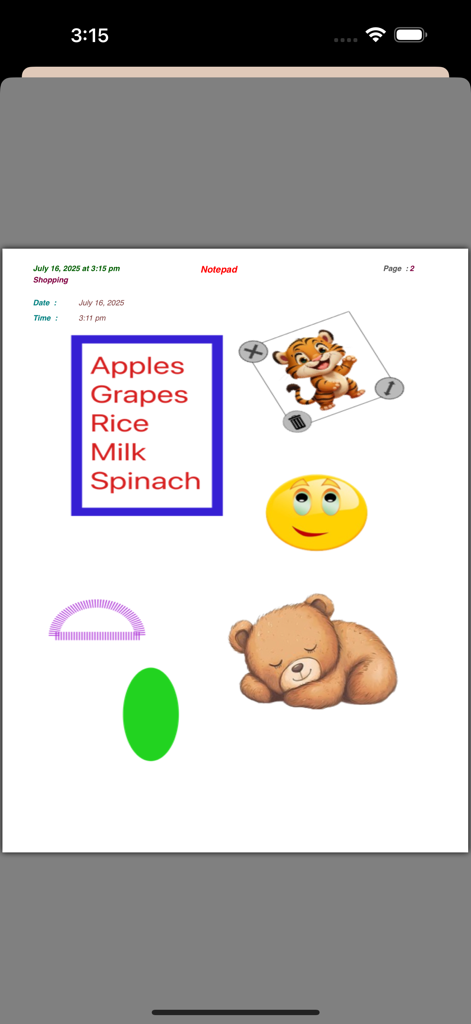
타이핑된 쇼핑 목록과 만화 동물 스티커 및 다채로운 모양으로 둘러싸인 디지털 메모장 페이지
설명
Download
비슷한 앱
같은 카테고리의 상위 앱

Google LLC

Google Chrome
Google LLC

中国移动(手机营业厅)
China Mobile Online Services Co., Ltd.

Google Authenticator
Google LLC

CNH do Brasil
Servicos e Informacoes do Brasil

Cleanup: Phone Storage Cleaner
DEEP FLOW SOFTWARE SERVICES - FZCO

gov.br
Servicos e Informacoes do Brasil

中国电信-全国统一官方服务平台
CHINA TELECOM Corporation Ltd.

Microsoft Edge: AI Browser
Microsoft Corporation
이 페이지는 앱이나 개발자의 공식 페이지가 아니며, 정보 제공 및 논평을 목적으로 작성된 독립 편집 간행물입니다. 명시적으로 달리 언급되지 않는 한, 해당 앱이나 개발자는 MWM, Apple, Google Play, 앱 퍼블리셔 또는 앱 개발자와 제휴, 보증, 후원, 승인 또는 공식적으로 연결되어 있지 않으며, 이 페이지의 어떤 내용도 해당 앱이 MWM의 서비스를 사용하여 개발되었음을 의미하지 않습니다. 모든 상표, 로고, 스크린샷 및 기타 콘텐츠는 해당 소유자의 자산입니다.