Novelist

Novelist

다운로드: App Store
로고: Novelist

Novelist: 당신의 다음 걸작을 위한 올인원 크리에이티브 스튜디오

작가들을 위해 디자인된 전문가 수준의 도구로 스토리를 구상, 작성, 정리하세요. 강력하고 광고 없는 작업 공간으로 완전한 창의적 자유를 경험하세요. 구독료는 전혀 필요 없습니다.

개발사

Alessandro Riperi

카테고리

Productivity

다운로드

30K+

사용자 평점

4.4/5

총 평가 수

400

지원 언어

5

당신의 이야기, 시각화되다

이 인터페이스를 사용하는 30K+ 명의 사용자.

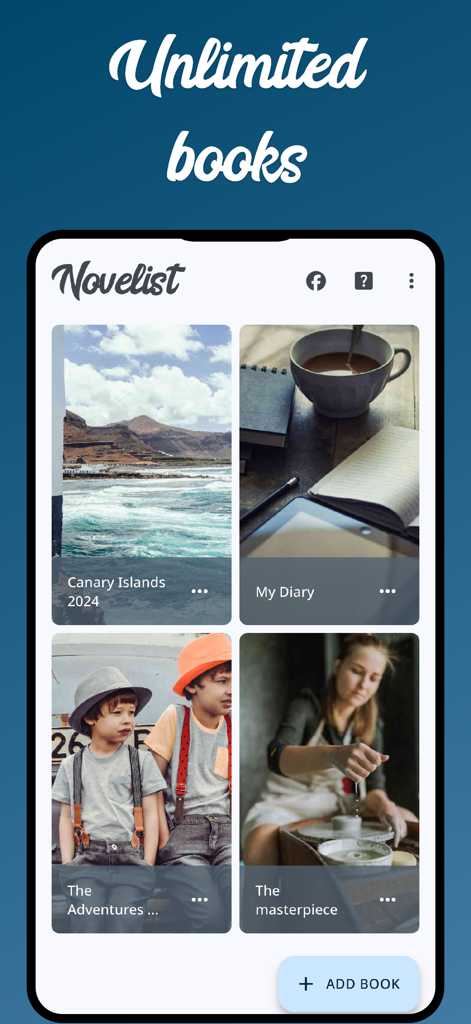
Novelist 앱 인터페이스에 표지 이미지와 새 책 추가 버튼이 있는 사용자 생성 책 라이브러리가 표시됩니다.

Novelist 앱 인터페이스에 표지 이미지와 새 책 추가 버튼이 있는 사용자 생성 책 라이브러리가 표시됩니다.

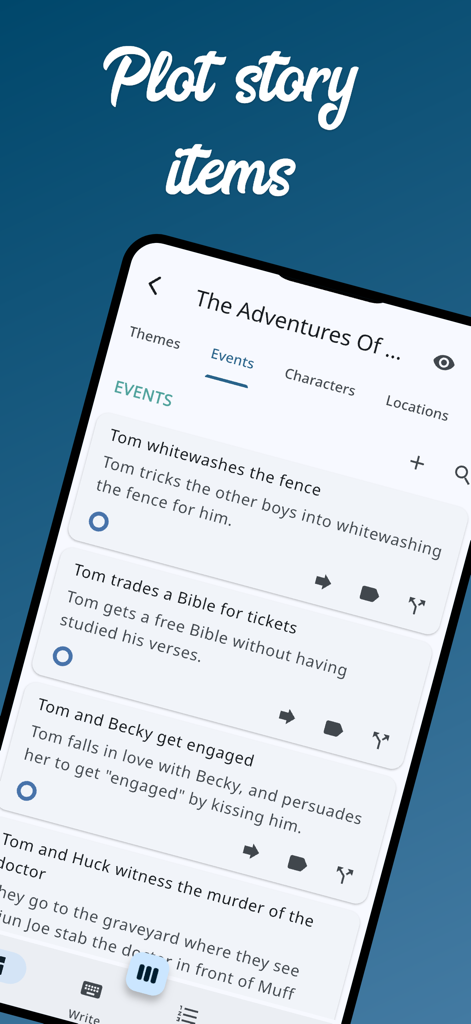
Novelist 앱 인터페이스에 모바일 화면에 정리된 스토리 이벤트 및 플롯 포인트 목록이 표시됩니다.

Novelist 앱 인터페이스에 모바일 화면에 정리된 스토리 이벤트 및 플롯 포인트 목록이 표시됩니다.

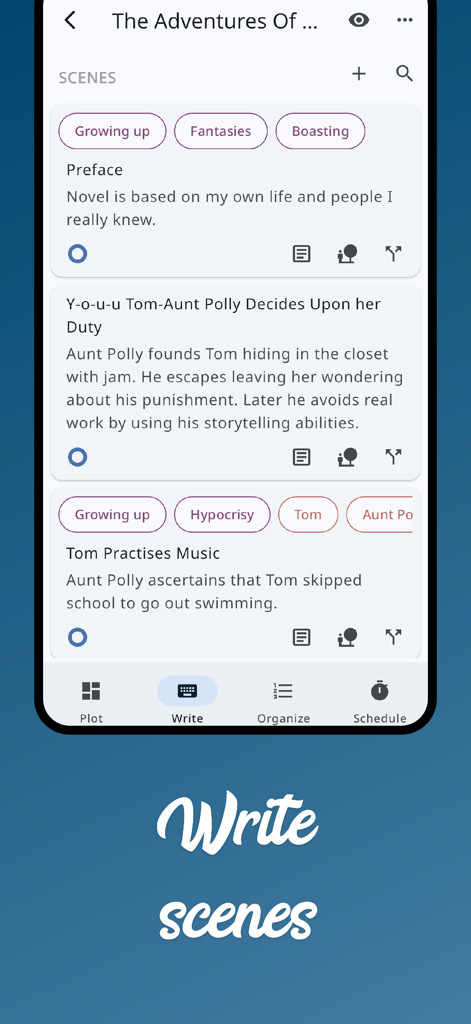
태그와 함께 스토리 장면을 쓰고 정리하기 위한 Novelist 앱 인터페이스

태그와 함께 스토리 장면을 쓰고 정리하기 위한 Novelist 앱 인터페이스

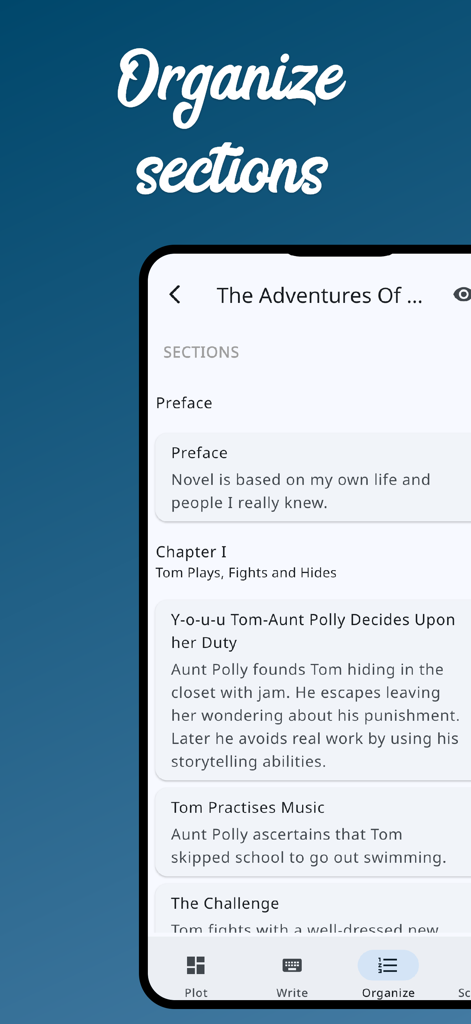
Novelist 모바일 앱의 인터페이스에 책 챕터 및 장면 요약 목록이 있는 섹션 정리 화면이 표시됩니다.

Novelist 모바일 앱의 인터페이스에 책 챕터 및 장면 요약 목록이 있는 섹션 정리 화면이 표시됩니다.

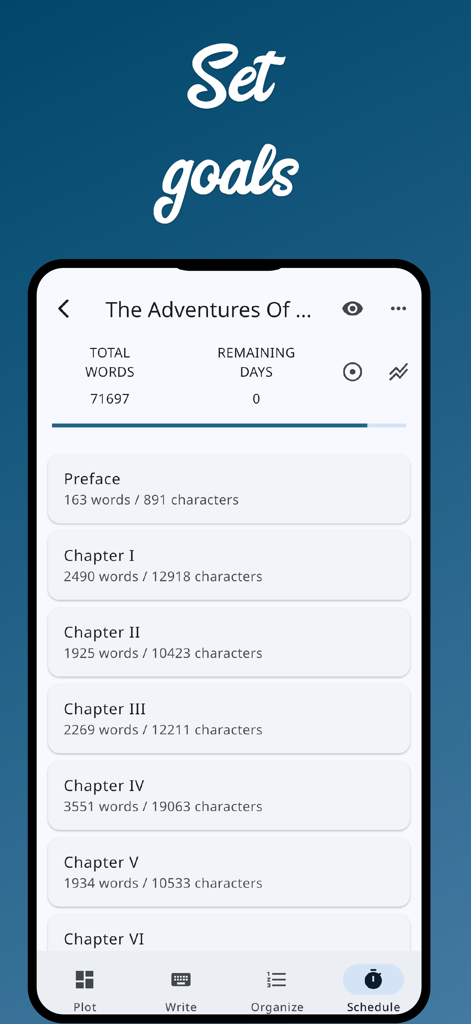
Novelist 앱의 인터페이스에 글쓰기 목표 및 챕터 단어 수 추적 기능이 표시됩니다.

Novelist 앱의 인터페이스에 글쓰기 목표 및 챕터 단어 수 추적 기능이 표시됩니다.

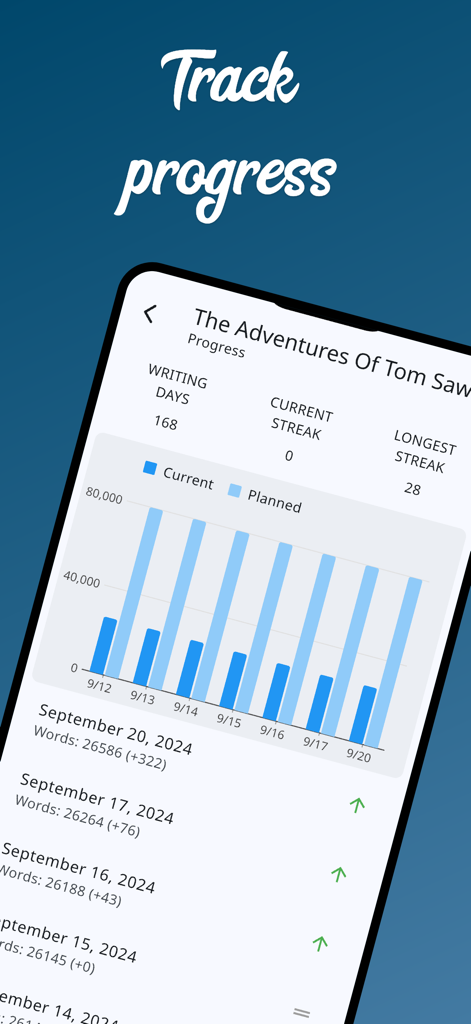
계획된 단어 수 목표에 대한 일일 글쓰기 진행 상황을 추적하는 Novelist 앱의 막대 차트

계획된 단어 수 목표에 대한 일일 글쓰기 진행 상황을 추적하는 Novelist 앱의 막대 차트

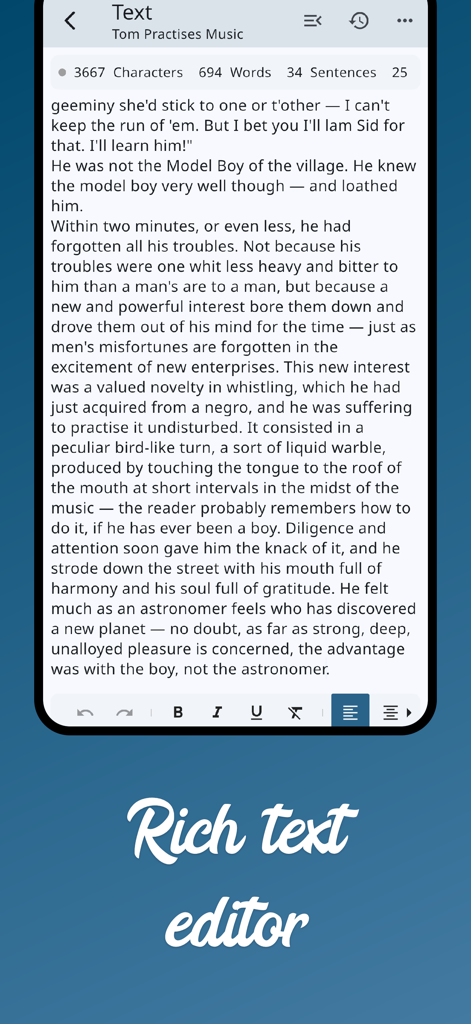
단어 수 및 서식 도구가 있는 풍부한 텍스트 편집기가 표시되는 Novelist 앱 모바일 작성 인터페이스

단어 수 및 서식 도구가 있는 풍부한 텍스트 편집기가 표시되는 Novelist 앱 모바일 작성 인터페이스

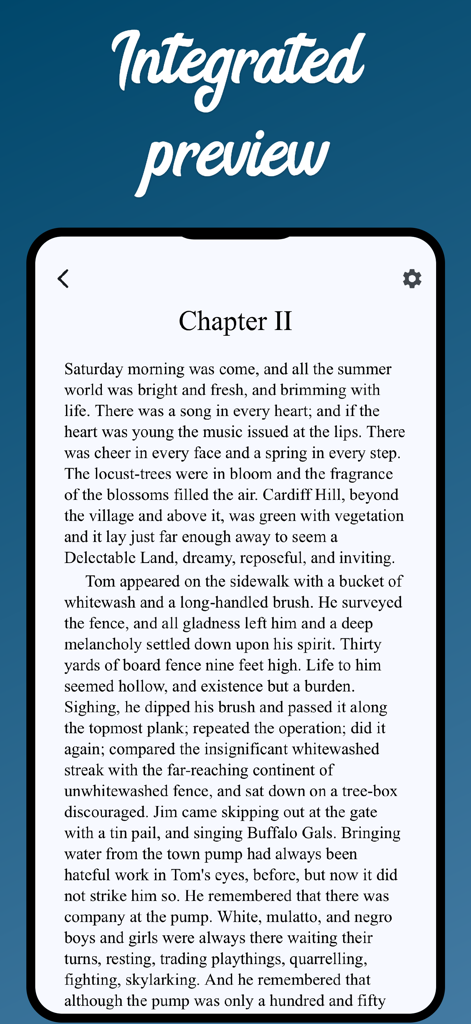
책 챕터의 통합 미리보기가 표시되는 Novelist 앱 인터페이스

책 챕터의 통합 미리보기가 표시되는 Novelist 앱 인터페이스

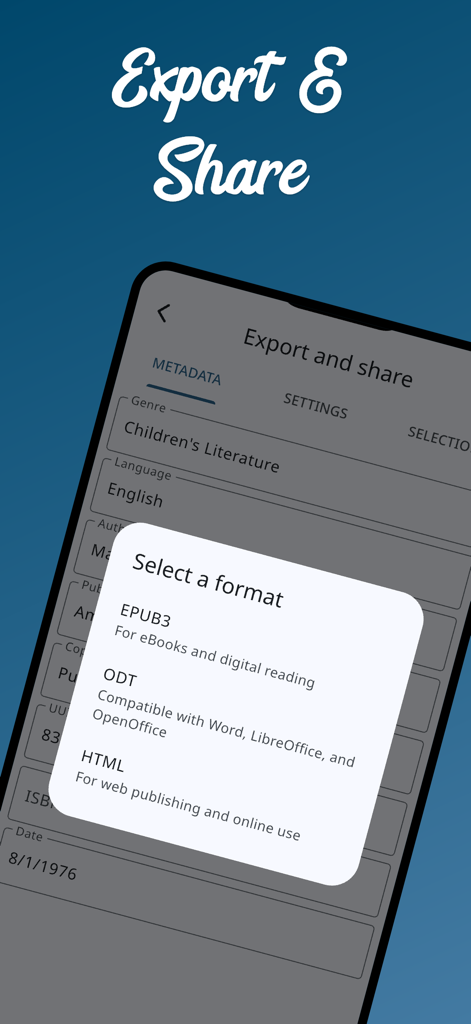
EPUB, ODT 및 HTML 형식 옵션을 보여주는 Novelist 앱의 내보내기 및 공유 화면

EPUB, ODT 및 HTML 형식 옵션을 보여주는 Novelist 앱의 내보내기 및 공유 화면

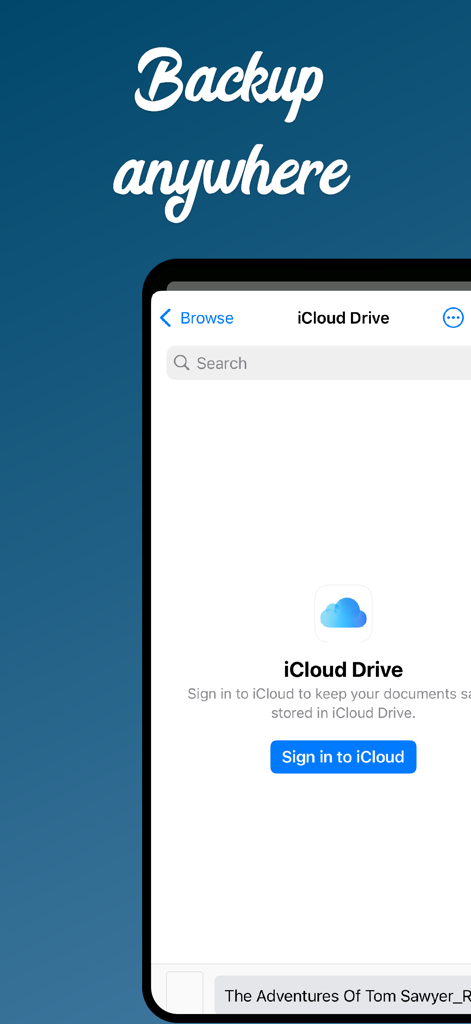
소설 프로젝트를 위한 iCloud Drive 백업 통합을 보여주는 Novelist 앱 화면

소설 프로젝트를 위한 iCloud Drive 백업 통합을 보여주는 Novelist 앱 화면

아이디어부터 원고까지 당신의 여정

이 앱을 돋보이게 하는 도구, 30K+ 명의 사용자가 선택.

🗺️

완벽한 정확도로 구상하세요

시각적 보드에서 캐릭터, 세계관, 플롯 포인트를 정리하세요. 요소를 쉽게 이동하고 병합하여 견고한 스토리 구조를 만드세요.

🎯

집필 흐름을 마스터하세요

맞춤 단어 수 목표와 마감일을 설정하여 진행 상황을 추적하세요. 결승선을 통과하는 데 도움이 되도록 설계된 상세 통계로 일일 진행 상황을 모니터링하세요.

📱

언제 어디서든 쓰세요

iPhone, iPad 및 웹 앱 간에 원활하게 전환하세요. 완료되면 전문적인 수준의 자가 출판을 위해 EPUB으로 직접 내보내세요.

앱 소개

에 대해 알아야 할 모든 것 Novelist.

설명

Join over 200k authors writing their next masterpiece with Novelist! Novelist is the all-in-one app for writing your novels—completely free with no ads or in-app purchases. We give you the freedom to create without limits. Whether you're plotting, outlining, organizing, or scheduling, Novelist provides powerful tools to help bring your story to life. Key Features: ▪ Plot: Organize your story elements like on a board. Easily edit, move, merge, reorder, and add notes, tags, metadata, or images. Everything is customizable. ▪ Write: Craft scenes directly in the app. Annotate or write with rich formatting tools. ▪ Organize: Structure your story into acts, chapters, or any format you like. ▪ Schedule: Set word count goals or deadlines to stay on track. Advanced Tools: ▪ Autosave, find/replace, add comments, and restore previous versions from history ▪ Mention story items directly in your text for quick reference ▪ Split your screen with reference panels to inspect items while writing ▪ Track your progress daily with detailed stats ▪ Real-time preview without leaving the app ▪ Export and share your manuscript in EPUB, ODT, or HTML formats ▪ Enjoy an interface optimized for large screens ▪ Write on any browser with the companion web app ▪ Create templates for book series to streamline your workflow ▪ Backup and restore locally or with Google Drive ▪ Switch to dark mode for comfortable writing during long sessions Your story, your way—with Novelist.

최신 버전

2025.1.10

크기

52.0 MB

출시일

2021년 4월 30일

한계 없이 당신의 걸작을 쓰세요

지금 200,000명 이상의 작가들과 함께하세요. 구독, 광고 없이 당신의 소설을 완성하는 데 필요한 모든 전문가 도구를 제공합니다.

다운로드: App Store

App information, icons, screenshots, and descriptions displayed on this page are sourced from the Apple App Store and are the property of their respective developers. Download estimates and rankings are based on MWM's proprietary models and may not reflect actual figures. This page is provided for informational and analytical purposes only.

Believe this page infringes your intellectual property? File a dispute