
이 페이지는 앱이나 개발자의 공식 페이지가 아니며, 정보 제공 및 논평을 목적으로 작성된 독립 편집 간행물입니다. 명시적으로 달리 언급되지 않는 한, 해당 앱이나 개발자는 MWM, Apple, Google Play, 앱 퍼블리셔 또는 앱 개발자와 제휴, 보증, 후원, 승인 또는 공식적으로 연결되어 있지 않으며, 이 페이지의 어떤 내용도 해당 앱이 MWM의 서비스를 사용하여 개발되었음을 의미하지 않습니다. 모든 상표, 로고, 스크린샷 및 기타 콘텐츠는 해당 소유자의 자산입니다.

NSEW Compass
탐험가와 집 스타일리스트를 위한 최고의 동반자. 별자리, 운세, 클래식 디자인으로 방향을 개인화하면서 실시간 고도, 압력 및 정확한 좌표를 추적하세요.
다운로드
45K+사용자 평점
총 평가 수
100개발사
카테고리
Navigation지원 언어
11최신 버전
3.3.1크기
65.0 MB출시일
2022년 2월 14일라이프스타일에 맞춘 방향 설정
정밀한 기술과 개인적인 스타일을 결합한 정교한 나침반으로, 집 정렬, 영적 지도, 야외 탐험에 완벽합니다.
개인 맞춤 스타일 테마
별자리, 행운의 색, 클래식과 같은 사용자 정의 디자인으로 기본 네비게이션을 넘어 당신의 독특한 미학에 맞추세요.
영적 & 공간 정렬
운세 및 별자리 오버레이를 사용하여 명상을 위한 행운의 방향을 찾거나 집의 풍수를 완벽하게 맞추세요.
다음 스크린샷과 설명은 앱의 공식 스토어 목록에서 직접 가져온 것이며 앱 개발자의 자산입니다.
앱 스토어
스크린샷
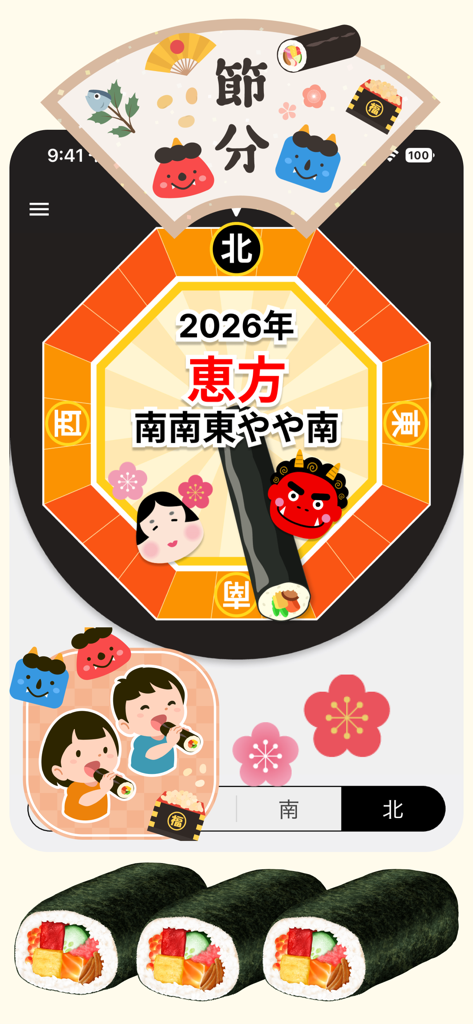
NSEW 나침반 앱이 초밥과 가면 그래픽이 있는 일본 절분 축제의 행운의 방향을 표시하고 있습니다
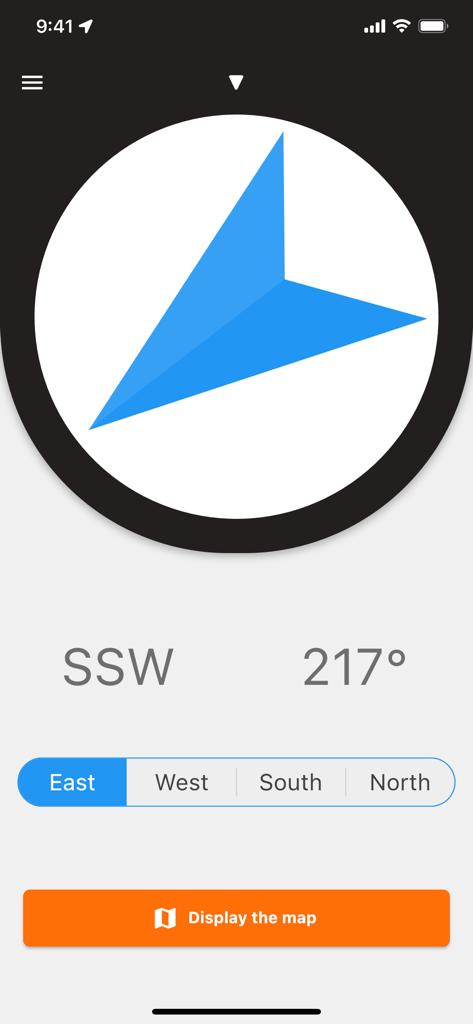
NSEW 나침반 앱에서 방향과 도를 표시하는 디지털 나침반 인터페이스.
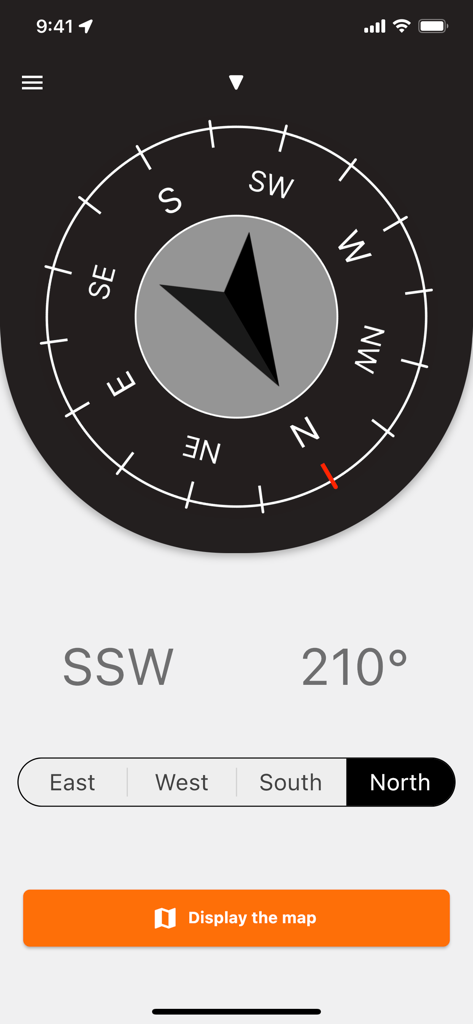
210도 남남서 방향을 표시하는 미니멀리스트 디지털 나침반
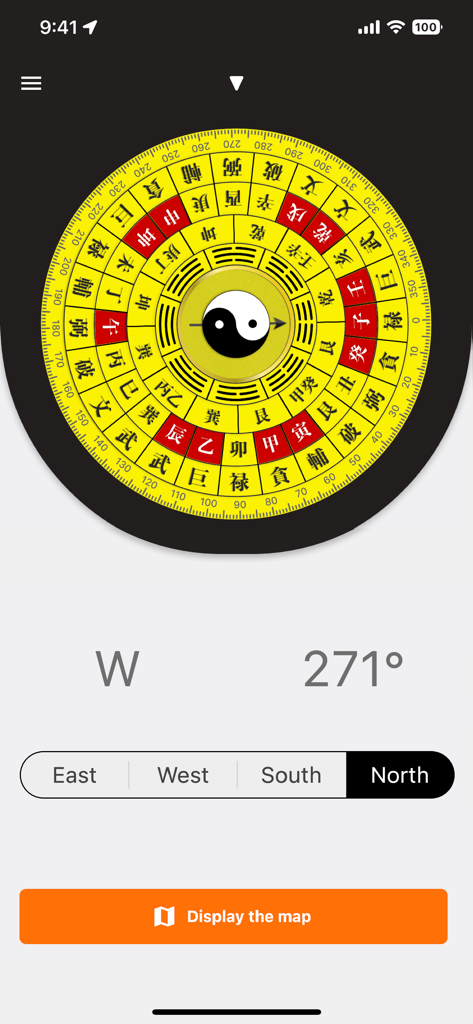
음양 기호 중앙과 전통적인 노란색 및 빨간색 풍수 운세 디자인의 디지털 나침반 인터페이스.
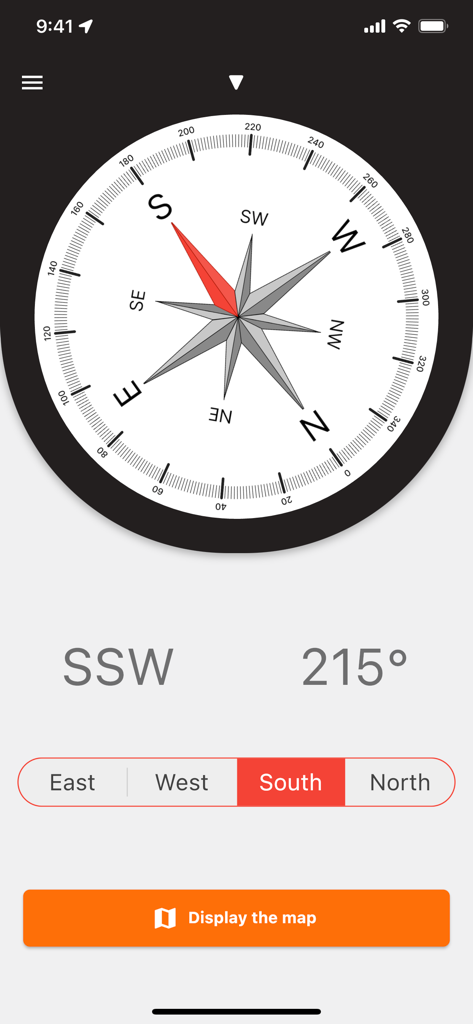
NSEW 나침반 앱 인터페이스가 215도 남남서 방향을 가리키는 클래식 나침반 다이얼을 보여주고 있습니다
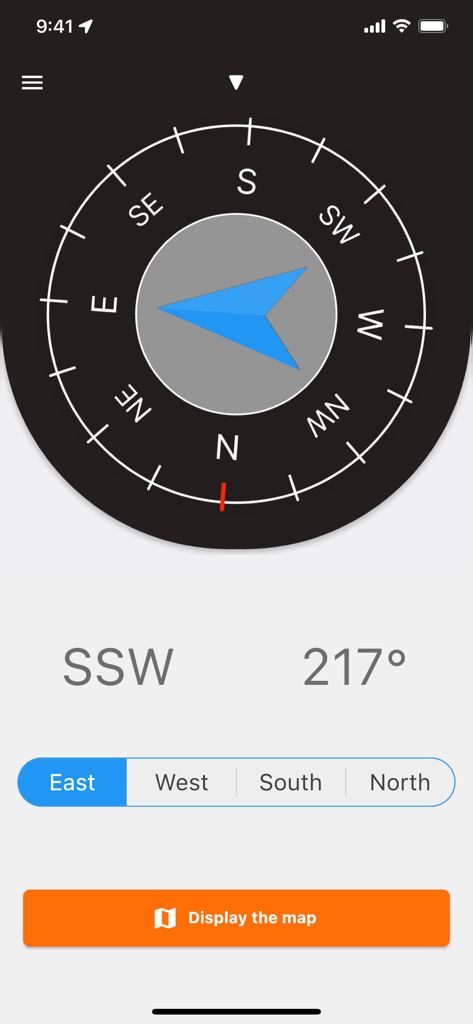
NSEW 나침반 앱 인터페이스가 도 및 지도 표시 버튼과 함께 남남서쪽을 가리키는 디지털 나침반을 보여주고 있습니다
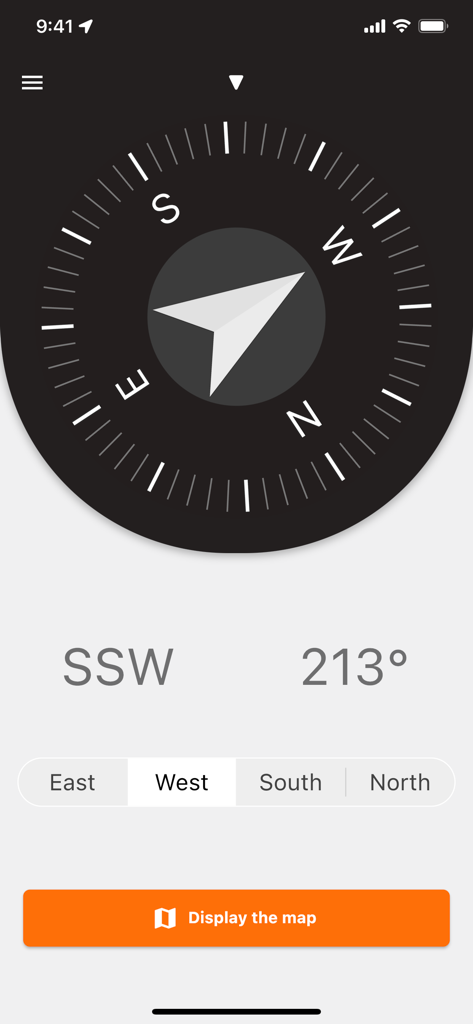
213도 SSW 방향을 보여주는 NSEW 나침반 앱의 디지털 나침반 인터페이스.
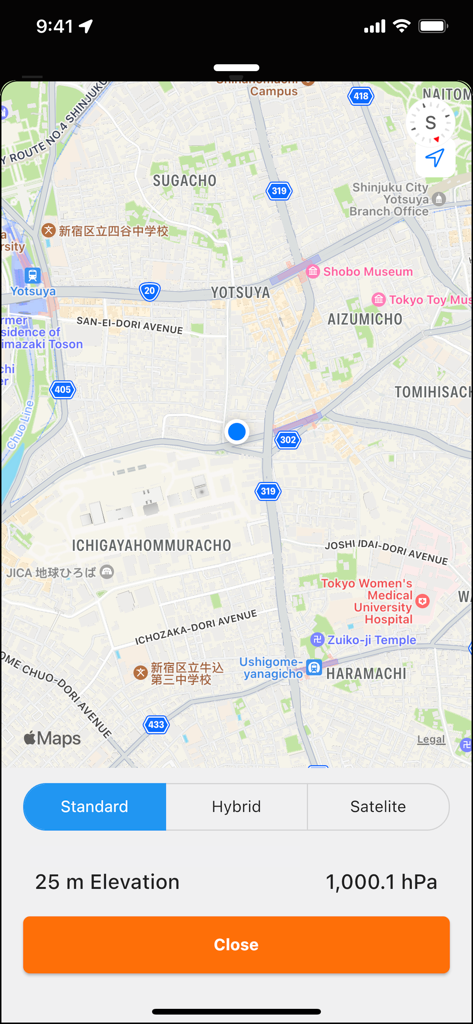
고도 및 대기압 판독값을 보여주는 현재 지도 위치를 보여주는 NSEW 나침반 앱 인터페이스.
설명
Download
비슷한 앱
같은 카테고리의 상위 앱

Google Maps
Google LLC

Waze Navigation & Live Traffic
waze

AMap Global
AutoNavi Information Technology Co. Ltd.

百度地图-路线规划,出行必备
Beijing Baidu Netcom Science & Technology Co.,Ltd

Moovit: Bus & Transit Tracker
Moovit App Global LTD

Transit • Subway & Bus Times
9280-0366 Quebec inc.

ParkMobile: Park. Pay. Go.
Parkmobile USA, Inc

腾讯地图-路线规划,导航地铁打车出行
Shenzhen Tencent Computer Systems Company Limited

Île-de-France Mobilités
Ile de France Mobilites
이 페이지는 앱이나 개발자의 공식 페이지가 아니며, 정보 제공 및 논평을 목적으로 작성된 독립 편집 간행물입니다. 명시적으로 달리 언급되지 않는 한, 해당 앱이나 개발자는 MWM, Apple, Google Play, 앱 퍼블리셔 또는 앱 개발자와 제휴, 보증, 후원, 승인 또는 공식적으로 연결되어 있지 않으며, 이 페이지의 어떤 내용도 해당 앱이 MWM의 서비스를 사용하여 개발되었음을 의미하지 않습니다. 모든 상표, 로고, 스크린샷 및 기타 콘텐츠는 해당 소유자의 자산입니다.