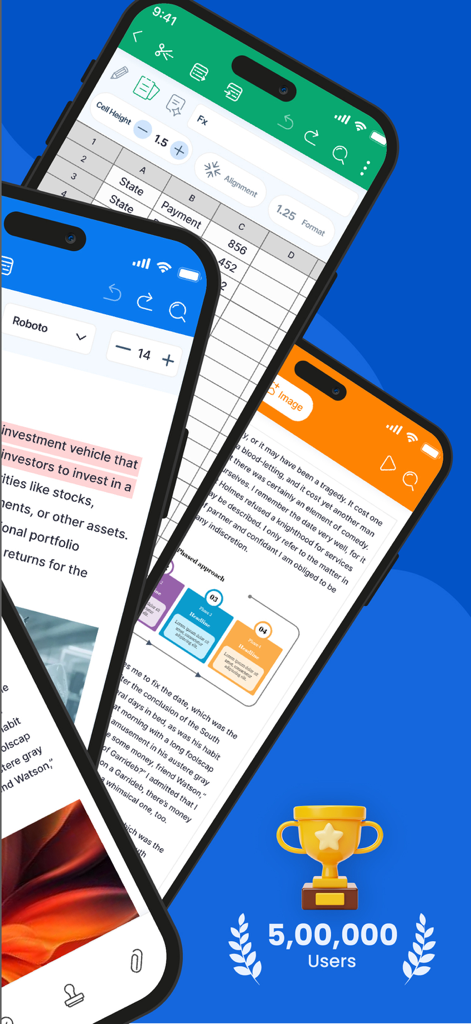
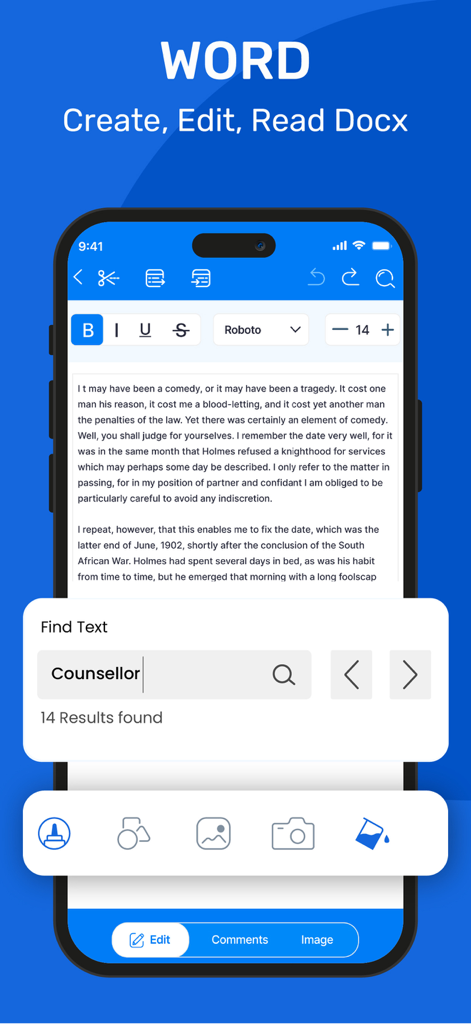
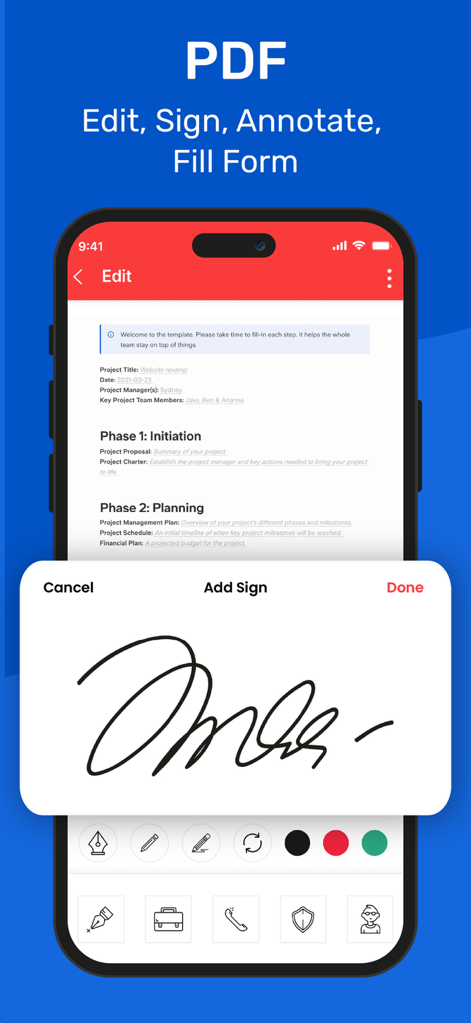
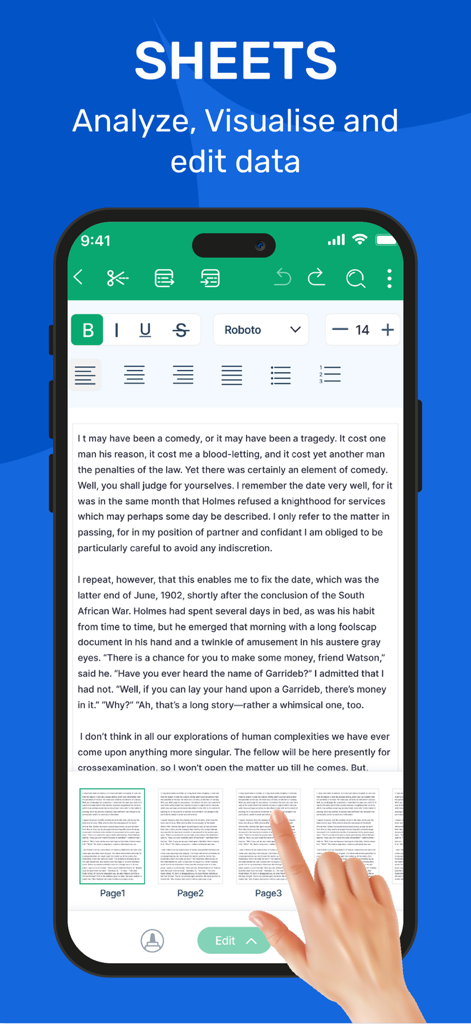
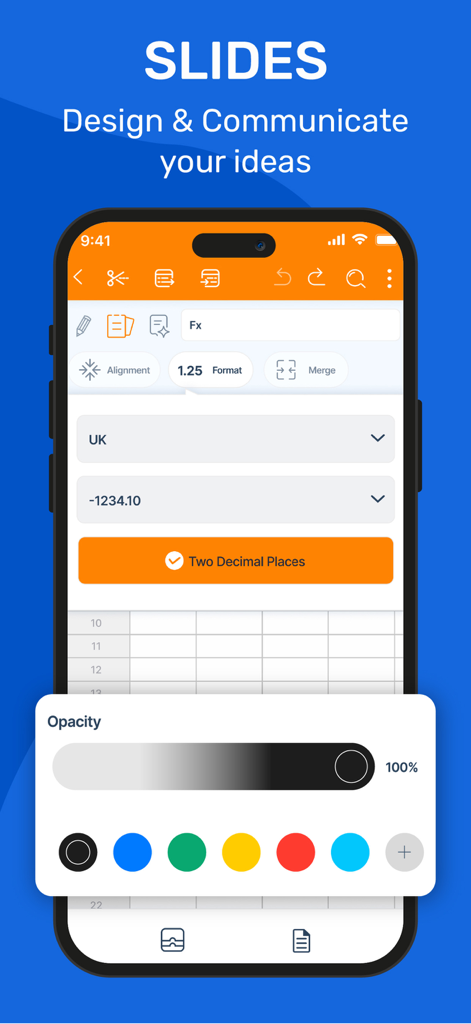
50만 사용자 달성 마일스톤과 함께 문서 편집, 스프레드시트, 프레젠테이션 도구를 보여주는 모바일 앱 인터페이스.
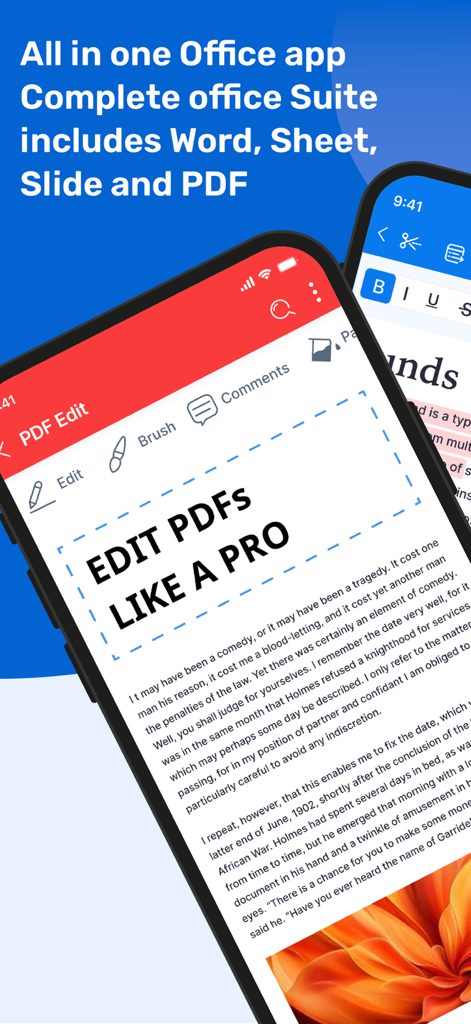
iPhone에 Word, Excel, PDF 문서 편집 옵션이 있는 Office Suite 앱 인터페이스 표시
iPhone에서 Word 문서 편집 및 텍스트 검색 인터페이스
Office Suite 앱에서 PDF 문서에 디지털 서명을 추가하는 것을 보여주는 스마트폰 디스플레이
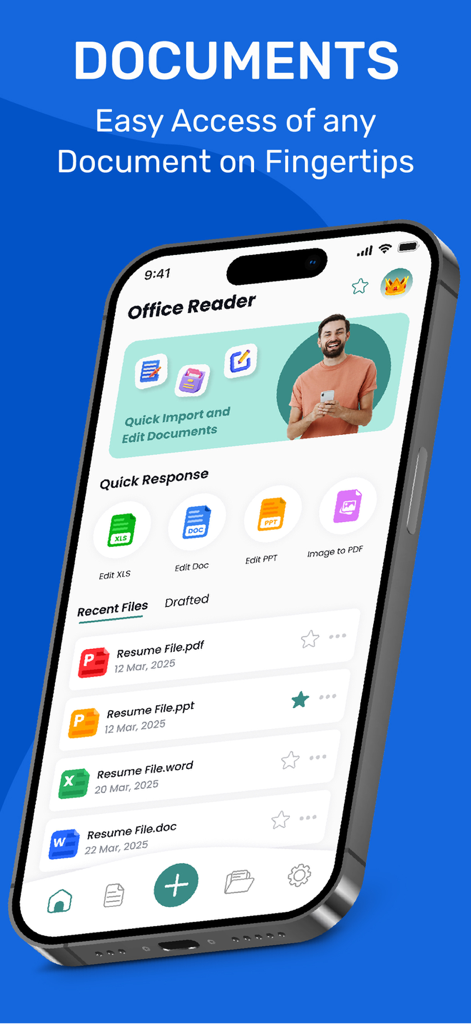
전문적인 서식 도구와 페이지 탐색 기능이 있는 텍스트 문서 편집기를 보여주는 스마트폰 화면
Office Suite 앱에서 슬라이드 프레젠테이션 디자인 기능과 스프레드시트 서식 옵션을 보여주는 모바일 화면
당신이 기다려온 데스크톱급 오피스
이 앱을 돋보이게 하는 도구, 6K+ 명의 사용자가 선택.
📑
타의 추종을 불허하는 형식 충실도
DOCX, XLSX, ODT 파일을 완벽한 정확도로 열고 편집하세요. OpenOffice 엔진은 모든 플랫폼에서 레이아웃을 그대로 유지합니다.
📸
통합 모바일 스캐너
iPhone을 휴대용 오피스로 바꾸세요. 물리적 문서를 직접 PDF 형식으로 스캔하고 몇 초 안에 편집하거나 공유하세요.
🛡️
전문가 수준의 안정성
안심하고 작업하세요. 고급 자동 복구 시스템이 중단으로부터 진행 상황을 보호하여 노력을 잃지 않도록 합니다.
앱 소개
에 대해 알아야 할 모든 것 Office Suite: Word, Sheet, PDF.
설명
Office Suite is the world’s first fully-featured port of OpenOffice for iOS, delivering a powerful and comprehensive office suite compatible with OpenOffice and LibreOffice documents.
With its intuitive interface, powerful features, and seamless sync across devices, Office Suite: Word, Sheet, PDF is the all-in-one productivity solution for users on the go.
All-in-One Productivity Suite
Office Suite: Word, Sheet, PDF brings together all the essential tools you need—word processing, spreadsheets, presentations, and PDFs—in one powerful app. Whether you're working remotely or on the move, it’s your go-to solution for creating, editing, and sharing professional documents anytime, anywhere.
Absolutely! Here's a naturally shuffled and reworded version of the **Features** and **Supported File Formats** sections. It maintains all the original details but flows like fresh, non-copy-paste content:
---
## ■ Key Features ■
- Create and edit documents, spreadsheets, and presentations in one unified app
- Export files to PDF and preserve formatting across platforms
- Full support for embedded media, including audio and video
- Scan documents directly using your device’s camera and save as PDF or image
- Craft stylized text and apply formatting effects to enhance your content
- Open and save files with high fidelity, especially for Open Document Format
- Recover unsaved changes automatically—your work is always protected
- Format paragraphs with ease and customize document layouts
- Supports inserting and managing embedded objects for richer documents
- Simple, user-first interface that’s easy for everyone to navigate
---
## ■ Supported File Formats ■
**Office Suite: Word, Sheet, PDF** supports a wide range of formats, ensuring seamless compatibility with industry-standard tools:
### Fully Supported (Open & Save)
**Microsoft Office:**
- DOC, DOCX, DOT, DOTX, DOCM (Word)
- XLS, XLSX, XLT, XLTX, XLSM (Excel)
- PPT, PPTX, POT, POTX, PPTM (PowerPoint)
**Open Standards & Others:**
- ODT, ODS, ODP, ODG, ODF (OpenDocument Formats)
- SXW, SXC, SXD, SXI, SXG, SXM (OpenOffice/StarOffice)
- PDF
- TXT, CSV, XML
- HTML
- TIFF, BMP, PNG, GIF, JPG, SVG
Privacy Policy - https://sites.google.com/view/office-suite-privacy-policy/home
Terms of Use - https://sites.google.com/view/office-suite-terms-of-use/home
최신 버전
1.5
크기
96.2 MB
출시일
2025년 4월 10일
iPhone에서 데스크톱 파워를 경험할 준비가 되셨나요?
비싼 구독료를 포기하고 최초의 완전한 OpenOffice 포트를 사용하는 수천 명의 전문가들과 함께하세요. 지금 다운로드하여 강력한 올인원 스위트에서 모든 문서를 편집, 스캔, 관리하세요.
App information, icons, screenshots, and descriptions displayed on this page are sourced from the Apple App Store and are the property of their respective developers. Download estimates and rankings are based on MWM's proprietary models and may not reflect actual figures. This page is provided for informational and analytical purposes only.
Believe this page infringes your intellectual property? File a dispute