
이 페이지는 앱이나 개발자의 공식 페이지가 아니며, 정보 제공 및 논평을 목적으로 작성된 독립 편집 간행물입니다. 명시적으로 달리 언급되지 않는 한, 해당 앱이나 개발자는 MWM, Apple, Google Play, 앱 퍼블리셔 또는 앱 개발자와 제휴, 보증, 후원, 승인 또는 공식적으로 연결되어 있지 않으며, 이 페이지의 어떤 내용도 해당 앱이 MWM의 서비스를 사용하여 개발되었음을 의미하지 않습니다. 모든 상표, 로고, 스크린샷 및 기타 콘텐츠는 해당 소유자의 자산입니다.

Office Word Editor:Docs, Share
강력한 서식 도구, 실시간 협업, 원활한 멀티 클라우드 통합을 통해 iPhone 및 iPad에서 워크플로우를 마스터하세요. 오프라인 상태에서도 가능합니다.
다운로드
124K+사용자 평점
총 평가 수
100개발사
카테고리
Productivity지원 언어
17최신 버전
1.0.36크기
233.7 MB출시일
2023년 8월 8일이동 중에 워크플로우를 마스터하세요
현대 전문가를 위해 설계된 가볍고 강력한 워드 프로세서입니다. 데스크톱의 번거로움 없이 모든 장치에서 문서를 생성, 편집 및 동기화하세요.
원활한 멀티 클라우드 액세스
오프라인 상태에서도 작동하는 하나의 직관적인 인터페이스로 iCloud, Google Drive, Dropbox 간의 작업을 연결하세요.
전문가 수준의 서식 도구
모바일 장치에서 데스크톱 수준의 정밀도를 얻으세요. 레이아웃을 조정하고, 풍부한 스타일을 적용하고, 변경 추적을 통해 프로젝트를 세련되게 유지하세요.
자주 묻는 질문
에 대해 알아야 할 모든 것 Office Word Editor:Docs, Share
Office Word Editor:Docs, Share란 무엇인가요?
Office Word Editor:Docs, Share는 Word 문서를 포괄적으로 편집할 수 있도록 설계된 iOS 앱입니다. 사용자는 모바일 장치에서 직접 Word 파일을 만들고, 편집하고, 공동 작업할 수 있습니다.
Office Word Editor:Docs, Share로 새 Word 문서를 만들 수 있나요?
네, Office Word Editor:Docs, Share는 새 Word 문서 만들기를 지원합니다. 사용자는 iCloud, Dropbox, Google Drive와 같은 클라우드 저장 서비스에서 기존 문서를 가져올 수도 있습니다.
Office Word Editor:Docs, Share는 실시간 공동 작업을 지원하나요?
네, Office Word Editor:Docs, Share는 실시간 공동 편집을 지원합니다. 사용자는 이메일이나 클라우드 서비스를 통해 문서를 공유하여 동시에 공동 작업하고 팀원들이 만든 모든 변경 사항을 추적할 수 있습니다.
Office Word Editor:Docs, Share와 호환되는 파일 형식은 무엇인가요?
Office Word Editor:Docs, Share는 다양한 Word 문서 형식을 지원합니다. DOC, DOCX, RTF 파일을 원활하게 열고 편집하여 다양한 플랫폼과의 호환성을 보장합니다.
Office Word Editor:Docs, Share를 사용하여 인터넷 연결 없이 문서를 편집할 수 있나요?
네, Office Word Editor:Docs, Share는 오프라인 편집을 지원합니다. 사용자는 인터넷 연결 없이 문서를 작업할 수 있으며, 연결이 복원되면 앱이 변경 사항을 자동으로 동기화합니다.
Office Word Editor:Docs, Share는 무료 평가판을 제공하나요?
네, Office Word Editor:Docs, Share는 3일 무료 평가판을 제공합니다. 이 평가 기간 동안 사용자는 별도의 의무 없이 앱의 모든 유료 기능을 사용하고 체험해 볼 수 있습니다.
Office Word Editor:Docs, Share의 구독 비용은 얼마인가요?
무료 평가판 후, Office Word Editor:Docs, Share는 월간 요금제 499 루피/월 또는 연간 요금제 2999 루피/년입니다. 구독은 App Store 계정을 통해 청구됩니다.
Office Word Editor:Docs, Share에서 변경 사항을 추적하고 댓글을 추가할 수 있나요?
네, Office Word Editor:Docs, Share에는 강력한 문서 검토 도구가 포함되어 있습니다. 사용자는 효율적인 피드백 및 편집 프로세스를 위해 문서 내에 댓글, 주석을 추가하고 변경 사항을 추적할 수 있습니다.
Office Word Editor:Docs, Share에서 파일을 PDF로 내보낼 수 있나요?
네, Office Word Editor:Docs, Share를 사용하면 문서를 PDF로 내보낼 수 있습니다. 또한 파일을 Word 문서 또는 HTML로 내보내고 이메일 또는 메시징 앱을 통해 공유할 수도 있습니다.
Office Word Editor:Docs, Share는 문서 템플릿을 제공하나요?
네, Office Word Editor:Docs, Share는 문서 템플릿을 제공합니다. 사용자는 이러한 템플릿에 액세스하여 다양한 목적에 맞는 전문적인 문서를 빠르게 만들 수 있습니다.
다음 스크린샷과 설명은 앱의 공식 스토어 목록에서 직접 가져온 것이며 앱 개발자의 자산입니다.
앱 스토어
스크린샷
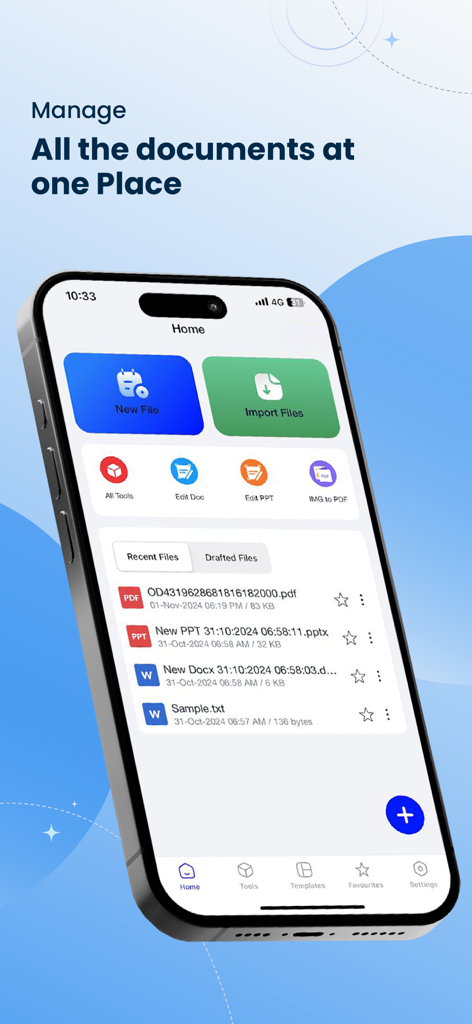
iPhone에서 파일 관리 및 편집 도구를 보여주는 Office Word Editor 앱의 홈 화면
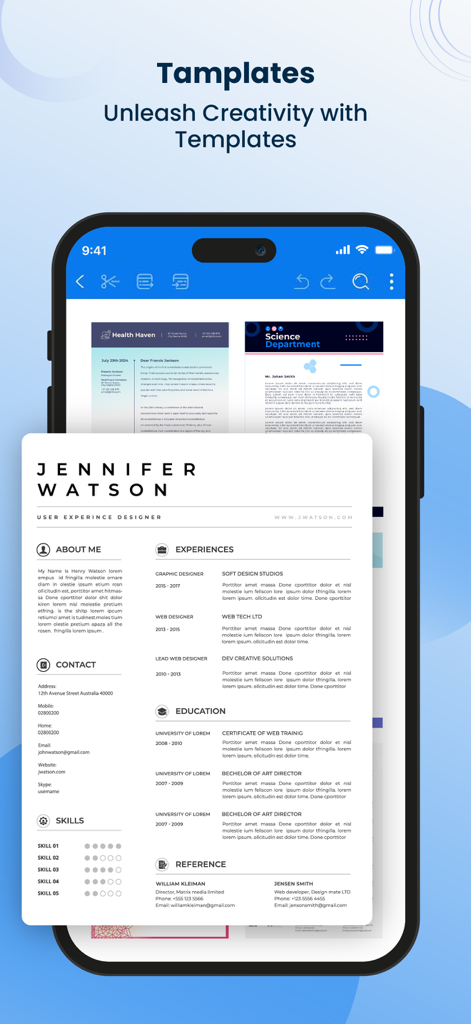
이력서 및 뉴스레터를 포함한 전문 문서 템플릿을 보여주는 모바일 앱 인터페이스.
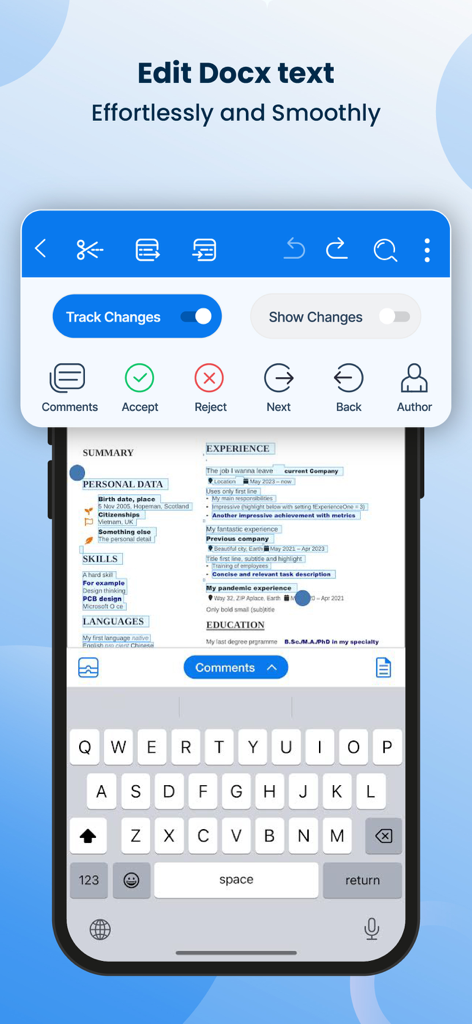
변경 추적 및 검토 도구를 보여주는 Word 문서 편집용 모바일 앱 인터페이스
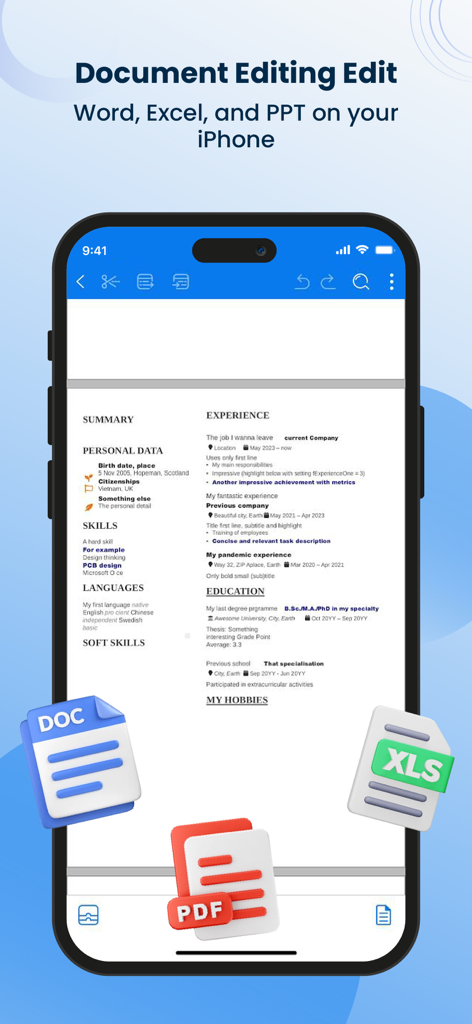
DOC, PDF, XLS 파일 아이콘과 함께 Office Word Editor 앱에서 편집 중인 이력서를 표시하는 iPhone 화면.
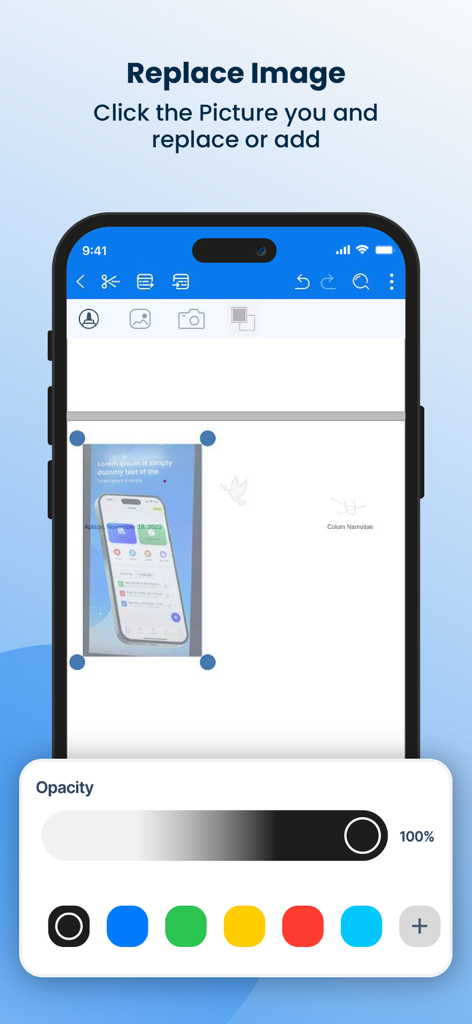
스마트폰에서 이미지 교체 및 불투명도 제어를 보여주는 Word 문서 편집기 인터페이스.
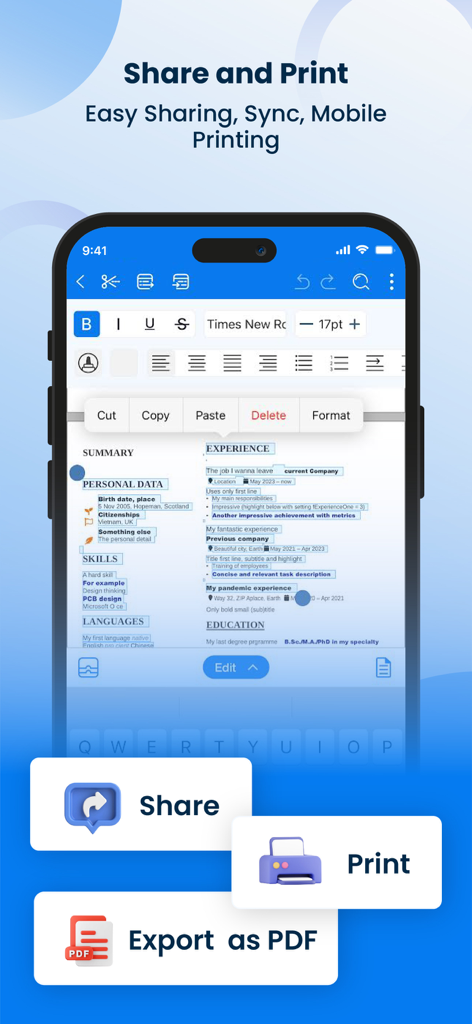
공유, 인쇄 및 PDF로 내보내기 버튼이 있는 문서 편집 도구를 보여주는 Office Word Editor 앱 인터페이스.
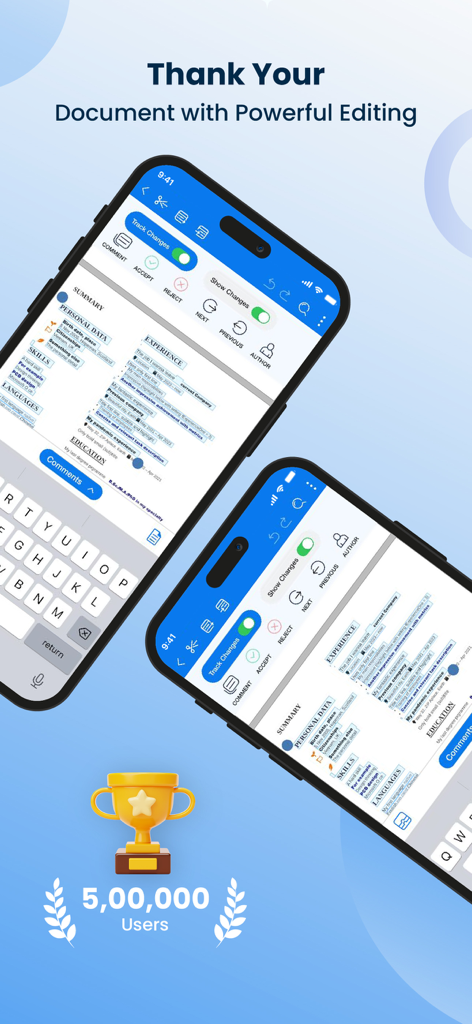
변경 추적 기능이 있는 Word 문서 편집용 모바일 앱 인터페이스
설명
Download
비슷한 앱
유사한 기능과 사용자 경험을 가진 앱

石墨文档 - 在线文档协作编辑和表格制作
ChuXin Tec Co., Ltd.

Documents - Create & Edit
Normal Vector Limited

全能办公文档-在线word文档手机版、在线文档编辑
亚敏 陈

表格手机版 -手机编辑表格文档
晶晶 姜

word文档手机版-在线文档编辑办公软件
根根 黄

OpenDocument Reader - view ODT
Stefl und Taschauer OG

xlsx表格手机版 -移动端表格编辑
华 杨

文档手机版-手机办公软件
卓臻 李

AO Office
Akikazu Yoshikawa
이 페이지는 앱이나 개발자의 공식 페이지가 아니며, 정보 제공 및 논평을 목적으로 작성된 독립 편집 간행물입니다. 명시적으로 달리 언급되지 않는 한, 해당 앱이나 개발자는 MWM, Apple, Google Play, 앱 퍼블리셔 또는 앱 개발자와 제휴, 보증, 후원, 승인 또는 공식적으로 연결되어 있지 않으며, 이 페이지의 어떤 내용도 해당 앱이 MWM의 서비스를 사용하여 개발되었음을 의미하지 않습니다. 모든 상표, 로고, 스크린샷 및 기타 콘텐츠는 해당 소유자의 자산입니다.