PartyGO for Philips Hue Lights
다운로드: App Store

이 페이지는 앱이나 개발자의 공식 페이지가 아니며, 정보 제공 및 논평을 목적으로 작성된 독립 편집 간행물입니다. 명시적으로 달리 언급되지 않는 한, 해당 앱이나 개발자는 MWM, Apple, Google Play, 앱 퍼블리셔 또는 앱 개발자와 제휴, 보증, 후원, 승인 또는 공식적으로 연결되어 있지 않으며, 이 페이지의 어떤 내용도 해당 앱이 MWM의 서비스를 사용하여 개발되었음을 의미하지 않습니다. 모든 상표, 로고, 스크린샷 및 기타 콘텐츠는 해당 소유자의 자산입니다.

로고: PartyGO for Philips Hue Lights
다운로드: App Store

PartyGO for Philips Hue Lights

집을 최고의 사교 허브로 변신시키세요. Siri 단축어를 사용하여 몰입감 넘치는 조명 및 사운드 효과를 자동화하여 손님들이 절대 잊지 못할 핸즈프리 파티 경험을 선사하세요.

주요 수치

다운로드

1000

사용자 평점

1.0/5

총 평가 수

0

개발사

Lucas Yamashita

카테고리

Utilities

지원 언어

1

최신 버전

1.4

크기

41.9 MB

출시일

2018년 11월 10일
기능

호스팅 게임을 업그레이드하세요

필립스 휴를 위한 전문 조명 및 사운드 자동화로 거실을 역동적인 엔터테인먼트 공간으로 바꾸세요.

음성 활성화 분위기

단 한 번의 Siri 명령으로 조명 쇼를 시작하여 손님들을 놀라게 하세요. 집이 맞춤 트리거 단어에 즉시 반응합니다.

단축어 통합

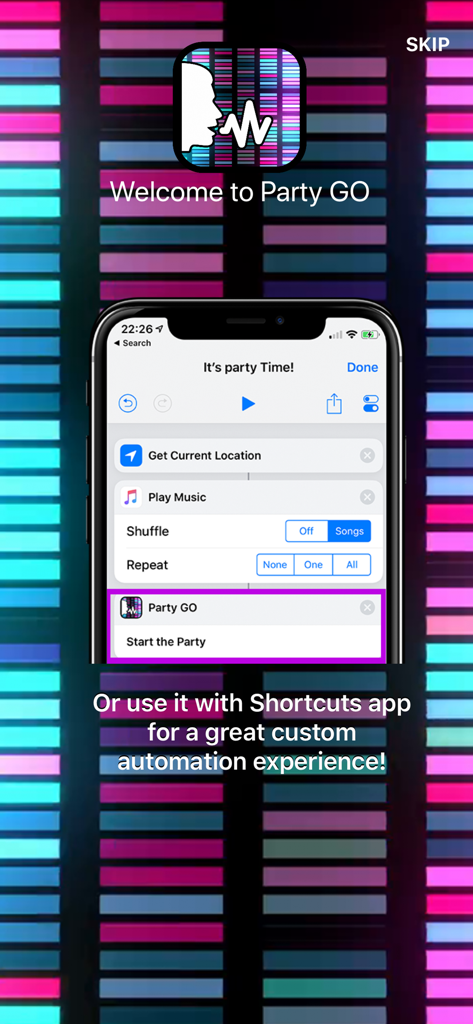
궁극의 파티 루틴을 구축하세요. Apple 단축어 앱을 사용하여 음악 및 기타 스마트 홈 동작을 하나의 흐름으로 동기화하세요.

다음 스크린샷과 설명은 앱의 공식 스토어 목록에서 직접 가져온 것이며 앱 개발자의 자산입니다.

앱 스토어

스크린샷
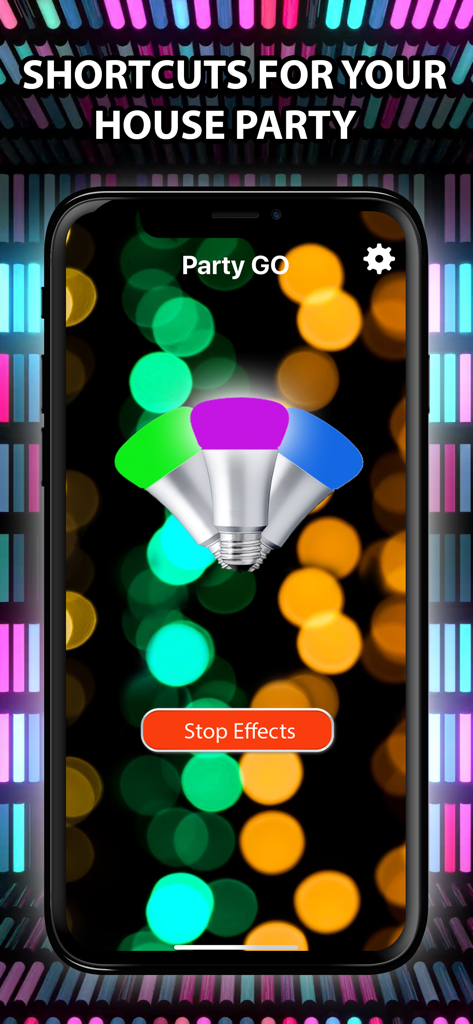
PartyGO for Philips Hue Lights - 파티 조명 효과를 위한 녹색, 자홍색, 파란색 전구가 있는 PartyGO 앱을 보여주는 스마트폰 화면
파티 조명 효과를 위한 녹색, 자홍색, 파란색 전구가 있는 PartyGO 앱을 보여주는 스마트폰 화면

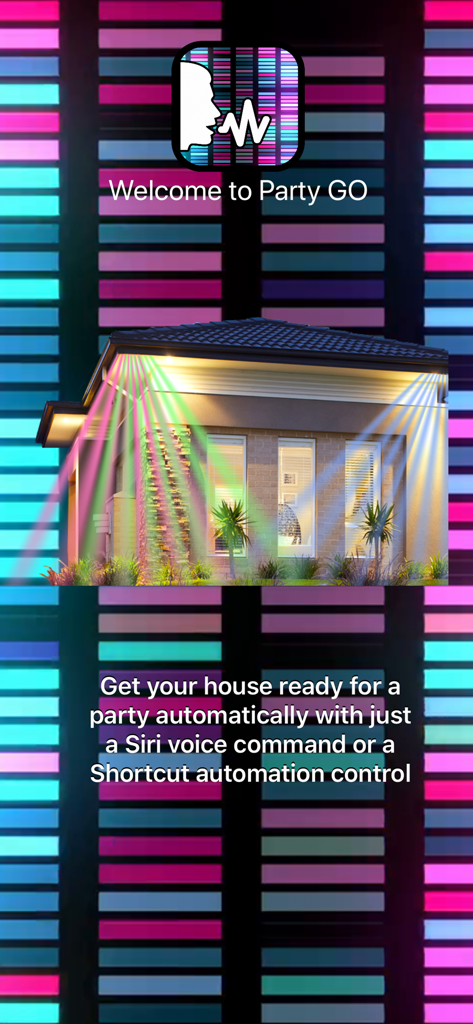
PartyGO for Philips Hue Lights - Siri 음성 명령 통합과 함께 화려한 집 조명을 보여주는 PartyGO 앱 환영 화면
Siri 음성 명령 통합과 함께 화려한 집 조명을 보여주는 PartyGO 앱 환영 화면

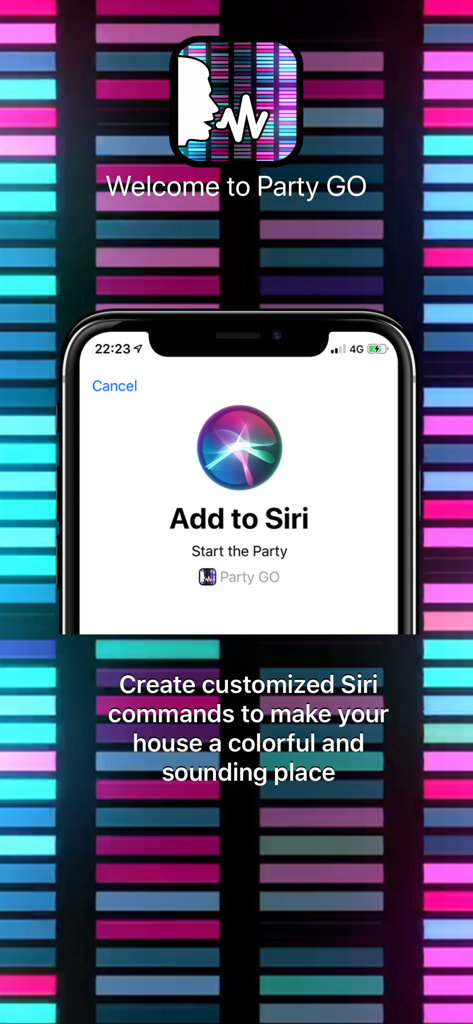
PartyGO for Philips Hue Lights - 필립스 휴를 위한 PartyGO 앱에 '파티 시작' Siri 단축어를 추가하는 설정 화면
필립스 휴를 위한 PartyGO 앱에 '파티 시작' Siri 단축어를 추가하는 설정 화면

PartyGO for Philips Hue Lights - Apple 단축어를 사용하여 조명 자동화를 설정하는 방법을 보여주는 PartyGO 앱

Apple 단축어를 사용하여 조명 자동화를 설정하는 방법을 보여주는 PartyGO 앱

설명

"Start the party." Just say this and let the sound and lights flow into your home. *Featured By Philips on "Apps We Like" Best Entertainment Category on Philips Hue App!* With Party GO you can control your lights using only your voice by recording custom Siri Shortcuts to make your house a great party, or even using Shortcuts app to automate multiple tasks combined with Party GO sound and lights. INSTRUCTIONS: After launching the app and setting up your Philips Hue Bridge and Lights, go to settings app on your iPhone, Siri & Search, add the shortcut "Start the Party" - Party GO and record your personalized command. After that, every time you say this command, the app will launch and execute the sound and light effects! You can also use Shortcuts app to automate multiple tasks. Just add the "Start the Party" action with another tasks like do something based on your current location, etc to your shortcut flow and let the magic begin! If you have any questions, consult the app support page on Facebook! Download Party GO now! *Optional Subscription: - PartyGO offers a PRO monthly subscription at USD $2.99, please note prices may vary depending on sales taxes or countries. - You will be asked to login to your iTunes account (if not already) prior to the purchase and the payment will be charged to iTunes Account at confirmation of purchase. - Additional information is provided stating that subscription automatically renews unless auto-renew is turned off at least 24-hours before the end of the current period. - Subscriptions may be managed by the user and auto-renewal may be turned off by going to the user's Account Settings after purchase. - The account will be charged for renewal within 24-hours prior to the end of the current period. - No cancellation of the current subscription is allowed during active subscription period. - Any unused portion of a free trial period, if offered, will be forfeited when the user purchases a subscription to that publication. PRIVACY POLICY: No information is shared between third parties or the developer, as this application is offline. Therefore, your data remains just for you.
 Terms Of Use: https://bit.ly/2COWthO

Download

다운로드: App Store

이 페이지는 앱이나 개발자의 공식 페이지가 아니며, 정보 제공 및 논평을 목적으로 작성된 독립 편집 간행물입니다. 명시적으로 달리 언급되지 않는 한, 해당 앱이나 개발자는 MWM, Apple, Google Play, 앱 퍼블리셔 또는 앱 개발자와 제휴, 보증, 후원, 승인 또는 공식적으로 연결되어 있지 않으며, 이 페이지의 어떤 내용도 해당 앱이 MWM의 서비스를 사용하여 개발되었음을 의미하지 않습니다. 모든 상표, 로고, 스크린샷 및 기타 콘텐츠는 해당 소유자의 자산입니다.








