Passport Photo: ID Photo
다운로드: App Store

이 페이지는 앱이나 개발자의 공식 페이지가 아니며, 정보 제공 및 논평을 목적으로 작성된 독립 편집 간행물입니다. 명시적으로 달리 언급되지 않는 한, 해당 앱이나 개발자는 MWM, Apple, Google Play, 앱 퍼블리셔 또는 앱 개발자와 제휴, 보증, 후원, 승인 또는 공식적으로 연결되어 있지 않으며, 이 페이지의 어떤 내용도 해당 앱이 MWM의 서비스를 사용하여 개발되었음을 의미하지 않습니다. 모든 상표, 로고, 스크린샷 및 기타 콘텐츠는 해당 소유자의 자산입니다.

로고: Passport Photo: ID Photo
다운로드: App Store

Passport Photo: ID Photo

약국 줄 서기와 비용 절약. AI 기반 배경 제거 및 정확한 얼굴 정렬 안내로 몇 초 안에 정부 규정을 준수하는 사진을 만드세요.

주요 수치

다운로드

29K+

사용자 평점

4.8/5

총 평가 수

300

개발사

Viet Ho Duc

카테고리

Graphics & Design

지원 언어

1

최신 버전

1.0.5

크기

79.3 MB

출시일

2023년 11월 27일
기능

간단하게 만드는 전문가 수준의 신분증 사진

비싼 스튜디오 방문은 잊고 스마트 AI 기술을 사용하여 iPhone에서 바로 정부 규정을 준수하는 여권, 비자 및 신분증 사진을 만드세요.

AI 기반 규정 준수

사진이 모든 공식 규정을 충족하는지 실시간 정렬 안내 및 AI 검사를 통해 안심하고 신청 거부를 방지하세요.

즉각적인 배경 교체

흰 벽이 없어도 괜찮습니다. AI가 어떤 배경이든 공식 색상으로 즉시 교체하여 최종 모습에 대한 완전한 제어 권한을 제공합니다.

다음 스크린샷과 설명은 앱의 공식 스토어 목록에서 직접 가져온 것이며 앱 개발자의 자산입니다.

앱 스토어

스크린샷
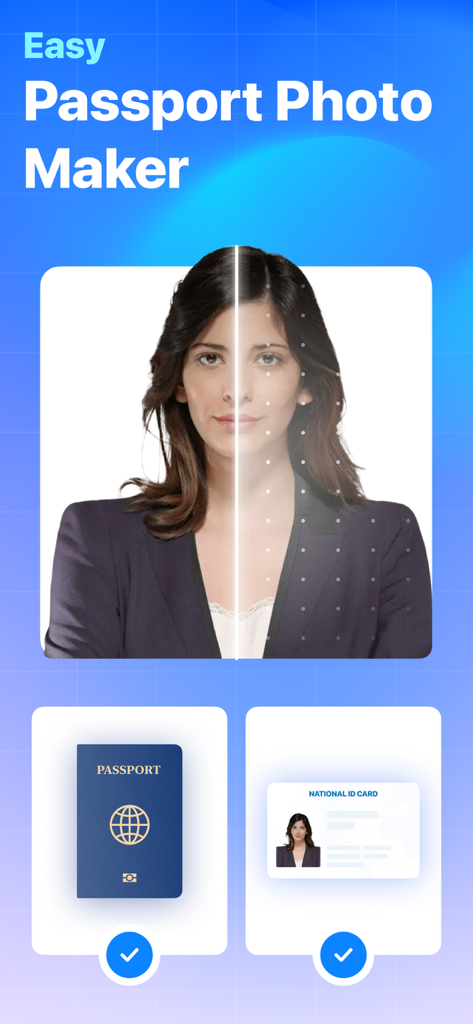
Passport Photo: ID Photo - 얼굴 정렬 안내와 신분증 옵션을 보여주는 쉬운 여권 사진 제작기 앱 인터페이스
얼굴 정렬 안내와 신분증 옵션을 보여주는 쉬운 여권 사진 제작기 앱 인터페이스

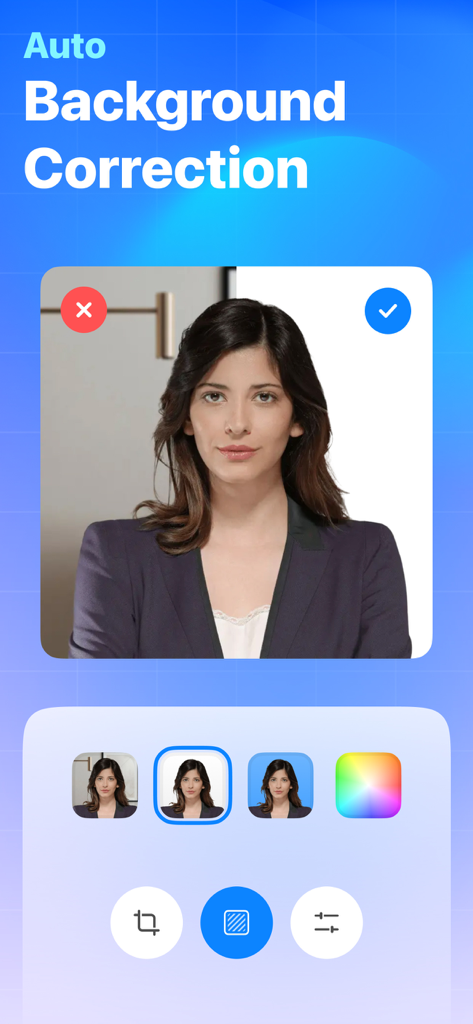
Passport Photo: ID Photo - 어수선한 배경을 전문적인 흰색 배경으로 바꾸는 여권 사진 앱의 자동 배경 보정 기능을 보여주는 스크린샷
어수선한 배경을 전문적인 흰색 배경으로 바꾸는 여권 사진 앱의 자동 배경 보정 기능을 보여주는 스크린샷

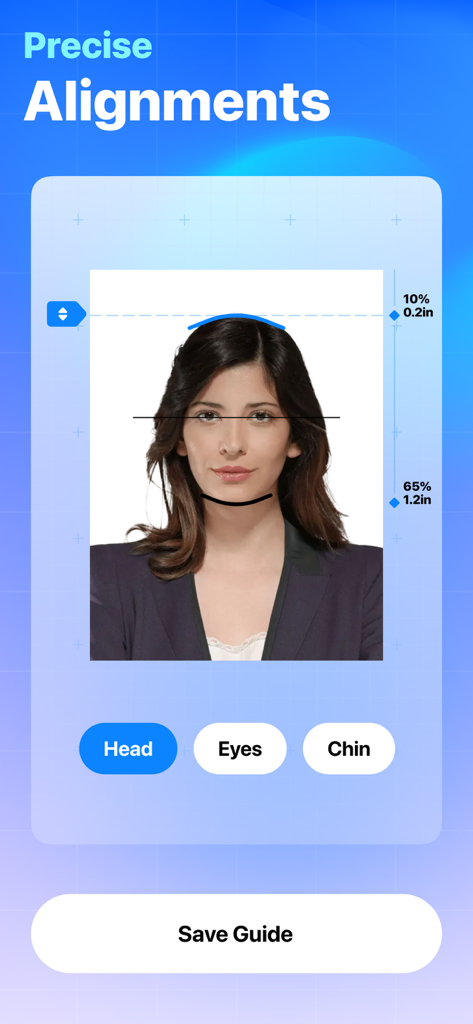
Passport Photo: ID Photo - 여권 사진 앱에서 머리, 눈, 턱의 정확한 얼굴 정렬 도구를 보여주는 인터페이스
여권 사진 앱에서 머리, 눈, 턱의 정확한 얼굴 정렬 도구를 보여주는 인터페이스

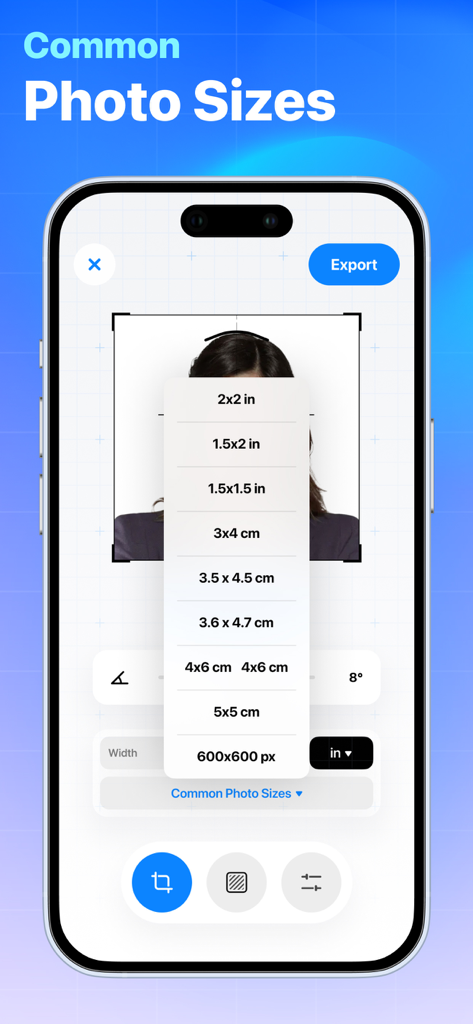
Passport Photo: ID Photo - 일반적인 여권 및 신분증 사진 크기 드롭다운 메뉴를 표시하는 모바일 앱 인터페이스
일반적인 여권 및 신분증 사진 크기 드롭다운 메뉴를 표시하는 모바일 앱 인터페이스

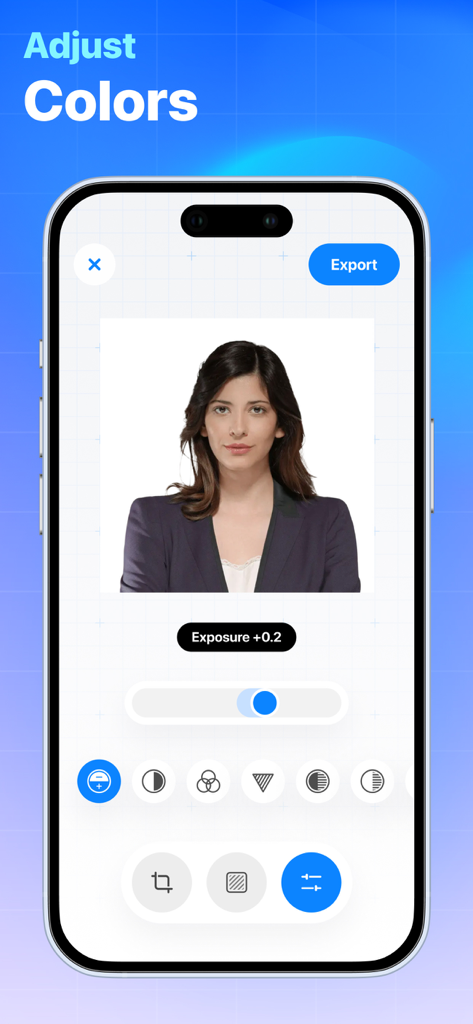
Passport Photo: ID Photo - 전문적인 여권 사진을 위한 색상 및 노출 조정 도구를 보여주는 모바일 앱 인터페이스

전문적인 여권 사진을 위한 색상 및 노출 조정 도구를 보여주는 모바일 앱 인터페이스

설명

Effortlessly craft your ideal passport, ID, or visa photo with the seamless integration of AI-powered background customization and precise face alignment guidance. Key Features: Instant Capture and Crop: Take a perfect passport photo with just a few taps. The app's integrated camera allows you to capture high-resolution photos, and the intelligent cropping tool ensures that your photo meets the specific size and composition requirements of passport standards. Guidelines and Compliance Checker: Worried about meeting the stringent regulations for passport photos? The app provides real-time feedback and guidelines to help you align your photo correctly. It automatically checks for common issues such as head positioning, background color, and overall photo quality to ensure compliance with international standards. Background Customization: Choose a background color that suits your preferences or adheres to specific passport regulations. The app lets you easily switch between plain white, light blue, and other acceptable background colors, ensuring your photo meets the official criteria. Print and Share Options: Once you've created the perfect passport photo, the app allows you to save it to your device, share it digitally, or even print it directly from your phone. Say goodbye to expensive photo studios and lengthy processing times – get your passport photo in minutes. Multi-Size Support: Whether you need a standard passport photo, visa photo, or any other identification-sized photo, this app supports various sizing options. Simply select the required dimensions, and the app adjusts your photo accordingly. User-Friendly Interface: The Passport Photo Creator app is designed for users of all levels of tech-savviness. Its intuitive interface guides you through each step, making the entire process quick and stress-free.

Download

다운로드: App Store

이 페이지는 앱이나 개발자의 공식 페이지가 아니며, 정보 제공 및 논평을 목적으로 작성된 독립 편집 간행물입니다. 명시적으로 달리 언급되지 않는 한, 해당 앱이나 개발자는 MWM, Apple, Google Play, 앱 퍼블리셔 또는 앱 개발자와 제휴, 보증, 후원, 승인 또는 공식적으로 연결되어 있지 않으며, 이 페이지의 어떤 내용도 해당 앱이 MWM의 서비스를 사용하여 개발되었음을 의미하지 않습니다. 모든 상표, 로고, 스크린샷 및 기타 콘텐츠는 해당 소유자의 자산입니다.







