Password Manager - Secure
다운로드: App Store

이 페이지는 앱이나 개발자의 공식 페이지가 아니며, 정보 제공 및 논평을 목적으로 작성된 독립 편집 간행물입니다. 명시적으로 달리 언급되지 않는 한, 해당 앱이나 개발자는 MWM, Apple, Google Play, 앱 퍼블리셔 또는 앱 개발자와 제휴, 보증, 후원, 승인 또는 공식적으로 연결되어 있지 않으며, 이 페이지의 어떤 내용도 해당 앱이 MWM의 서비스를 사용하여 개발되었음을 의미하지 않습니다. 모든 상표, 로고, 스크린샷 및 기타 콘텐츠는 해당 소유자의 자산입니다.

로고: Password Manager - Secure
다운로드: App Store

Password Manager - Secure

군사 등급 AES-256 암호화로 디지털 신원 및 개인 추억을 보호하세요. 비밀번호를 안전하게 저장하고, 개인 사진을 숨기고, iOS 생태계를 위해 독점적으로 설계된 원활한 원탭 자동 완성을 즐기세요.

주요 수치

다운로드

60K+

사용자 평점

4.7/5

총 평가 수

100

개발사

RV AppStudios LLC

카테고리

Utilities

지원 언어

9

최신 버전

2.9.6

크기

104.2 MB

출시일

2017년 3월 21일
기능

올인원 디지털 요새

iOS 라이프스타일에 맞춰 특별히 설계된 군사 등급 암호화로 로그인 자격 증명, 민감한 미디어 및 개인 메모를 보호하세요.

원활한 비밀번호 관리

원탭 로그인, Safari 자동 완성 및 추측하기 어려운 보안을 위한 강력한 생성기로 '비밀번호 잊어버림' 피로를 제거하세요.

개인 미디어용 비밀 폴더

암호화된 금고에 개인 사진, 동영상 및 메모를 안전하게 보관하여 휴대폰을 빌려준 사람에게 완전히 보이지 않게 유지하세요.

다음 스크린샷과 설명은 앱의 공식 스토어 목록에서 직접 가져온 것이며 앱 개발자의 자산입니다.

앱 스토어

스크린샷
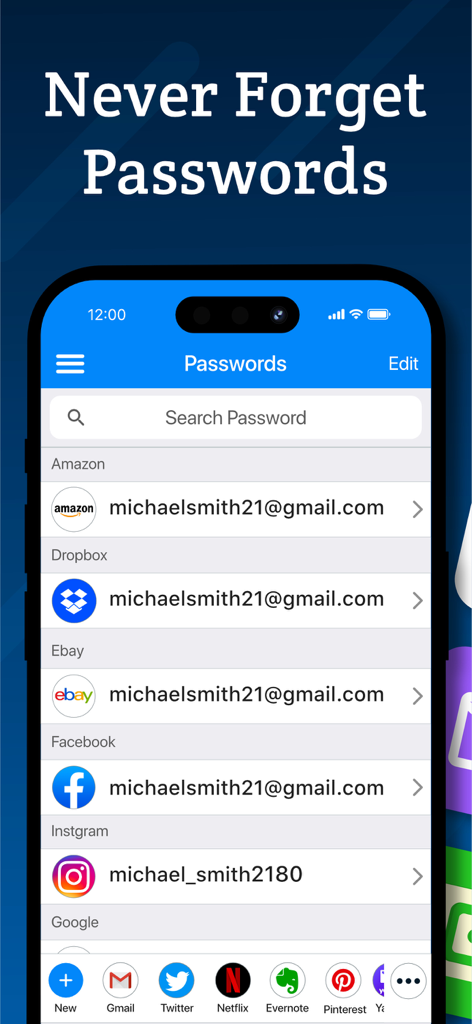
Password Manager - Secure - Amazon, Facebook, Instagram과 같은 앱에 대한 저장된 비밀번호 목록을 iPhone에서 보여주는 비밀번호 관리자 - 보안 인터페이스
Amazon, Facebook, Instagram과 같은 앱에 대한 저장된 비밀번호 목록을 iPhone에서 보여주는 비밀번호 관리자 - 보안 인터페이스

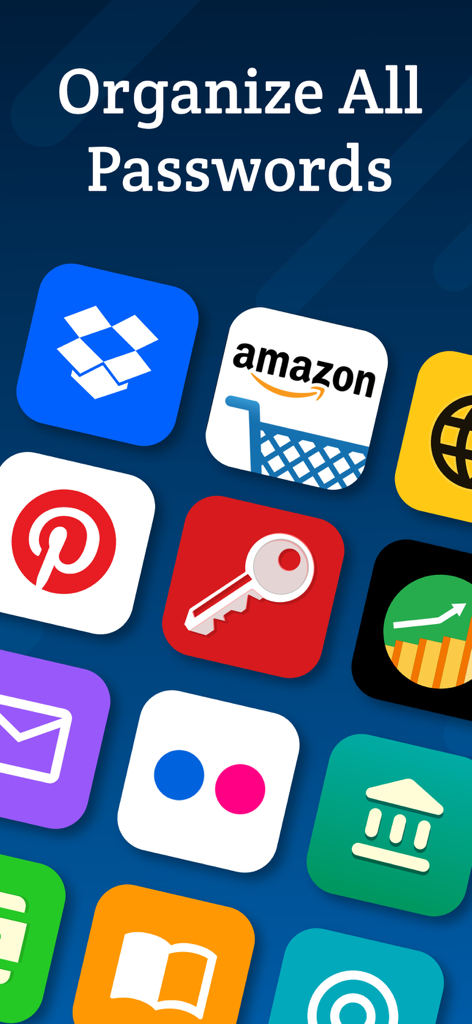
Password Manager - Secure - 모바일 앱 화면에 '모든 비밀번호 정리' 텍스트 아래 Amazon 및 Dropbox와 같은 다양한 아이콘이 표시됨
모바일 앱 화면에 '모든 비밀번호 정리' 텍스트 아래 Amazon 및 Dropbox와 같은 다양한 아이콘이 표시됨

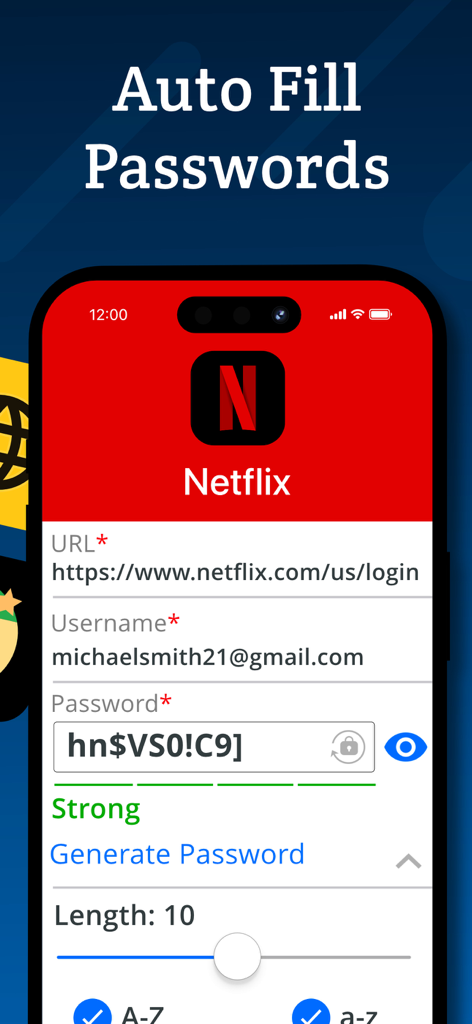
Password Manager - Secure - Netflix 계정 로그인에 대한 자동 완성 비밀번호 기능을 보여주는 모바일 앱 화면
Netflix 계정 로그인에 대한 자동 완성 비밀번호 기능을 보여주는 모바일 앱 화면

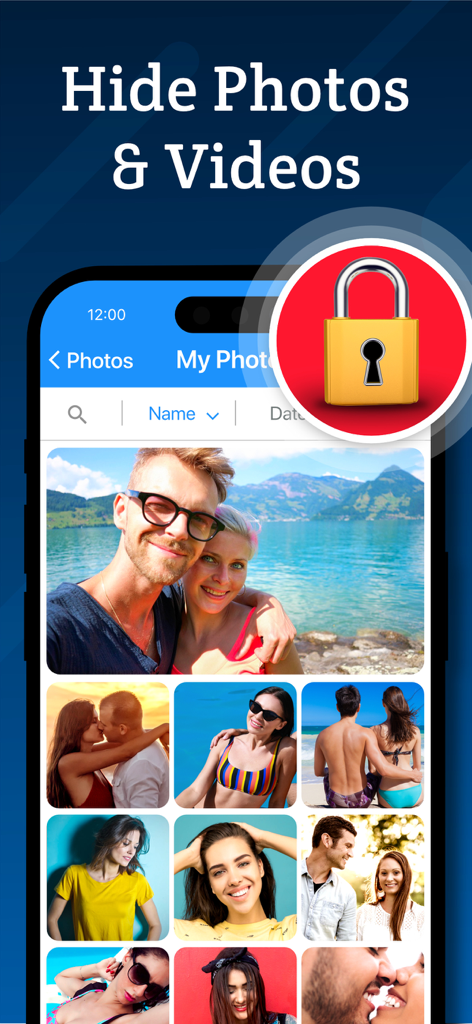
Password Manager - Secure - 보안 잠금 아이콘이 있는 비밀 사진 금고 기능을 보여주는 인터페이스
보안 잠금 아이콘이 있는 비밀 사진 금고 기능을 보여주는 인터페이스

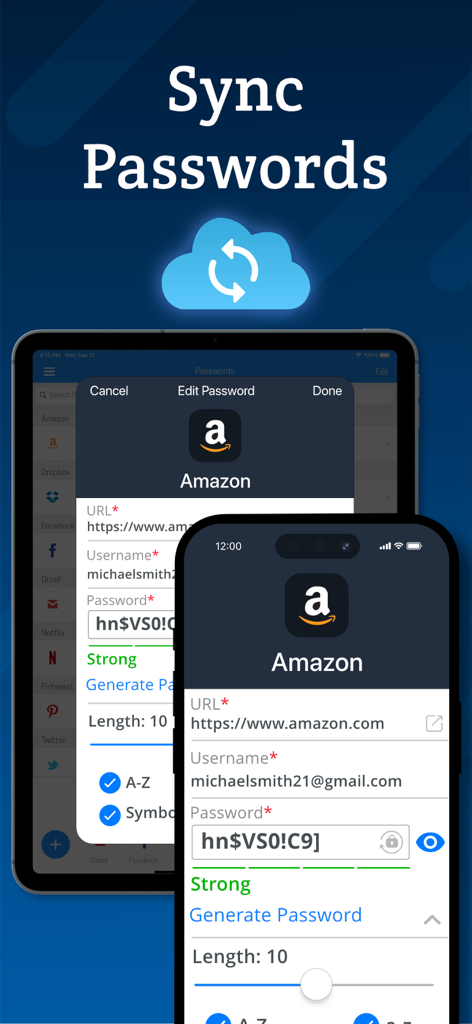
Password Manager - Secure - 클라우드 백업을 사용한 iPhone 및 iPad 장치 간 비밀번호 동기화

클라우드 백업을 사용한 iPhone 및 iPad 장치 간 비밀번호 동기화

설명

Password Manager Vault is a convenient, all-in-one password management and secret folder app that allows you to store login details, photos, videos and notes securely. Password Manager Vault and Secret Folder is the only app that lets you safeguard and store your data with complete privacy across all of your iOS devices. Login information is protected by AES 256-bit encryption. That means only you can access them, not your neighbor, not us, not even your best friend! Keep your files, passwords and photos safe with Secure! Password Management - Store passwords for your most frequently visited sites. Log in with a single tap, and then get back to browsing! - Automatic form filling with just one tap. Never fill in another sign-up form again! - Detects new logins and saves information so you don’t have to memorize anything. - Powerful password generator to create un-guessable passwords. - Secure protects everything with a master password that encrypts and decrypts your data on command. Secret Folder Feature - Move images and videos into the photo vault to keep them private and secure. - Hide your media from prying eyes. Only you can see your photos! Browsing - Secure web surfing with a built-in browser - Multitab browsing keeps you more productive - Connect Secure to Safari to quickly use stored passwords while you browse - Autofill passwords on iOS 12 Media Storage - Organize photos, videos and notes into albums for easy viewing. - Powerful search and sort features let you find what you're looking for in an instant. - Import and export from your camera, photo library or cloud storage service such as Dropbox or Google Drive. - Innovative filters and effects to add a personal touch to your photos. Privacy - Your data, photos and files are accessible only by you! - Change open applications by flipping the device. Instant privacy! - Dummy screen to protect your privacy even when friends use your phone. - Secure snaps photos and saves location information to log break-in attempts. - Backup and restore device data via iTunes and iCloud. - Compatible with Touch ID and Face ID. New Features - Use Picture-In-Picture to watch a video while using your iPad for other tasks. - Use Spotlight Search to find things quickly on your iOS device. Password Manager Vault and Secret Folder is built exclusively for iOS 10 and above. VIP Subscription: Password Manager Vault VIP subscription which is available on a weekly, monthly and yearly tier, auto-renewable. The yearly subscription is priced at 3.99 USD/week, 6.99 USD/month and 24.99 USD/year (or local equivalent). You will be able to use more cloud storage, photo filter effects and more for the duration of the subscription. Payment will be charged to iTunes Account at confirmation of purchase. Subscription automatically renews for the same price and duration period as the original package unless auto-renew is turned off at least 24-hours before the end of the current period. Account will be charged for renewal within 24-hours prior to the end of the current period at the cost of the chosen package. Subscriptions may be managed by the user and auto-renewal may be turned off by going to the user's iTunes Account Settings after purchase. No cancellation of the current subscription is allowed during active subscription period. You may cancel a subscription during its free trial period via the subscription setting through your iTunes account. This must be done 24 hours before the end of the subscription period to avoid being charged. You may turn off the auto-renewal of your subscription via your iTunes Account Settings. However, you are not able to cancel the current subscription during its active period. Unused portions of free trials, if offered, will be forfeited upon purchase of a subscription. Links to our Privacy Policy and Terms of Service: Privacy Policy: http://www.rvappstudios.com/app-privacy-policy.html Terms of Use: http://www.rvappstudios.com/app-privacy-policy.html#terms/

Download

다운로드: App Store

이 페이지는 앱이나 개발자의 공식 페이지가 아니며, 정보 제공 및 논평을 목적으로 작성된 독립 편집 간행물입니다. 명시적으로 달리 언급되지 않는 한, 해당 앱이나 개발자는 MWM, Apple, Google Play, 앱 퍼블리셔 또는 앱 개발자와 제휴, 보증, 후원, 승인 또는 공식적으로 연결되어 있지 않으며, 이 페이지의 어떤 내용도 해당 앱이 MWM의 서비스를 사용하여 개발되었음을 의미하지 않습니다. 모든 상표, 로고, 스크린샷 및 기타 콘텐츠는 해당 소유자의 자산입니다.








