Pause - Video editor & Camera
다운로드: App Store

이 페이지는 앱이나 개발자의 공식 페이지가 아니며, 정보 제공 및 논평을 목적으로 작성된 독립 편집 간행물입니다. 명시적으로 달리 언급되지 않는 한, 해당 앱이나 개발자는 MWM, Apple, Google Play, 앱 퍼블리셔 또는 앱 개발자와 제휴, 보증, 후원, 승인 또는 공식적으로 연결되어 있지 않으며, 이 페이지의 어떤 내용도 해당 앱이 MWM의 서비스를 사용하여 개발되었음을 의미하지 않습니다. 모든 상표, 로고, 스크린샷 및 기타 콘텐츠는 해당 소유자의 자산입니다.

로고: Pause - Video editor & Camera
다운로드: App Store

Pause - Video editor & Camera

TikTok 및 Reels 제작자를 위한 궁극의 지름길입니다. 후반 편집 병합의 번거로움 없이 원활한 전환을 캡처하고 4K 브이로그를 즉시 공유 가능한 단일 파일로 내보냅니다.

주요 수치

다운로드

41K+

사용자 평점

4.6/5

총 평가 수

100

개발사

Metromedya Digital Ad Agency

카테고리

Photo & Video

지원 언어

1

최신 버전

1.0.1

크기

193.8 MB

출시일

2021년 11월 19일
기능

콘텐츠 제작 시간을 절반으로 줄이세요

후반 작업에서 클립을 병합하는 데 시간을 낭비하지 마세요. 현대 제작자를 위해 설계된 전문가 수준의 도구로 실시간으로 동영상을 캡처, 정렬 및 편집하세요.

원활한 실시간 편집

녹화, 일시 중지 및 재개를 통해 하나의 연속적인 4K 파일을 만드세요. '편집 시간'을 절약하고 촬영이 끝나자마자 TikTok 및 Reels에 바로 사용할 수 있는 브이로그를 만드세요.

완벽한 Ghost 전환

Target Mode를 사용하여 마지막 프레임을 오버레이하세요. 추측 없이 완벽한 점프 컷 및 의상 변경을 위해 다음 샷을 쉽게 정렬하세요.

다음 스크린샷과 설명은 앱의 공식 스토어 목록에서 직접 가져온 것이며 앱 개발자의 자산입니다.

앱 스토어

스크린샷
Pause - Video editor & Camera - Pause 앱의 스플래시 화면으로, 로고와 'Instant Video Editor and Maker' 텍스트가 표시됩니다.
Pause 앱의 스플래시 화면으로, 로고와 'Instant Video Editor and Maker' 텍스트가 표시됩니다.

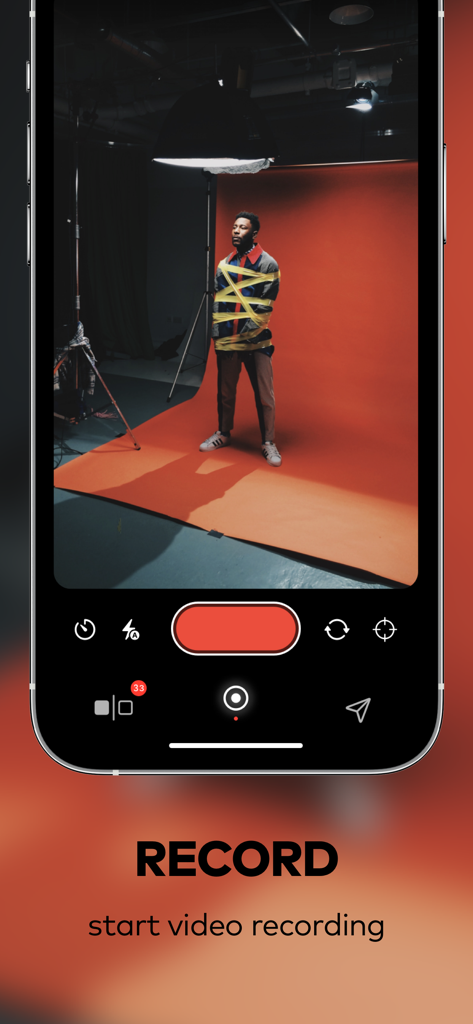
Pause - Video editor & Camera - Pause 비디오 편집기 앱의 녹화 인터페이스로, 스튜디오에서 전문적인 비디오 촬영 장면이 표시됩니다.
Pause 비디오 편집기 앱의 녹화 인터페이스로, 스튜디오에서 전문적인 비디오 촬영 장면이 표시됩니다.

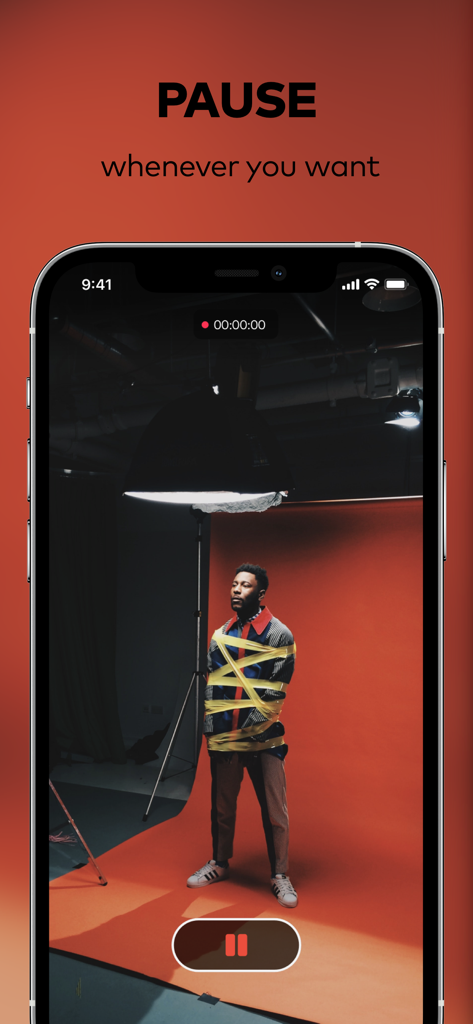
Pause - Video editor & Camera - Pause 앱 녹화 인터페이스로, 일시 중지 버튼이 있는 비디오 촬영 장면이 표시됩니다.
Pause 앱 녹화 인터페이스로, 일시 중지 버튼이 있는 비디오 촬영 장면이 표시됩니다.

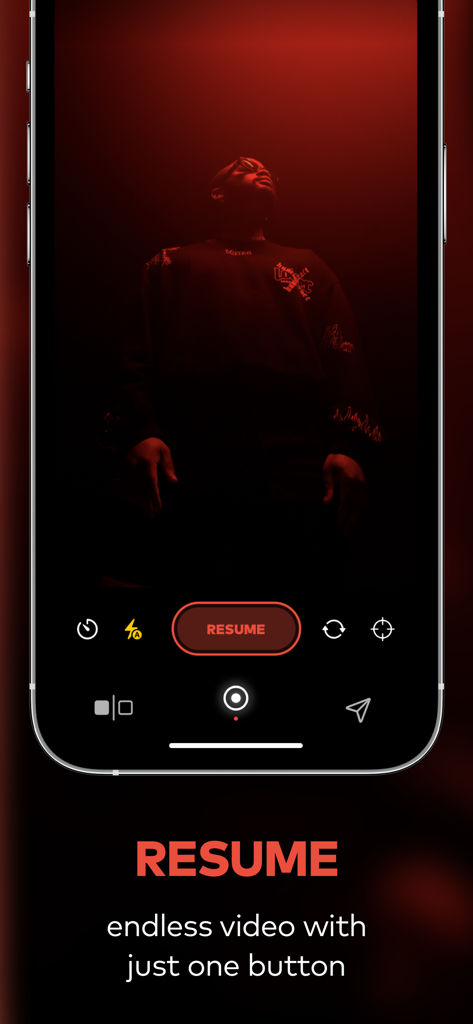
Pause - Video editor & Camera - Pause 비디오 편집기 앱 인터페이스로, iPhone 화면에 녹화 재개 버튼이 표시됩니다.
Pause 비디오 편집기 앱 인터페이스로, iPhone 화면에 녹화 재개 버튼이 표시됩니다.

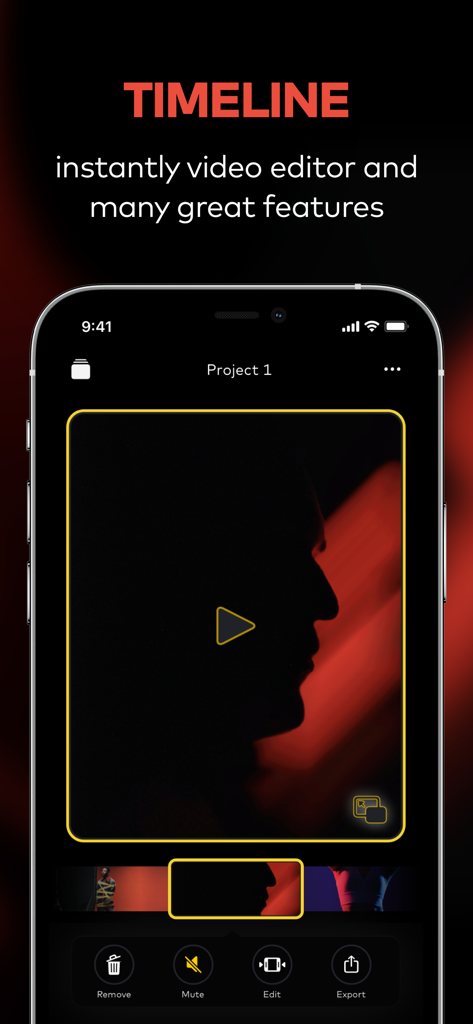
Pause - Video editor & Camera - Pause 비디오 편집기의 모바일 앱 인터페이스로, 비디오 미리 보기 및 편집 도구가 있는 타임라인 화면이 표시됩니다.
Pause 비디오 편집기의 모바일 앱 인터페이스로, 비디오 미리 보기 및 편집 도구가 있는 타임라인 화면이 표시됩니다.

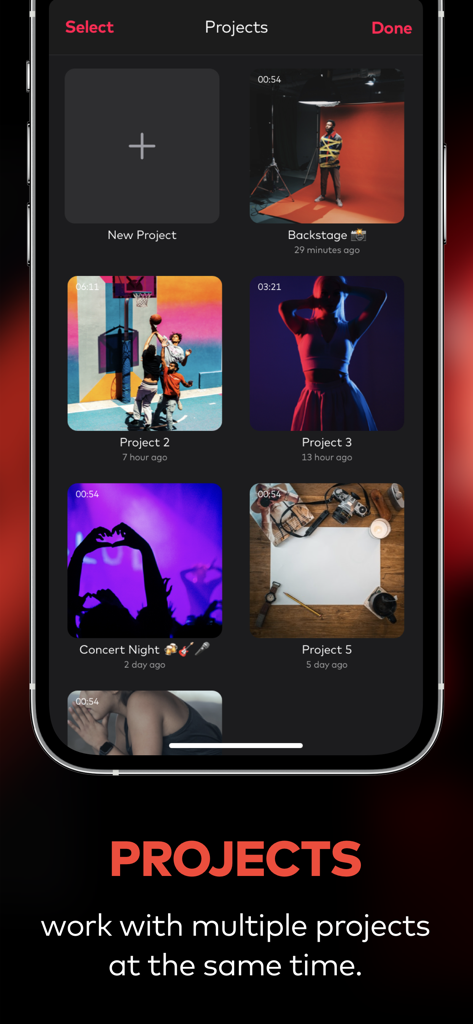
Pause - Video editor & Camera - Pause 비디오 편집기 앱의 인터페이스로, 여러 비디오 프로젝트 그리드가 표시됩니다.
Pause 비디오 편집기 앱의 인터페이스로, 여러 비디오 프로젝트 그리드가 표시됩니다.

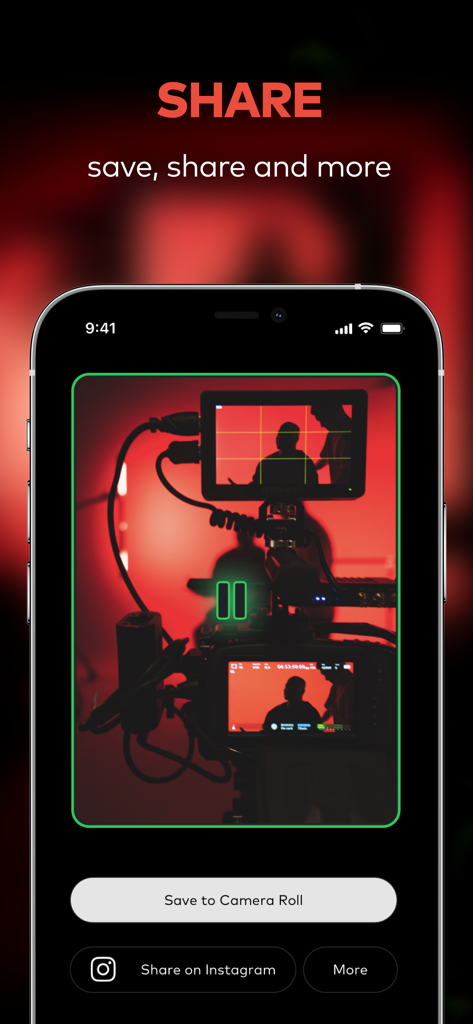
Pause - Video editor & Camera - Pause 비디오 편집기 공유 화면으로, 카메라 롤에 저장하거나 Instagram에 공유하는 옵션이 표시됩니다.
Pause 비디오 편집기 공유 화면으로, 카메라 롤에 저장하거나 Instagram에 공유하는 옵션이 표시됩니다.

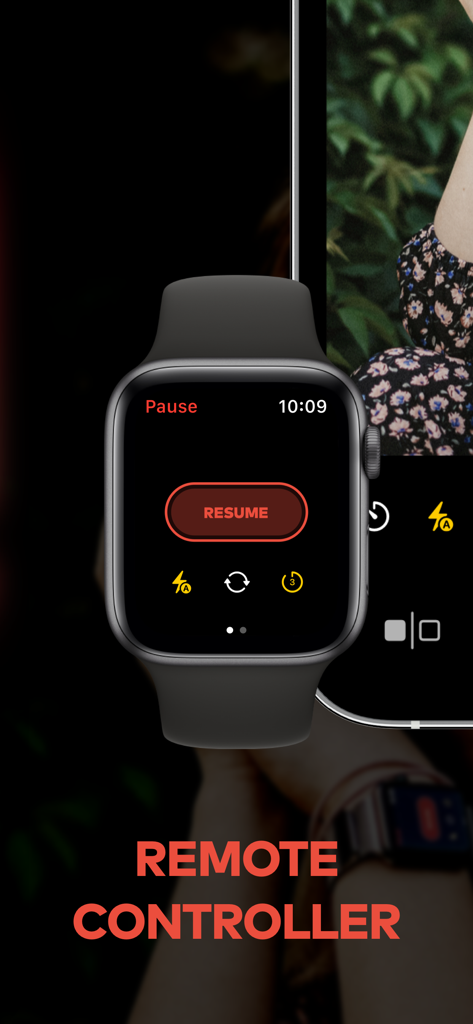
Pause - Video editor & Camera - Pause 앱에 대한 원격 카메라 제어를 보여주는 Apple Watch 인터페이스.
Pause 앱에 대한 원격 카메라 제어를 보여주는 Apple Watch 인터페이스.

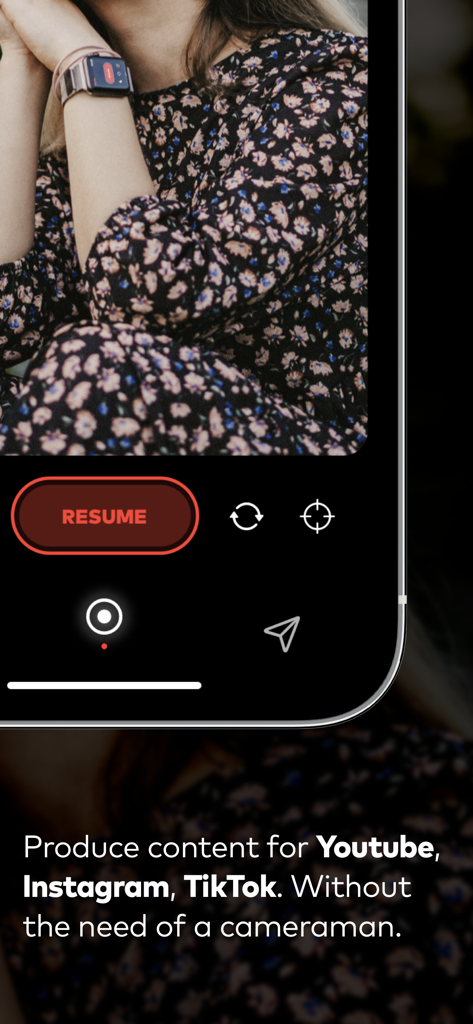
Pause - Video editor & Camera - Pause 앱에서 비디오 녹화를 원격으로 제어하기 위해 Apple Watch를 사용하는 제작자.

Pause 앱에서 비디오 녹화를 원격으로 제어하기 위해 Apple Watch를 사용하는 제작자.

설명

Pause video maker is a real time video cut editor. The Pause video maker is easiest way to video while recording. Now, you can video record with the ability to pause and resume your recording. You can get record video inshot, pause and resume recording whenever you want - when you are ready, edit and save your recordings as one completed video to your camera roll and share with friends on your social media accounts ! FEATURES; ● Pause and Resume on your video recording ● Better video quality , 4K support camera ● Video Editor - Trim or Cut your videos ● Zoom in/out with pinch gesture or slide while recording on cam ● Camera change to back/front or Ultra Wide Angle cam ● Export video clips from Pause app after that share on ig, tik tok, youtube with blogger and vloggers ● Change order of your movie clips ● Delete anyone video clips before video final cut process ● Trim on video clips duration like a splice and instagram reels video editor ● Video length without limits ● Video Countdown timer like iPhone camera app ● Supports Remote Controller for Apple Watch. You can control shooting from Apple Watch. ● Target Mode ( Vine ghost mode ) ● Share with AirDrop for your Mac or iPad. ● Share on social networks (Instagram, Youtube, Twitter, Facebook) ● Share on cloud services (Dropbox, iCloud Drive) ● Share via with E-mail, WhatsApp or iMessage on Pause video maker & editor TARGET MODE ( Ghost Mode ) The primary benefit of the ghost feature on Pause app, that helps make capcut clips or video story like that influencer of tiktok, instagram reels and instagram stories, inshot, capcut, like a picsart. This video editor pause the target feature switched on - just tap the little target icon in the bottom-right corner of the app - the end point of your last recording snippet will overlay the "live" scene, as in the pic above. With the target mode on, you will much more easily be able to line up your stop-motion videos, tiktok,instagram reels,instagram story style video shots, without the guesswork that might ruin the finished video. You are become filmmaker and jump cutter !

Download

다운로드: App Store

이 페이지는 앱이나 개발자의 공식 페이지가 아니며, 정보 제공 및 논평을 목적으로 작성된 독립 편집 간행물입니다. 명시적으로 달리 언급되지 않는 한, 해당 앱이나 개발자는 MWM, Apple, Google Play, 앱 퍼블리셔 또는 앱 개발자와 제휴, 보증, 후원, 승인 또는 공식적으로 연결되어 있지 않으며, 이 페이지의 어떤 내용도 해당 앱이 MWM의 서비스를 사용하여 개발되었음을 의미하지 않습니다. 모든 상표, 로고, 스크린샷 및 기타 콘텐츠는 해당 소유자의 자산입니다.








