PDF Converter: Photo to PDF !
다운로드: App Store

이 페이지는 앱이나 개발자의 공식 페이지가 아니며, 정보 제공 및 논평을 목적으로 작성된 독립 편집 간행물입니다. 명시적으로 달리 언급되지 않는 한, 해당 앱이나 개발자는 MWM, Apple, Google Play, 앱 퍼블리셔 또는 앱 개발자와 제휴, 보증, 후원, 승인 또는 공식적으로 연결되어 있지 않으며, 이 페이지의 어떤 내용도 해당 앱이 MWM의 서비스를 사용하여 개발되었음을 의미하지 않습니다. 모든 상표, 로고, 스크린샷 및 기타 콘텐츠는 해당 소유자의 자산입니다.

로고: PDF Converter: Photo to PDF !
다운로드: App Store

PDF Converter: Photo to PDF !

사진, Word, Excel 파일을 몇 초 만에 고품질 PDF로 변환하세요. 레이아웃을 보존하고 데이터를 암호화하며 모바일 워크플로를 쉽게 간소화하세요.

주요 수치

다운로드

35K+

사용자 평점

4.8/5

총 평가 수

400

개발사

Samia Asif

카테고리

Business

지원 언어

15

최신 버전

1.4

크기

11.5 MB

출시일

2024년 1월 6일
기능

문서 작업 흐름 마스터하기

전문가와 학생을 위한 최고의 생산성 도우미입니다. 서식이나 시간을 잃지 않고 몇 초 만에 모든 파일을 고품질 PDF로 변환하세요.

즉석 다중 형식 변환

몇 번의 탭으로 Word, Excel, PowerPoint 및 사진을 PDF로 변환하세요. 빠른 생활 방식에 맞춰 설계된 원활하고 전문 용어 없는 프로세스를 경험하세요.

픽셀 완벽 레이아웃

공들인 작업을 보존하세요. 저희 엔진은 모든 글꼴, 이미지 및 여백을 의도한 대로 정확하게 유지하여 이력서와 보고서가 항상 전문적으로 보이도록 합니다.

다음 스크린샷과 설명은 앱의 공식 스토어 목록에서 직접 가져온 것이며 앱 개발자의 자산입니다.

앱 스토어

스크린샷
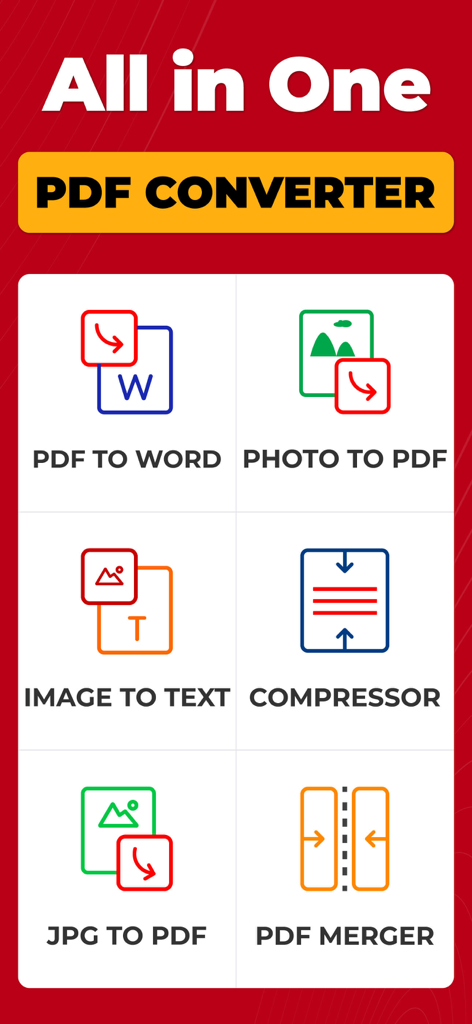
PDF Converter: Photo to PDF ! - 사진을 PDF로, 텍스트를 이미지로 변환하는 도구를 포함한 다양한 PDF 변환 도구를 보여주는 모바일 앱 인터페이스 스크린샷
사진을 PDF로, 텍스트를 이미지로 변환하는 도구를 포함한 다양한 PDF 변환 도구를 보여주는 모바일 앱 인터페이스 스크린샷

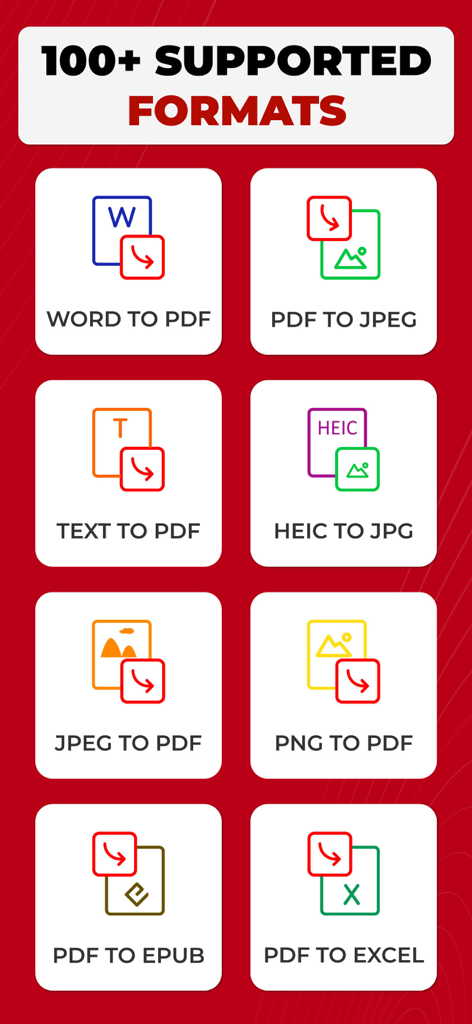
PDF Converter: Photo to PDF ! - Word를 PDF로, PDF를 Excel로 변환하는 옵션을 포함한 문서 변환 목록
Word를 PDF로, PDF를 Excel로 변환하는 옵션을 포함한 문서 변환 목록

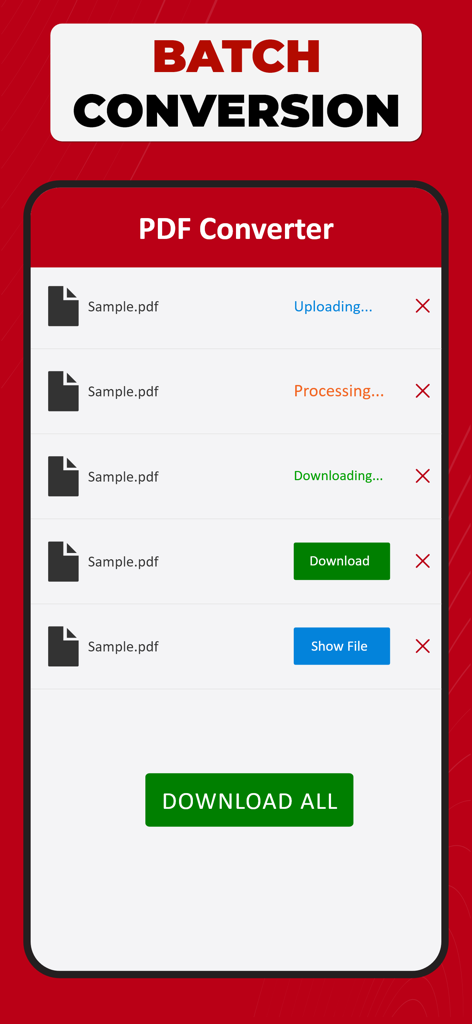
PDF Converter: Photo to PDF ! - 여러 파일이 처리되는 배치 변환 화면과 다운로드 버튼이 표시되는 PDF 변환기 앱의 인터페이스
여러 파일이 처리되는 배치 변환 화면과 다운로드 버튼이 표시되는 PDF 변환기 앱의 인터페이스

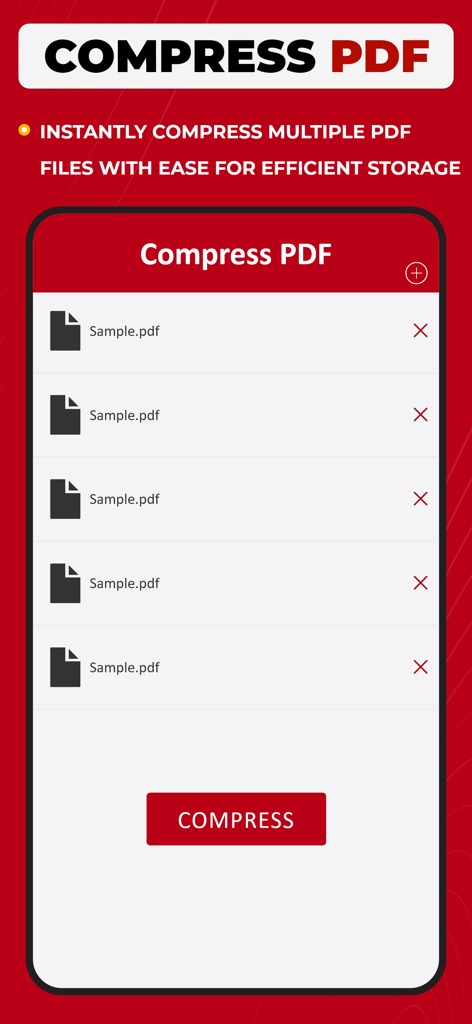
PDF Converter: Photo to PDF ! - 선택한 PDF 파일 목록과 효율적인 저장을 위해 즉시 압축하는 버튼을 보여주는 모바일 앱 화면
선택한 PDF 파일 목록과 효율적인 저장을 위해 즉시 압축하는 버튼을 보여주는 모바일 앱 화면

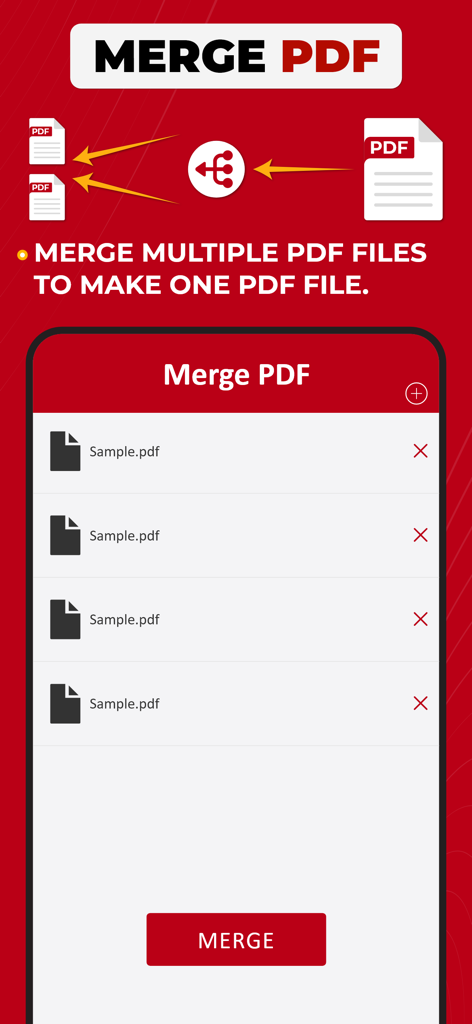
PDF Converter: Photo to PDF ! - 여러 PDF 파일을 하나로 병합하는 기능을 보여주는 PDF 변환기 앱의 인터페이스
여러 PDF 파일을 하나로 병합하는 기능을 보여주는 PDF 변환기 앱의 인터페이스

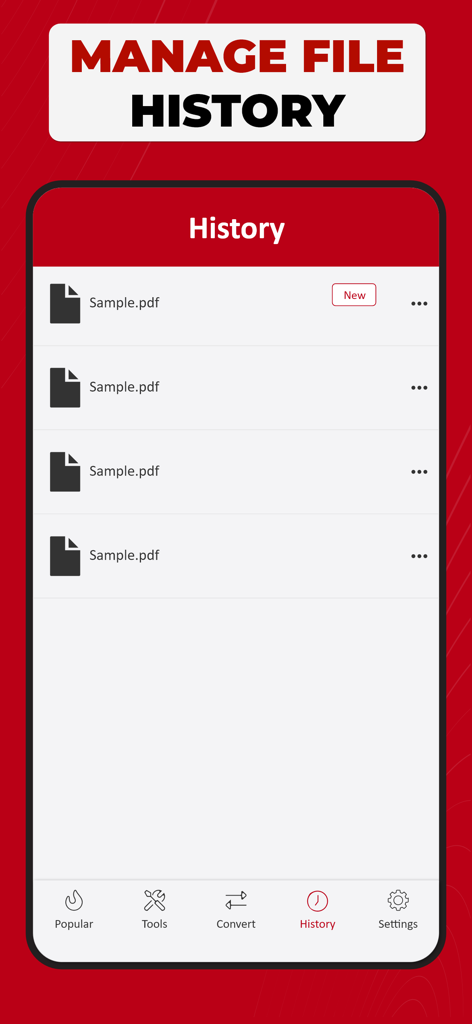
PDF Converter: Photo to PDF ! - 변환된 PDF 문서 목록이 있는 파일 기록 관리 기능을 보여주는 모바일 앱 화면
변환된 PDF 문서 목록이 있는 파일 기록 관리 기능을 보여주는 모바일 앱 화면

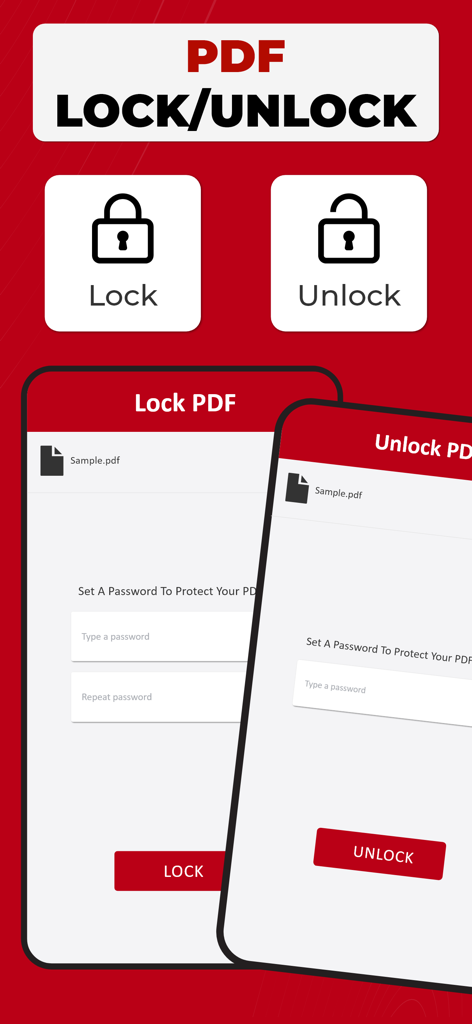
PDF Converter: Photo to PDF ! - 암호 보호로 PDF 파일을 잠그거나 잠금 해제하는 인터페이스

암호 보호로 PDF 파일을 잠그거나 잠금 해제하는 인터페이스

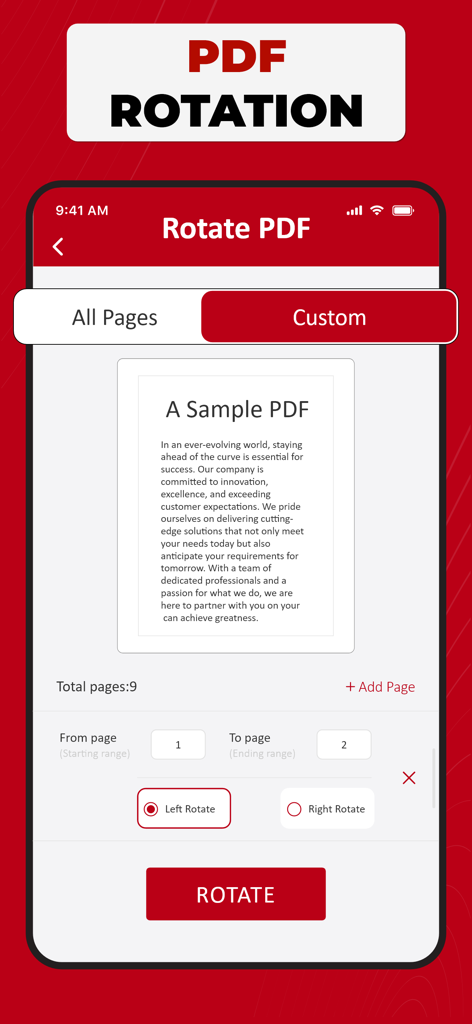
PDF Converter: Photo to PDF ! - 사용자 지정 페이지 범위 및 왼쪽 또는 오른쪽 회전 옵션이 있는 PDF 회전 도구를 보여주는 PDF 변환기 앱의 인터페이스

사용자 지정 페이지 범위 및 왼쪽 또는 오른쪽 회전 옵션이 있는 PDF 회전 도구를 보여주는 PDF 변환기 앱의 인터페이스

설명

PDF Converter - Your Document Transformation Companion Welcome to PDF Converter, your go-to solution for effortlessly transforming your documents into portable and easily shareable PDF files & vice versa. This intuitive app is designed with simplicity in mind, ensuring a seamless and efficient conversion process for all your document needs. Get "Simple. Fast. Powerful.” PDF Converter Now! With PDF Converter, you can convert a variety of file formats, including Word documents, Excel spreadsheets, PowerPoint presentations, and images, into high-quality PDFs with just a few taps. Whether you're a student needing to convert lecture notes into a PDF or a professional looking to create polished reports, our app has you covered. The user-friendly interface of PDF Converter makes the conversion process a breeze. Simply open the app, select the file you want to convert, and let the app do the rest. No complicated settings or technical jargon – just a straightforward and smooth experience. One of the standout features of PDF Converter is its ability to maintain the original formatting of your documents. Fonts, images, and layouts are preserved, ensuring that your converted PDF looks just like the original. This attention to detail sets PDF Converter apart, providing you with professional-looking documents every time. We understand the importance of flexibility in today's fast-paced world, which is why PDF Converter allows you to convert documents easily. Whether your files are stored on your device, in the cloud, or received as email attachments, PDF Converter seamlessly integrates with your preferred storage solutions, making it convenient for you to access and convert your documents from anywhere. Security is a top priority, and PDF Converter ensures that your sensitive information remains confidential. The app is equipped with robust encryption features, adding an extra layer of protection to your converted PDFs. Share your documents with confidence, knowing that your data is secure. PDF Converter is not just a tool; it's a productivity companion that simplifies your document management tasks. Say goodbye to the hassle of incompatible file formats and hello to a streamlined, efficient workflow. Download PDF Converter today and experience the power of seamless document transformation at your fingertips. For any assistance, don't hesitate to contact us at askdevforhelp@gmail.com Please note: Free conversions and tools are complimentary, and additional in-app purchases are required for unlimited conversions. Select the plan that fits your requirements – Weekly, Monthly, Yearly, or consider a Lifetime subscription. This app provides an optional auto-renewable subscription with a 3-day free trial available on Weekly, Monthly, and Yearly plans. No commitment; you can cancel anytime before the trial period concludes. We offer a 3-day free trial for Weekly, Monthly, and Yearly plans. Cancel anytime before the trial ends; no strings attached. Payment is debited from your iTunes account upon confirmation, and subscriptions renew automatically unless you turn off auto-renewal at least 24 hours before the current period concludes. Manage subscriptions and disable auto-renewal in your iTunes Account Settings post-purchase. Any unused portion of the free trial will be forfeited if a subscription is initiated before the trial concludes. Privacy Policy: https://samiaasifdev.wordpress.com/privacy-policy/  Terms of Use: https://samiaasifdev.wordpress.com/terms-of-use/

Download

다운로드: App Store

이 페이지는 앱이나 개발자의 공식 페이지가 아니며, 정보 제공 및 논평을 목적으로 작성된 독립 편집 간행물입니다. 명시적으로 달리 언급되지 않는 한, 해당 앱이나 개발자는 MWM, Apple, Google Play, 앱 퍼블리셔 또는 앱 개발자와 제휴, 보증, 후원, 승인 또는 공식적으로 연결되어 있지 않으며, 이 페이지의 어떤 내용도 해당 앱이 MWM의 서비스를 사용하여 개발되었음을 의미하지 않습니다. 모든 상표, 로고, 스크린샷 및 기타 콘텐츠는 해당 소유자의 자산입니다.