PDF Converter – Scan & Edit
다운로드: App Store

이 페이지는 앱이나 개발자의 공식 페이지가 아니며, 정보 제공 및 논평을 목적으로 작성된 독립 편집 간행물입니다. 명시적으로 달리 언급되지 않는 한, 해당 앱이나 개발자는 MWM, Apple, Google Play, 앱 퍼블리셔 또는 앱 개발자와 제휴, 보증, 후원, 승인 또는 공식적으로 연결되어 있지 않으며, 이 페이지의 어떤 내용도 해당 앱이 MWM의 서비스를 사용하여 개발되었음을 의미하지 않습니다. 모든 상표, 로고, 스크린샷 및 기타 콘텐츠는 해당 소유자의 자산입니다.

로고: PDF Converter – Scan & Edit
다운로드: App Store

PDF Converter – Scan & Edit

학생과 전문가가 몇 초 만에 문서를 스캔, 편집 및 변환할 수 있도록 지원합니다. OCR 및 스마트 PDF 관리 기능을 활용하여 언제 어디서든 종이 없는 효율적인 업무 흐름을 유지하세요.

주요 수치

다운로드

1K+

사용자 평점

1.0/5

총 평가 수

0

개발사

Shaanxi Jinxi Network Technology Co., Ltd.

카테고리

Utilities

지원 언어

1

최신 버전

v1.0.7

크기

47.4 MB

출시일

2024년 6월 5일
기능

올인원 모바일 오피스

iPhone을 고성능 스캐너 및 편집기로 변환하세요. 이동 중에 작업을 완료해야 하는 전문가와 학생을 위해 설계되었습니다.

스마트 스캔 및 OCR

실물 문서를 검색 및 편집 가능한 텍스트로 즉시 변환합니다. 전문적인 선명도로 메모, 영수증, 계약서를 디지털화하는 데 적합합니다.

전문가급 파일 변환

Word, Excel, PowerPoint를 PDF로, PDF를 해당 형식으로 원활하게 변환합니다. 데스크톱 컴퓨터 없이도 서식과 레이아웃을 유지합니다.

다음 스크린샷과 설명은 앱의 공식 스토어 목록에서 직접 가져온 것이며 앱 개발자의 자산입니다.

앱 스토어

스크린샷
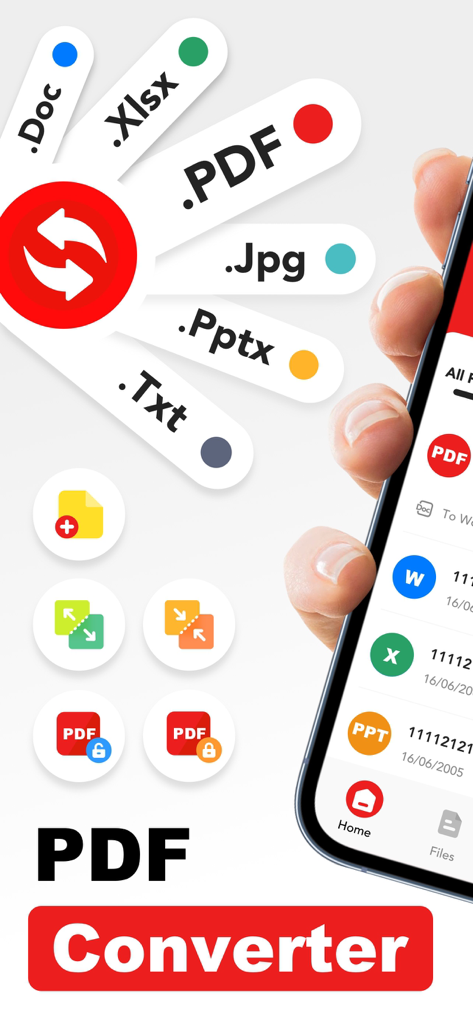
PDF Converter – Scan & Edit - PDF Word 및 Excel과 같은 다양한 문서 형식을 보여주는 PDF 변환기 앱 인터페이스를 보여주는 스마트폰 화면
PDF Word 및 Excel과 같은 다양한 문서 형식을 보여주는 PDF 변환기 앱 인터페이스를 보여주는 스마트폰 화면

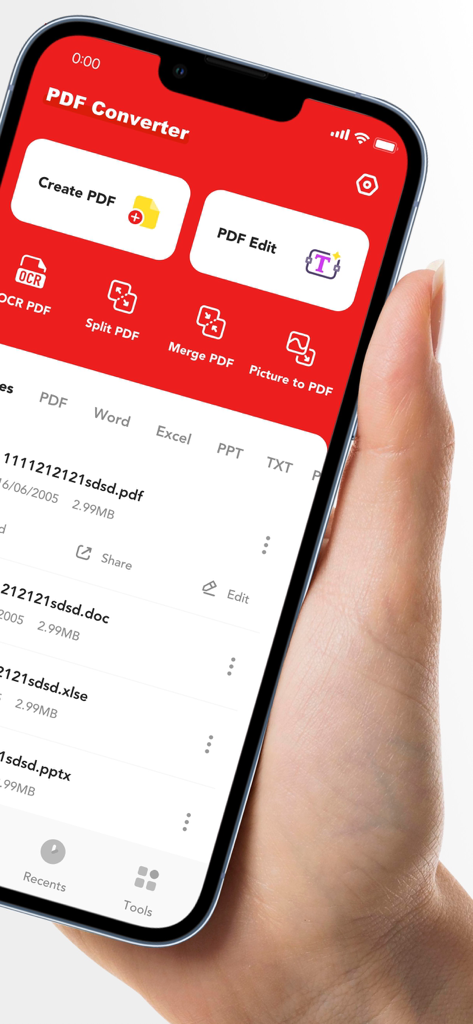
PDF Converter – Scan & Edit - iPhone에서 문서 스캔 및 편집 도구를 보여주는 PDF 변환기 앱의 모바일 인터페이스
iPhone에서 문서 스캔 및 편집 도구를 보여주는 PDF 변환기 앱의 모바일 인터페이스

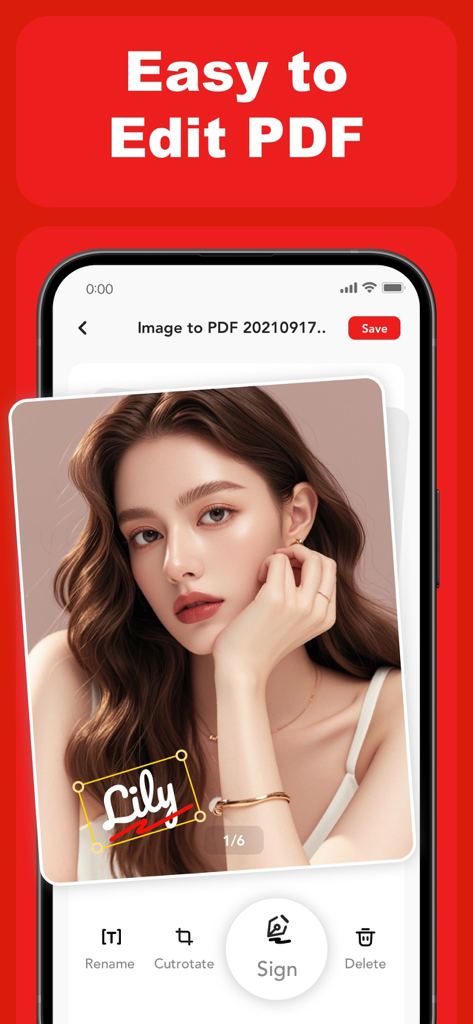
PDF Converter – Scan & Edit - 이미지 문서에 디지털 서명 도구를 사용하는 방법을 보여주는 PDF 변환기 앱 인터페이스
이미지 문서에 디지털 서명 도구를 사용하는 방법을 보여주는 PDF 변환기 앱 인터페이스

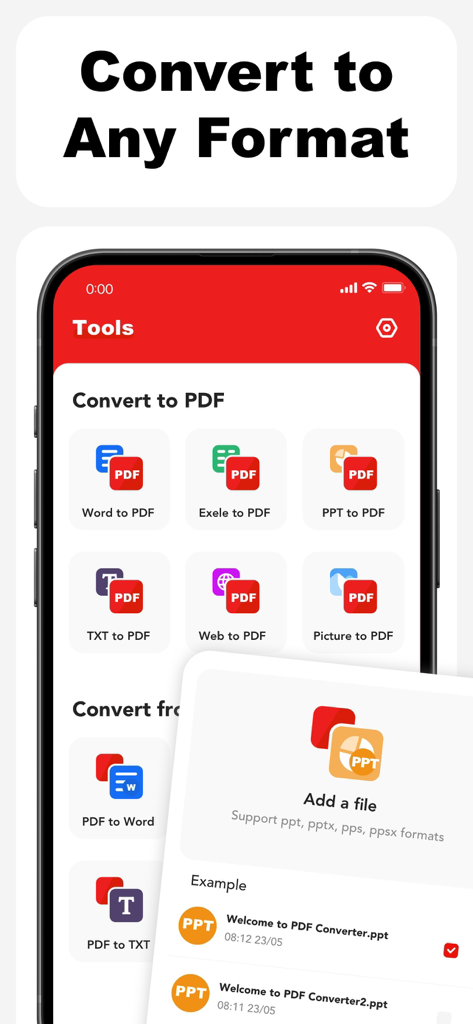
PDF Converter – Scan & Edit - 문서를 PDF 형식으로 변환하는 다양한 옵션을 표시하는 모바일 앱 인터페이스
문서를 PDF 형식으로 변환하는 다양한 옵션을 표시하는 모바일 앱 인터페이스

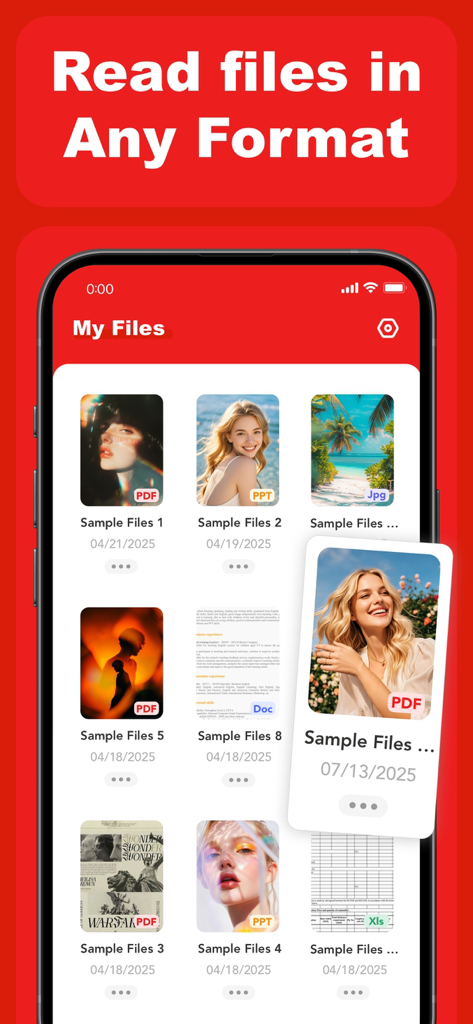
PDF Converter – Scan & Edit - PDF Word Excel 및 PowerPoint 형식 지원과 함께 PDF 변환기 앱 내 파일 섹션을 보여주는 스마트폰 화면

PDF Word Excel 및 PowerPoint 형식 지원과 함께 PDF 변환기 앱 내 파일 섹션을 보여주는 스마트폰 화면

설명

PDF Converter – Scan, Edit & OCR PDF Converter helps you create, convert, and manage PDF files directly on your mobile device. Designed for everyday work, study, and document handling, the app offers a practical set of tools for working with PDFs in a simple and efficient way. Key Features: Create & Edit PDFs Create PDF files from text, images, and documents Edit existing PDF content to adjust layout or text Scan Documents Use your device camera to scan documents and convert them into PDFs Suitable for paper documents, notes, receipts, and more OCR Text Recognition Extract text from scanned PDFs and images Make scanned content easier to read, copy, and edit PDF Management Split large PDFs into smaller files Merge multiple PDFs into a single document File Conversion Convert Word, Excel, PowerPoint, TXT, web content, images, and camera captures to PDF Convert PDF files back to Word, Excel, PowerPoint, TXT, or image formats Designed for Daily Use PDF Converter is built to support common document tasks such as sharing files, organizing documents, and converting formats for work or study. The interface focuses on clarity and ease of use. Subscription & Premium Access Upgrade to access advanced features and enhanced processing capabilities. Subscription options: Weekly: $2.99 Monthly: $8.99 Yearly: $29.99 (includes a 3-day free trial) Payment will be charged to your App Store account upon confirmation. Subscriptions renew automatically unless canceled at least 24 hours before the end of the current period. The free trial applies only to the yearly subscription. You can manage or cancel your subscription in your App Store account settings. Privacy & Terms Privacy Policy:https://efly.freshpdffileartic.com/freshprivacyPolicy.html Terms of Service: https://efly.freshpdffileartic.com/freshtermsOfService.html

Download

다운로드: App Store

이 페이지는 앱이나 개발자의 공식 페이지가 아니며, 정보 제공 및 논평을 목적으로 작성된 독립 편집 간행물입니다. 명시적으로 달리 언급되지 않는 한, 해당 앱이나 개발자는 MWM, Apple, Google Play, 앱 퍼블리셔 또는 앱 개발자와 제휴, 보증, 후원, 승인 또는 공식적으로 연결되어 있지 않으며, 이 페이지의 어떤 내용도 해당 앱이 MWM의 서비스를 사용하여 개발되었음을 의미하지 않습니다. 모든 상표, 로고, 스크린샷 및 기타 콘텐츠는 해당 소유자의 자산입니다.








