PDF to Word Converter - Docx

PDF to Word Converter - Docx

다운로드: App Store
로고: PDF to Word Converter - Docx

PDF를 Word로 변환 - Docx: PDF를 즉시 편집 가능한 문서로 변환

다시 입력하는 것을 멈추고 몇 시간의 작업을 절약하세요. iPhone, iPad 또는 Mac에서 고급 OCR 및 완벽한 서식 보존 기능으로 PDF 및 이미지를 전문적인 Word 파일로 변환하세요.

개발사

Asad Ahsan

카테고리

Productivity

다운로드

21K+

사용자 평점

4.5/5

총 평가 수

1K+

지원 언어

69

효율성을 눈으로 확인하세요

이 인터페이스를 사용하는 21K+ 명의 사용자.

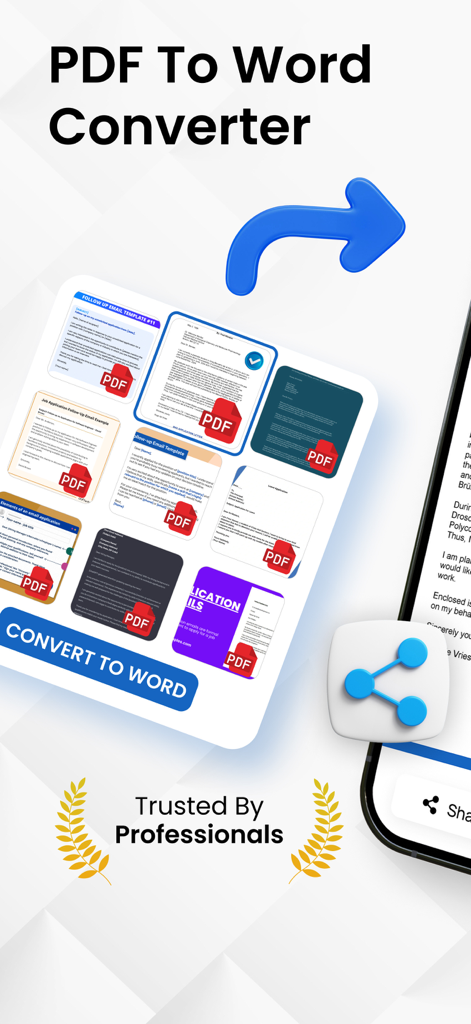
PDF to Word converter 앱 화면에 문서 썸네일과 Word로 변환 버튼이 표시됩니다.

PDF to Word converter 앱 화면에 문서 썸네일과 Word로 변환 버튼이 표시됩니다.

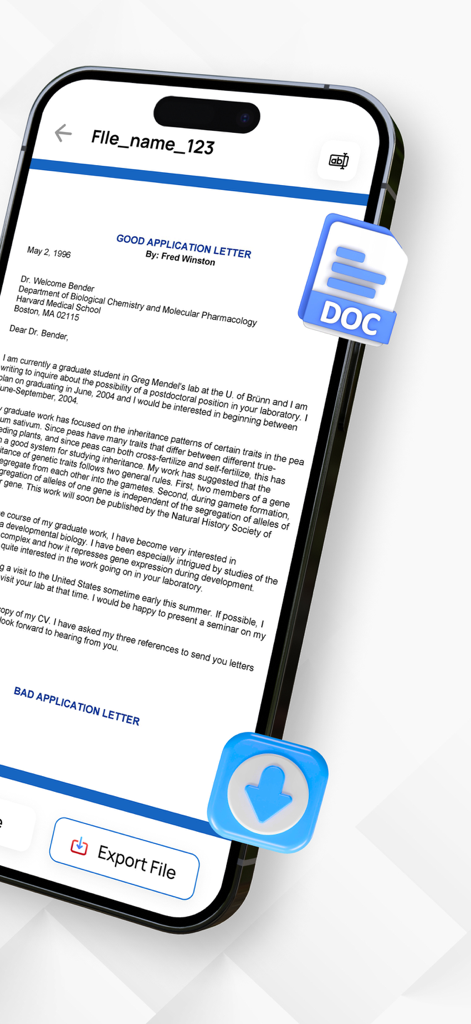
iPhone 화면에 Word 형식으로 내보낼 준비가 된 문서가 표시됩니다.

iPhone 화면에 Word 형식으로 내보낼 준비가 된 문서가 표시됩니다.

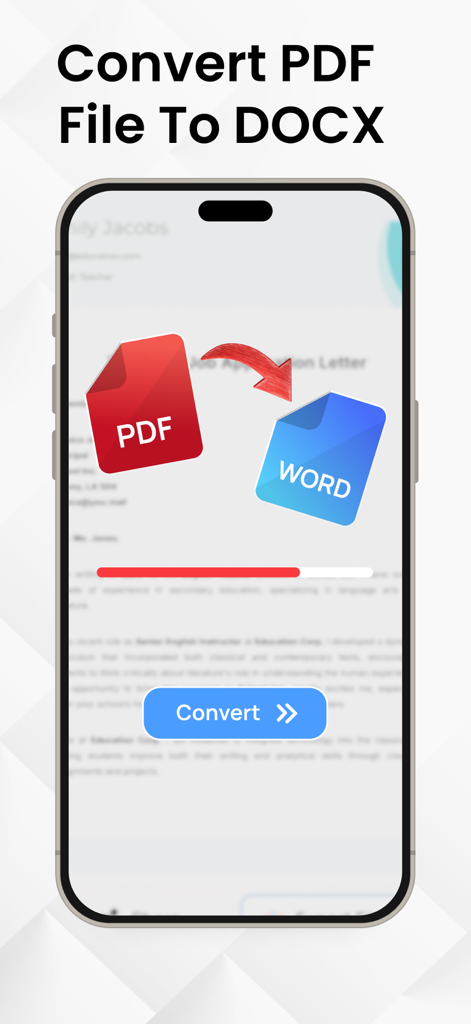
iPhone 화면에 진행률 표시줄과 변환 버튼이 있는 PDF 파일을 Word 문서로 변환하는 과정이 표시됩니다.

iPhone 화면에 진행률 표시줄과 변환 버튼이 있는 PDF 파일을 Word 문서로 변환하는 과정이 표시됩니다.

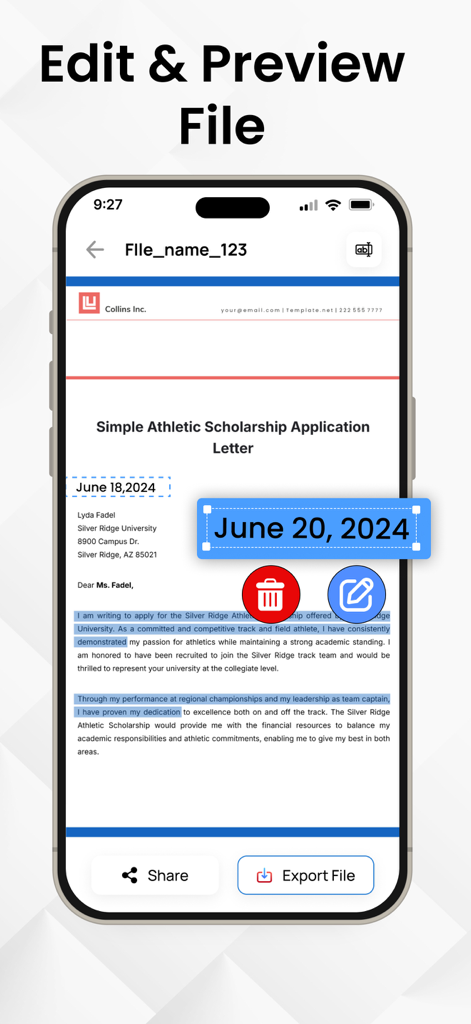
iPhone에서 변환된 Word 문서의 편집 및 미리보기 기능을 보여주는 모바일 앱 인터페이스

iPhone에서 변환된 Word 문서의 편집 및 미리보기 기능을 보여주는 모바일 앱 인터페이스

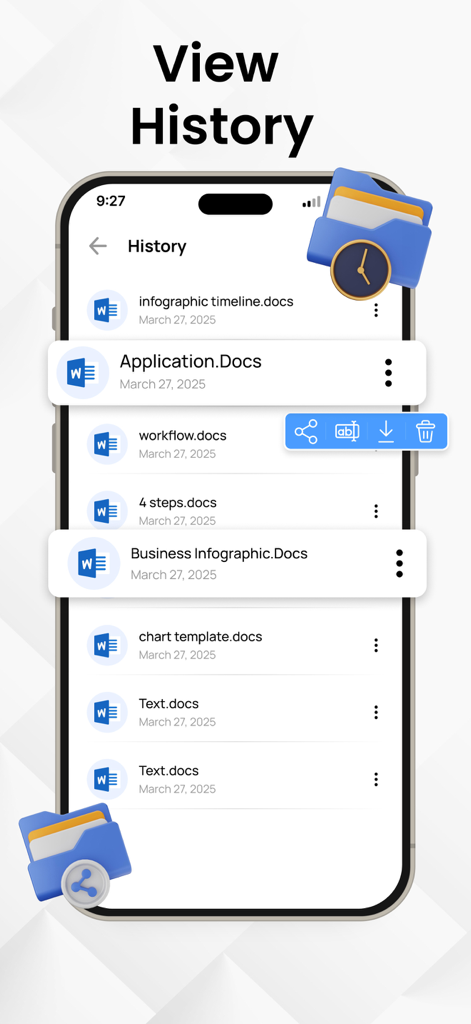
PDF to Word 앱의 문서 변환 기록 화면

PDF to Word 앱의 문서 변환 기록 화면

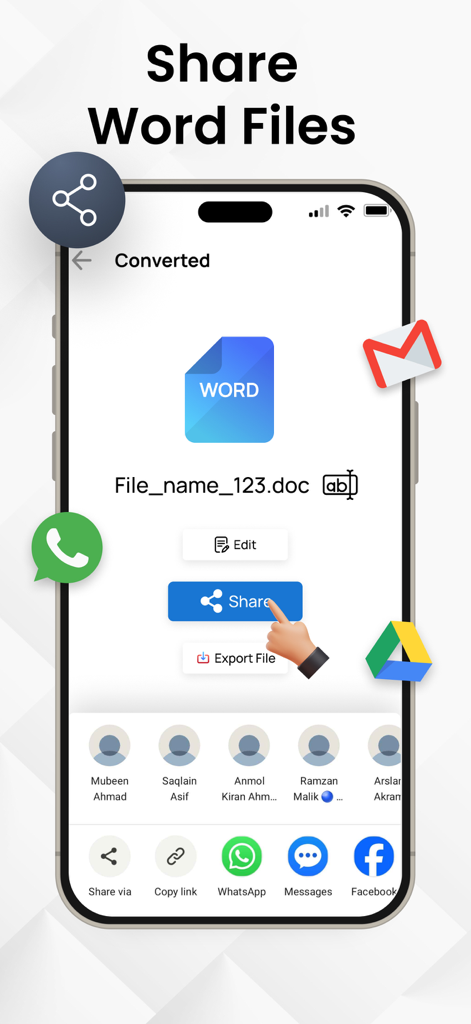
모바일 장치에서 변환된 Word 문서의 공유 옵션을 보여주는 인터페이스

모바일 장치에서 변환된 Word 문서의 공유 옵션을 보여주는 인터페이스

문서 워크플로우 간소화

이 앱을 돋보이게 하는 도구, 21K+ 명의 사용자가 선택.

정밀한 레이아웃 유지

원본 서식, 글꼴 및 테이블을 보존하세요. 수동 정리 없이 PDF와 정확히 동일하게 보이는 편집 가능한 Docx를 얻으세요.

🔍

고급 OCR 기술

인쇄된 문서나 메모를 촬영하여 즉시 텍스트를 추출하세요. 이동 중에 물리적인 서류 작업을 디지털화하는 데 적합합니다.

번개처럼 빠른 변환

효율성을 추구하는 사람들을 위해 제작되었습니다. 사무실이 어디에 있든 iPhone 또는 iPad에서 직접 몇 번의 탭만으로 파일을 변환하세요.

앱 소개

에 대해 알아야 할 모든 것 PDF to Word Converter - Docx.

설명

Do you want to convert your PDF files into word files? Convert PDF files and images to editable Word documents with this PDF to Word converter app. This pages to word converter app also allows you to pick images from your gallery and convert them to Word files using built-in text recognition (OCR). Whether you're handling documents or extracting text from pictures, this OCR PDF to Docx app helps you manage your files on the go. With a user-friendly interface, you can convert PDF files to Word format in just a few taps, preserving text, formatting, and layouts with high accuracy. PDF to Docx Conversion: Select any PDF document from your device and convert it into a fully editable Word (Docx) file. The formatting is preserved as much as possible, making it easier to continue editing or reusing the content. Image to Word Conversion: Choose images from your gallery and convert them to Word format using Optical Character Recognition (OCR). Great for converting scanned pages, photos of notes, or other image-based content into editable text. Fast Conversion: PDF To Word Converter uses advanced technology to do instant file conversions. Multiple Language Support PDF to Docx Converter supports multiple languages. This feature makes our app usable throughout the globe. If you want to know how to convert PDF to Word you came to the right place! Here's how you easily convert PDF to Docx - Select a PDF file and click Convert - Wait till the PDF is converted to Word. That's it Manage your documents more with the OCR PDF to Word Converter app. Whether you are converting PDF files or extracting text from images, this tool provides a convenient way to create editable Word documents (Docx) right from your IOS device. Start converting your files today and simplify your document workflow. Download Now! Privacy Policy: https://theonlineconverter.com/privacy-policy Terms of Use: https://theonlineconverter.com/terms

최신 버전

1.0.7

크기

56.0 MB

출시일

2025년 5월 26일

다시 입력하는 것을 멈추고 오늘 편집을 시작하세요

정확도가 높은 OCR을 신뢰하여 몇 초 만에 PDF를 완벽한 Word 문서로 변환하는 21,000명 이상의 전문가와 학생들과 함께하세요.

다운로드: App Store

App information, icons, screenshots, and descriptions displayed on this page are sourced from the Apple App Store and are the property of their respective developers. Download estimates and rankings are based on MWM's proprietary models and may not reflect actual figures. This page is provided for informational and analytical purposes only.

Believe this page infringes your intellectual property? File a dispute