
이 페이지는 앱이나 개발자의 공식 페이지가 아니며, 정보 제공 및 논평을 목적으로 작성된 독립 편집 간행물입니다. 명시적으로 달리 언급되지 않는 한, 해당 앱이나 개발자는 MWM, Apple, Google Play, 앱 퍼블리셔 또는 앱 개발자와 제휴, 보증, 후원, 승인 또는 공식적으로 연결되어 있지 않으며, 이 페이지의 어떤 내용도 해당 앱이 MWM의 서비스를 사용하여 개발되었음을 의미하지 않습니다. 모든 상표, 로고, 스크린샷 및 기타 콘텐츠는 해당 소유자의 자산입니다.


Photo Pixelizer
간단한 3단계 편집기로 모든 사진을 선명하고 향수를 불러일으키는 픽셀 아트로 변환하세요. 복잡한 도구 없이 로파이 룩을 원하는 크리에이터에게 완벽합니다.
다운로드
3K+사용자 평점
총 평가 수
0개발사
카테고리
Photo & Video지원 언어
2최신 버전
1.0.3크기
4.1 MB출시일
2019년 8월 2일레트로 미학 마스터하기
복잡한 편집기의 학습 곡선 없이 고화질 사진을 멋진 로파이 픽셀 아트로 변환하는 가장 쉬운 방법입니다.
즉각적인 3단계 생성
속도를 위해 설계된 간소화되고 직관적인 워크플로를 사용하여 몇 초 만에 현대적인 사진을 빈티지 걸작으로 만드세요.
맞춤형 픽셀 제어
해상도와 색상 팔레트를 미세 조정하여 클래식 레트로 콘솔의 상징적인 8비트 및 16비트 스타일을 완벽하게 재현하세요.
다음 스크린샷과 설명은 앱의 공식 스토어 목록에서 직접 가져온 것이며 앱 개발자의 자산입니다.
앱 스토어
스크린샷
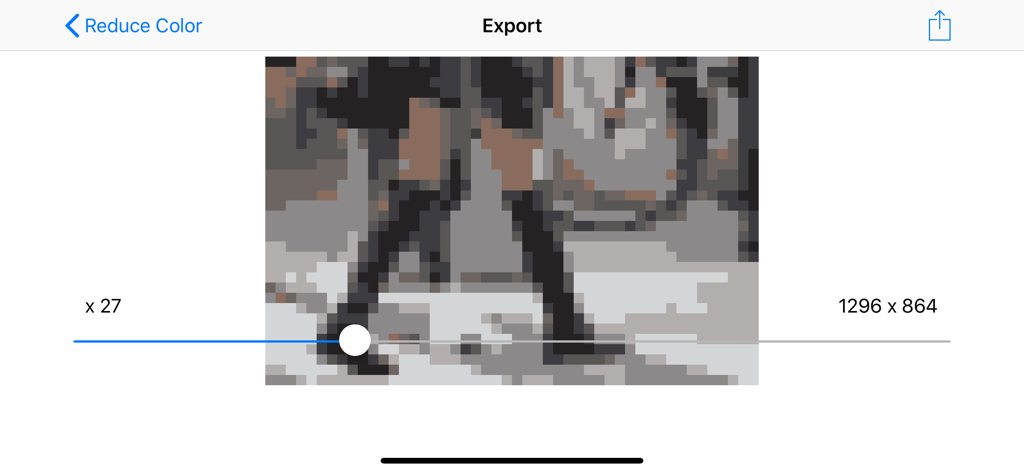
Photo Pixelizer 앱의 인터페이스로, 레트로 효과를 위해 해상도 조절 슬라이더가 있는 픽셀화된 이미지를 보여줍니다.
설명
Download
비슷한 앱
같은 카테고리의 상위 앱

CapCut: Photo & Video Editor
BYTEDANCE PTE. LTD.

Instagram, Inc.

YouTube
Google LLC

Canva: AI Photo & Video Editor
Canva Pty Ltd

Snapchat
Snap, Inc.

快手
Beijing Kwai Technology Co., Ltd.

Edits: Video Editor
Instagram, Inc.

Meitu- AI Photo & Video Editor
Xiamen Meitu Technology Co., Ltd.

Google Photos: Backup & Edit
Google LLC
이 페이지는 앱이나 개발자의 공식 페이지가 아니며, 정보 제공 및 논평을 목적으로 작성된 독립 편집 간행물입니다. 명시적으로 달리 언급되지 않는 한, 해당 앱이나 개발자는 MWM, Apple, Google Play, 앱 퍼블리셔 또는 앱 개발자와 제휴, 보증, 후원, 승인 또는 공식적으로 연결되어 있지 않으며, 이 페이지의 어떤 내용도 해당 앱이 MWM의 서비스를 사용하여 개발되었음을 의미하지 않습니다. 모든 상표, 로고, 스크린샷 및 기타 콘텐츠는 해당 소유자의 자산입니다.