Photos+ Cloud Library
다운로드: App Store

이 페이지는 앱이나 개발자의 공식 페이지가 아니며, 정보 제공 및 논평을 목적으로 작성된 독립 편집 간행물입니다. 명시적으로 달리 언급되지 않는 한, 해당 앱이나 개발자는 MWM, Apple, Google Play, 앱 퍼블리셔 또는 앱 개발자와 제휴, 보증, 후원, 승인 또는 공식적으로 연결되어 있지 않으며, 이 페이지의 어떤 내용도 해당 앱이 MWM의 서비스를 사용하여 개발되었음을 의미하지 않습니다. 모든 상표, 로고, 스크린샷 및 기타 콘텐츠는 해당 소유자의 자산입니다.


로고: Photos+ Cloud Library
다운로드: App Store

Photos+ Cloud Library

프로슈머 및 아카이브 전문가를 위한 궁극의 세컨드 저장소. OneDrive, Google Drive 또는 S3 계정에 연결하여 AI 정리 기능과 자동 갱신 구독 없는 원본 사진 및 동영상을 저장하세요.

주요 수치

다운로드

8K+

사용자 평점

4.1/5

총 평가 수

0

개발사

Pixegram, LLC

카테고리

Photo & Video

지원 언어

1

최신 버전

5.1

크기

48.5 MB

출시일

2017년 11월 16일
기능

디지털 유산에 대한 완전한 제어권을 가지세요

자체 클라우드 저장 공간으로 구동되고 전문가 수준의 정리 도구로 강화된 원본, 수정되지 않은 미디어를 위한 고성능 세컨드 라이브러리.

자체 저장 공간 사용

자체 S3, Google Drive 또는 Dropbox에 연결하여 공급업체 종속성을 제거하세요. 파일은 압축 없이 촬영한 그대로 계정에 유지됩니다.

프로 워크플로우 동기화

현장 작업을 위해 설계되었습니다. 수십 기가바이트를 업로드 대기열에 넣고 모바일 데이터로 라이브러리를 관리한 다음, Wi-Fi에 연결되면 모든 작업을 자동으로 처리하도록 하세요.

다음 스크린샷과 설명은 앱의 공식 스토어 목록에서 직접 가져온 것이며 앱 개발자의 자산입니다.

앱 스토어

스크린샷
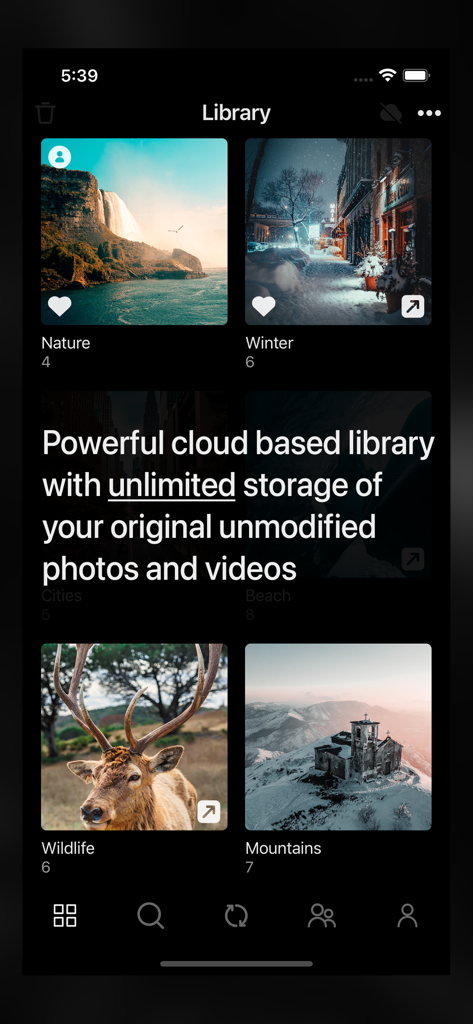
Photos+ Cloud Library - 무제한 저장 공간 메시지가 있는 사진 앨범을 표시하는 Photos Plus Cloud Library 앱
무제한 저장 공간 메시지가 있는 사진 앨범을 표시하는 Photos Plus Cloud Library 앱

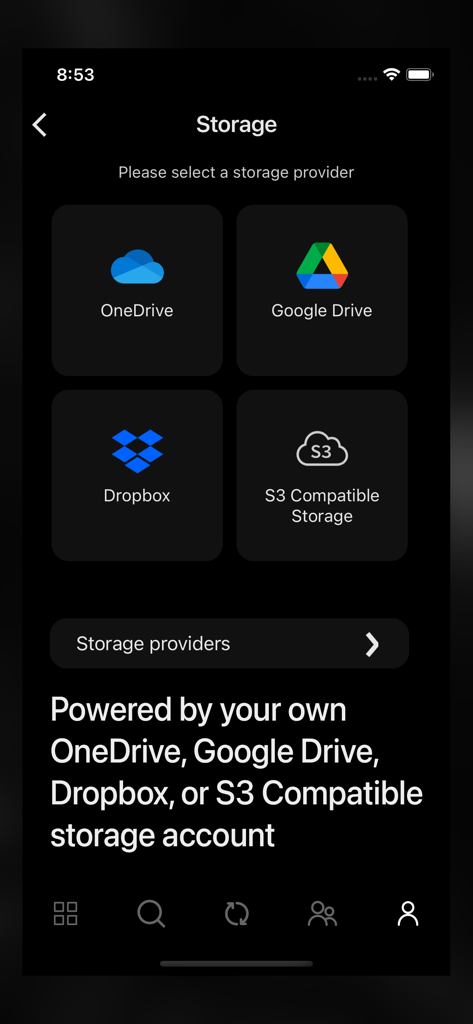
Photos+ Cloud Library - OneDrive Google Drive Dropbox 및 S3 호환 저장 공간 계정 옵션을 보여주는 Photos+ 앱 저장 공간 선택 화면
OneDrive Google Drive Dropbox 및 S3 호환 저장 공간 계정 옵션을 보여주는 Photos+ 앱 저장 공간 선택 화면

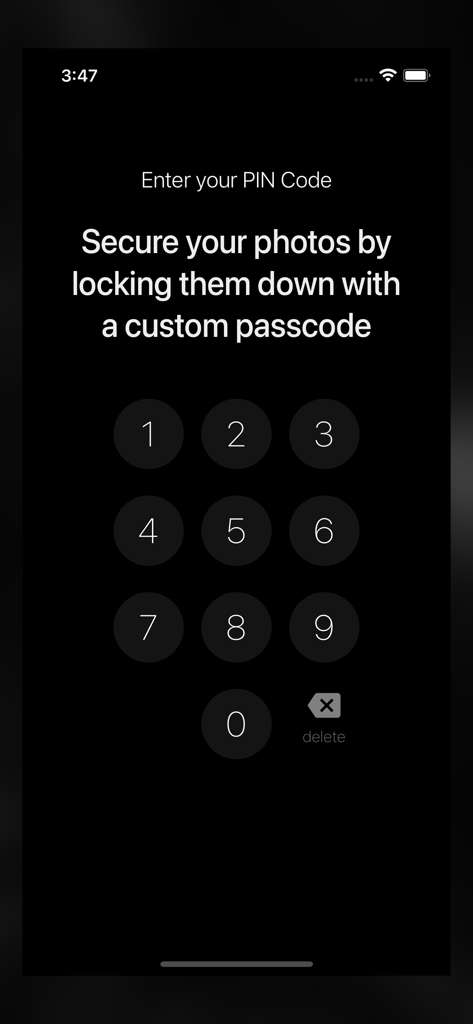
Photos+ Cloud Library - 앱에서 사진을 보호하기 위해 사용자 지정 PIN 코드를 입력하는 숫자 키패드 인터페이스.
앱에서 사진을 보호하기 위해 사용자 지정 PIN 코드를 입력하는 숫자 키패드 인터페이스.

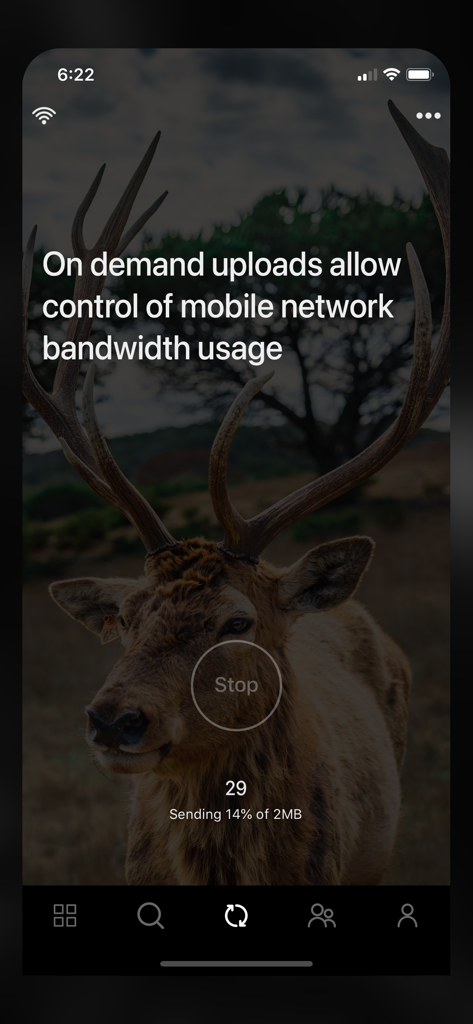
Photos+ Cloud Library - 온디맨드 업로드 진행률 및 모바일 대역폭 제어를 보여주는 앱 인터페이스
온디맨드 업로드 진행률 및 모바일 대역폭 제어를 보여주는 앱 인터페이스

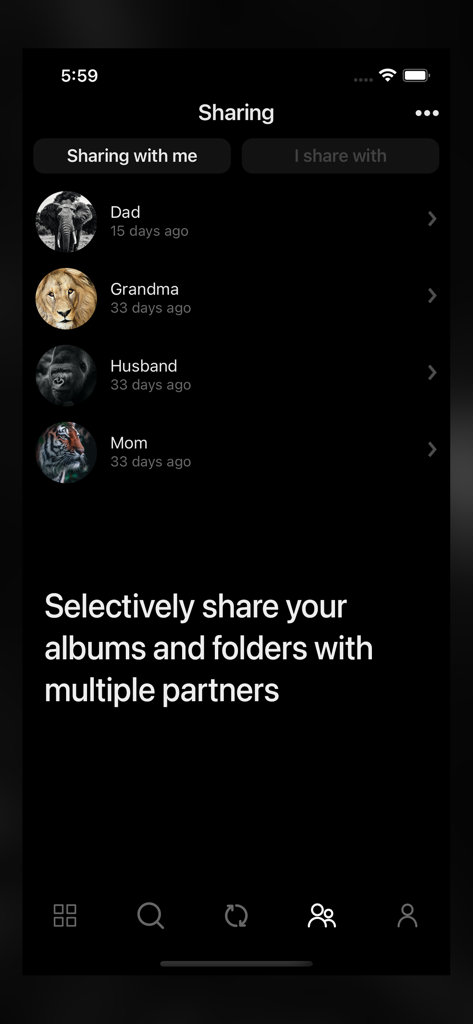
Photos+ Cloud Library - 파트너 목록과 앨범 선택적 공유 옵션을 보여주는 Photos Plus 앱의 공유 화면
파트너 목록과 앨범 선택적 공유 옵션을 보여주는 Photos Plus 앱의 공유 화면

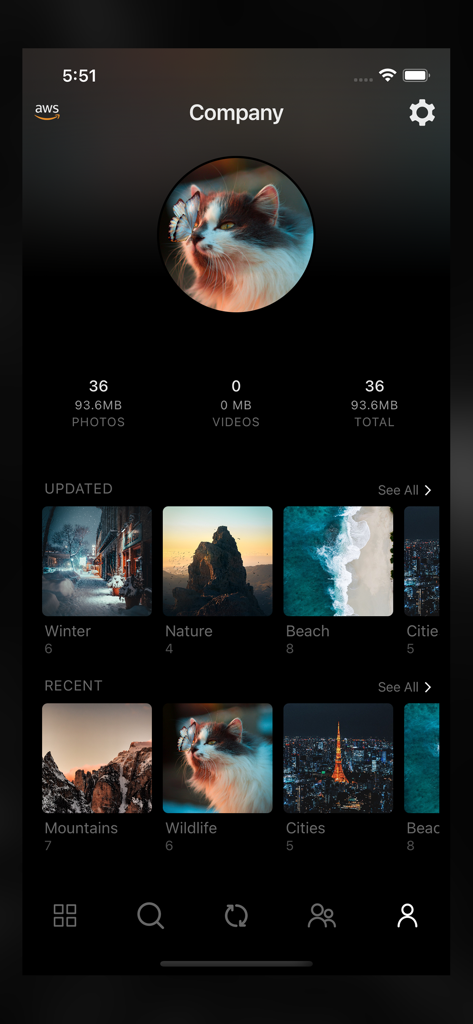
Photos+ Cloud Library - 사진 저장 공간 통계 및 자연, 야생 동물과 같은 정리된 이미지 앨범이 있는 사용자 프로필을 보여주는 Photos plus 앱 인터페이스

사진 저장 공간 통계 및 자연, 야생 동물과 같은 정리된 이미지 앨범이 있는 사용자 프로필을 보여주는 Photos plus 앱 인터페이스

설명

Photos+ is a cloud based photos library with unlimited storage of your original unmodified photos and videos and powered by your own cloud storage account. You can choose from OneDrive, Google Drive, Dropbox, or any other S3-compatible storage platform. Use it as a second photo library to separate your precious photos from your main photo library, or use it as your primary photo library, resting assured that your photos are safely stored in your own cloud storage platform. When used with OneDrive, Google Drive or Dropbox, you’re only limited by the available free storage of your accounts. When used with other S3-compatible storage platforms, there is no limit to the number of photos and videos you can store and with most S3-compatible cloud storage providers, you only pay for the actual storage you use. • Synchronize / upload on demand. Photos+ was designed with professional photographers and videographers in mind who may shoot tens of gigabytes of content out on the field on a typical shoot. With our synchronize on demand feature, you can create new albums, select photos and videos for upload, and manage all other aspects of your cloud library while using a minimal amount of mobile network bandwidth while out on a shoot, and then optionally leave the actual heavy lifting of the actual uploading for when you’re back home on WIFI. • Powerful partner sharing. Photos+ takes the concept of partner sharing to the limit by allowing you to not only add multiple partners, but to selectively share individual albums or folders with each partner on a per partner basis. • Automatic image classification. Just like your built-in photo library, Photos+ automatically categories all your photos using advanced AI image classification so your can quickly search your photos based on tags. • Location based searches and automatic reverse geocoding. Photos and videos containing latitude/longitude data are automatically reverse geocoded to their respective cities, counties, countries and named places and become instantly searchable by location. • The safest cloud storage platforms where you can store your priceless photos and videos. With Photos+, your photos and videos are safely stored in your own account with the storage platform you configure, so your photos and videos are also available for direct download from OneDrive, Google Drive, Dropbox, or the S3-compatible storage platform you are using even without the Photos+ app. Subscription Pricing and Terms - Subscriptions will not automatically renew. If you take no action, your subscription will expire in 365 days and you will not be automatically charged again. Instead you will have the option to renew your subscription at the end its current term or simply let it expire. - Subscriptions are nonrefundable, so please choose this option carefully. - Please refer to the In-App purchases section for pricing.

Download

다운로드: App Store

이 페이지는 앱이나 개발자의 공식 페이지가 아니며, 정보 제공 및 논평을 목적으로 작성된 독립 편집 간행물입니다. 명시적으로 달리 언급되지 않는 한, 해당 앱이나 개발자는 MWM, Apple, Google Play, 앱 퍼블리셔 또는 앱 개발자와 제휴, 보증, 후원, 승인 또는 공식적으로 연결되어 있지 않으며, 이 페이지의 어떤 내용도 해당 앱이 MWM의 서비스를 사용하여 개발되었음을 의미하지 않습니다. 모든 상표, 로고, 스크린샷 및 기타 콘텐츠는 해당 소유자의 자산입니다.








