PictoBlox Junior Blocks
다운로드: App Store

이 페이지는 앱이나 개발자의 공식 페이지가 아니며, 정보 제공 및 논평을 목적으로 작성된 독립 편집 간행물입니다. 명시적으로 달리 언급되지 않는 한, 해당 앱이나 개발자는 MWM, Apple, Google Play, 앱 퍼블리셔 또는 앱 개발자와 제휴, 보증, 후원, 승인 또는 공식적으로 연결되어 있지 않으며, 이 페이지의 어떤 내용도 해당 앱이 MWM의 서비스를 사용하여 개발되었음을 의미하지 않습니다. 모든 상표, 로고, 스크린샷 및 기타 콘텐츠는 해당 소유자의 자산입니다.

로고: PictoBlox Junior Blocks
다운로드: App Store

PictoBlox Junior Blocks

화면 시간을 창의적인 모험으로 바꾸세요. 초보자를 위해 설계된 쉬운 드래그 앤 드롭 블록으로 자녀가 게임을 만들고, 로봇을 제어하고, AI의 세계를 탐험하도록 힘을 실어주세요.

주요 수치

다운로드

400

사용자 평점

1.0/5

총 평가 수

0

개발사

Agilo Research Private Limited

카테고리

Education

지원 언어

1

최신 버전

1.0.1

크기

314.4 MB

출시일

2025년 6월 12일
기능

차세대 창작자들에게 힘을 실어주세요

수동적인 화면 시간을 혁신의 놀이터로 바꾸세요. 자녀는 직접적인 놀이를 통해 코딩, AI 및 로봇 공학을 마스터할 것입니다.

직관적인 블록 기반 코딩

복잡한 구문이 필요하지 않습니다. 아이들은 시각적인 코드 블록을 단순히 함께 연결하여 게임과 애니메이션을 만드는 동안 논리적 사고력과 순차적 구성 능력을 키웁니다.

AI 및 머신러닝 탐색

자녀의 교육을 미래에 대비시키세요. 얼굴 인식부터 음성 명령까지, 아이들은 재미있고 접근하기 쉬운 방식으로 인공 지능의 기초를 배웁니다.

다음 스크린샷과 설명은 앱의 공식 스토어 목록에서 직접 가져온 것이며 앱 개발자의 자산입니다.

앱 스토어

스크린샷
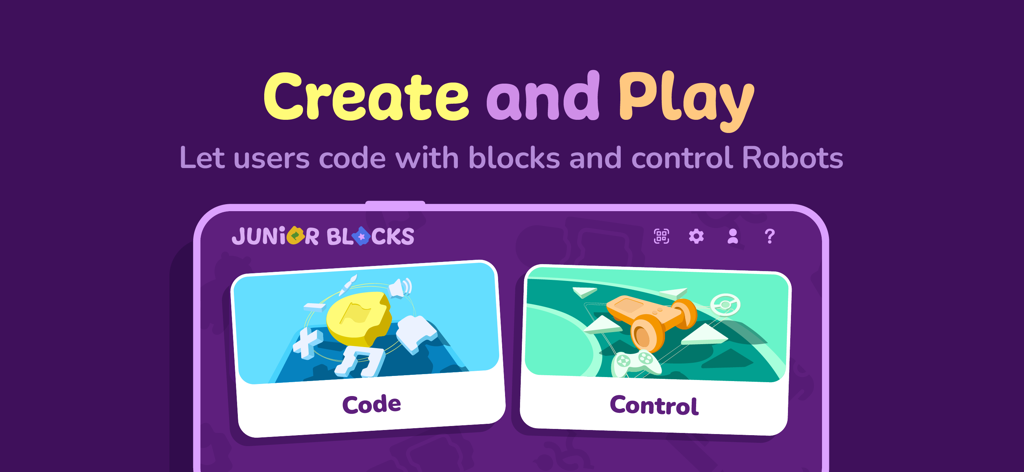
PictoBlox Junior Blocks - 코딩 및 로봇 공학을 위한 생성 및 플레이 옵션이 있는 PictoBlox Junior Blocks 앱 홈 화면
코딩 및 로봇 공학을 위한 생성 및 플레이 옵션이 있는 PictoBlox Junior Blocks 앱 홈 화면

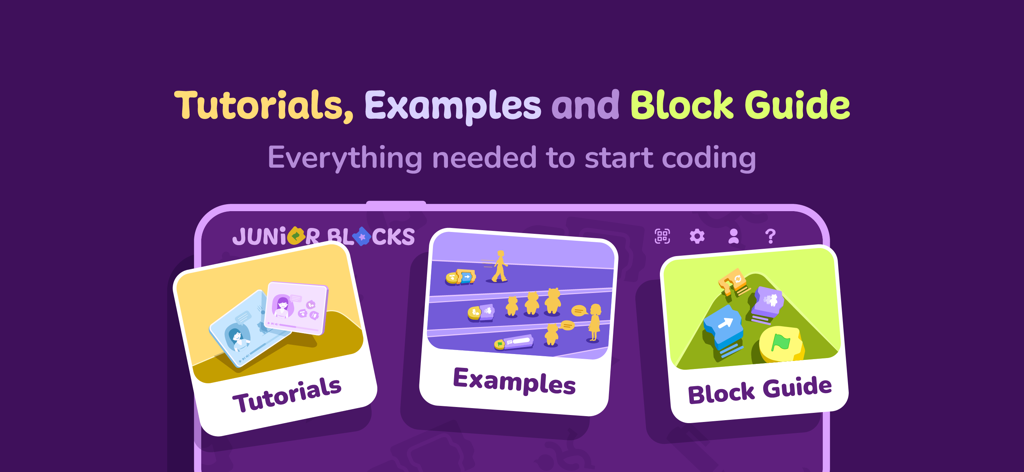
PictoBlox Junior Blocks - 코딩 학습을 돕기 위한 튜토리얼, 예제 및 블록 가이드 옵션을 보여주는 PictoBlox Junior Blocks 앱 화면
코딩 학습을 돕기 위한 튜토리얼, 예제 및 블록 가이드 옵션을 보여주는 PictoBlox Junior Blocks 앱 화면

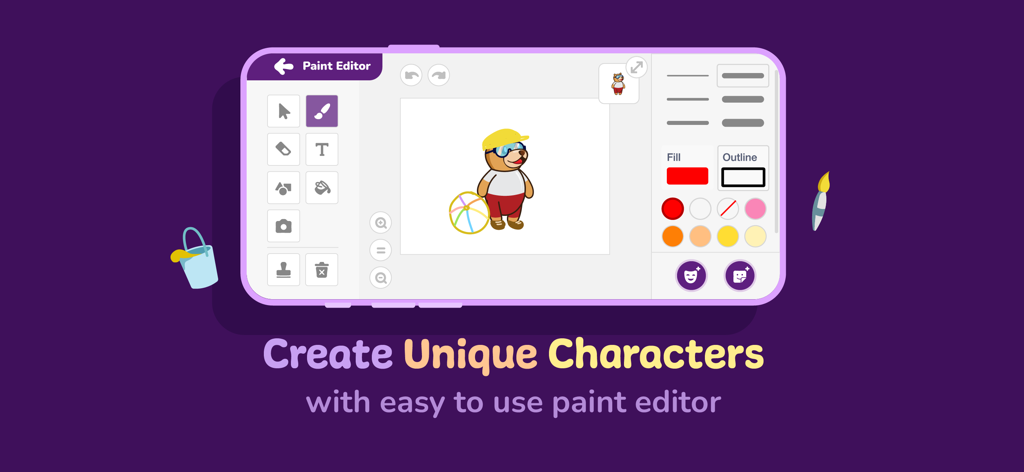
PictoBlox Junior Blocks - 캐릭터 사용자 정의 도구를 보여주는 PictoBlox Junior 블록 페인트 편집기 인터페이스
캐릭터 사용자 정의 도구를 보여주는 PictoBlox Junior 블록 페인트 편집기 인터페이스

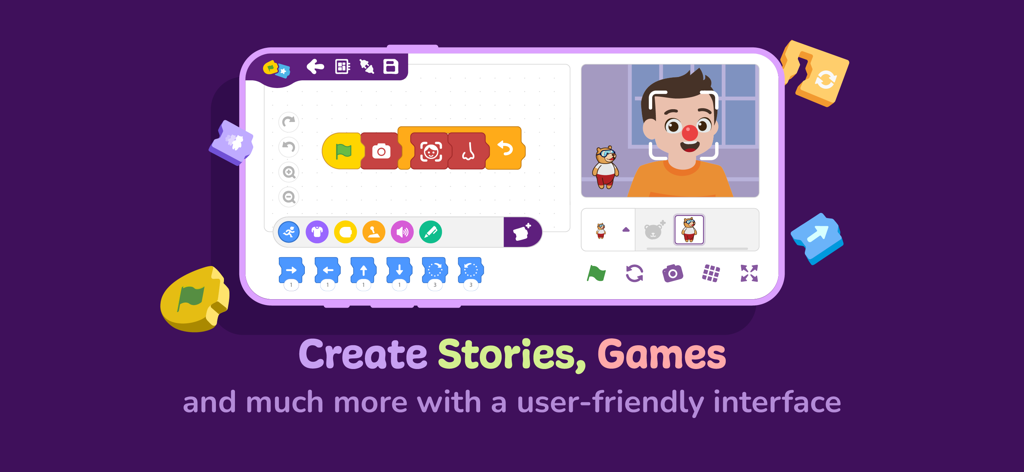
PictoBlox Junior Blocks - 아이들을 위한 블록 기반 코딩 및 AI 얼굴 인식을 보여주는 PictoBlox Junior의 인터페이스
아이들을 위한 블록 기반 코딩 및 AI 얼굴 인식을 보여주는 PictoBlox Junior의 인터페이스

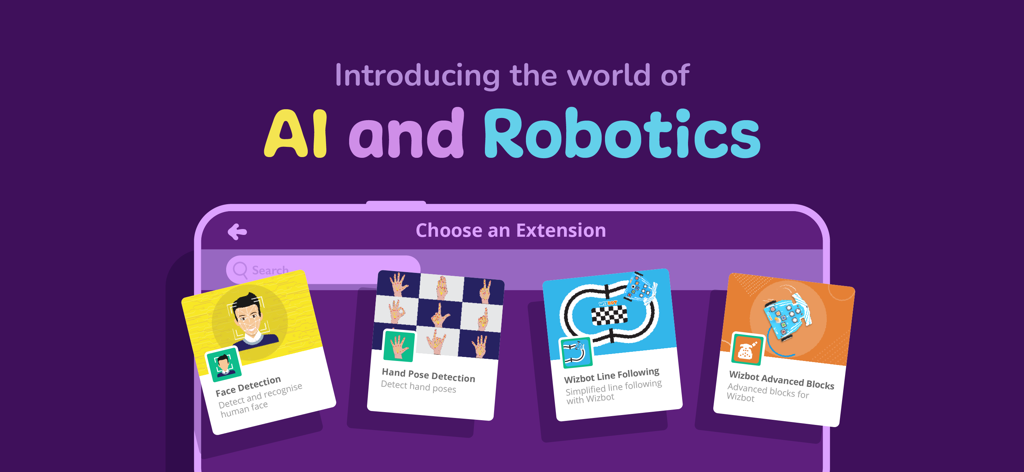
PictoBlox Junior Blocks - 아이들을 위한 AI 및 로봇 공학 코딩 확장을 보여주는 PictoBlox Junior Blocks 앱 화면

아이들을 위한 AI 및 로봇 공학 코딩 확장을 보여주는 PictoBlox Junior Blocks 앱 화면

설명

Junior Blocks is a block-based educational coding app for beginners with enhanced hardware-interaction capabilities and emerging technologies such as robotics and AI that make learning to code fun and engaging. Just drag and drop the coding blocks and make cool games, animations, interactive projects, and even control robots the way you want! ● 21st-Century Skills Junior Blocks opens doors for beginners to learn creative and physical computing in an engaging way and helps develop essential skills for today’s technology-driven world such as: - Creativity - Logical reasoning - Critical thinking - Problem-solving ● Coding Skills With Junior Blocks, learners can understand key coding concepts such as: - Logic - Algorithms - Sequencing - Loops - Conditional statements ● AI and ML for Education Users can explore Artificial Intelligence and Machine Learning concepts like: - Face and text recognition - Speech recognition and virtual assistant - AI-based games ● Extensions for Making Countless DIY Projects Junior Blocks offers dedicated extensions to create exciting projects involving AI, robotics, Scratch project control via Bluetooth, programming wheels, sensors, displays, NeoPixel RGB lights, and much more. Boards Compatible with PictoBlox App: - Quarky - Wizbot Want to know more about Junior Blocks? Visit: https://thestempedia.com/product/pictoblox Getting Started with Junior Blocks: Projects that you can make:https://thestempedia.com/project/ Permissions required for: Bluetooth: to provide connectivity. Camera: for taking pictures, videos, face recognition, etc. Microphone: to send voice commands and use the sound meter. Storage: to store the images and videos taken. Location: to use the location sensor and BLE. Download Junior Blocks NOW and start the exciting world of coding and AI with these interactive coding blocks.

Download

다운로드: App Store

이 페이지는 앱이나 개발자의 공식 페이지가 아니며, 정보 제공 및 논평을 목적으로 작성된 독립 편집 간행물입니다. 명시적으로 달리 언급되지 않는 한, 해당 앱이나 개발자는 MWM, Apple, Google Play, 앱 퍼블리셔 또는 앱 개발자와 제휴, 보증, 후원, 승인 또는 공식적으로 연결되어 있지 않으며, 이 페이지의 어떤 내용도 해당 앱이 MWM의 서비스를 사용하여 개발되었음을 의미하지 않습니다. 모든 상표, 로고, 스크린샷 및 기타 콘텐츠는 해당 소유자의 자산입니다.








