Pippit AI

Pippit AI

다운로드: App Store
로고: Pippit AI

Pippit AI: 몇 분 만에 완벽한 프레젠테이션 만들기

빈 슬라이드만 바라보지 마세요. 바쁜 전문가와 학생들을 위해 설계된 구독 없는 AI 툴킷으로 설득력 있는 훅, 상세한 발표자 노트, 맞춤 비주얼을 즉시 생성하세요.

개발사

Mari Vanoyan

카테고리

Graphics & Design

다운로드

0

사용자 평점

1.0/5

총 평가 수

0

지원 언어

1

모든 슬라이드에 효율성을 담으세요

이 인터페이스를 사용하는 0 명의 사용자.

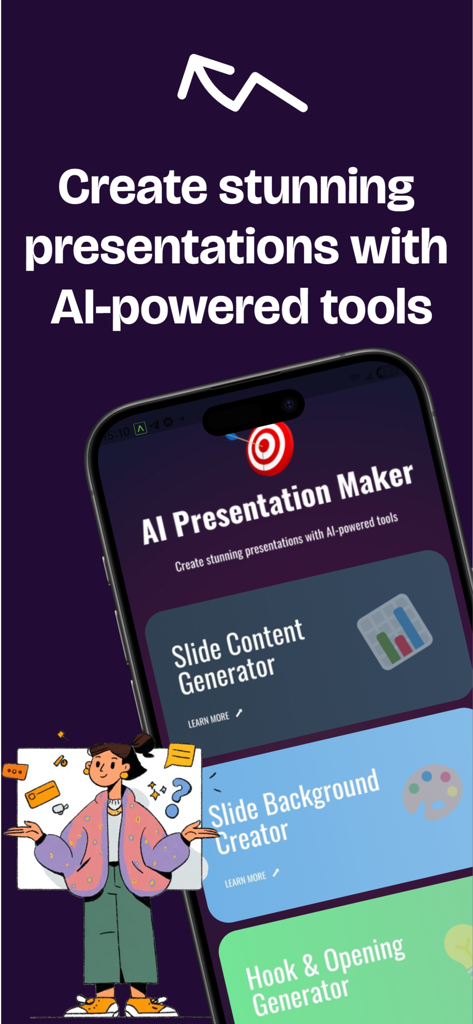
슬라이드 콘텐츠와 배경 생성기 도구를 보여주는 Pippit AI 앱의 모바일 인터페이스
슬라이드 콘텐츠와 배경 생성기 도구를 보여주는 Pippit AI 앱의 모바일 인터페이스

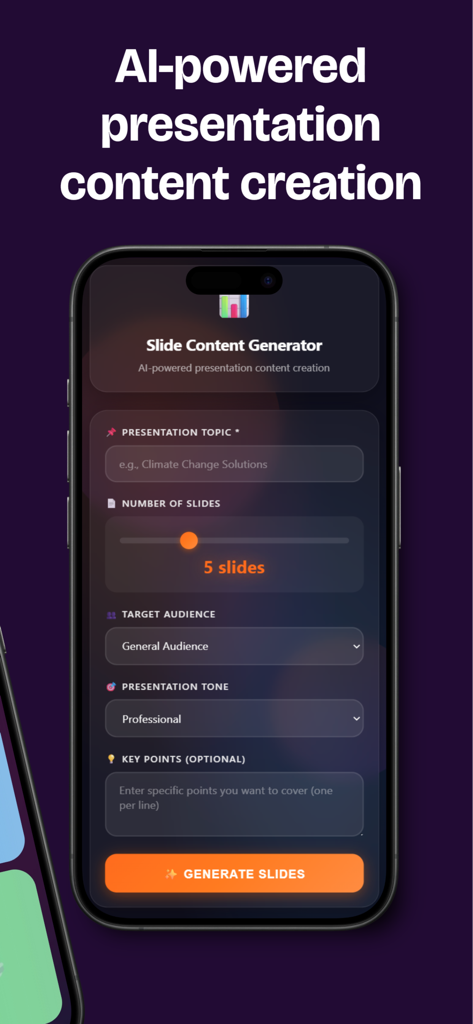
주제와 톤 필드가 있는 슬라이드 콘텐츠 생성기를 보여주는 Pippit AI 모바일 앱 인터페이스
주제와 톤 필드가 있는 슬라이드 콘텐츠 생성기를 보여주는 Pippit AI 모바일 앱 인터페이스

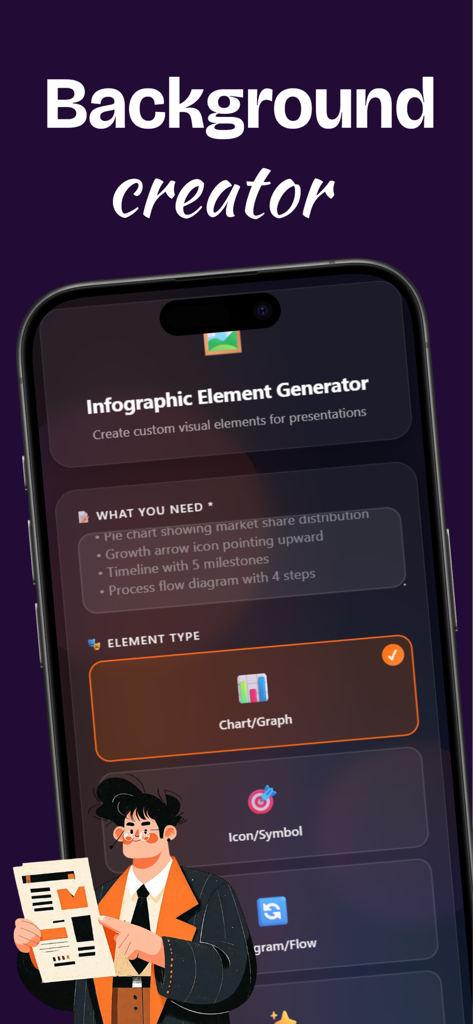
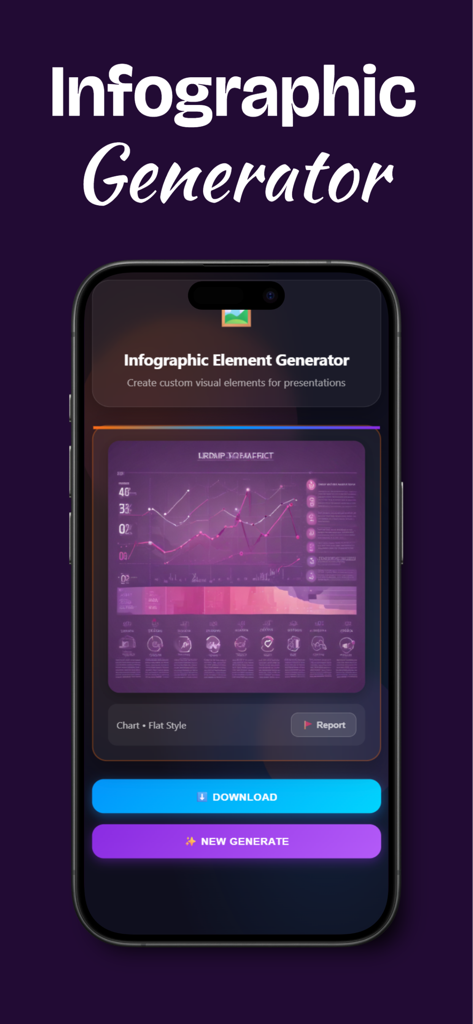
차트 및 아이콘 옵션을 보여주는 인포그래픽 요소 생성기를 보여주는 Pippit AI의 모바일 인터페이스
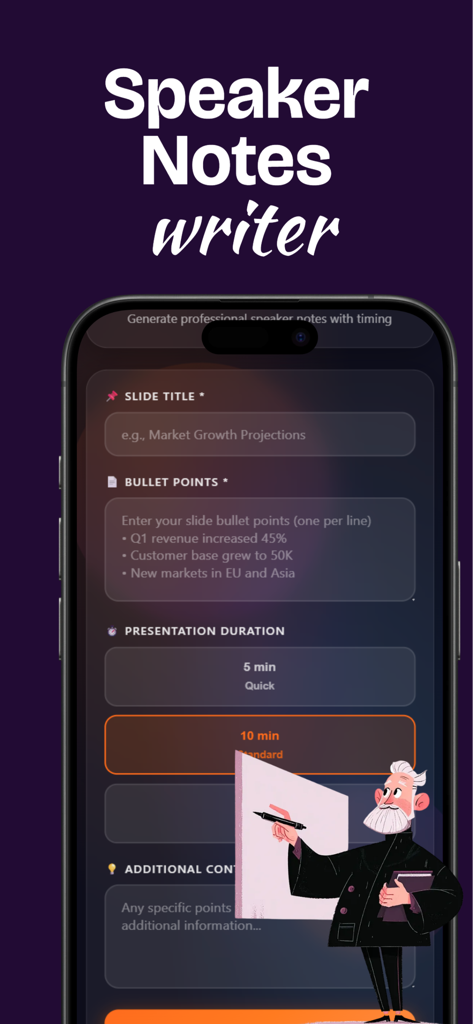
차트 및 아이콘 옵션을 보여주는 인포그래픽 요소 생성기를 보여주는 Pippit AI의 모바일 인터페이스

슬라이드 제목과 발표 시간을 위한 필드가 있는 Pippit AI의 발표자 노트 작성기 기능의 모바일 인터페이스
슬라이드 제목과 발표 시간을 위한 필드가 있는 Pippit AI의 발표자 노트 작성기 기능의 모바일 인터페이스

분홍색 차트와 다운로드 버튼이 있는 인포그래픽 요소 생성기를 보여주는 Pippit AI의 모바일 인터페이스.

분홍색 차트와 다운로드 버튼이 있는 인포그래픽 요소 생성기를 보여주는 Pippit AI의 모바일 인터페이스.

더 나은 덱을 더 빠르게 구축하세요

이 앱을 돋보이게 하는 도구, 0 명의 사용자가 선택.

💡

시작을 마스터하세요

특정 청중과 톤에 맞춰진 AI 기반 훅과 구조화된 콘텐츠 개요로 첫 슬라이드부터 시선을 사로잡으세요.

🗣️

자신감 있게 발표하세요

다시는 말을 더듬지 마세요. 어떤 시간대에도 맞춤 발표자 노트, 핵심 발언 포인트, 자연스러운 전환을 얻으세요.

독특한 비주얼 스타일

전문적이고 미니멀한 스타일의 맞춤 AI 생성 배경과 인포그래픽 요소로 일반 템플릿과 차별화하세요.

앱 소개

에 대해 알아야 할 모든 것 Pippit AI.

설명

Pippit AI - Presentation Content Creator Create presentation content faster with AI-powered tools. Generate slide text, backgrounds, speaker notes, and visual elements for your presentations. WHAT'S INCLUDED: * Slide Content Generator Enter your presentation topic, choose your audience and tone, then get AI-generated slide titles, bullet points, and speaker notes. Adjust the number of slides (3-10) and customize the output for your needs. * Background Creator Generate custom slide backgrounds using AI. Select from 6 visual styles (Abstract, Gradient, Professional, Creative, Minimal, Geometric), choose your color scheme, and pick your aspect ratio (16:9, 4:3, or 1:1). * Hook & Opening Generator In Pippit AI get 5 different presentation opening ideas. Choose presentation type (Pitch, Educational, or Sales), specify your audience, and receive unique hooks with explanations of why each works. * Speaker Notes Writer Input your slide title and bullet points, select presentation duration (5, 10, or 20 minutes), and receive detailed speaker notes including opening, main points, closing, and transition to the next slide. * Infographic Element Generator Create visual elements for your slides with pippit ai. Describe what you need (chart, icon, diagram, or illustration), choose a visual style (Flat, 3D, or Minimalist), and generate custom images. HOW IT WORKS: Each tool in pippit ai operates independently. You provide input (topic, description, or content), the AI generates suggestions or images, then you copy the results to use in your presentation software like PowerPoint, Google Slides, or Keynote. IMPORTANT INFORMATION: - Requires active internet connection - Generated content must be copied to external presentation software - This app creates content suggestions and images only - it does not export PowerPoint, PDF, or presentation files - AI generation takes a few seconds per request - All tools work separately - use one or use all - You can report inappropriate AI-generated content within the app BEST FOR: * Business professionals creating pitch decks * Students preparing school presentations * Educators developing teaching materials * Salespeople building client presentations * Anyone needing presentation content ideas Pippit AI helps you overcome writer's block and speeds up the content creation phase of presentation building. You still need presentation software to assemble and deliver your final slides. Free to download. No subscription required. Note: This app uses AI to generate text suggestions and images. Review all generated content before use. You are responsible for the final presentation content and its appropriateness for your audience.

최신 버전

1.0

크기

53.0 MB

출시일

2025년 12월 24일

빈 슬라이드 보는 것을 멈추고, 만들기 시작하세요.

몇 초 만에 훅, 발표자 노트, 맞춤 비주얼을 생성하는 Pippit AI를 사용하는 수천 명의 학생 및 전문가와 함께하세요. 완전 무료 다운로드 - 구독, 조건 없음.

다운로드: App Store

App information, icons, screenshots, and descriptions displayed on this page are sourced from the Apple App Store and are the property of their respective developers. Download estimates and rankings are based on MWM's proprietary models and may not reflect actual figures. This page is provided for informational and analytical purposes only.

Believe this page infringes your intellectual property? File a dispute