Pixen - pixel art editor

Pixen - pixel art editor

다운로드: App Store
로고: Pixen - pixel art editor

Pixen: iPad를 위한 전문 픽셀 아트 편집기

인디 게임 개발자와 디지털 아티스트를 위한 가장 강력한 네이티브 도구로 정교한 8비트 스프라이트와 부드러운 애니메이션을 만들어보세요.

개발사

Furnace Creek Software LLC

카테고리

Graphics & Design

다운로드

43K+

사용자 평점

4.5/5

총 평가 수

300

지원 언어

1

픽셀 하나하나로 빚어낸 예술

이 인터페이스를 사용하는 43K+ 명의 사용자.

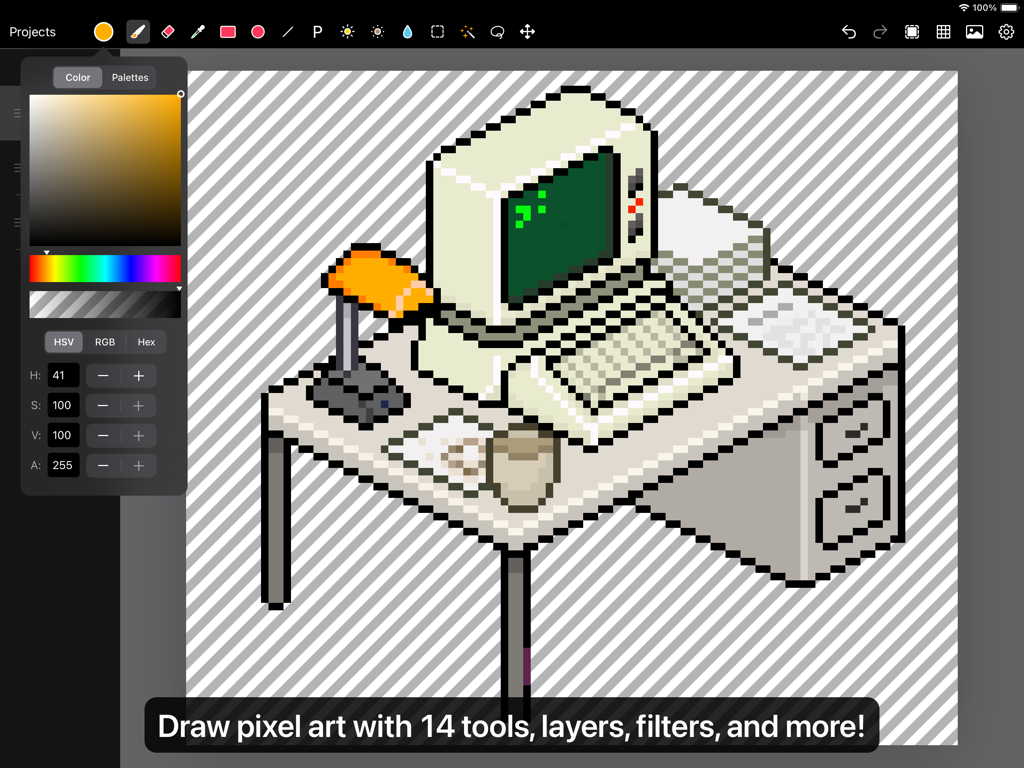
책상 위의 레트로 컴퓨터 그림을 보여주는 iPad용 Pixen 픽셀 아트 편집기 인터페이스
책상 위의 레트로 컴퓨터 그림을 보여주는 iPad용 Pixen 픽셀 아트 편집기 인터페이스

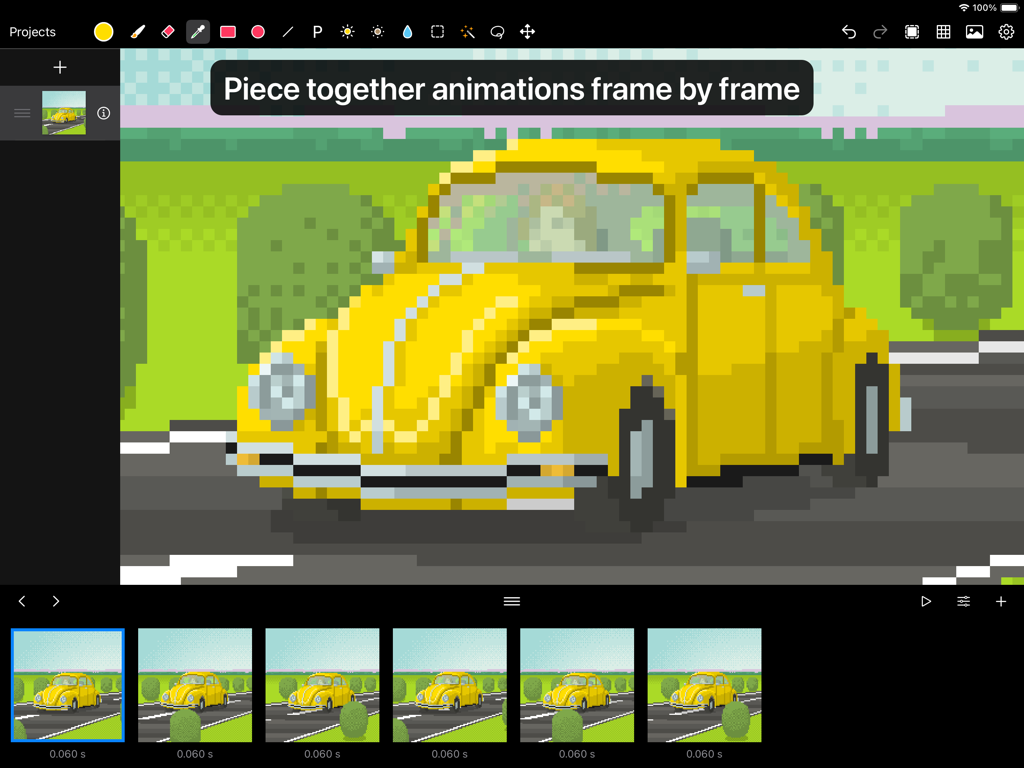
노란색 자동차의 프레임별 픽셀 아트 애니메이션을 보여주는 Pixen 앱 인터페이스
노란색 자동차의 프레임별 픽셀 아트 애니메이션을 보여주는 Pixen 앱 인터페이스

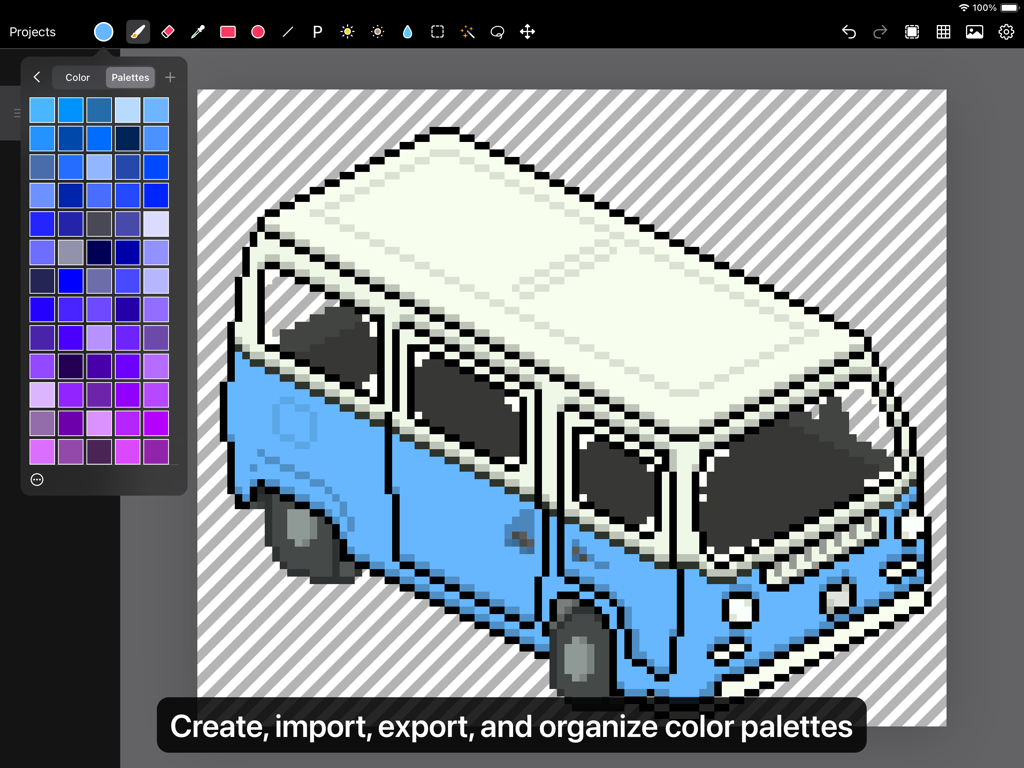
Pixen 컬러 팔레트 패널이 열려 있는 iPad 화면 속 파란색과 흰색 승합차의 아이소메트릭 픽셀 아트 그림
Pixen 컬러 팔레트 패널이 열려 있는 iPad 화면 속 파란색과 흰색 승합차의 아이소메트릭 픽셀 아트 그림

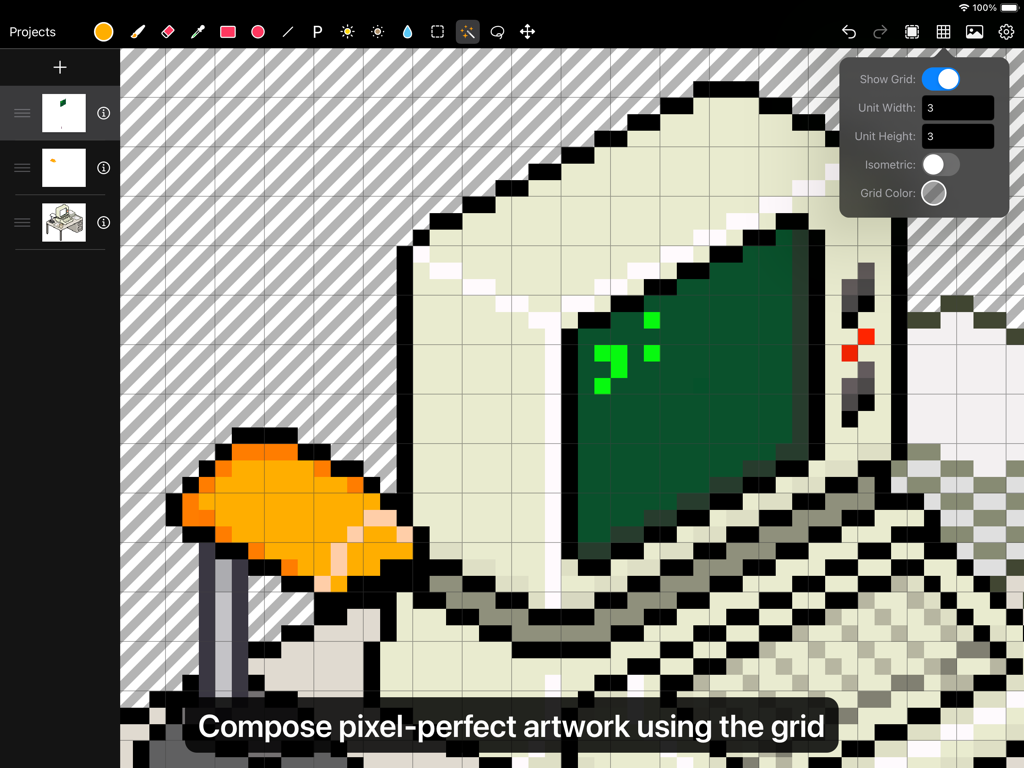
그리드 도구 오버레이를 사용하여 픽셀 아트 컴퓨터를 편집 중인 Pixen 앱 사용자 인터페이스
그리드 도구 오버레이를 사용하여 픽셀 아트 컴퓨터를 편집 중인 Pixen 앱 사용자 인터페이스

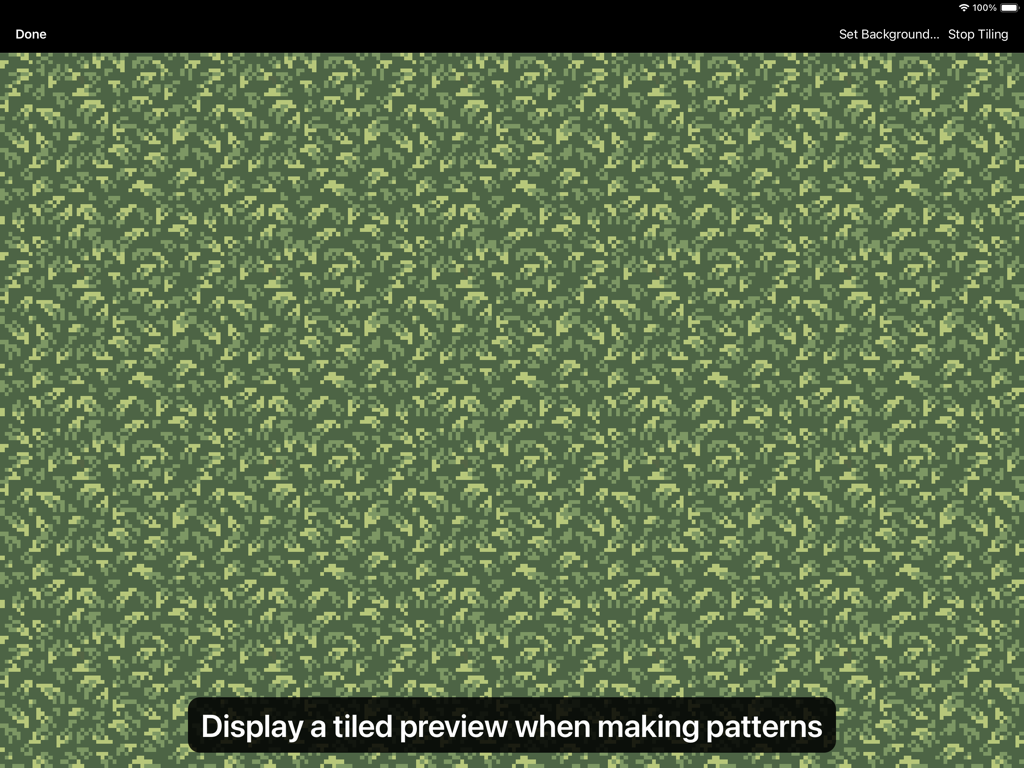
Pixen 앱 인터페이스의 녹색 나뭇잎 픽셀 아트 패턴 타일 미리보기
Pixen 앱 인터페이스의 녹색 나뭇잎 픽셀 아트 패턴 타일 미리보기

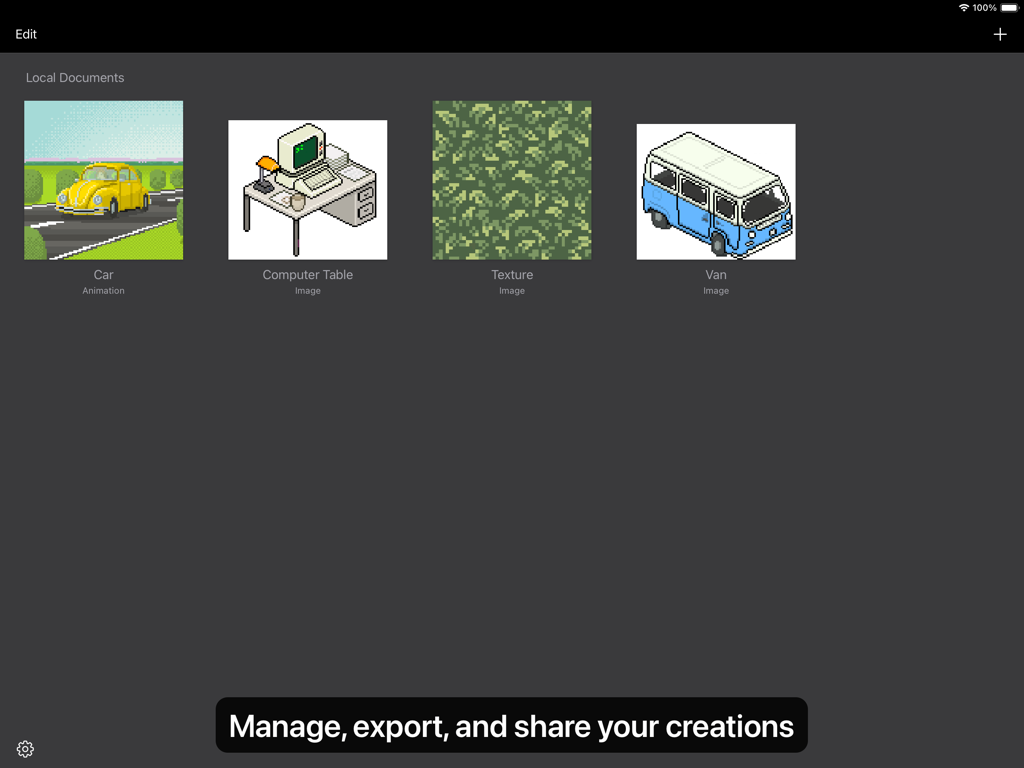
자동차, 컴퓨터 책상, 텍스처 등 다양한 픽셀 아트 창작물을 보여주는 Pixen 앱의 갤러리 뷰
자동차, 컴퓨터 책상, 텍스처 등 다양한 픽셀 아트 창작물을 보여주는 Pixen 앱의 갤러리 뷰

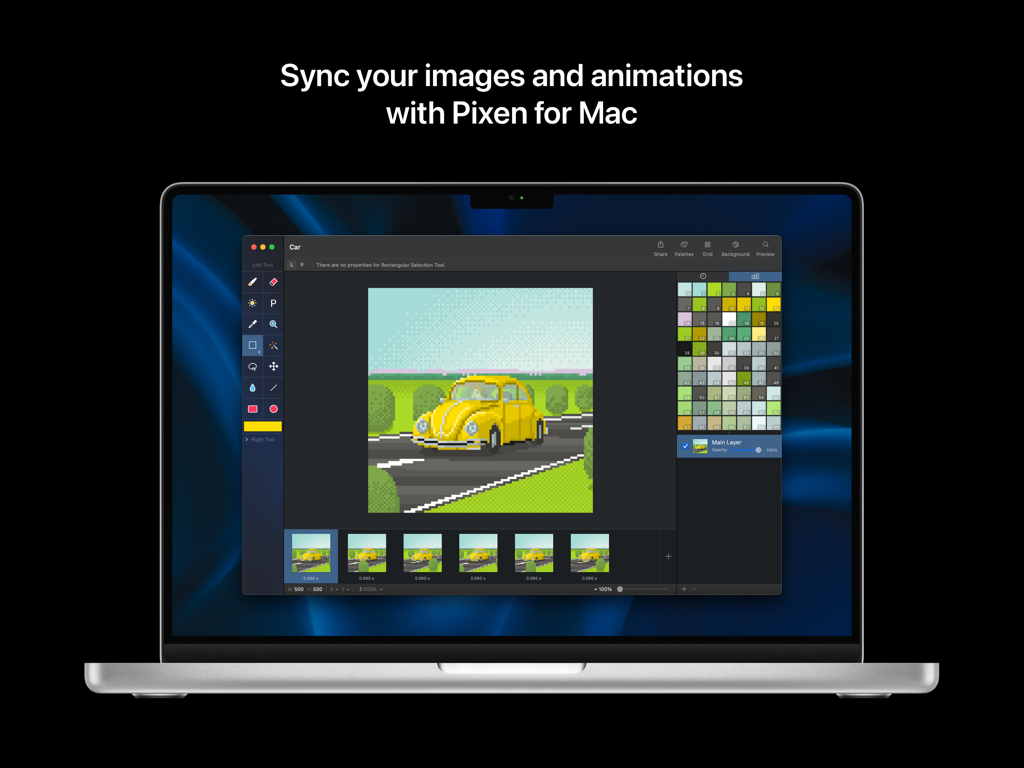
자동차 애니메이션과 컬러 팔레트를 보여주는 Mac 노트북의 Pixen 픽셀 아트 편집기 인터페이스

자동차 애니메이션과 컬러 팔레트를 보여주는 Mac 노트북의 Pixen 픽셀 아트 편집기 인터페이스

iPad에 최적화된 전문가급 픽셀 아트

이 앱을 돋보이게 하는 도구, 43K+ 명의 사용자가 선택.

✏️

Apple Pencil을 통한 정밀함

'픽셀 퍼펙트' 모드와 Apple Pencil Pro 호버 지원을 통해 모든 픽셀을 완벽하게 제어하고 마스터하세요.

🎬

부드러운 애니메이션 스튜디오

직관적인 필름스트립 뷰로 캐릭터에 생동감을 불어넣고 GIF, 동영상 또는 스프라이트 시트로 결과물을 내보내세요.

☁️

데스크톱급 생태계

Mac용 Pixen과의 원활한 iCloud 동기화 및 PSD, SVG를 포함한 전문가용 내보내기 기능을 통해 어디서든 작업하세요.

앱 소개

에 대해 알아야 할 모든 것 Pixen - pixel art editor.

설명

Pixen is a professional pixel art editor for iOS, designed for working with low-resolution raster art such as those 8-bit sprites found in old-school video games. Pixen packs all the tools pixel artists need in an intuitive, native interface including support for high zoom levels, animation editing, color palettes, and a lot more. PROJECTS GALLERY The Pixen experience starts in the Projects Gallery, which allows you to manage all of your creations in one place. You can import and export files in various file formats including PNG, JPEG, GIF, ICO, BMP, TIFF, SVG, and PSD. Files can be imported from your Photos library, the Files app, or even the clipboard. Pixen for macOS users can also take advantage of seamless iCloud sync. When you're ready, you can share your creations with friends and even export sprite sheets. TOOLS AND APPLE PENCIL Leverage Pixen's wide array of tools when composing pixel art: Pencil, Eraser, Brightness, Text, Eyedropper, Zoom, Rectangular Selection, Magic Wand, Lasso, Move, Fill, Line, Rectangle, and Ellipse. All of Pixen's tools are fully compatible with Apple Pencil on iPad. You can take advantage of the double-tap gesture on Apple Pencil 2 to quickly switch to your last tool, switch to the eraser, or bring up the color picker. Pixen even has hover support when using Apple Pencil Pro, so you can see a preview of what you're about to draw before your Apple Pencil touches the screen. COLOR PALETTES With Pixen, you can add and organize commonly-used colors into palettes. Pixen can also import and export color palettes in the Adobe Color Table, Microsoft Palette, JASC Palette, and GIMP Palette formats. You can even perform palette operations such as sorting colors, removing duplicate colors, and more, directly in the app. ANIMATIONS Create and arrange image frames in the filmstrip view to piece together animations. Pixen can import animated PNGs, animated GIFs, and sprite sheets. It can export animations as animated GIFs, animated PNGs, movies, image sequences, and sprite sheets! GRID Take advantage of Pixen's grid tools to guide you in placing pixels just where you want them. PATTERNS Define custom patterns to use while drawing with the Pencil, Line, or Eraser tool (instead of a single pixel). You can even import patterns from 1-bit images. PREVIEW While editing at high zoom levels, use the Preview feature to view the canvas scaled out. You can even play back animations and tile small images when working on patterns. AND A LOT MORE... - Sync your creations with Pixen for Mac over iCloud and resume your work right where you left off, regardless of device. - Take advantage of the flexibility of layers and change opacities, blend modes, and more to compose creative effects. - Invert colors, convert to grayscale, apply sepia tone, remove alpha components, palettize, pixellate, adjust hue, exposure, brightness, contrast, and more. - Pixel Perfect mode removes extra pixels while drawing such that any drawn paths are at most 1 pixel in width. In other words, it removes the middle pixel of an L shape. - Pick a flat, striped, or checkered background to be drawn beneath the canvas, or set a reference image. - If you use your iPad with a keyboard, increase productivity with Pixen's wide array of keyboard shortcuts. - Export your artwork in PNG, JPEG, GIF, ICO, BMP, TIFF, SVG, and PSD file formats. - Share your creations quickly and easily via AirDrop, Messages, email, and more! - Adjust the position of Pixen's layers panel, pick alternate app icons, customize the Apple Pencil 2 double-tap gesture, and more. Pixen is also available for macOS and is the only pixel art maker of its class that syncs projects with iCloud!

최신 버전

3.0.2

크기

6.6 MB

출시일

2016년 10월 11일

픽셀 아트의 달인이 될 준비가 되셨나요?

수천 명의 인디 개발자 및 디지털 아티스트와 함께하세요. 지금 Pixen을 다운로드하고 iPad를 전문가급 8비트 애니메이션 스튜디오로 바꿔보세요.

다운로드: App Store

App information, icons, screenshots, and descriptions displayed on this page are sourced from the Apple App Store and are the property of their respective developers. Download estimates and rankings are based on MWM's proprietary models and may not reflect actual figures. This page is provided for informational and analytical purposes only.

Believe this page infringes your intellectual property? File a dispute