Printer App: All-in-One
다운로드: App Store

이 페이지는 앱이나 개발자의 공식 페이지가 아니며, 정보 제공 및 논평을 목적으로 작성된 독립 편집 간행물입니다. 명시적으로 달리 언급되지 않는 한, 해당 앱이나 개발자는 MWM, Apple, Google Play, 앱 퍼블리셔 또는 앱 개발자와 제휴, 보증, 후원, 승인 또는 공식적으로 연결되어 있지 않으며, 이 페이지의 어떤 내용도 해당 앱이 MWM의 서비스를 사용하여 개발되었음을 의미하지 않습니다. 모든 상표, 로고, 스크린샷 및 기타 콘텐츠는 해당 소유자의 자산입니다.

로고: Printer App: All-in-One
다운로드: App Store

Printer App: All-in-One

복잡한 설정에 지치셨나요? 문서를 스캔, 편집하고 사진 및 클라우드 파일을 즉시 인쇄하세요. HP, Canon, Brother 및 AirPrint 지원 프린터와 원활하게 작동하여 생산성을 유지시켜 줍니다.

주요 수치

다운로드

151K+

사용자 평점

4.2/5

총 평가 수

500

개발사

玉 赵

카테고리

Utilities

지원 언어

33

최신 버전

1.6

크기

83.0 MB

출시일

2024년 10월 8일
기능

주머니 속 전문가 수준의 인쇄

컴퓨터는 건너뛰세요. 몇 초 안에 모든 AirPrint 지원 프린터로 문서, 사진, 웹 페이지를 직접 스캔, 편집, 인쇄하세요.

모든 프린터 지원

HP, Canon, Epson, Brother 등과 즉시 연결하세요. 브랜드별 번거로움 없이 모든 가정 및 사무실 하드웨어를 관리하는 하나의 앱입니다.

어디서든 모든 파일 인쇄

iCloud, Google Drive 또는 Dropbox에 원활하게 액세스하세요. PDF, Office 문서, 웹 페이지, 클립보드 등 30개 이상의 파일 형식을 지원합니다.

다음 스크린샷과 설명은 앱의 공식 스토어 목록에서 직접 가져온 것이며 앱 개발자의 자산입니다.

앱 스토어

스크린샷
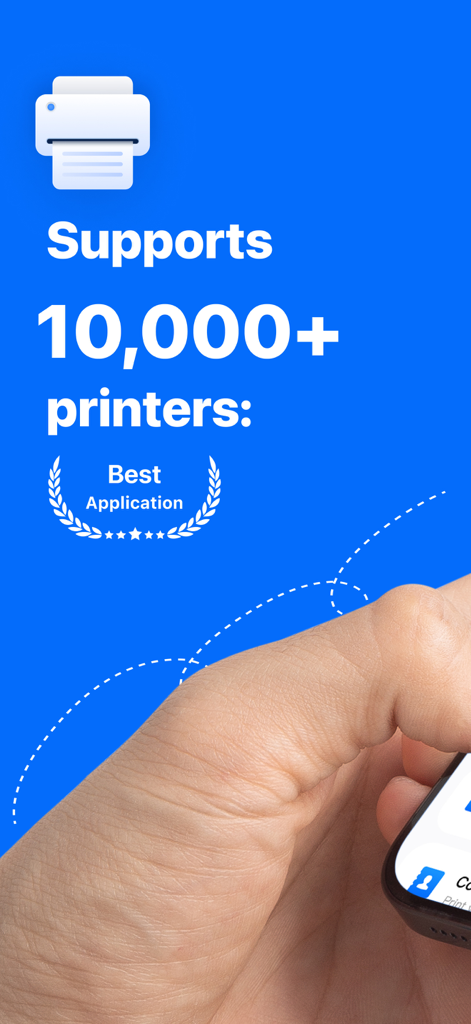
Printer App: All-in-One - 10,000개 이상의 프린터 모델을 지원하는 프린터 앱

10,000개 이상의 프린터 모델을 지원하는 프린터 앱

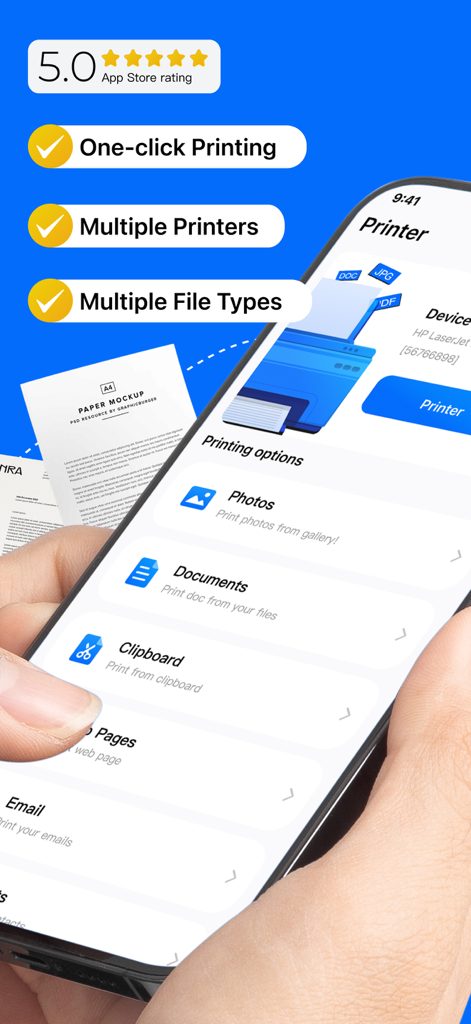
Printer App: All-in-One - 프린터 앱 올인원 iPhone 인터페이스, 클릭 한 번으로 인쇄 및 다양한 파일 형식 지원 표시
프린터 앱 올인원 iPhone 인터페이스, 클릭 한 번으로 인쇄 및 다양한 파일 형식 지원 표시

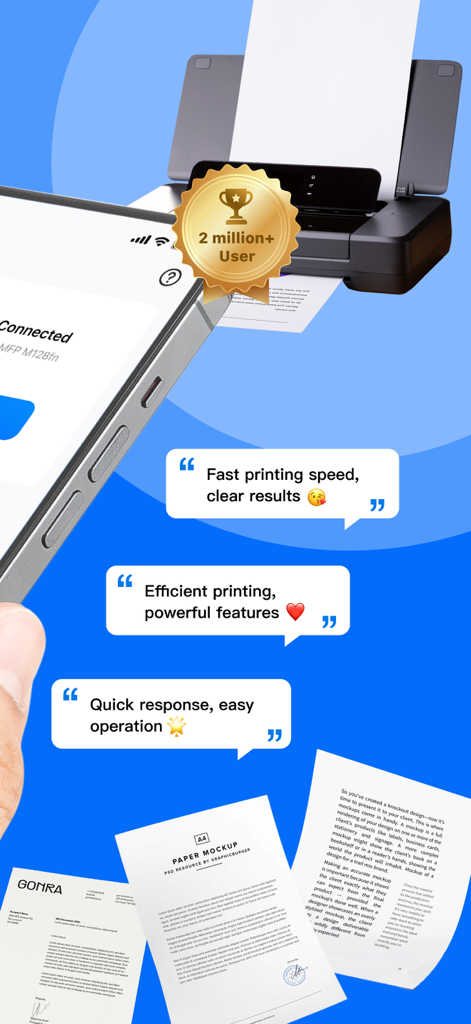
Printer App: All-in-One - 프린터 앱 인터페이스, 모바일 인쇄 기능 및 사용자 평가 표시

프린터 앱 인터페이스, 모바일 인쇄 기능 및 사용자 평가 표시
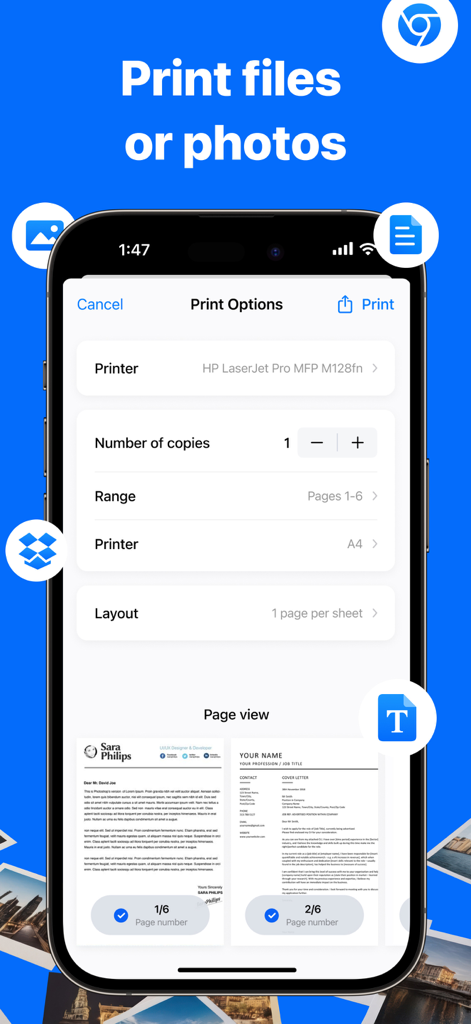
Printer App: All-in-One - iPhone의 프린터 앱 인터페이스, 파일 및 사진 인쇄 옵션 표시
iPhone의 프린터 앱 인터페이스, 파일 및 사진 인쇄 옵션 표시

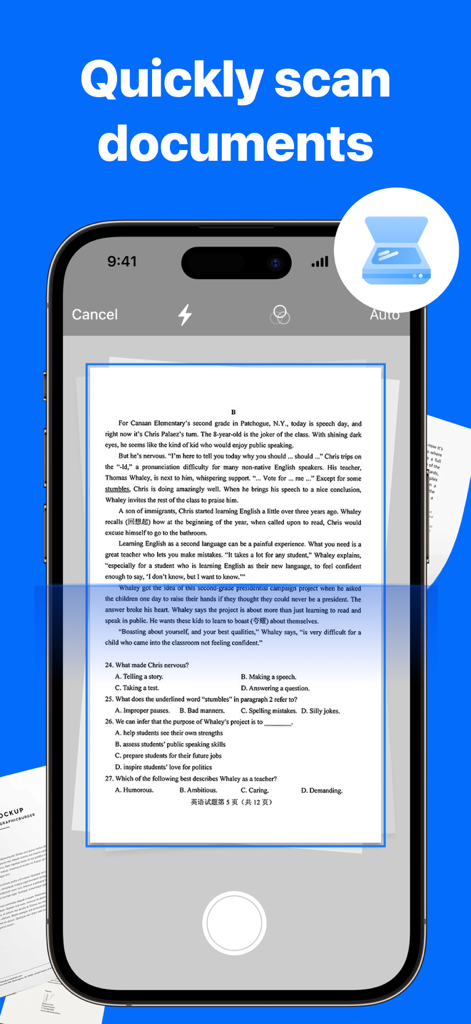
Printer App: All-in-One - 프린터 앱 올인원의 문서 스캔 기능을 보여주는 iPhone 인터페이스
프린터 앱 올인원의 문서 스캔 기능을 보여주는 iPhone 인터페이스

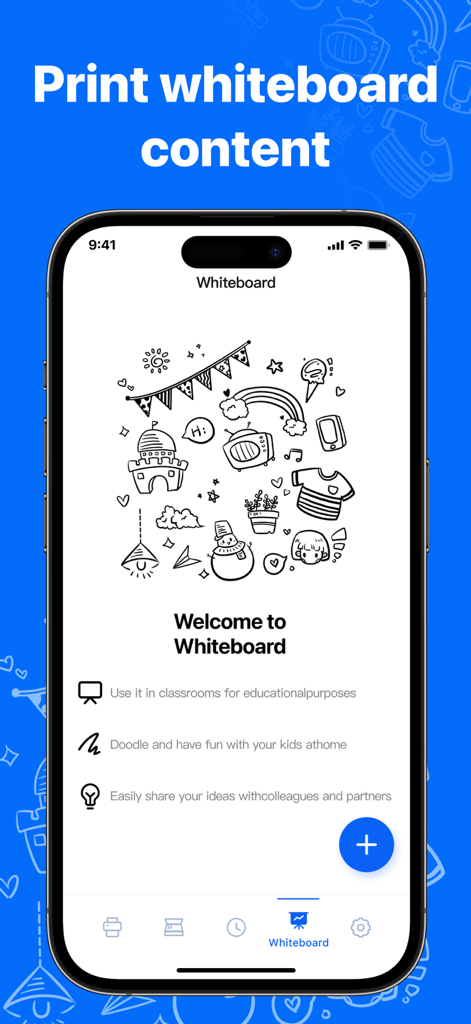
Printer App: All-in-One - 프린터 앱의 화이트보드 기능을 표시하는 휴대폰, 낙서 및 메모 인쇄 옵션 포함
프린터 앱의 화이트보드 기능을 표시하는 휴대폰, 낙서 및 메모 인쇄 옵션 포함

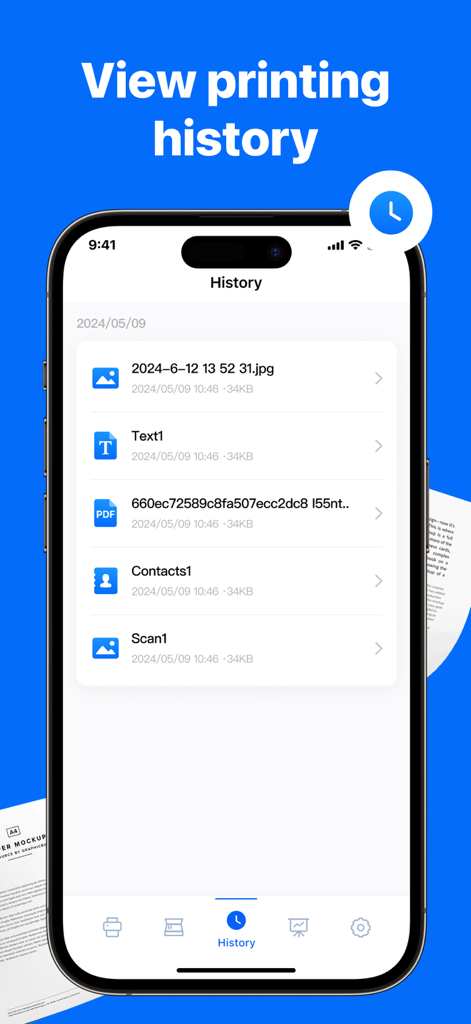
Printer App: All-in-One - 프린터 앱 인쇄 기록 섹션에서 최근 인쇄된 문서 및 사진 목록을 보여주는 스마트폰 화면

프린터 앱 인쇄 기록 섹션에서 최근 인쇄된 문서 및 사진 목록을 보여주는 스마트폰 화면

설명

Printer App: All-in-One transforms your iPhone into a powerful printing tool. Access your files from your iPhone or iCloud and print directly to your AirPrint-enabled printer. Documents Printing: - Any photos from your Gallery. - Any web pages, emails, and attachments. - Any information from your Clipboard. - Any text or notes directly from the app’s notepad. - Specific contacts or full Contact List. - Type, paste, or import notes and print them instantly with the built-in WhiteBoard. - iCloud, Google Drive, and Dropbox support. - Over 30 file types supported, including: PDF, DOC, XLS, and PPT. - Printer connection guides. Document Scanning: - Scan documents with the built-in scanner. - Edit, add filters, and print scanned documents instantly. - Share or print scanned documents. Advanced Print Options: - Customize your prints with options. - Switch effortlessly between color and black & white printing. COMPATIBILITY: Printer App: All-in-One supports most printer models, including HP, Brother, Canon, Dell, Epson, Lanier, Xerox, Aurora, Lexmark, Panasonic, RICOH, Toshiba, and more. Just select a document, customize the print settings, and print your document in a matter of seconds! – Payment will be charged to iTunes Account at confirmation of purchase (After free trial period if offered). – Subscription automatically renews unless auto-renew is turned off at least 24-hours before the end of the current period. – Account will be charged for renewal within 24-hours prior to the end of the current period, and identify the cost of the renewal. – Subscriptions may be managed by the user and auto-renewal may be turned off by going to the user’s Account Settings after purchase. Privacy: https://tongwei202410.link/pp/6723864319 Terms: https://tongwei202410.link/tou/6723864319

Download

다운로드: App Store

이 페이지는 앱이나 개발자의 공식 페이지가 아니며, 정보 제공 및 논평을 목적으로 작성된 독립 편집 간행물입니다. 명시적으로 달리 언급되지 않는 한, 해당 앱이나 개발자는 MWM, Apple, Google Play, 앱 퍼블리셔 또는 앱 개발자와 제휴, 보증, 후원, 승인 또는 공식적으로 연결되어 있지 않으며, 이 페이지의 어떤 내용도 해당 앱이 MWM의 서비스를 사용하여 개발되었음을 의미하지 않습니다. 모든 상표, 로고, 스크린샷 및 기타 콘텐츠는 해당 소유자의 자산입니다.