Printer Mini
Printer Mini
다운로드: App Store

이 페이지는 앱이나 개발자의 공식 페이지가 아니며, 정보 제공 및 논평을 목적으로 작성된 독립 편집 간행물입니다. 명시적으로 달리 언급되지 않는 한, 해당 앱이나 개발자는 MWM, Apple, Google Play, 앱 퍼블리셔 또는 앱 개발자와 제휴, 보증, 후원, 승인 또는 공식적으로 연결되어 있지 않으며, 이 페이지의 어떤 내용도 해당 앱이 MWM의 서비스를 사용하여 개발되었음을 의미하지 않습니다. 모든 상표, 로고, 스크린샷 및 기타 콘텐츠는 해당 소유자의 자산입니다.


로고: Printer Mini
다운로드: App Store

Printer Mini

번거로운 드라이버 설치는 건너뛰고 몇 초 만에 모든 프린터로 문서, 사진 또는 웹페이지를 인쇄하세요. AI 번역 및 원활한 클라우드 통합 기능으로 현대 전문가를 위해 설계되었습니다.

주요 수치

다운로드

8K+

사용자 평점

4.2/5

총 평가 수

0

개발사

晨 陈

카테고리

Utilities

지원 언어

33

최신 버전

1.2

크기

61.1 MB

출시일

2025년 3월 7일
기능

모바일 워크플로우 강화

어디서 작업하든 속도, 다양성 및 완전한 제어를 요구하는 전문가를 위해 설계된 올인원 인쇄 허브입니다.

만능 원탭 연결

번거로운 제조업체 앱은 건너뛰세요. HP, Canon, Brother 등에서 Wi-Fi, Bluetooth 또는 USB 프린터에 즉시 연결하세요.

원격 및 클라우드 통합

iCloud, Google Drive 또는 Dropbox에서 직접 인쇄하세요. 어디서든 사무실 프린터로 문서를 보내 도착 시 인쇄 준비를 완료하세요.

다음 스크린샷과 설명은 앱의 공식 스토어 목록에서 직접 가져온 것이며 앱 개발자의 자산입니다.

앱 스토어

스크린샷
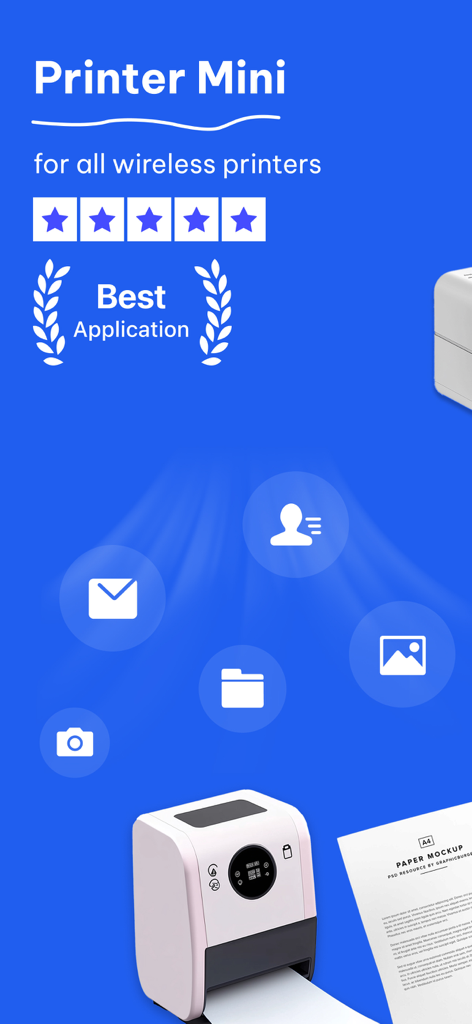
Printer Mini - Printer Mini 모바일 앱으로 이메일, 사진 및 문서를 무선으로 인쇄
Printer Mini 모바일 앱으로 이메일, 사진 및 문서를 무선으로 인쇄

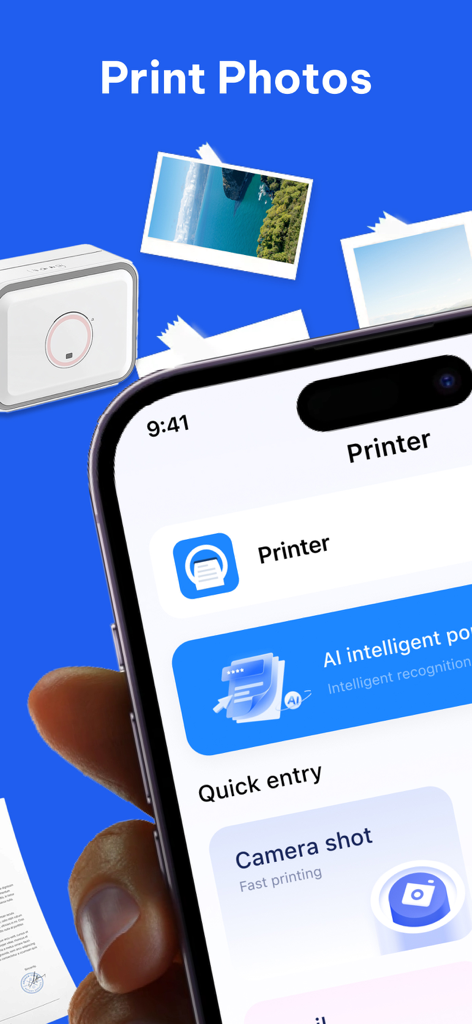
Printer Mini - 사진 인쇄 및 AI 기능 옵션이 있는 Printer Mini 모바일 앱 화면.
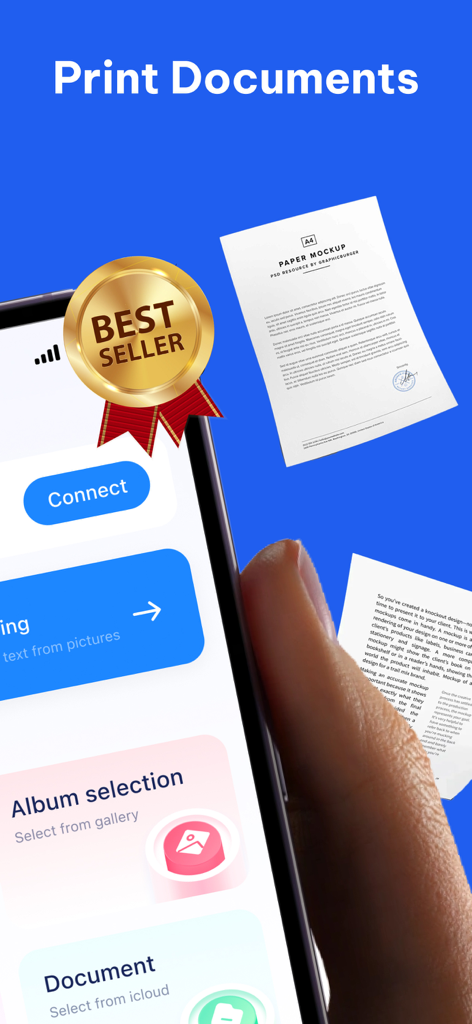
사진 인쇄 및 AI 기능 옵션이 있는 Printer Mini 모바일 앱 화면.

Printer Mini - 판매 최고 배지 및 문서 인쇄 옵션을 보여주는 Printer Mini 모바일 앱 인터페이스
판매 최고 배지 및 문서 인쇄 옵션을 보여주는 Printer Mini 모바일 앱 인터페이스

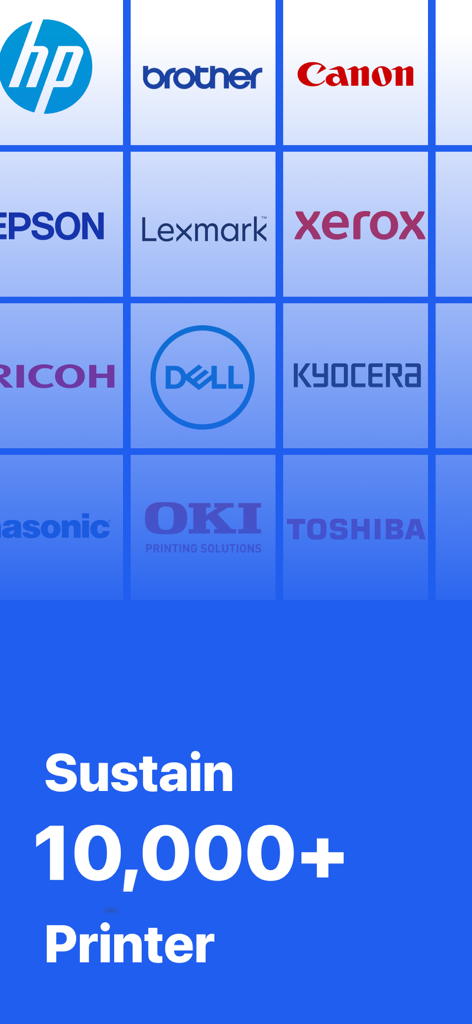
Printer Mini - HP, Canon, Brother 등 주요 프린터 브랜드 로고 그리드로 10,000개 이상의 프린터 모델 지원 강조.
HP, Canon, Brother 등 주요 프린터 브랜드 로고 그리드로 10,000개 이상의 프린터 모델 지원 강조.

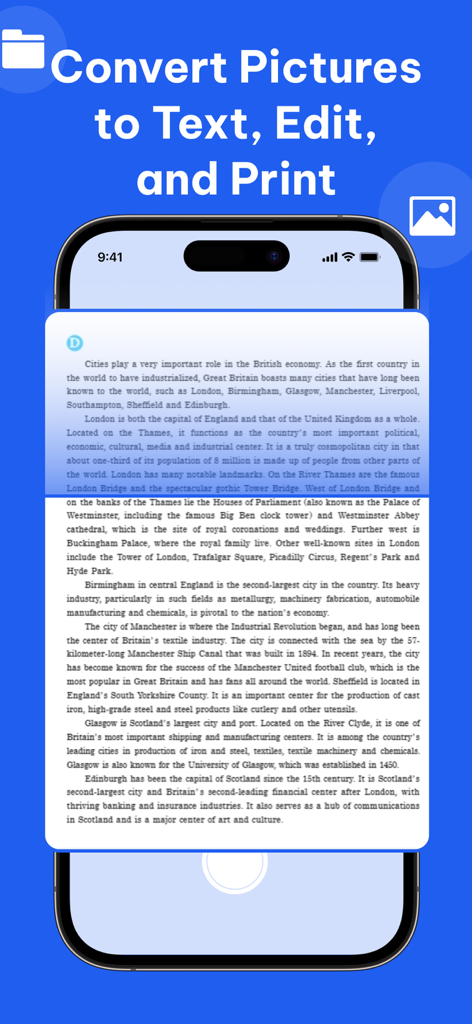
Printer Mini - 문서 사진을 인쇄 가능한 편집 가능한 텍스트로 변환하는 방법을 보여주는 Printer Mini 모바일 앱 인터페이스.

문서 사진을 인쇄 가능한 편집 가능한 텍스트로 변환하는 방법을 보여주는 Printer Mini 모바일 앱 인터페이스.

설명

Printer Mini App is a convenient and efficient mobile printing tool that allows you to easily print various documents, photos, and web pages anytime, anywhere. No matter where you are, you can send the files in your phone to the printer with just a few taps for quick printing. Printer Mini App supports various printer brands and models to meet your different needs. Main functions: ●Local printing: Supports connecting to local printers, including Wi-Fi printers, Bluetooth printers, and USB printers. ●Remote printing: Connect to remote printers via the Internet for remote printing. ●Document printing: Supports printing documents in various formats, including PDF, Word, Excel, PPT, etc. ●Photo printing: Supports printing photos in mobile phone albums, and provides various photo editing functions. ●Web page printing: Supports printing web page content, including articles, pictures, etc. ●Cloud printing: Supports connecting to cloud printing services for cloud printing. ●Print settings: Provides rich print setting options, including paper size, number of copies, print orientation, etc. ●Printer management: Conveniently manage connected printers, including adding, deleting, editing, etc. ●AI translation: One-click translation of multiple languages, allowing you to easily convert the translation before printing. – Payment will be charged to iTunes Account at confirmation of purchase (After free trial period if offered). – Subscription automatically renews unless auto-renew is turned off at least 24-hours before the end of the current period. – Account will be charged for renewal within 24-hours prior to the end of the current period, and identify the cost of the renewal. – Subscriptions may be managed by the user and auto-renewal may be turned off by going to the user’s Account Settings after purchase. Privacy: https://www.gongwang20219.link/hp/6742768850/ Terms: https://www.gongwang20219.link/hp/6742768850/

Download

다운로드: App Store

이 페이지는 앱이나 개발자의 공식 페이지가 아니며, 정보 제공 및 논평을 목적으로 작성된 독립 편집 간행물입니다. 명시적으로 달리 언급되지 않는 한, 해당 앱이나 개발자는 MWM, Apple, Google Play, 앱 퍼블리셔 또는 앱 개발자와 제휴, 보증, 후원, 승인 또는 공식적으로 연결되어 있지 않으며, 이 페이지의 어떤 내용도 해당 앱이 MWM의 서비스를 사용하여 개발되었음을 의미하지 않습니다. 모든 상표, 로고, 스크린샷 및 기타 콘텐츠는 해당 소유자의 자산입니다.








