
이 페이지는 앱이나 개발자의 공식 페이지가 아니며, 정보 제공 및 논평을 목적으로 작성된 독립 편집 간행물입니다. 명시적으로 달리 언급되지 않는 한, 해당 앱이나 개발자는 MWM, Apple, Google Play, 앱 퍼블리셔 또는 앱 개발자와 제휴, 보증, 후원, 승인 또는 공식적으로 연결되어 있지 않으며, 이 페이지의 어떤 내용도 해당 앱이 MWM의 서비스를 사용하여 개발되었음을 의미하지 않습니다. 모든 상표, 로고, 스크린샷 및 기타 콘텐츠는 해당 소유자의 자산입니다.


ProtectMe 360 - Web Security
스마트 네트워크 검색, 고급 웹 필터, 그리고 완벽한 안심을 위한 보안 파일 보관함으로 디지털 생활을 보호하세요.
다운로드
24K+사용자 평점
총 평가 수
200개발사
카테고리
Utilities지원 언어
9최신 버전
1.8크기
73.3 MB출시일
2024년 10월 22일여러분의 올인원 디지털 방패
ProtectMe 360은 복잡함 없이 엔터프라이즈급 보안을 필요로 하는 전문가를 위해 설계되었습니다. 어디서 일하든 완벽한 안심을 경험하세요.
안전한 공용 연결
카페나 공항에서 작업하는 동안 데이터가 비공개로 유지되도록 Wi-Fi 및 Bluetooth 네트워크를 즉시 검색하여 위협을 탐지합니다.
스마트 웹 보호
악성 사이트 및 추적기가 기기를 손상시키기 전에 차단하는 지능형 필터를 사용하여 자신 있게 탐색, 쇼핑 및 뱅킹하세요.
다음 스크린샷과 설명은 앱의 공식 스토어 목록에서 직접 가져온 것이며 앱 개발자의 자산입니다.
앱 스토어
스크린샷
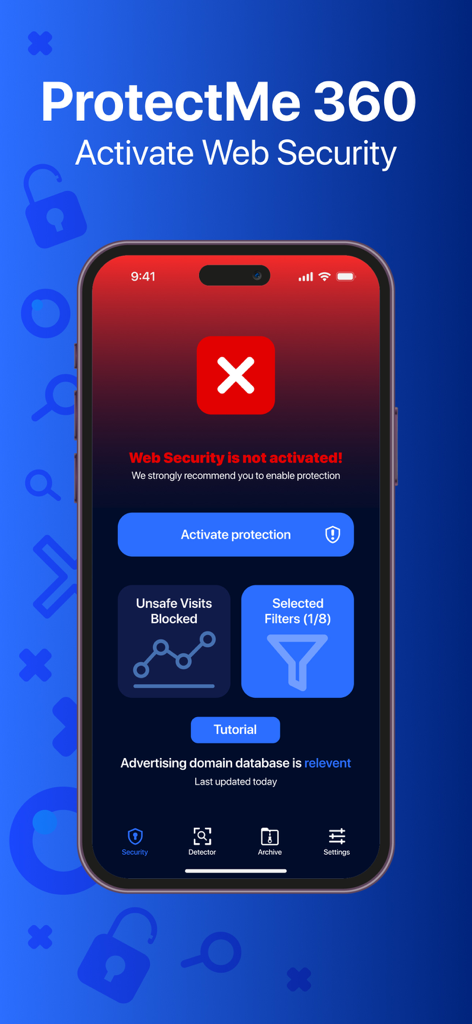
ProtectMe 360 앱 대시보드에 빨간색 경고 상태로 웹 보안 보호 활성화 메시지가 표시됨.
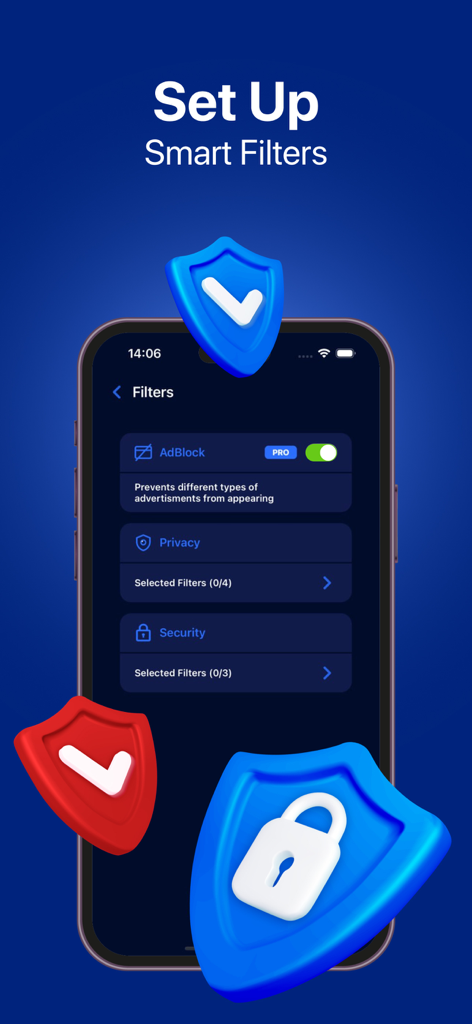
광고 차단 및 보안 기능 포함 스마트 필터 설정용 앱 인터페이스
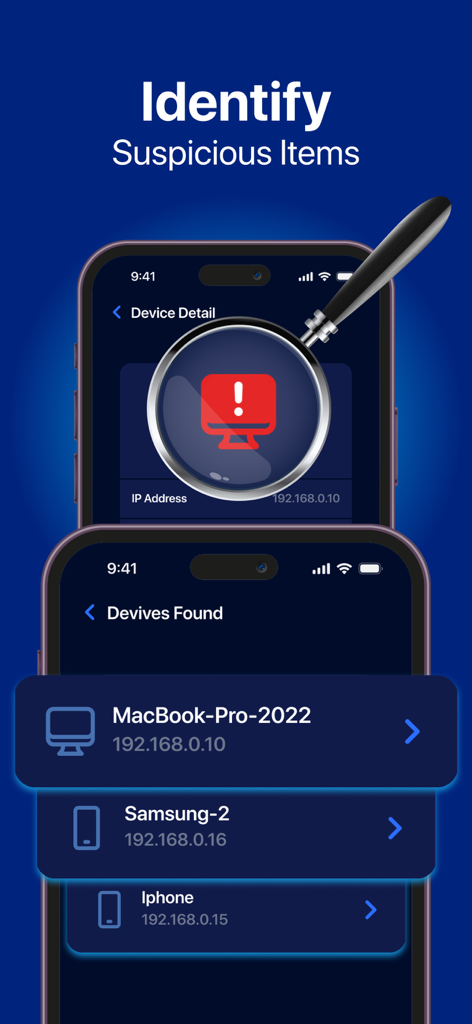
ProtectMe 360 앱 인터페이스에서 의심스러운 연결 장치를 돋보기로 식별하는 네트워크 검색 결과 표시
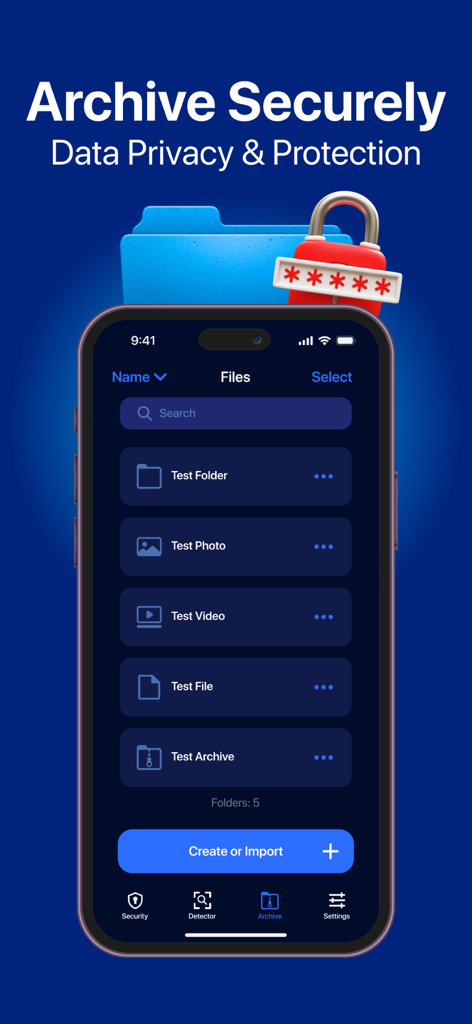
ProtectMe 360 앱 인터페이스에서 보안 파일 보관함 및 데이터 보호 기능 표시
설명
Download
비슷한 앱
유사한 기능과 사용자 경험을 가진 앱

Anti-Hacker VPN Pro
ID TECHNOLOGY CO., LIMITED

Lockdown Privacy: AdBlock VPN
CELESTIAN GOLDEN APPS SL.

Secure Access - Safetronis
LEPOSH LTD

Tracker Detector Bug Finder
HESPERUS LIMITED

Ad Blocker VPN & DNS – Blokada
Blocka AB

Disconnect Premium VPN
Disconnect, Inc.

Fortyx VPN
BA CASHFLOW ACADEMY LLC
이 페이지는 앱이나 개발자의 공식 페이지가 아니며, 정보 제공 및 논평을 목적으로 작성된 독립 편집 간행물입니다. 명시적으로 달리 언급되지 않는 한, 해당 앱이나 개발자는 MWM, Apple, Google Play, 앱 퍼블리셔 또는 앱 개발자와 제휴, 보증, 후원, 승인 또는 공식적으로 연결되어 있지 않으며, 이 페이지의 어떤 내용도 해당 앱이 MWM의 서비스를 사용하여 개발되었음을 의미하지 않습니다. 모든 상표, 로고, 스크린샷 및 기타 콘텐츠는 해당 소유자의 자산입니다.