PT Sticker Shop
PT Sticker Shop
다운로드: App Store

이 페이지는 앱이나 개발자의 공식 페이지가 아니며, 정보 제공 및 논평을 목적으로 작성된 독립 편집 간행물입니다. 명시적으로 달리 언급되지 않는 한, 해당 앱이나 개발자는 MWM, Apple, Google Play, 앱 퍼블리셔 또는 앱 개발자와 제휴, 보증, 후원, 승인 또는 공식적으로 연결되어 있지 않으며, 이 페이지의 어떤 내용도 해당 앱이 MWM의 서비스를 사용하여 개발되었음을 의미하지 않습니다. 모든 상표, 로고, 스크린샷 및 기타 콘텐츠는 해당 소유자의 자산입니다.


로고: PT Sticker Shop
다운로드: App Store

PT Sticker Shop

50개 이상의 독특한 애니메이션 및 클래식 스티커 팩으로 메시징 게임을 업그레이드하세요. iMessage와 WhatsApp에 완벽하게 통합되어 채팅은 기본 이모티콘 이상을 누릴 자격이 있습니다.

주요 수치

다운로드

8K+

사용자 평점

3.8/5

총 평가 수

0

개발사

Panadda Sheppard

카테고리

Social Networking

지원 언어

1

최신 버전

2.26

크기

420.7 MB

출시일

2018년 11월 14일
기능

그룹 채팅의 감성을 업그레이드하세요

Gen Z 및 감성 지향 크리에이터를 위해 디자인된 50개 이상의 독점적인 손그림 스티커 팩 컬렉션으로 기본 이모티콘은 잊으세요.

예술적이고 손으로 그린

기본 이모티콘으로는 따라갈 수 없는 개인적이고 로파이(lo-fi) 느낌을 제공하는 부티크 스타일 스티커로 당신만의 독특한 분위기를 표현하세요.

모든 채팅, 모든 곳에서

iMessage 및 WhatsApp와의 완벽한 통합을 즐기거나 'GIF로 복사' 기능을 사용하여 모든 메시징 앱에서 브랜드에 맞는 상태를 유지하세요.

다음 스크린샷과 설명은 앱의 공식 스토어 목록에서 직접 가져온 것이며 앱 개발자의 자산입니다.

앱 스토어

스크린샷
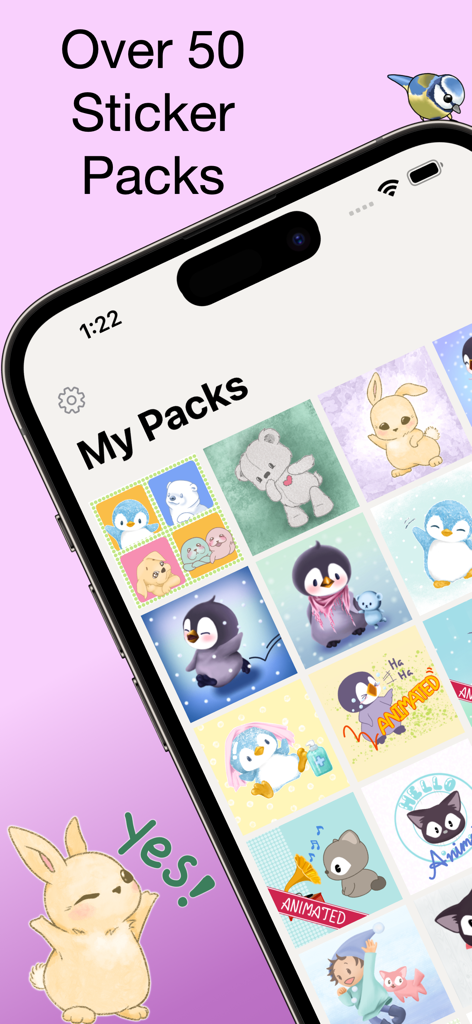
PT Sticker Shop - PT 스티커 샵 앱 화면에 펭귄과 토끼 같은 동물이 등장하는 귀여운 손그림 애니메이션 스티커 팩 그리드가 표시됨
PT 스티커 샵 앱 화면에 펭귄과 토끼 같은 동물이 등장하는 귀여운 손그림 애니메이션 스티커 팩 그리드가 표시됨

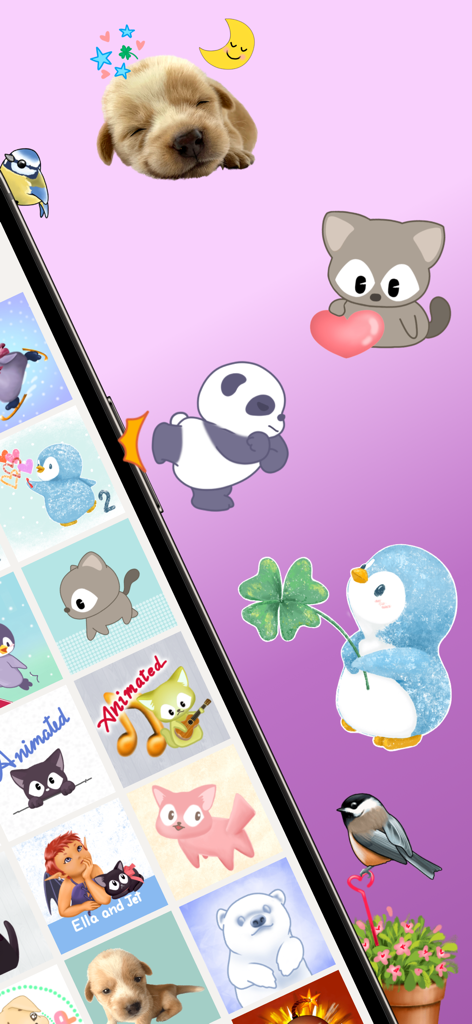
PT Sticker Shop - PT 스티커 샵 앱의 강아지 팬더와 펭귄을 포함한 귀여운 손그림 애니메이션 스티커 컬렉션
PT 스티커 샵 앱의 강아지 팬더와 펭귄을 포함한 귀여운 손그림 애니메이션 스티커 컬렉션

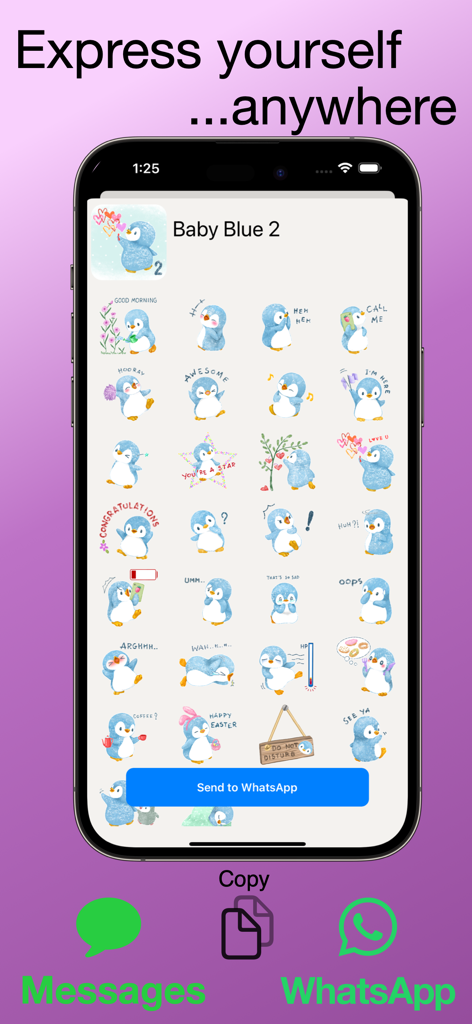
PT Sticker Shop - PT 스티커 샵 앱에 WhatsApp 및 iMessage 통합 기능이 있는 귀여운 손그림 파란색 펭귄 스티커가 표시됨
PT 스티커 샵 앱에 WhatsApp 및 iMessage 통합 기능이 있는 귀여운 손그림 파란색 펭귄 스티커가 표시됨

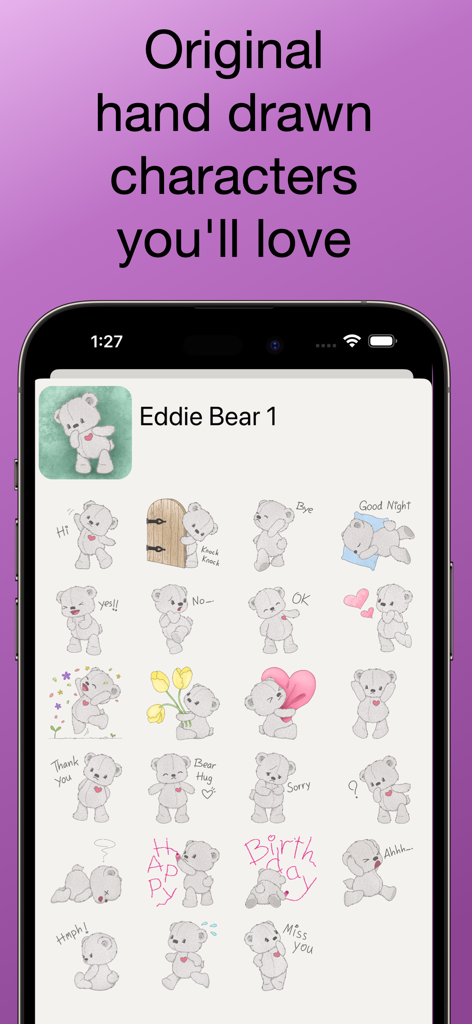
PT Sticker Shop - PT 스티커 샵의 Eddie Bear 1 팩에 있는 귀여운 손그림 테디 베어 스티커 컬렉션.
PT 스티커 샵의 Eddie Bear 1 팩에 있는 귀여운 손그림 테디 베어 스티커 컬렉션.

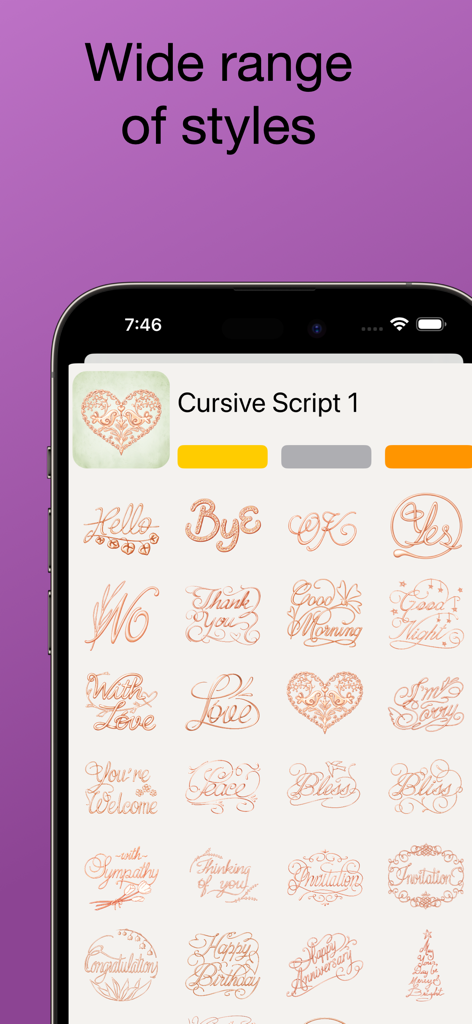
PT Sticker Shop - PT 스티커 샵 앱 인터페이스에 메시징용 우아한 손그림 필기체 스티커 컬렉션이 표시됨
PT 스티커 샵 앱 인터페이스에 메시징용 우아한 손그림 필기체 스티커 컬렉션이 표시됨

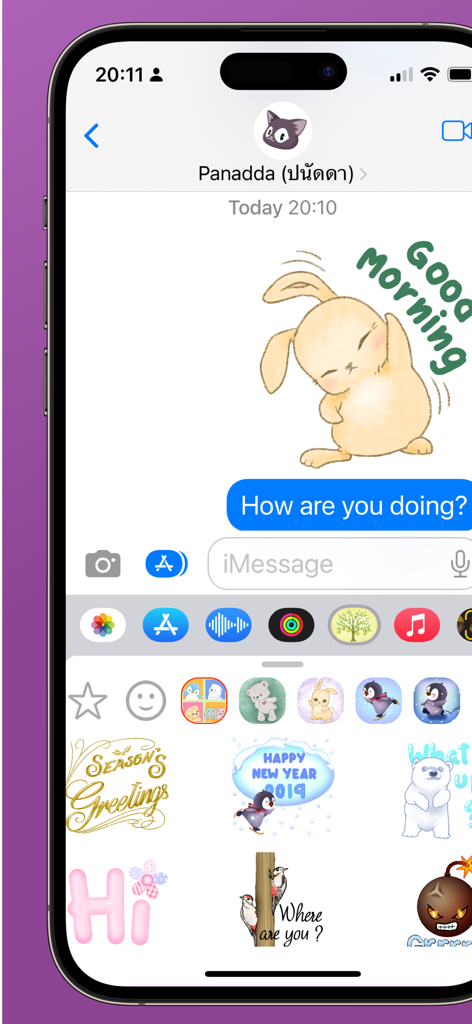
PT Sticker Shop - PT 스티커 샵 손그림 스티커가 iMessage 채팅에 사용됨

PT 스티커 샵 손그림 스티커가 iMessage 채팅에 사용됨

설명

Stickers are great everywhere, so why not take your favorite stickers around with you? All the packs in this app work natively with Messages and offer WhatsApp integration*, providing a totally seamless experience. If you prefer chatting somewhere else, simply export the stickers wherever you want using the clipboard, it couldn't be simpler. # Free starter pack of stickers # All are hand-drawn # Animated and classic stickers # Over 50 stickers packs, with more being added *** How to use them in Messages *** As soon as you download the app you will be able to find the free sample pack inside Messages, just look for the green Pomelo Tree. If you want to purchase more packs, simply buy them in the app and they will all appear within the Pomelo Tree sticker pack, so there's no fuss or confusion. Tapping on a sticker adds it to the conversation, or peel it off and place it by holding your finger on the sticker for a second before moving it. *** How to use them in WhatsApp *** Simply open the app and choose a sticker pack, we suggest the free sample to get you going. Then, tap on the 'Add to WhatsApp' button and, if it's on your device (requires iPhone), they'll get sent over so you can save them there. From now on, whenever you are in WhatsApp the stickers will be available from the keyboard. To buy more stickers, open the Pomelo Tree app and repeat the process. *** How to use them in any other way *** Open up the app and choose a pack, such as the free sample and tap on it. Now, tap on a sticker and (as long as you have purchased the pack) a button will appear to let you copy the sticker. You can then easily paste the sticker in your messaging app. There is even an "Copy as GIF" option in to maximise compatibility with all apps, such as Line. More packs are being added, so if there's anything you'd like to see, please let us know.

Download

다운로드: App Store

이 페이지는 앱이나 개발자의 공식 페이지가 아니며, 정보 제공 및 논평을 목적으로 작성된 독립 편집 간행물입니다. 명시적으로 달리 언급되지 않는 한, 해당 앱이나 개발자는 MWM, Apple, Google Play, 앱 퍼블리셔 또는 앱 개발자와 제휴, 보증, 후원, 승인 또는 공식적으로 연결되어 있지 않으며, 이 페이지의 어떤 내용도 해당 앱이 MWM의 서비스를 사용하여 개발되었음을 의미하지 않습니다. 모든 상표, 로고, 스크린샷 및 기타 콘텐츠는 해당 소유자의 자산입니다.