
Redacted - hide sensitive part

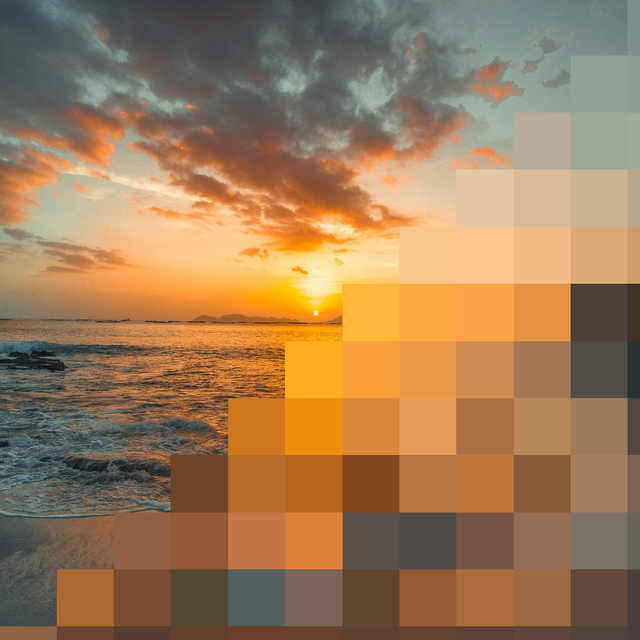
민감한 데이터를 흐리게 처리, 픽셀화 또는 검게 칠하는 가장 빠른 방법. 소셜 미디어 및 업무 플랫폼에 스크린샷이나 사진을 공유하기 전에 전문적인 오버레이로 개인 정보를 보호하세요.
개발사
카테고리
Productivity다운로드
48K+사용자 평점
총 평가 수
0지원 언어
1이 인터페이스를 사용하는 48K+ 명의 사용자.
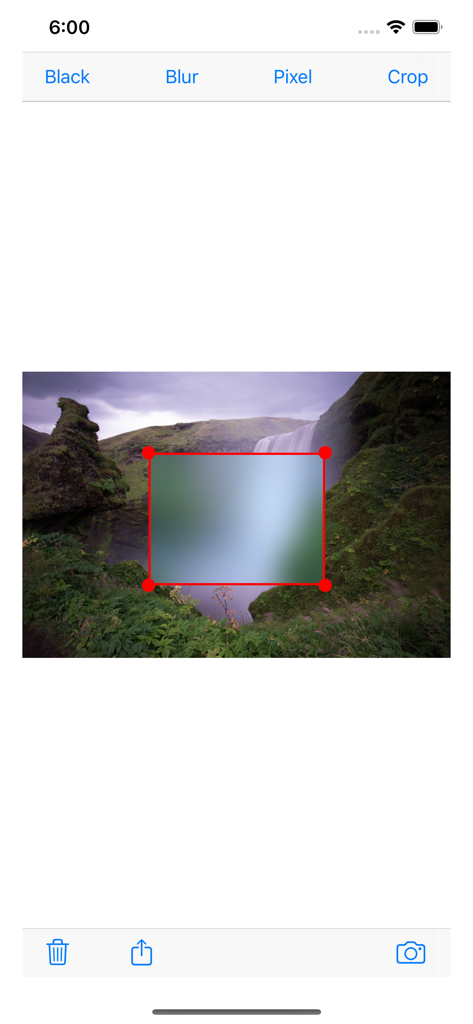
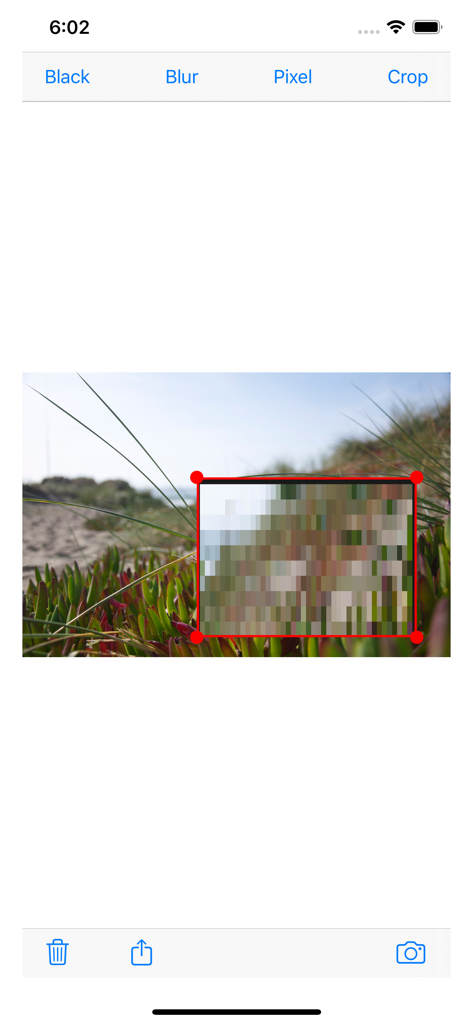
이 앱을 돋보이게 하는 도구, 48K+ 명의 사용자가 선택.
세련된 흐림, 클래식 픽셀화 또는 검은색 커버 중에서 선택하여 전문적인 미학을 유지하면서 민감한 데이터를 숨기세요.
직관적인 터치 컨트롤로 오버레이를 빠르게 드래그, 드롭 및 크기 조정하세요. 15초 안에 이미지를 삭제하고 공유하세요.
마켓플레이스의 번호판을 숨기거나, 가족 사진의 개인 정보를 보호하거나, 업무 스크린샷의 독점 데이터를 가리는 데 완벽합니다.
에 대해 알아야 할 모든 것 Redacted - hide sensitive part.
설명
최신 버전
2.1
크기
7.4 MB
출시일
2015년 5월 25일
전문적인 흐림 및 픽셀화 도구로 Redacted를 신뢰하는 48,000명 이상의 사용자와 함께하세요. 빠르고 깔끔하며 다음 게시물에 바로 사용할 수 있습니다.
같은 카테고리의 상위 앱

OpenAI OpCo, LLC

Google LLC

X.AI Corporation

Google LLC

Shanghai Zhixin Puhui Technology Co., Ltd.

Google LLC

Microsoft Corporation

Google LLC

Google LLC
App information, icons, screenshots, and descriptions displayed on this page are sourced from the Apple App Store and are the property of their respective developers. Download estimates and rankings are based on MWM's proprietary models and may not reflect actual figures. This page is provided for informational and analytical purposes only.
Believe this page infringes your intellectual property? File a dispute