Rekono OnePass
Rekono OnePass
다운로드: App Store

이 페이지는 앱이나 개발자의 공식 페이지가 아니며, 정보 제공 및 논평을 목적으로 작성된 독립 편집 간행물입니다. 명시적으로 달리 언급되지 않는 한, 해당 앱이나 개발자는 MWM, Apple, Google Play, 앱 퍼블리셔 또는 앱 개발자와 제휴, 보증, 후원, 승인 또는 공식적으로 연결되어 있지 않으며, 이 페이지의 어떤 내용도 해당 앱이 MWM의 서비스를 사용하여 개발되었음을 의미하지 않습니다. 모든 상표, 로고, 스크린샷 및 기타 콘텐츠는 해당 소유자의 자산입니다.


로고: Rekono OnePass
다운로드: App Store

Rekono OnePass

번개처럼 빠른 푸시 인증, 원활한 3-D Secure 결제, 전문적인 문서 서명 경험을 생체 인식으로 안전하게 보호하세요.

주요 수치

다운로드

40K+

사용자 평점

4.8/5

총 평가 수

5K+

개발사

Rekono d.o.o.

카테고리

Utilities

지원 언어

1

최신 버전

4.5.2

크기

106.1 MB

출시일

2020년 4월 28일
기능

디지털 신원 관리

모바일 생활을 위해 설계된 강력하고 번거로움 없는 앱 하나로 안전한 로그인, 디지털 서명 및 결제 승인을 간소화하세요.

원탭 인증

수동 OTP 코드를 건너뛰세요. 안전한 푸시 알림 및 생체 인식 FaceID 또는 TouchID를 통해 로그인을 즉시 승인하세요.

법적 구속력 있는 서명

기기의 저장소에서 직접 계약 및 문서에 서명하세요. 손 안에서 전문적인 서명 솔루션을 사용하세요.

다음 스크린샷과 설명은 앱의 공식 스토어 목록에서 직접 가져온 것이며 앱 개발자의 자산입니다.

앱 스토어

스크린샷
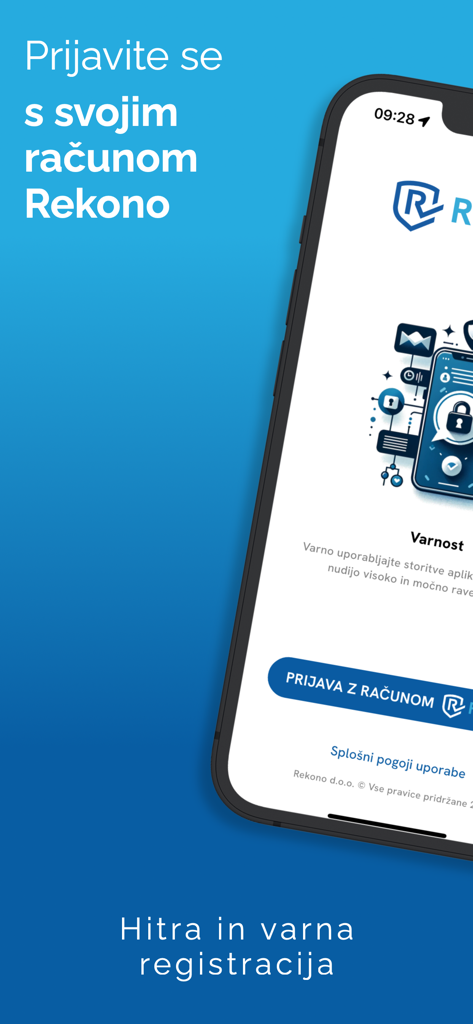
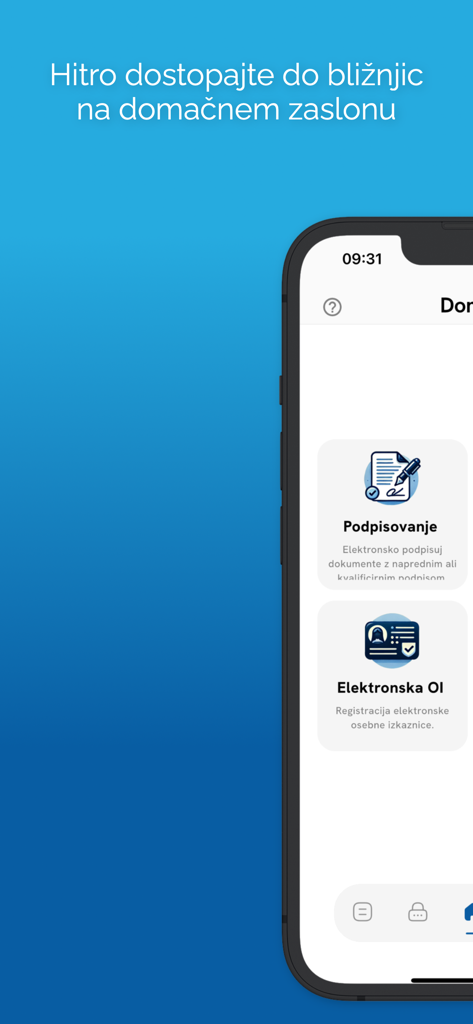
Rekono OnePass - Rekono OnePass 모바일 앱 로그인 화면 (안전한 디지털 신원 및 인증용)
Rekono OnePass 모바일 앱 로그인 화면 (안전한 디지털 신원 및 인증용)

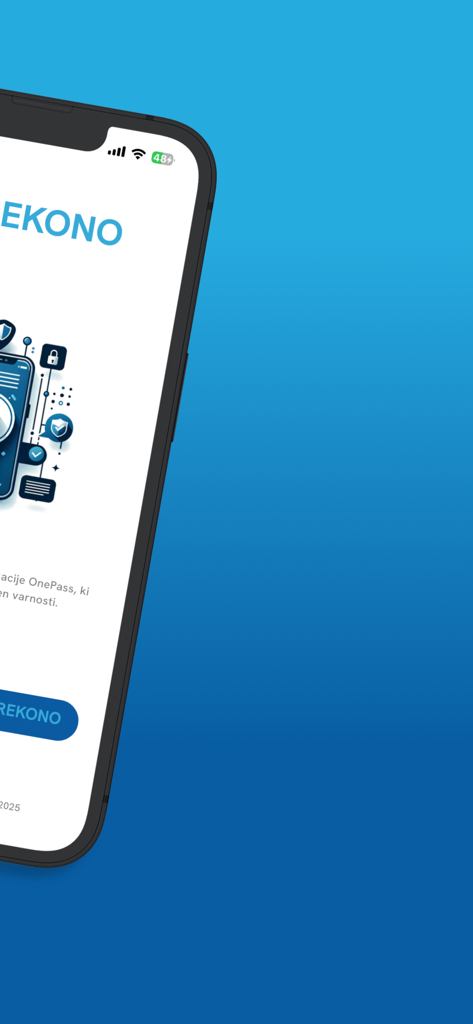
Rekono OnePass - Rekono OnePass 보안 앱 환영 인터페이스를 보여주는 스마트폰 화면
Rekono OnePass 보안 앱 환영 인터페이스를 보여주는 스마트폰 화면

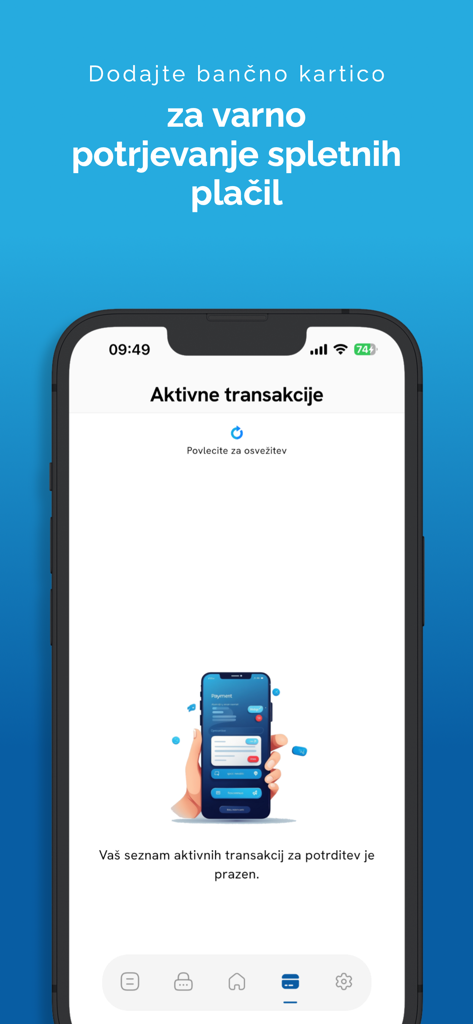
Rekono OnePass - 안전한 온라인 결제를 위한 Rekono OnePass 앱 활성 거래 화면을 표시하는 스마트폰
안전한 온라인 결제를 위한 Rekono OnePass 앱 활성 거래 화면을 표시하는 스마트폰

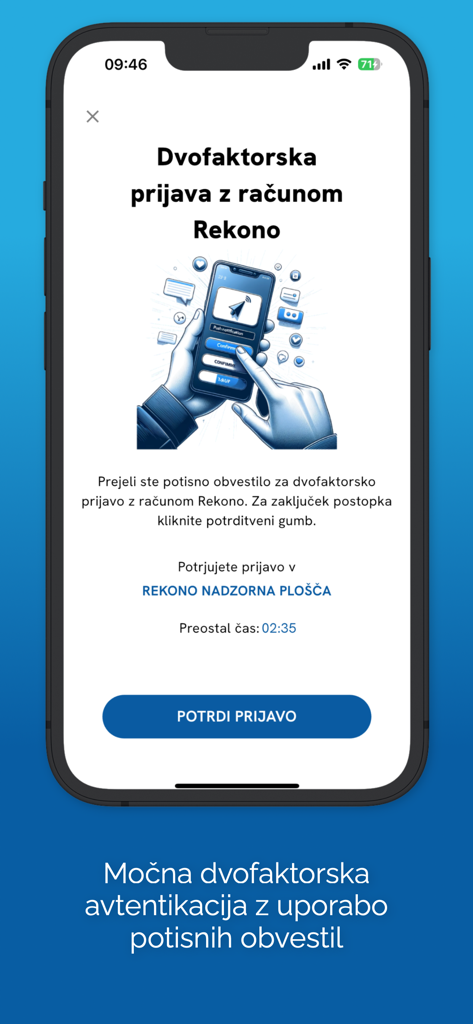
Rekono OnePass - iPhone에서 확인 버튼이 있는 2단계 인증 요청을 표시하는 Rekono OnePass 앱 화면
iPhone에서 확인 버튼이 있는 2단계 인증 요청을 표시하는 Rekono OnePass 앱 화면

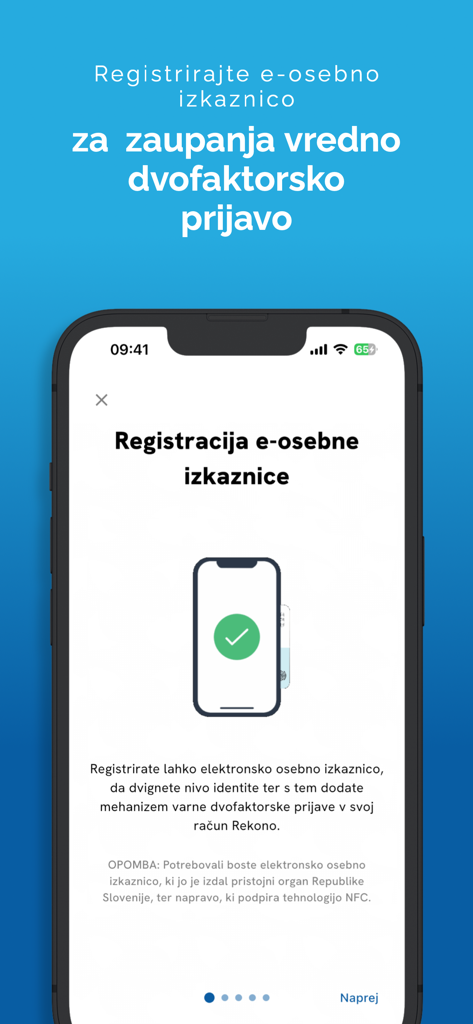
Rekono OnePass - 안전한 인증을 위한 전자 신분증 등록을 위한 Rekono OnePass 앱 화면
안전한 인증을 위한 전자 신분증 등록을 위한 Rekono OnePass 앱 화면

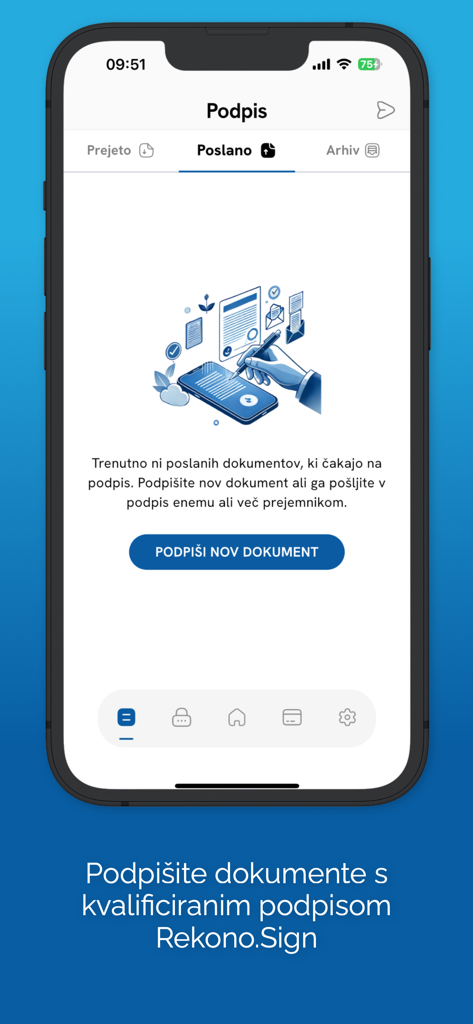
Rekono OnePass - Rekono Sign을 사용하여 새 문서에 서명하는 옵션과 함께 Rekono OnePass 모바일 앱 디지털 문서 서명 섹션
Rekono Sign을 사용하여 새 문서에 서명하는 옵션과 함께 Rekono OnePass 모바일 앱 디지털 문서 서명 섹션

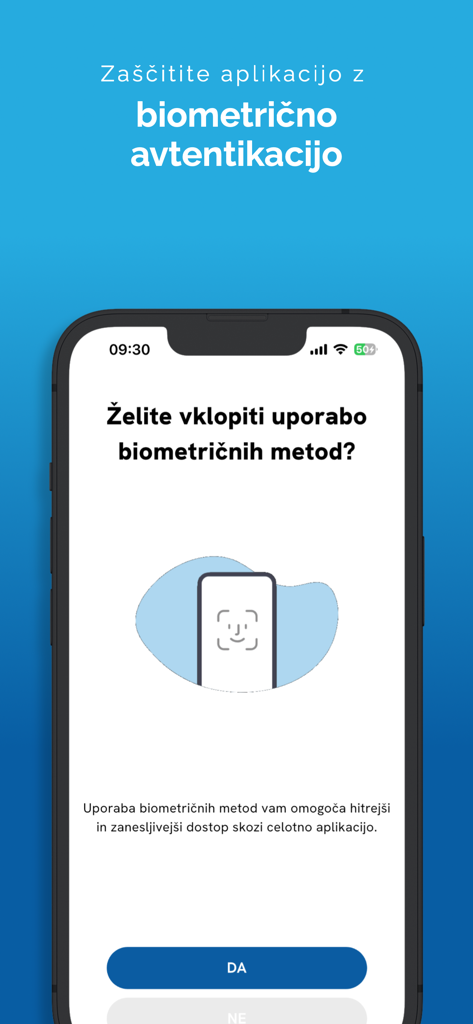
Rekono OnePass - Rekono OnePass 모바일 앱의 생체 인식 인증 설정 화면

Rekono OnePass 모바일 앱의 생체 인식 인증 설정 화면

Rekono OnePass - 디지털 서명 및 전자 신분증 기능을 보여주는 Rekono OnePass의 모바일 인터페이스
디지털 서명 및 전자 신분증 기능을 보여주는 Rekono OnePass의 모바일 인터페이스

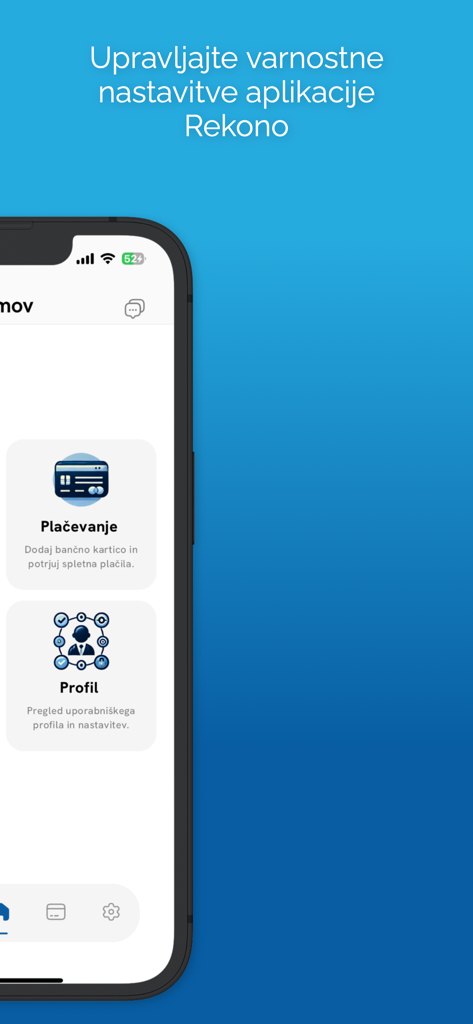
Rekono OnePass - 결제 및 프로필 보안 설정을 위한 메뉴 옵션을 보여주는 Rekono OnePass 모바일 앱 인터페이스

결제 및 프로필 보안 설정을 위한 메뉴 옵션을 보여주는 Rekono OnePass 모바일 앱 인터페이스

설명

Rekono OnePass application provides easier and faster access to your Rekono account, it’s management, features and usability. It is implemented to support the latest development standards, so it includes and utilizes all of the device’s functionalities and sensors (biometric authentication, QR code scanning using device’s camera, push notifications and other security features). Two-factor PUSH authentication You can now have much more control over your Rekono account as well as an improved and faster 2-factor authentication mechanism. With the implementation of push notifications, you can sign in to your Rekono accounts with your devices by simply clicking a button, which provides faster, if not even the fastest 2-factor authentication mechanism which is thoroughly secured by your device application’s PIN code or biometric authentication, if the device supports it. Rekono OnePass provides a simple and user-friendly design with a comfortable overview of your Rekono account information, OTP codes and settings, which you can freely adapt to your likes and needs. OTPs One-time passwords (OTPs) are now more clearly displayed on the main application screen when you log in to your Rekono account. By default, Rekono OTP code is automatically enrolled the moment you log in to the application and register your device, so OTP code cannot be deleted or erased. OTPs can now be added manually or automatically when scanning QR code with the QR code camera application scanner. This provides a simpler and faster way of adding OTP codes to the Rekono OnePass application. Manually adding OTPs is still supported in the application, when you must add OTP’s issuer shared secret and name with which OTP will be presented on the main screen. Due to various user’s likes and needs, you have the possibility to modify the application settings, themes, languages and security provisions to your own taste. Bank card enrollment using PIN/PAN You will now be able to enroll your bank provider for online transactions in the application by using your bank card credentials. The intuitive process of adding the bank is short and consists of simple understandable steps. 3-D Secure PUSH notifications With Rekono OnePass, you can now confirm online payments within the application, in quick and easy steps. To begin with, you make an online payment at a specific internet provider or merchant. After successfully executing the transaction, you then receive push notification to your device, which you click and navigate to the confirmation screen in the app. You then authenticate yourself with biometrics or a PIN code that you have set up in your application. A few moments later the transaction screen is displayed with all the information about the transaction. By confirming/rejecting the transaction, the 3-D Secure transaction process is completed. Local document signing and signing documents by using Push notifications One of the most prominent features in 2.0.0 release is the document signing. You can now digitally sign local documents right from the device's file system by simply selecting a file or a document from your device's storage and loading it in the app. With a click of a button the document will be securely signed by using Rekono Sign services on our secure servers. By means of PUSH notifications, you will be able to digitally sign documents on-the-fly when a service provider or a customer submits a document to the Rekono.Sign services. A few moments later you will receive a push notification informing you that there are documents waiting to be signed. After interacting with the notification, you will receive a detailed preview of the submitted documents, so you can decide to sign or reject the selected documents. After successful signing, the documents can be downloaded to your device or you can share them across other platforms or applications.

Download

다운로드: App Store

이 페이지는 앱이나 개발자의 공식 페이지가 아니며, 정보 제공 및 논평을 목적으로 작성된 독립 편집 간행물입니다. 명시적으로 달리 언급되지 않는 한, 해당 앱이나 개발자는 MWM, Apple, Google Play, 앱 퍼블리셔 또는 앱 개발자와 제휴, 보증, 후원, 승인 또는 공식적으로 연결되어 있지 않으며, 이 페이지의 어떤 내용도 해당 앱이 MWM의 서비스를 사용하여 개발되었음을 의미하지 않습니다. 모든 상표, 로고, 스크린샷 및 기타 콘텐츠는 해당 소유자의 자산입니다.