Remote Desktop Manager

Remote Desktop Manager

다운로드: App Store
로고: Remote Desktop Manager

Remote Desktop Manager: 주머니 속의 궁극적인 IT 커맨드 센터

전문가급 자격 증명 관리를 통해 모든 RDP, SSH 및 VNC 연결을 중앙 집중화하세요. 어디에서나 전체 인프라를 안전하게 모니터링하고 관리하여 자리를 비운 상황에서도 가동 중지 시간 제로를 보장합니다.

개발사

Devolutions inc.

카테고리

Utilities

다운로드

36K+

사용자 평점

3.8/5

총 평가 수

400

지원 언어

14

어디서나 이용 가능한 커맨드 센터

이 인터페이스를 사용하는 36K+ 명의 사용자.

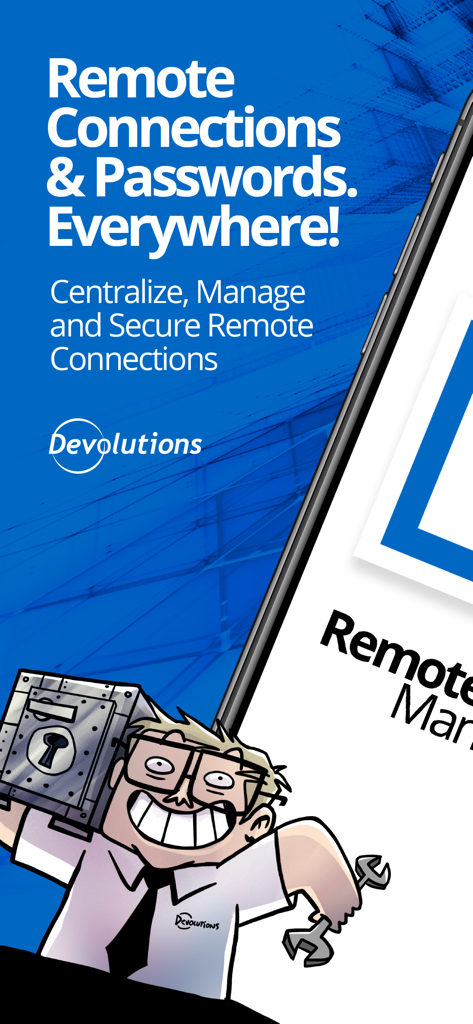
IT 전문가 일러스트와 함께 원격 연결 및 비밀번호 중앙 집중화에 대한 텍스트를 보여주는 Remote Desktop Manager 홍보 화면
IT 전문가 일러스트와 함께 원격 연결 및 비밀번호 중앙 집중화에 대한 텍스트를 보여주는 Remote Desktop Manager 홍보 화면

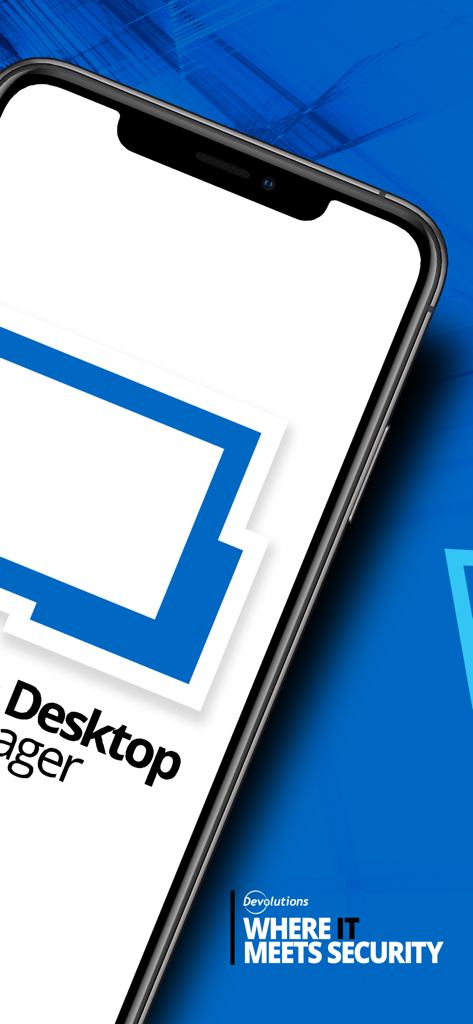
Devolutions 보안 슬로건이 표시된 스마트폰의 Remote Desktop Manager 앱
Devolutions 보안 슬로건이 표시된 스마트폰의 Remote Desktop Manager 앱

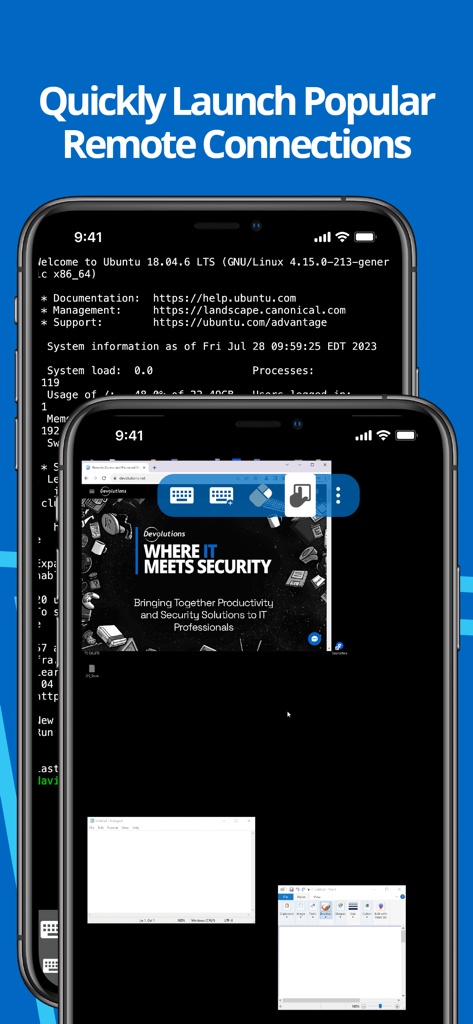
모바일 기기에서 SSH 터미널 및 원격 데스크톱을 보여주는 Remote Desktop Manager 앱 인터페이스
모바일 기기에서 SSH 터미널 및 원격 데스크톱을 보여주는 Remote Desktop Manager 앱 인터페이스

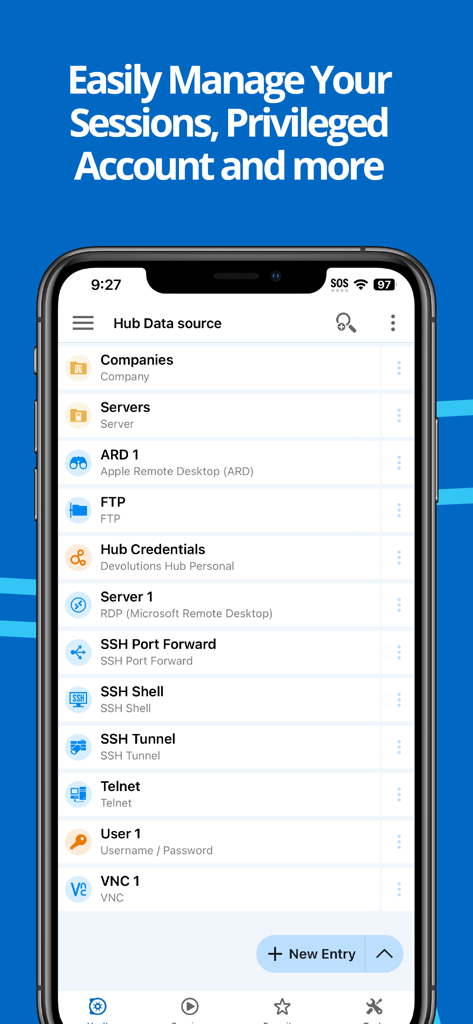
Remote Desktop Manager 모바일 앱의 RDP 및 SSH와 같은 원격 연결 목록
Remote Desktop Manager 모바일 앱의 RDP 및 SSH와 같은 원격 연결 목록

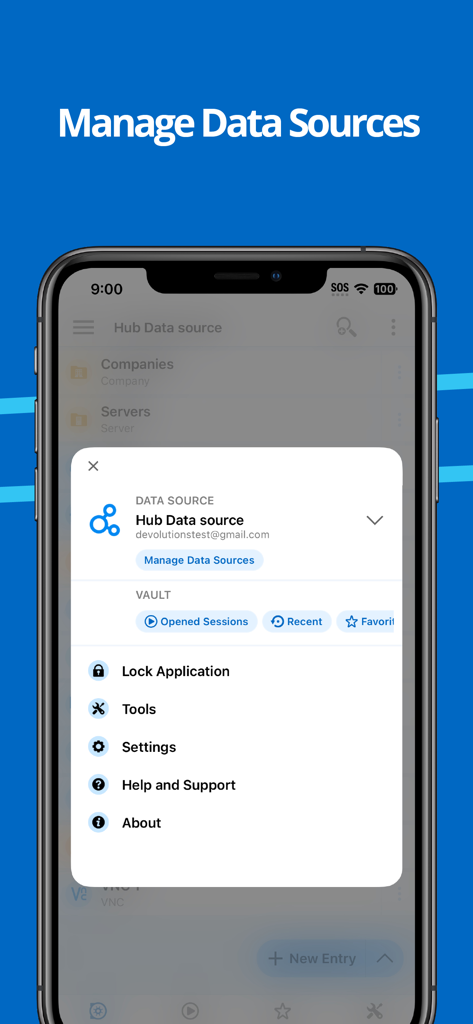
데이터 소스 및 애플리케이션 설정을 관리하기 위한 Remote Desktop Manager 앱 메뉴를 보여주는 iPhone 화면

데이터 소스 및 애플리케이션 설정을 관리하기 위한 Remote Desktop Manager 앱 메뉴를 보여주는 iPhone 화면

완벽하게 중앙 집중화된 귀하의 인프라

이 앱을 돋보이게 하는 도구, 36K+ 명의 사용자가 선택.

🔗

멀티 프로토콜 커맨드 센터

RDP, SSH, VNC 및 ARD 지원을 통해 워크플로를 통합하세요. 단일 통합 대시보드에서 서버, VM 및 클라우드 스토리지로의 연결을 실행하세요.

🔐

보안 자격 증명 주입

자격 증명 관리의 피로를 없애세요. Bitwarden, 1Password 및 CyberArk와 원활하게 통합되어 수동 입력 없이 원격 세션에 자동으로 로그인합니다.

👥

팀 전체 동기화

SQL Server 또는 Devolutions Hub와 같은 공유 데이터 소스에 연결하여 팀과 동기화 상태를 유지하고, 모바일 연결 목록이 항상 최신 상태인지 확인하세요.

전 세계 사용자들에게 사랑받는 앱

Trusted by 36K+ 명이 이 앱을 사랑합니다.

"

"여러 고객 사이트에서 200대 이상의 서버를 관리하는 시니어 시스템 엔지니어로서, iOS용 RDM은 저의 궁극적인 모바일 커맨드 센터입니다. 중앙 Devolutions Server 데이터베이스와 동기화된 상태에서 RDP 및 SSH 세션을 실행할 수 있는 기능 덕분에 온콜 당번 업무의 스트레스가 크게 줄었습니다. 엔터프라이즈급 원격 관리를 위해 제가 신뢰하는 유일한 앱입니다."

Marcus Thompson, 시니어 시스템 엔지니어
"

"현장 감사와 신속한 수정을 위해 마침내 부피가 큰 노트북을 iPad로 교체했습니다. Bitwarden 및 Devolutions Hub와의 통합은 완벽하며, 즉석에서 보안 자격 증명에 액세스할 수 있게 해줍니다. 프라이빗 서버에 터널링하든 Azure 스토리지를 관리하든, 이 앱은 복잡한 IT 인프라를 전문가 수준의 정밀함으로 처리합니다."

Sarah Jenkins, 인프라 컨설턴트

앱 소개

에 대해 알아야 할 모든 것 Remote Desktop Manager.

설명

Remote Desktop Manager for iOS is a free tool that enables access to all your remote connections and passwords. Centralize your connections in data sources and access your data from anywhere, from in the field with RDM mobile or in the office and at home with RDM desktop! Remote Connections ================ Remote Desktop Manager for iOS supports Microsoft Remote Desktop Protocol (RDP), VNC, Apple Remote Desktop (ARD), SSH Shell, SSH Tunnel, Proxy Tunnel, Telnet, FTP, TFTP, SFTP, SCP, Active Directory Console, WebDAV, Google Drive, Microsoft OneDrive, Microsoft RDP Gateway, Azure Blob Storage Explorer, Amazon AWS Dashboard, Amazon S3 Explorer, Website, Devolutions PAM Dashboard, SSH Port forward, Dell iDRAC, Dropbox Explorer, HP iLO, BeyondTrust Password Safe and BeyondTrust Password Safe Dashboard. Once configured, connections to your remote servers, virtual machines and other workstations can be easily launched using a single tap. Password Management ================= Along with remote connections, Remote Desktop Manager for iOS lets you save and manage your passwords and credentials from your centralized database or your local XML file. Easily input your credentials and automatically sign in everywhere. Credentials ========= RDM supports generic credentials as well as the following integrations: 1Password, Bitwarden, CyberArk, CyberArk AAM, Dashlane, Keeper, LastPass, One Time Password, Passportal, Password Manager Pro, Passwordstate, Pleasant Password Server, RoboForm, Secret Server, Sticky Password, TeamPass, True Key, and Zoho Vault, in addition to our own products, Devolutions Hub, Devolutions Server. Database ======= Remote Desktop Manager for iOS supports these data sources: For teams: - Devolutions Server (DVLS) - Devolutions Hub Business - Microsoft SQL Server For individuals: - Devolutions Hub Personal - XML File - Dropbox - Google Drive

최신 버전

2025.3.2

크기

218.5 MB

출시일

2015년 9월 23일

주머니에 쏙 들어가는 커맨드 센터

더 이상 책상에 얽매이지 마세요. iPhone 또는 iPad에서 모든 원격 연결과 자격 증명에 안전하게 액세스하세요. IT 전문가를 위한 전문가급 도구를 지금 다운로드하세요.

다운로드: App Store