Repairit - AI Photo Enhancer
다운로드: App Store

이 페이지는 앱이나 개발자의 공식 페이지가 아니며, 정보 제공 및 논평을 목적으로 작성된 독립 편집 간행물입니다. 명시적으로 달리 언급되지 않는 한, 해당 앱이나 개발자는 MWM, Apple, Google Play, 앱 퍼블리셔 또는 앱 개발자와 제휴, 보증, 후원, 승인 또는 공식적으로 연결되어 있지 않으며, 이 페이지의 어떤 내용도 해당 앱이 MWM의 서비스를 사용하여 개발되었음을 의미하지 않습니다. 모든 상표, 로고, 스크린샷 및 기타 콘텐츠는 해당 소유자의 자산입니다.


로고: Repairit - AI Photo Enhancer
다운로드: App Store

Repairit - AI Photo Enhancer

손상된 추억을 되살리고, 흐릿한 사진을 선명하게 만들고, 전문가 수준의 AI로 사진을 변환하세요. 가족 기록 보관소 복원부터 멋진 소셜 미디어 초상화 제작까지, 한 번의 탭으로 수술 수준의 정밀도를 달성하세요.

주요 수치

다운로드

6K+

사용자 평점

4.3/5

총 평가 수

0

개발사

GIYASTAR LIMITED

카테고리

Photo & Video

지원 언어

8

최신 버전

1.0.21

크기

34.8 MB

출시일

2025년 6월 3일
기능

사진에 두 번째 생명을 불어넣으세요

100년 된 가족의 유물이든, 흐릿한 현대의 스냅 사진이든, 저희의 전문가 수준 AI는 한 번의 탭으로 선명도와 색상을 복원합니다.

역사에 생명을 불어넣으세요

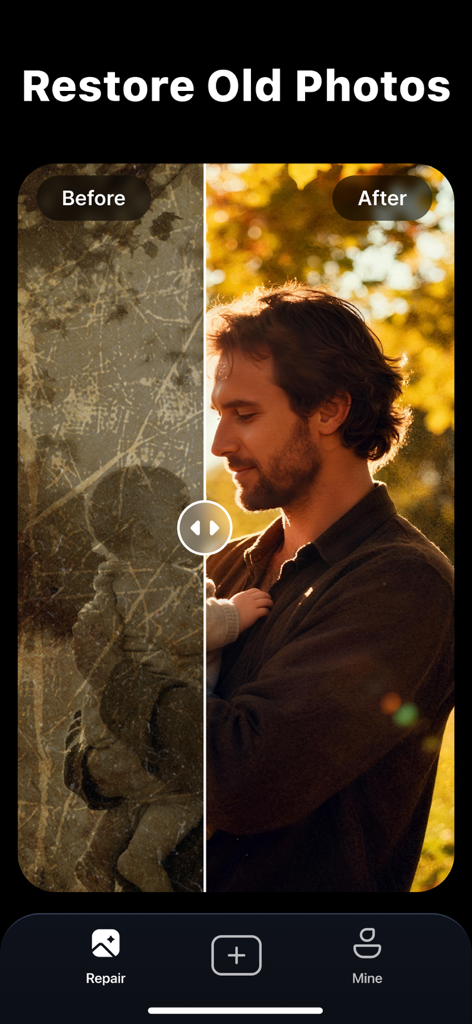
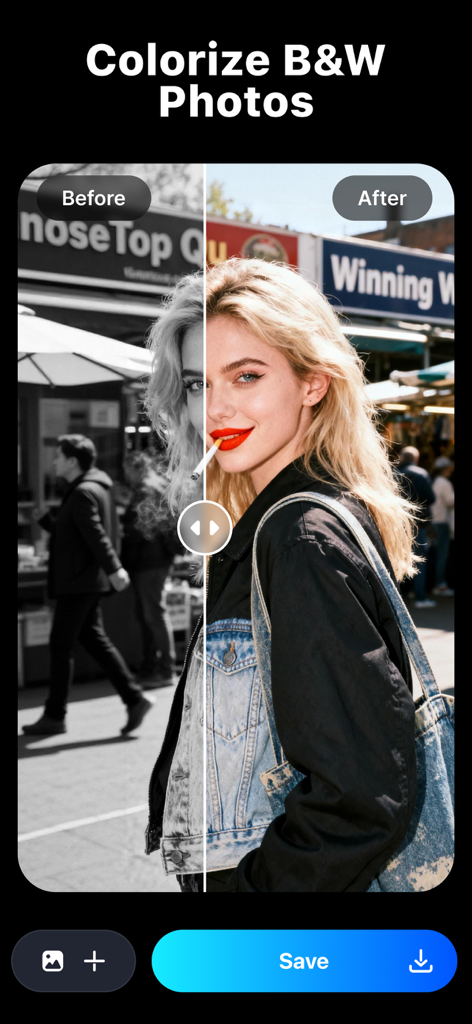
스크래치를 복원하고, 변색을 수정하고, 흑백 가족 사진에 사실적인 정확도와 전문가 수준의 정밀도로 지능적으로 색상을 입히세요.

크리스탈처럼 선명한 향상

자연스러운 피부 질감을 유지하면서 저해상도 이미지를 즉시 업스케일링하고 흐릿한 초상화를 전문가 수준으로 선명하게 만드세요.

다음 스크린샷과 설명은 앱의 공식 스토어 목록에서 직접 가져온 것이며 앱 개발자의 자산입니다.

앱 스토어

스크린샷
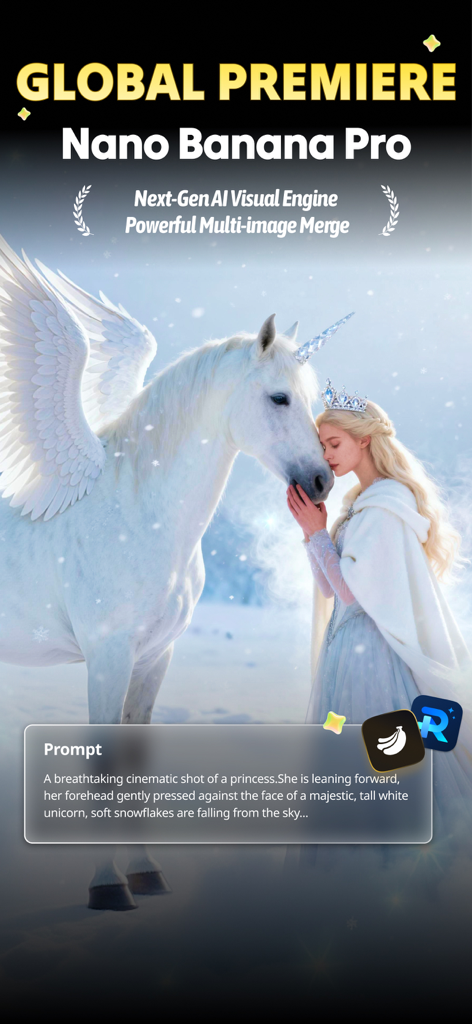
Repairit - AI Photo Enhancer - 텍스트 프롬프트를 기반으로 생성된 공주와 날개 달린 유니콘의 AI 생성 영화 사진
텍스트 프롬프트를 기반으로 생성된 공주와 날개 달린 유니콘의 AI 생성 영화 사진

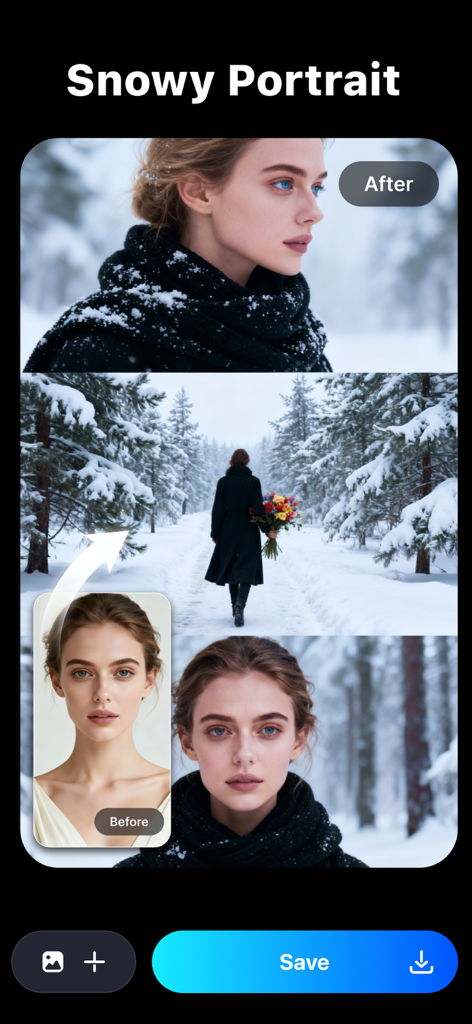
Repairit - AI Photo Enhancer - Repairit 앱에서 눈 덮인 초상화 AI 필터를 적용하기 전후의 여성 초상화
Repairit 앱에서 눈 덮인 초상화 AI 필터를 적용하기 전후의 여성 초상화

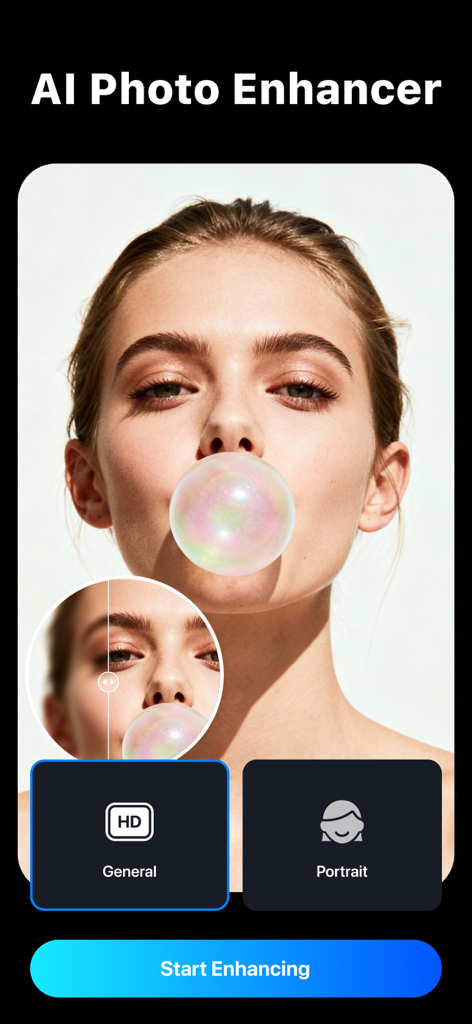
Repairit - AI Photo Enhancer - 여성 사진에 대한 전후 비교와 함께 AI 초상화 향상 기능을 보여주는 Repairit 앱의 인터페이스
여성 사진에 대한 전후 비교와 함께 AI 초상화 향상 기능을 보여주는 Repairit 앱의 인터페이스

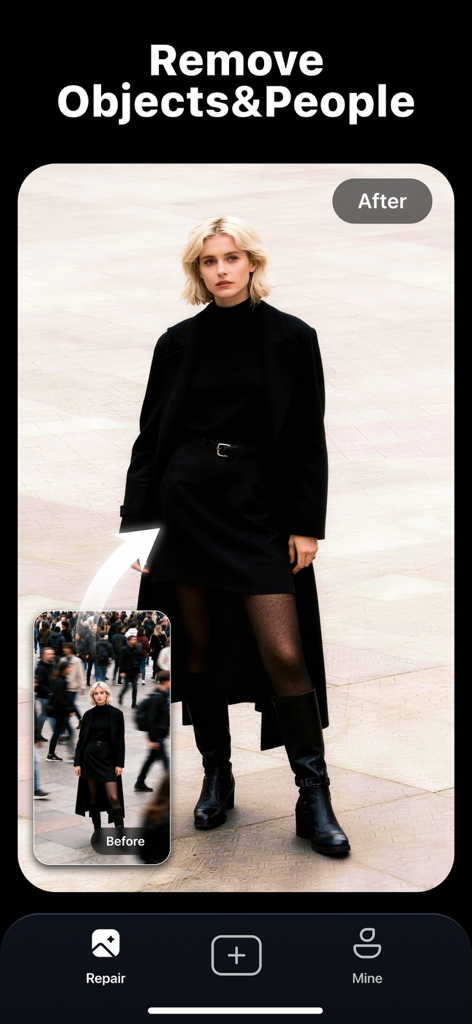
Repairit - AI Photo Enhancer - Repairit AI를 사용하여 초상화에서 군중을 제거하는 것을 보여주는 전후 비교
Repairit AI를 사용하여 초상화에서 군중을 제거하는 것을 보여주는 전후 비교

Repairit - AI Photo Enhancer - Repairit AI로 고품질로 복원된 긁힌 오래된 사진을 보여주는 전후 비교
Repairit AI로 고품질로 복원된 긁힌 오래된 사진을 보여주는 전후 비교

Repairit - AI Photo Enhancer - Repairit AI로 색상으로 복원된 흑백 사진의 나란히 비교

Repairit AI로 색상으로 복원된 흑백 사진의 나란히 비교
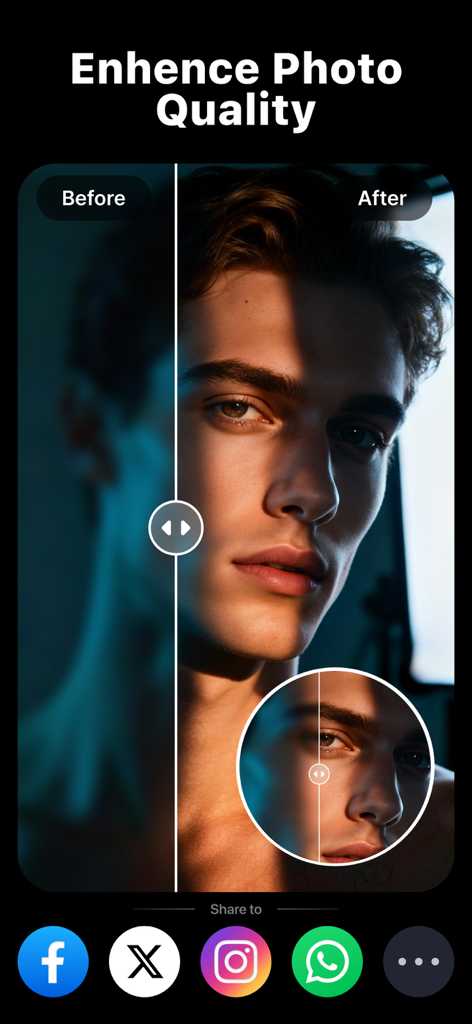
Repairit - AI Photo Enhancer - Repairit AI로 더 나은 품질과 선명도를 위해 향상된 초상화 사진의 전후 비교
Repairit AI로 더 나은 품질과 선명도를 위해 향상된 초상화 사진의 전후 비교

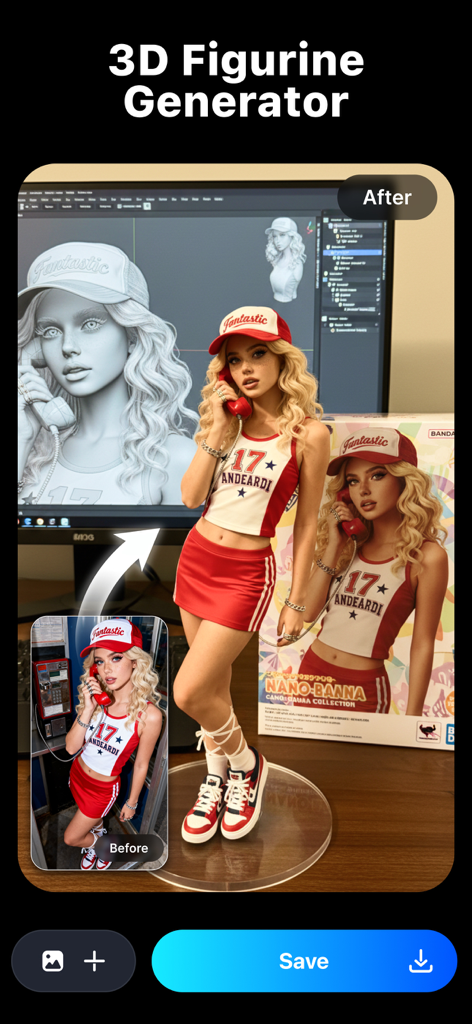
Repairit - AI Photo Enhancer - 실제 초상화 사진을 스타일화된 3D 피규어로 변환하는 것을 보여주는 AI 생성 비교
실제 초상화 사진을 스타일화된 3D 피규어로 변환하는 것을 보여주는 AI 생성 비교

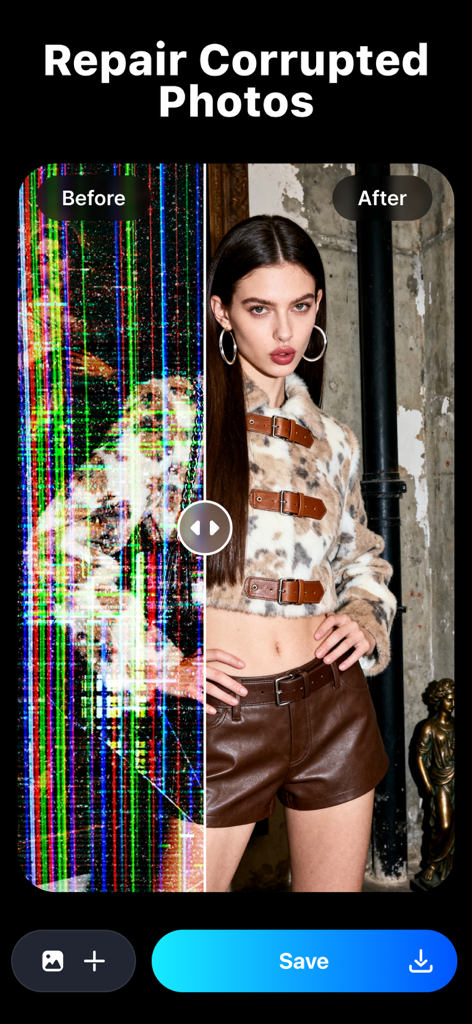
Repairit - AI Photo Enhancer - 노이즈가 있는 손상된 디지털 사진과 AI를 사용하여 복원된 선명한 초상화의 비교

노이즈가 있는 손상된 디지털 사진과 AI를 사용하여 복원된 선명한 초상화의 비교

설명

Repairit is an all-in-one intelligent photo restoration tool trusted by professionals, capable of revitalizing damaged photos, enhancing visual clarity, and transforming old photo with cutting-edge AI. Whether photos suffer from blur, scratches, discoloration, or unwanted objects, Repairit's patented algorithms deliver unmatched precision and natural-looking results. —WHAT REPAIRIT CAN DO— [New Feature – AI Filters & Creative Styles] Transform your photos in one tap! Upload your image and instantly generate stunning styles—3D figurines, anime portraits, festive looks, or custom backgrounds. Repairit’s AI keeps your facial features consistent while giving you endless creative possibilities—no editing skills needed. [Edit Photos with Text] No layers, masks, or menus: just type a simple instruction under your photo and our AI does the heavy lifting—cutouts, background swaps, restoration, colorization, and seamless blending in seconds. [Quality Enhancer] Optimize photo sharpness through advanced algorithms, restoring clarity close to the original state while preserving natural textures and fine details. [Portrait Enhancer] Our new AI is built just for faces. Get sharper details, smoother skin, and photos you’ll actually want to keep. [Old Photo Restoration] Automatically detect scratches, stains, fading, and other damage for seamless repair. Intelligently colorize black-and-white photos by analyzing objects, scenes, and figures to apply lifelike color matching. [Object Removal] Precisely identify and remove specified people or objects from photos while maintaining background integrity and natural visual flow. [Corrupted Photo Repair] Easily solve the problems of photos unable to open and incomplete data, including RAW formats. —WHY REPAIRIT STANDS OUT— [Free Trial] Try it out and preview the repair results to see if Repairit is right for you. [Advanced AI algorithm] Industry-leading AI algorithm ensures the highest repair accuracy and natural results. [One-tap processing] Easily repair photos, friendly user experience, no learning cost. [Preview before saving] Enjoy real-time quality verification preview before final export. [Universal Compatibility] Support 2000+ devices: DSLR cameras, drones, smartphones, SD cards, HDD/SSD, USB drives, and vintage photo scanners. —HOW TO REPAIR PHOTOS IN 3 STEPS— 1. Add photos into Repairit. 2. Click "Start" to activate AI-powered restoration. 3. Preview results, then save files to gallery. —FREE TRIAL & UPGRADE BENEFITS— The trial version offers full repair capabilities with watermarked previews. Unlock export and priority support via: 1. Launch Repairit and click "Pro". 2. Choose a subscription plan. 3. Activate your license to export pristine, watermark-free files. —HOW TO FOLLOW AND CONTACT US— • Web: https://repairit.wondershare.com/ • Technical Support: https://support.wondershare.com/ • Privacy Policy: https://www.wondershare.com/privacy.html • Terms of Use: https://www.apple.com/legal/internet-services/itunes/dev/stdeula/ —ABOUT DEVELOPER— GIYASTAR is a global leader in creative software with 6 offices around the globe and 1000+ talented employees. Our technology is powerful, that’s how we provide simple and convenient software to millions of users in over 150 countries. We provide our users with a super-easy way to repair corrupted files to find back the most cherishable things. Repair your digital assets with surgical-level algorithm!

Download

다운로드: App Store

이 페이지는 앱이나 개발자의 공식 페이지가 아니며, 정보 제공 및 논평을 목적으로 작성된 독립 편집 간행물입니다. 명시적으로 달리 언급되지 않는 한, 해당 앱이나 개발자는 MWM, Apple, Google Play, 앱 퍼블리셔 또는 앱 개발자와 제휴, 보증, 후원, 승인 또는 공식적으로 연결되어 있지 않으며, 이 페이지의 어떤 내용도 해당 앱이 MWM의 서비스를 사용하여 개발되었음을 의미하지 않습니다. 모든 상표, 로고, 스크린샷 및 기타 콘텐츠는 해당 소유자의 자산입니다.








