
이 페이지는 앱이나 개발자의 공식 페이지가 아니며, 정보 제공 및 논평을 목적으로 작성된 독립 편집 간행물입니다. 명시적으로 달리 언급되지 않는 한, 해당 앱이나 개발자는 MWM, Apple, Google Play, 앱 퍼블리셔 또는 앱 개발자와 제휴, 보증, 후원, 승인 또는 공식적으로 연결되어 있지 않으며, 이 페이지의 어떤 내용도 해당 앱이 MWM의 서비스를 사용하여 개발되었음을 의미하지 않습니다. 모든 상표, 로고, 스크린샷 및 기타 콘텐츠는 해당 소유자의 자산입니다.

Replica・Screen Mirroring・Cast
Apple 생태계를 벗어나세요. 고품질과 저지연으로 앱, 동영상, 프레젠테이션을 스마트 TV, Chromecast 또는 Fire TV로 손쉽게 캐스팅하세요.
다운로드
10M+사용자 평점
총 평가 수
123K+개발사
카테고리
Utilities지원 언어
33최신 버전
20260109크기
111.7 MB출시일
2020년 1월 23일모든 화면을 위한 보편적인 미러링
Apple 하드웨어 생태계를 벗어나세요. iPhone에서 스마트 TV, 웹 브라우저 또는 Tesla로 동영상, 프레젠테이션, 소셜 미디어를 손쉽게 캐스팅하세요.
보편적인 기기 지원
Apple TV가 필요 없습니다. 몇 초 안에 Samsung, LG, Fire TV, Chromecast 또는 웹 브라우저가 있는 모든 기기로 화면을 미러링하세요.
Tesla 시네마 모드
Tesla의 15인치 디스플레이를 최대한 활용하세요. 주차 중이거나 충전 중일 때 자동차 화면으로 영화, 소셜 미디어 또는 업무 통화를 직접 미러링하세요.
자주 묻는 질문
에 대해 알아야 할 모든 것 Replica・Screen Mirroring・Cast
Replica・Screen Mirroring・Cast란 무엇인가요?
Replica는 iPhone 또는 iPad의 비디오를 거의 모든 TV 또는 컴퓨터로 미러링할 수 있는 앱입니다. AirPlay 없이 화면 미러링을 지원하며 다양한 스마트 TV 및 스트리밍 장치를 지원합니다.
Replica・Screen Mirroring・Cast는 어떤 기기를 지원하나요?
Replica는 Google Chromecast, Amazon Fire TV, Android TV, Samsung, LG, TCL, Xiaomi, Sony Bravia, Philips, Hitachi, Toshiba 스마트 TV를 지원합니다. Apple Safari, Google Chrome 또는 Microsoft Edge를 실행하는 모든 장치에서도 작동합니다.
Replica・Screen Mirroring・Cast는 AirPlay가 필요한가요?
아니요, Replica는 AirPlay가 필요하지 않습니다. 이 앱을 사용하면 AirPlay 호환 하드웨어 없이도 iPhone 또는 iPad에서 TV 또는 컴퓨터로 비디오를 전송할 수 있습니다.
Replica・Screen Mirroring・Cast는 Netflix와 같은 저작권이 있는 콘텐츠를 미러링할 수 있나요?
아니요, Replica는 Apple TV, Fitness, Music, Netflix 또는 Prime Video와 같은 앱의 저작권이 있는 콘텐츠를 미러링할 수 없습니다. 이러한 콘텐츠 제공 업체는 미러링 중에 검은 화면을 유발하는 기능을 구현합니다.
Replica・Screen Mirroring・Cast는 Tesla 차량과 호환되나요?
예, Replica는 Tesla의 대형 화면으로 비디오를 전송할 수 있습니다. 화면 미러링을 위해서는 MCU2 하드웨어가 있는 Tesla가 필요합니다. 앱은 차량이 주차된 경우에만 사용해야 합니다.
Replica・Screen Mirroring・Cast는 어떤 유형의 콘텐츠를 미러링할 수 있나요?
Replica는 Keynote 프레젠테이션, 휴가 사진, 홈 비디오, 웹 기반 비디오, Instagram 및 TikTok과 같은 소셜 미디어 앱, Whatsapp 및 Telegram과 같은 메시징 앱을 더 큰 화면으로 미러링할 수 있습니다.
Replica・Screen Mirroring・Cast의 할인된 연간 요금제를 어떻게 받을 수 있나요?
Replica는 추천 프로그램을 제공합니다. 친구를 초대하면 무료 평가판 기간이 연장되고 앱에 대한 할인된 연간 요금제를 받을 수 있습니다.
다음 스크린샷과 설명은 앱의 공식 스토어 목록에서 직접 가져온 것이며 앱 개발자의 자산입니다.
앱 스토어
스크린샷
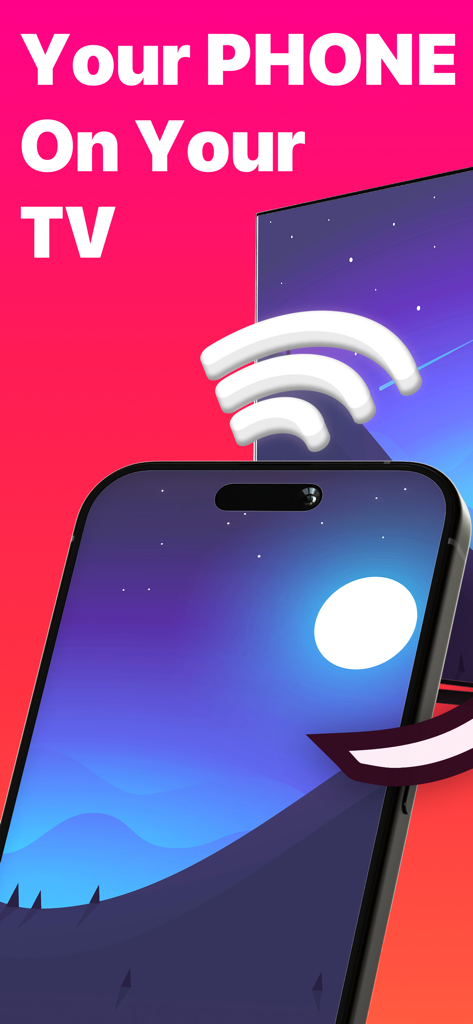
Replica 앱을 사용하여 iPhone 화면을 TV 디스플레이로 무선으로 미러링하는 모습
화면 미러링을 간단하게 만들어주는 Replica 앱 홍보 그래픽
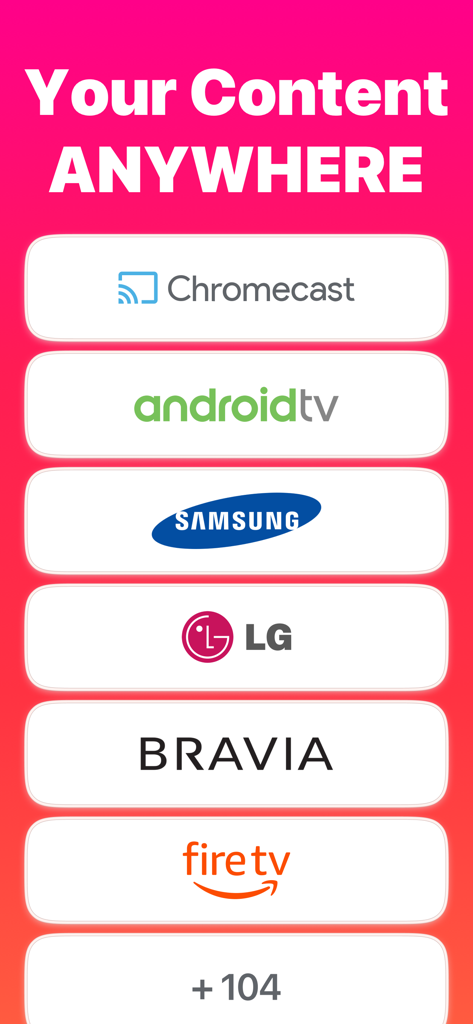
주요 TV 브랜드와의 Replica 화면 미러링 호환성 목록
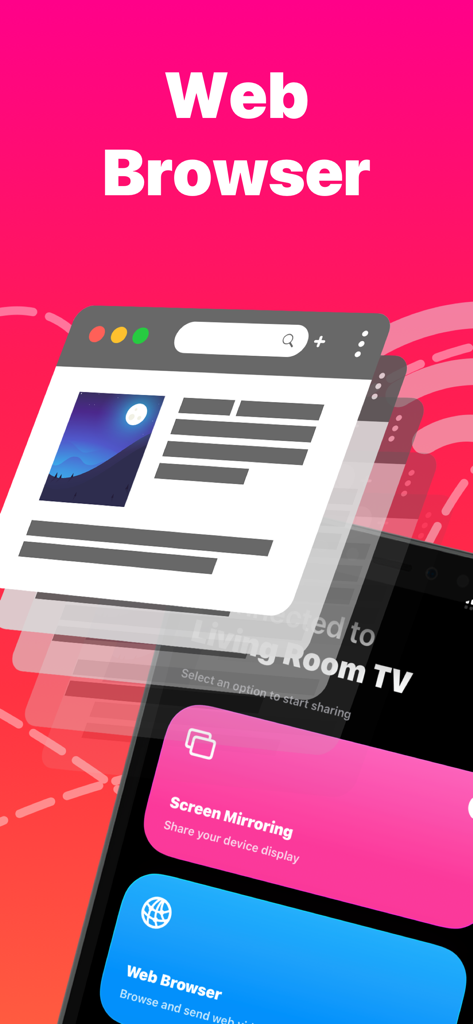
TV로 캐스팅하기 위한 웹 브라우저 미러링 기능을 강조하는 Replica 앱 인터페이스
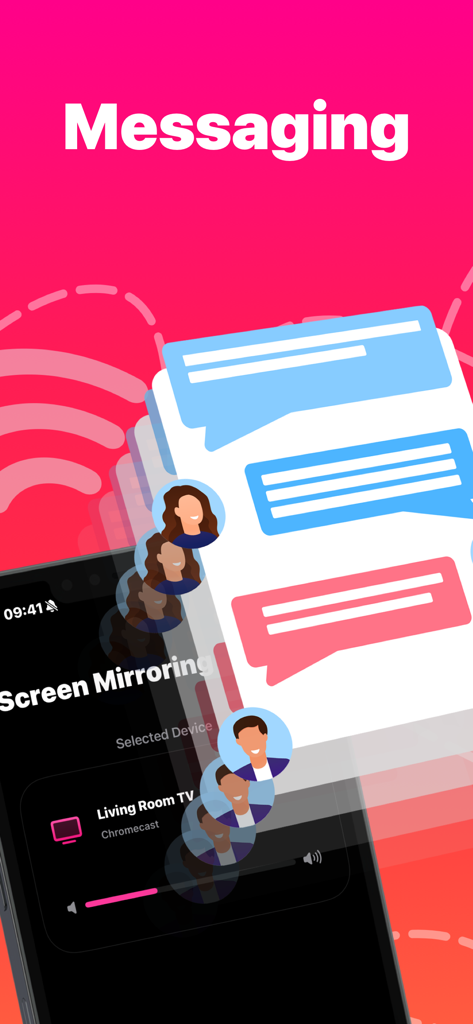
iPhone의 메시지 채팅을 TV로 미러링하는 Replica 앱 화면
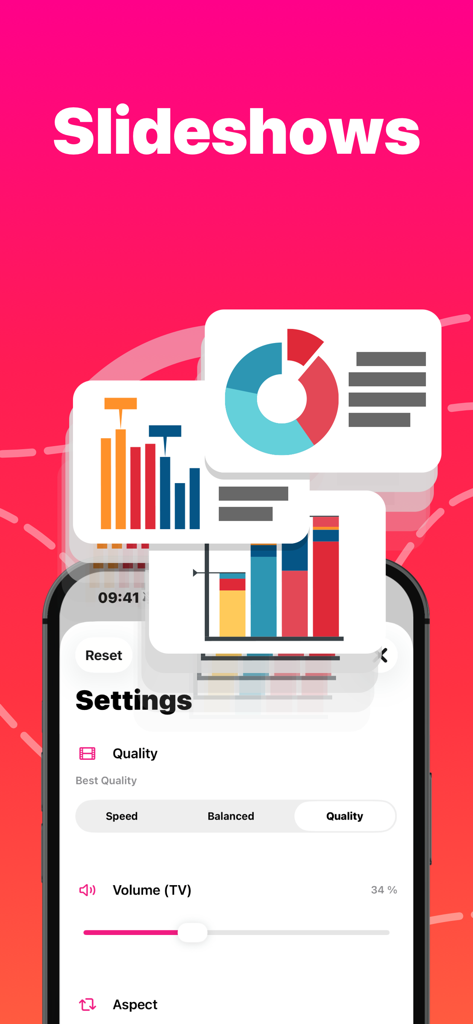
iPhone의 슬라이드쇼 및 프레젠테이션 화면 미러링 설정
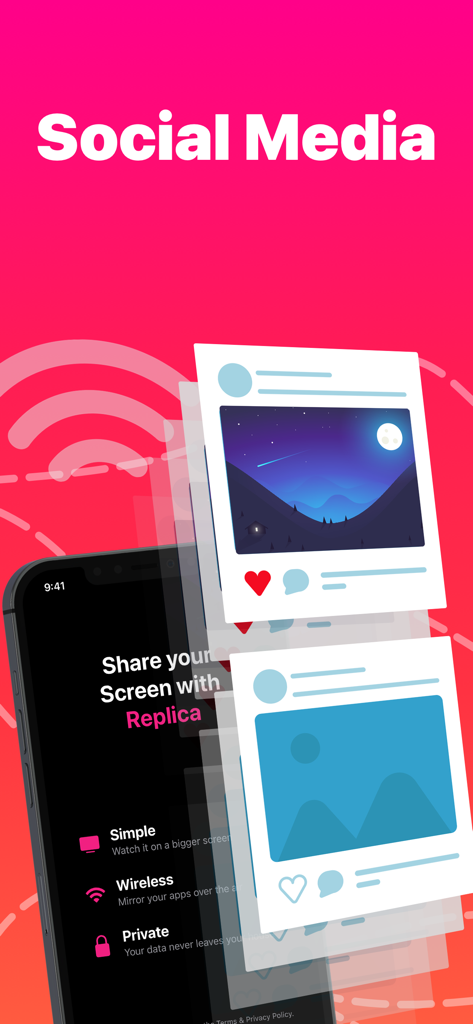
미러링되는 소셜 미디어 게시물을 보여주는 Replica 앱이 있는 iPhone 화면
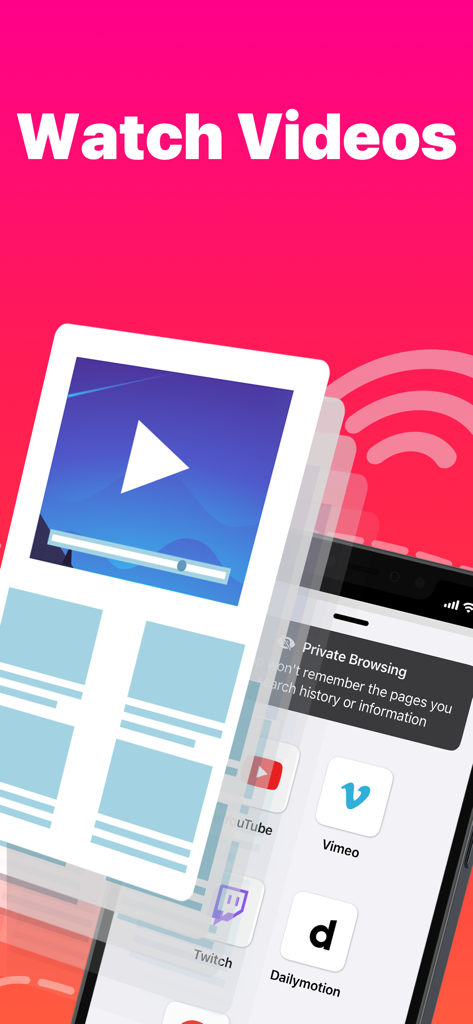
YouTube 및 Vimeo와 같은 플랫폼의 동영상 시청을 위한 화면 미러링 기능을 보여주는 Replica 앱 인터페이스
설명
Download
비슷한 앱
유사한 기능과 사용자 경험을 가진 앱

Web Video Cast | Browser to TV
InstantBits Inc

PigeonCast:Send by Google Cast
Sichuan FalconAI Technology Co., Ltd.

Screen Mirroring • Smart TV
Mihkel Pikk

Screen Mirroring | Cast to TV
Ozuna Limited

Screen Mirroring・Smart View TV
TOGGLE APPS SP Z O O

UbeCast: Music Streamer & PiP
AER SOFTWARE COMPANY LIMITED

AirDroid Cast-screen mirroring
SAND STUDIO CORPORATION LIMITED

Miracast: Screen Mirroring TV
Hainan Delta Software Co., Ltd

Screen Mirroring・Air Cast TV
Dalma Innovation Solutions d.o.o.
이 페이지는 앱이나 개발자의 공식 페이지가 아니며, 정보 제공 및 논평을 목적으로 작성된 독립 편집 간행물입니다. 명시적으로 달리 언급되지 않는 한, 해당 앱이나 개발자는 MWM, Apple, Google Play, 앱 퍼블리셔 또는 앱 개발자와 제휴, 보증, 후원, 승인 또는 공식적으로 연결되어 있지 않으며, 이 페이지의 어떤 내용도 해당 앱이 MWM의 서비스를 사용하여 개발되었음을 의미하지 않습니다. 모든 상표, 로고, 스크린샷 및 기타 콘텐츠는 해당 소유자의 자산입니다.