
이 페이지는 앱이나 개발자의 공식 페이지가 아니며, 정보 제공 및 논평을 목적으로 작성된 독립 편집 간행물입니다. 명시적으로 달리 언급되지 않는 한, 해당 앱이나 개발자는 MWM, Apple, Google Play, 앱 퍼블리셔 또는 앱 개발자와 제휴, 보증, 후원, 승인 또는 공식적으로 연결되어 있지 않으며, 이 페이지의 어떤 내용도 해당 앱이 MWM의 서비스를 사용하여 개발되었음을 의미하지 않습니다. 모든 상표, 로고, 스크린샷 및 기타 콘텐츠는 해당 소유자의 자산입니다.


Resume Builder - CV Engineer
수백만 명의 전문가들이 모바일 우선 빌더를 사용하여 몇 분 안에 전문가 PDF 이력서를 만듭니다. 채용 담당자가 설계했으며, 단계별 안내 및 면접 준비를 통해 경쟁 우위를 제공합니다.
다운로드
864K+사용자 평점
총 평가 수
27K+개발사
카테고리
Business지원 언어
11최신 버전
10.47크기
44.2 MB출시일
2018년 12월 6일채용을 위한 맞춤 설계
수백만 명의 전문가들이 채용 담당자가 설계한 도구와 내부자 조언을 사용하여 자신 있게 다음 직책을 맡도록 합니다.
채용 담당자 승인 조언
ATS를 통과하는 데 도움이 되도록 전문가 채용 담당자가 설계한 단계별 안내로 초보적인 실수를 피하세요.
분야별 예시
의료부터 데이터 과학까지, 해당 산업에 맞는 미리 작성된 예시를 통해 빈 페이지에 직면하는 일이 없도록 하세요.
자주 묻는 질문
에 대해 알아야 할 모든 것 Resume Builder - CV Engineer
이력서 빌더 - CV 엔지니어 앱은 무료인가요?
네, CV 엔지니어는 무료 이력서 빌더 앱입니다. 사용자는 비용 없이 전문적인 이력서를 만들 수 있습니다. 앱에는 "CV 엔지니어의 이력서 빌더 앱은 무료로 사용할 수 있습니다."라고 명시되어 있습니다.
CV 엔지니어는 전문적인 이력서 템플릿을 제공하나요?
네, 이력서 빌더 - CV 엔지니어는 채용 담당자가 디자인한 전문적인 CV 템플릿을 제공합니다. 앱 설명에 따르면 이러한 템플릿은 채용 담당자가 읽기 쉽도록 형식화되어 있습니다.
이력서 빌더 - CV 엔지니어 앱에는 어떤 기능이 포함되어 있나요?
CV 엔지니어 앱은 전문 CV 템플릿, 쉬운 편집 도구, 사용자 지정 섹션 생성, 단계별 조언, 예제 섹션, 서식 옵션, PDF 다운로드/공유, 사진 추가 등 다양한 기능을 제공합니다.
CV 엔지니어는 이력서의 각 섹션을 작성하는 데 조언을 제공하나요?
네, CV 엔지니어는 이력서의 각 섹션을 작성하는 방법에 대한 단계별 조언을 제공합니다. 이 조언은 사용자가 일반적인 실수를 피하도록 돕기 위해 전문 채용 담당자로부터 제공됩니다.
CV 엔지니어 앱은 어떤 파일 형식으로 이력서를 공유하나요?
CV 엔지니어 앱은 사용자가 새로 만든 이력서를 PDF 형식으로 다운로드하고 공유할 수 있도록 합니다. 사용자는 기기에 저장하거나, 이메일로 보내거나, 피드백을 위해 연락처에 보낼 수 있습니다.
CV 엔지니어는 면접 준비에 도움을 주나요?
네, 이력서 빌더 - CV 엔지니어 앱에는 면접 질문과 예제 답변이 포함되어 있습니다. 이 기능은 사용자가 이력서를 만든 후 다음 단계인 구직 활동을 돕습니다.
이력서 빌더 - CV 엔지니어 앱을 사용하여 제 CV에 사진을 추가할 수 있나요?
네, 사용자는 CV 엔지니어 앱을 사용하여 자신의 CV에 사진을 추가할 수 있습니다. 이력서 생성기는 전문적인 프로필 사진을 업로드하여 CV에 포함할 수 있도록 합니다.
CV 엔지니어는 사용자가 이력서의 글꼴 크기와 여백을 조정할 수 있도록 허용하나요?
네, CV 엔지니어 앱은 이력서 서식 옵션을 제공합니다. 사용자는 글꼴 크기와 여백을 변경하여 경험을 1~2페이지에 맞출 수 있습니다. 이 페이지 수는 CV에 권장되는 길이입니다.
이력서 빌더 - CV 엔지니어는 예제 이력서 섹션을 제공하나요?
CV 엔지니어 앱에는 사용자를 위한 아이디어와 영감을 제공하는 예제 CV 섹션이 포함되어 있습니다. 이러한 예제는 의료, 간호, 건설, 데이터 과학 등 다양한 직업을 다룹니다.
CV 엔지니어 앱에서 내 이력서에 사용자 지정 섹션을 추가할 수 있나요?
네, CV 엔지니어 앱은 사용자가 자신만의 사용자 지정 CV 섹션을 만들 수 있도록 합니다. 이 기능은 기존 이력서 범주에 맞지 않는 경험을 포함하는 데 유용합니다.
다음 스크린샷과 설명은 앱의 공식 스토어 목록에서 직접 가져온 것이며 앱 개발자의 자산입니다.
앱 스토어
스크린샷
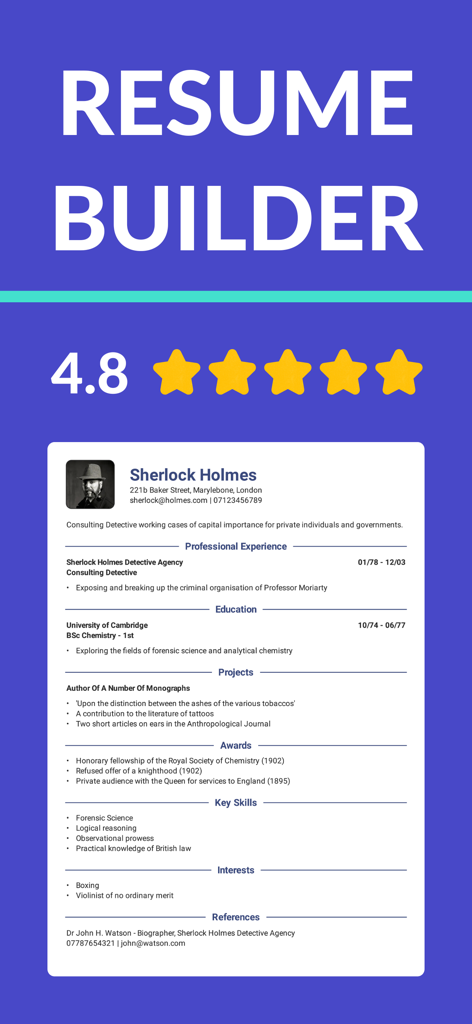
4.8점의 높은 평점과 전문적인 CV 템플릿 예시를 보여주는 이력서 빌더 앱 인터페이스
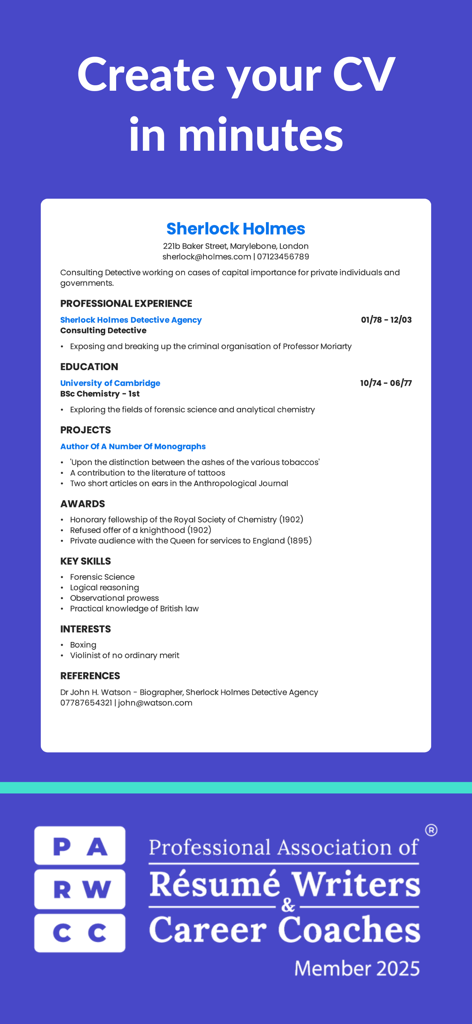
채용 담당자 협회 인증 배지가 있는 전문 CV 템플릿 예시
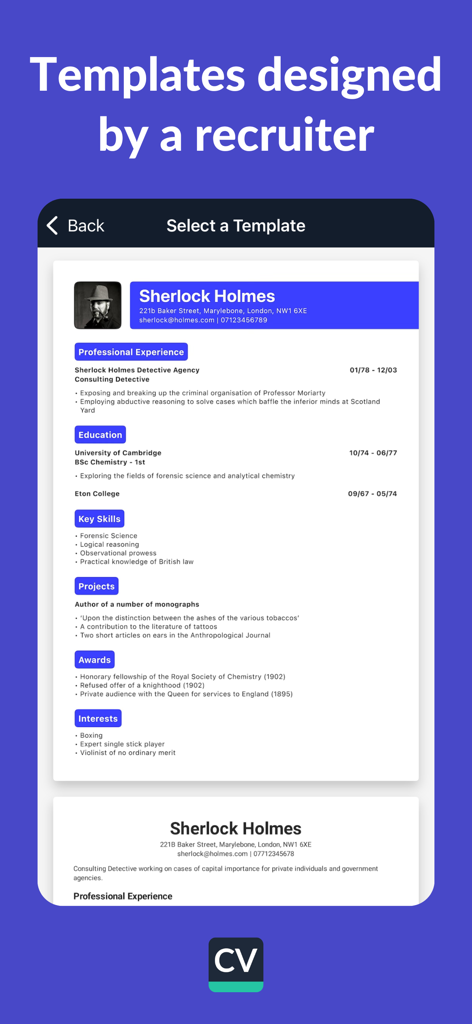
채용 담당자가 설계한 전문 이력서 템플릿을 보여주는 모바일 앱 화면
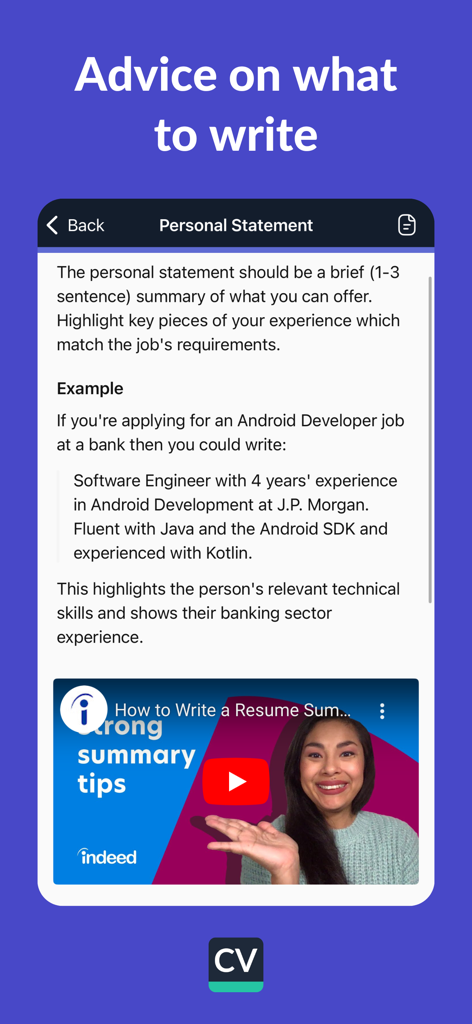
개인 소개에 대한 전문적인 작성 팁과 예시를 보여주는 이력서 빌더 앱 인터페이스
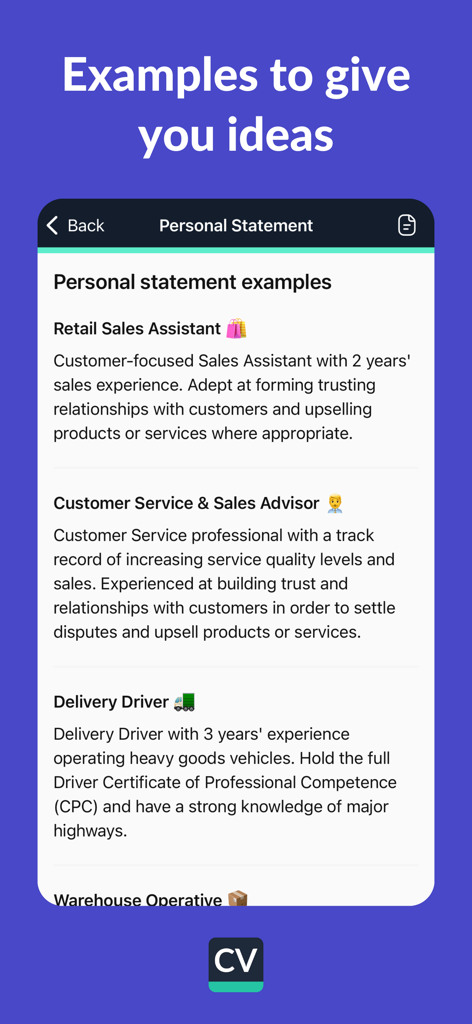
CV 엔지니어 앱에서 소매, 고객 서비스 및 배달 운전 직종에 대한 개인 소개 예시
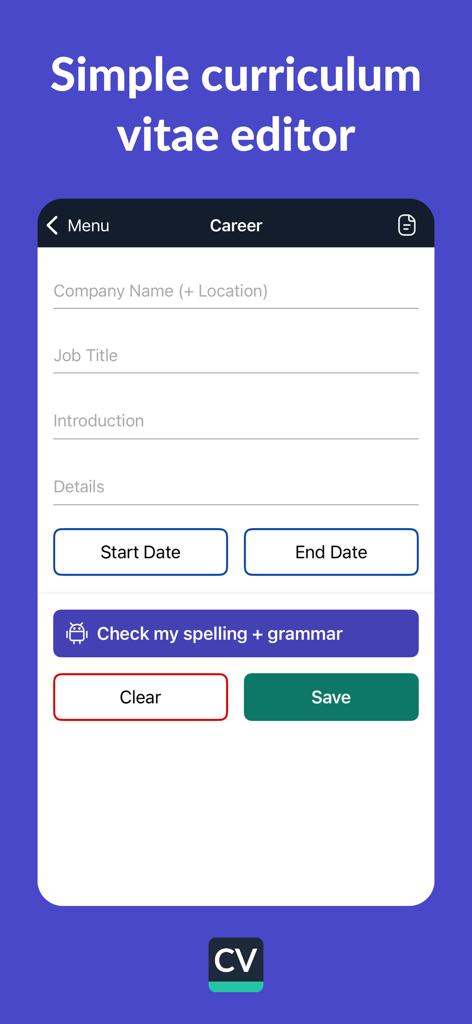
전문 경력 기록을 입력하는 필드와 문법 검사 버튼을 보여주는 CV 엔지니어 앱의 모바일 인터페이스
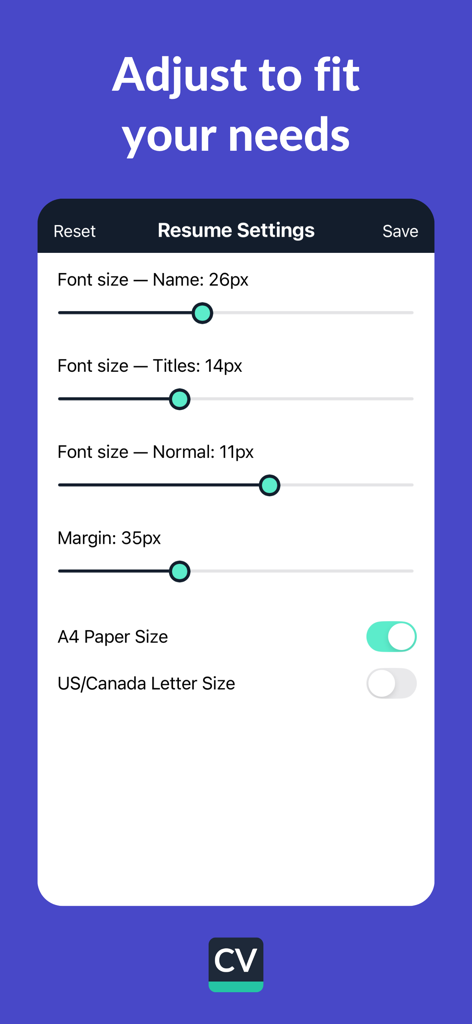
글꼴 크기, 여백 및 용지 크기 조정을 위한 CV 엔지니어 앱 이력서 설정 화면
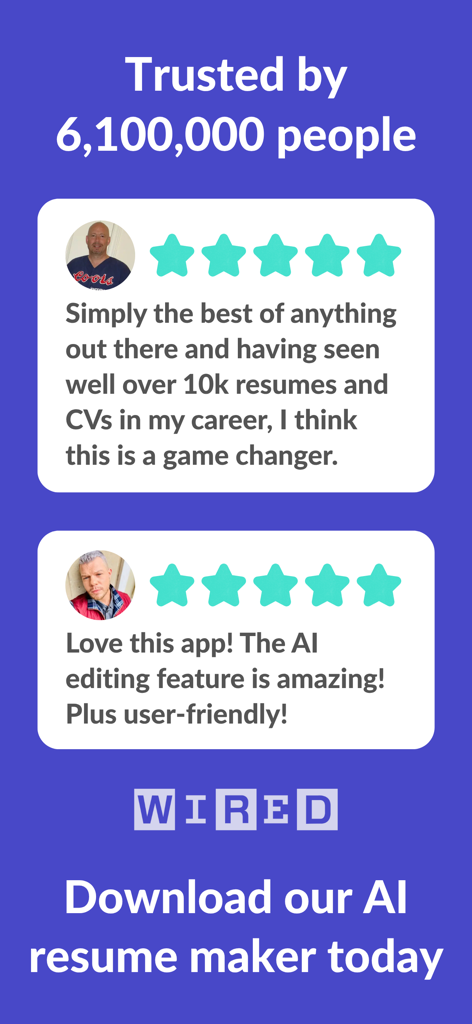
이력서 빌더 CV 엔지니어 모바일 앱의 사용자 후기 및 5성급 리뷰
설명
Download
비슷한 앱
유사한 기능과 사용자 경험을 가진 앱
Resume : Intelligent CV Maker
Intelligent CV

Resume Builder - CV Creator
Clebson Pereira
Resume Builder Pro with AI
Uncaught Exception Inc.

Quick & Easy Resume Builder CV
Wiliam Goncalves Pinto

Resume Maker, CV Job Builder
Oleg Yuriev

Resume Builder⁺
Rounding Squares BV
履歴書作成(インディード)
Indeed Inc.

履歴書作成
WEBDIA INC.

Resume AI – Intelligent CV App
Giovanna Clemente
이 페이지는 앱이나 개발자의 공식 페이지가 아니며, 정보 제공 및 논평을 목적으로 작성된 독립 편집 간행물입니다. 명시적으로 달리 언급되지 않는 한, 해당 앱이나 개발자는 MWM, Apple, Google Play, 앱 퍼블리셔 또는 앱 개발자와 제휴, 보증, 후원, 승인 또는 공식적으로 연결되어 있지 않으며, 이 페이지의 어떤 내용도 해당 앱이 MWM의 서비스를 사용하여 개발되었음을 의미하지 않습니다. 모든 상표, 로고, 스크린샷 및 기타 콘텐츠는 해당 소유자의 자산입니다.