
이 페이지는 앱이나 개발자의 공식 페이지가 아니며, 정보 제공 및 논평을 목적으로 작성된 독립 편집 간행물입니다. 명시적으로 달리 언급되지 않는 한, 해당 앱이나 개발자는 MWM, Apple, Google Play, 앱 퍼블리셔 또는 앱 개발자와 제휴, 보증, 후원, 승인 또는 공식적으로 연결되어 있지 않으며, 이 페이지의 어떤 내용도 해당 앱이 MWM의 서비스를 사용하여 개발되었음을 의미하지 않습니다. 모든 상표, 로고, 스크린샷 및 기타 콘텐츠는 해당 소유자의 자산입니다.

Ruler AR - Tape Measure Camera
실물 줄자를 찾는 것을 멈추세요. AR 기술을 사용하여 길이, 높이, 면적을 즉시 측정할 수 있는 정밀 도구로 iPhone을 바꿔보세요. DIY 프로젝트, 가구 쇼핑, 주택 개조에 완벽합니다.
다운로드
774K+사용자 평점
총 평가 수
1K+개발사
카테고리
Utilities지원 언어
20최신 버전
4.2크기
25.9 MB출시일
2017년 10월 31일주머니 속 완벽한 디지털 툴박스
증강 현실의 힘을 활용하여 정밀하게 계획, 개조 및 장식하세요. 잡동사니 서랍 검색을 건너뛰고 iPhone으로 바닥부터 천장까지 모든 것을 측정하세요.
즉각적인 AR 측정
카메라를 향해 몇 초 만에 길이, 높이, 면적을 측정하세요. 다른 사람의 도움 없이 가구 크기를 재거나 바닥 면적을 계산하는 데 완벽합니다.
전문가급 기포 수평계
모든 액자나 선반이 완벽하게 직선인지 확인하세요. 통합 수평계 도구는 모든 DIY 프로젝트에서 전문가 수준의 마감을 위해 수직 및 수평 정밀도를 제공합니다.
자주 묻는 질문
에 대해 알아야 할 모든 것 Ruler AR - Tape Measure Camera
Ruler AR - Tape Measure Camera는 무엇인가요?
Ruler AR은 iPhone 앱으로, Apple ARKit와 증강 현실을 사용하여 카메라로 길이, 높이, 거리, 면적 및 각도를 측정합니다. 디지털 줄자처럼 작동합니다.
Ruler AR은 어떻게 물체를 측정하나요?
사용자는 휴대폰을 움직여 주변을 감지하고, 시작점에 조준점을 놓고, 탭한 다음, 끝점으로 이동하여 다시 탭합니다. 앱은 AR 기술을 사용하여 거리를 계산합니다.
Ruler AR은 카메라로 높이를 측정할 수 있나요?
네, Ruler AR에는 전용 높이 측정 기능이 있습니다. 사용자는 iPhone 카메라를 사용하여 사물이나 사람의 높이를 직접 정확하게 측정할 수 있습니다.
Ruler AR은 어떤 측정 단위를 지원하나요?
Ruler AR은 인치, 미터, 센티미터 단위 측정을 지원합니다. 사용자는 길이, 높이, 면적 등 다양한 측정을 위해 선호하는 단위를 선택할 수 있습니다.
Ruler AR - Tape Measure Camera에 구독이 있나요?
네, Ruler AR은 프리미엄 멤버십 주간 구독을 제공합니다. 이를 통해 프리미엄 기능을 사용할 수 있고 앱 내 광고가 제거됩니다.
Ruler AR의 프리미엄 멤버십 주간 구독은 얼마인가요?
Ruler AR의 프리미엄 멤버십 주간 구독은 미국 고객의 경우 주당 $2.99입니다. 현지 통화 변환에 따라 다른 국가에서는 가격이 달라질 수 있습니다.
Ruler AR 구독을 어떻게 취소하나요?
사용자는 언제든지 iTunes 계정 설정을 통해 Ruler AR 구독의 자동 갱신을 해제할 수 있습니다. 취소는 현재 구독 기간이 종료된 후 효력이 발생합니다.
Ruler AR에 무료 체험판이 있나요?
네, Ruler AR은 무료 체험 기간을 제공합니다. 이 체험판은 만료 최소 24시간 전에 취소하지 않으면 자동으로 유료 구독으로 전환됩니다.
Ruler AR은 각도를 측정할 수 있나요?
네, Ruler AR은 증강 현실 기술을 사용하여 각도를 측정할 수 있습니다. 이 앱은 사물이나 공간의 각도 치수를 정확하게 결정하는 도구를 제공합니다.
Ruler AR의 터치 모드는 무엇인가요?
Ruler AR의 터치 모드는 추가적인 정밀 측정을 제공합니다. 사용자는 iPhone을 시작점 옆에 놓고 탭한 다음 끝점으로 이동하여 다시 탭하여 측정합니다.
Ruler AR은 측정 결과를 저장할 수 있나요?
네, Ruler AR은 사용자가 측정 결과를 저장할 수 있도록 합니다. 이 앱은 편의를 위해 "한 번의 탭으로 카메라 롤에 저장" 기능을 제공합니다.
다음 스크린샷과 설명은 앱의 공식 스토어 목록에서 직접 가져온 것이며 앱 개발자의 자산입니다.
앱 스토어
스크린샷
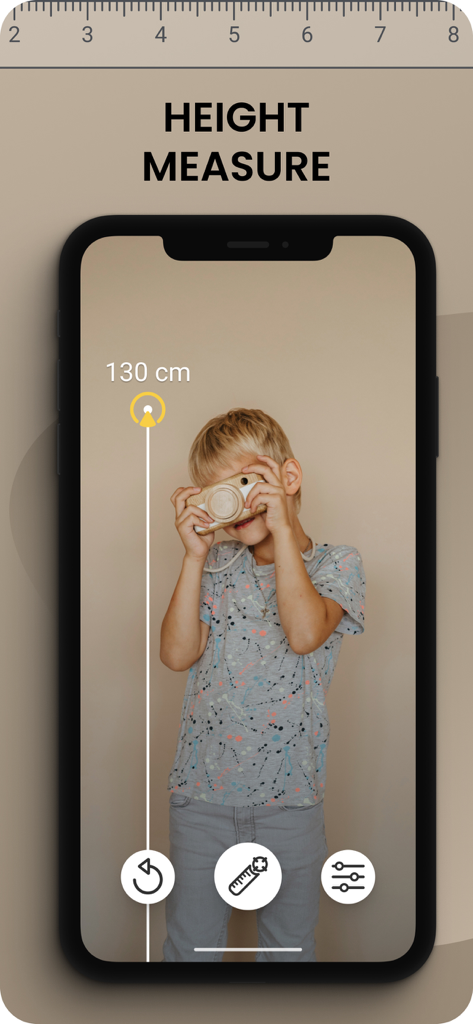
iPhone 화면에 표시되는 어린이 키에 대한 가상 측정치를 보여주는 Ruler AR 앱 인터페이스
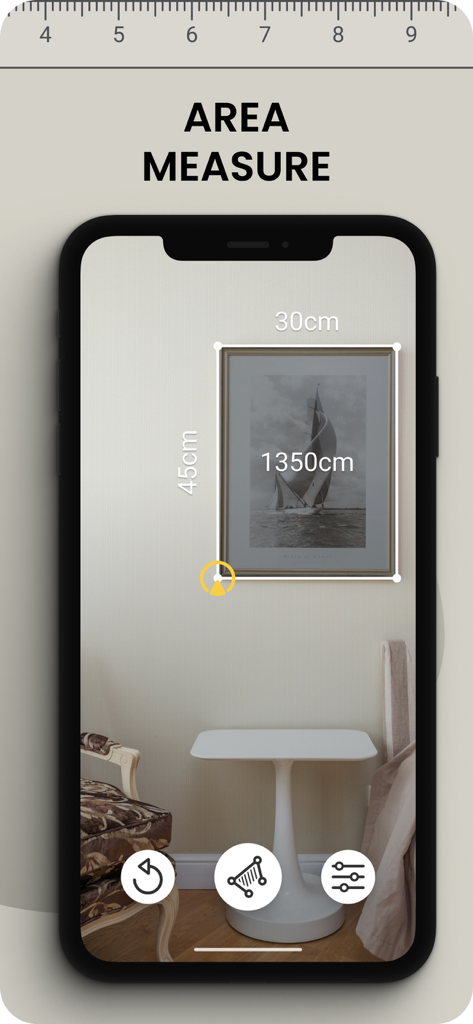
벽에 걸린 액자를 측정하는 AR 줄자 앱
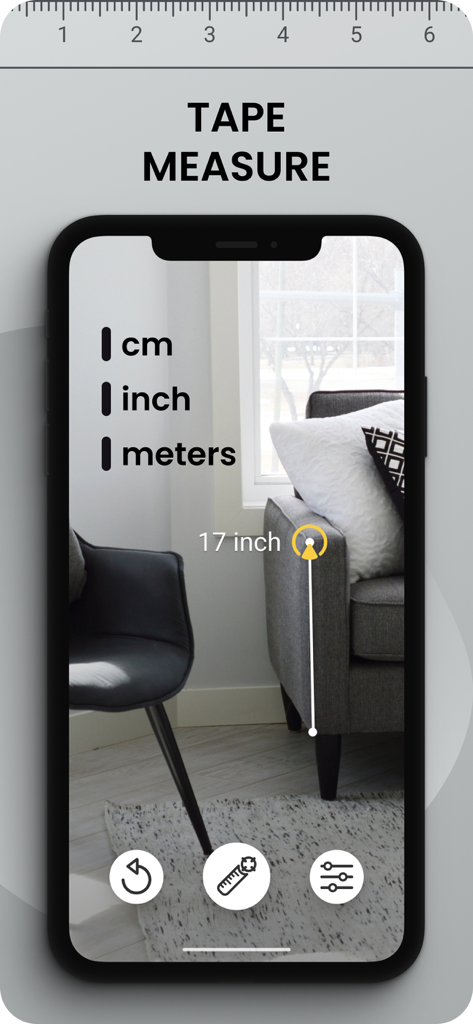
인치 단위로 소파 높이를 측정하는 AR 줄자 앱 인터페이스
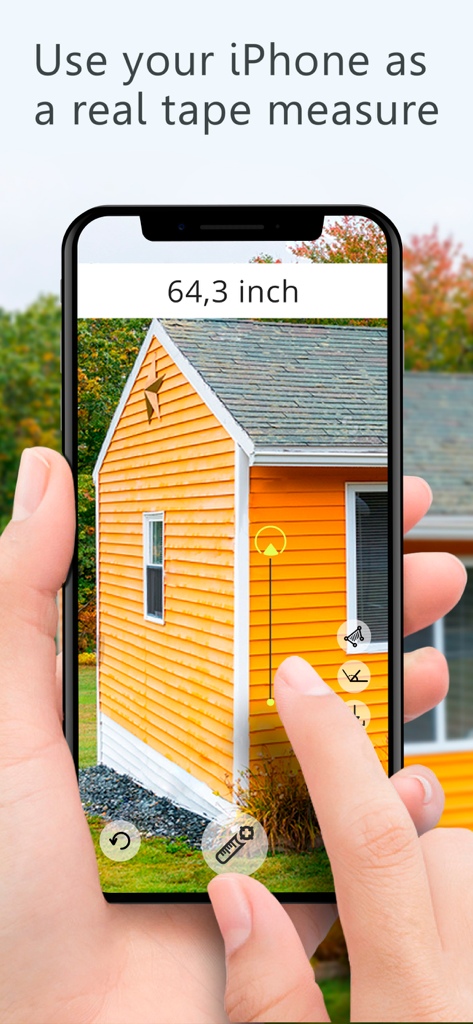
주황색 건물의 외부 높이를 측정하기 위해 Ruler AR 앱이 설치된 iPhone을 사용하는 사람
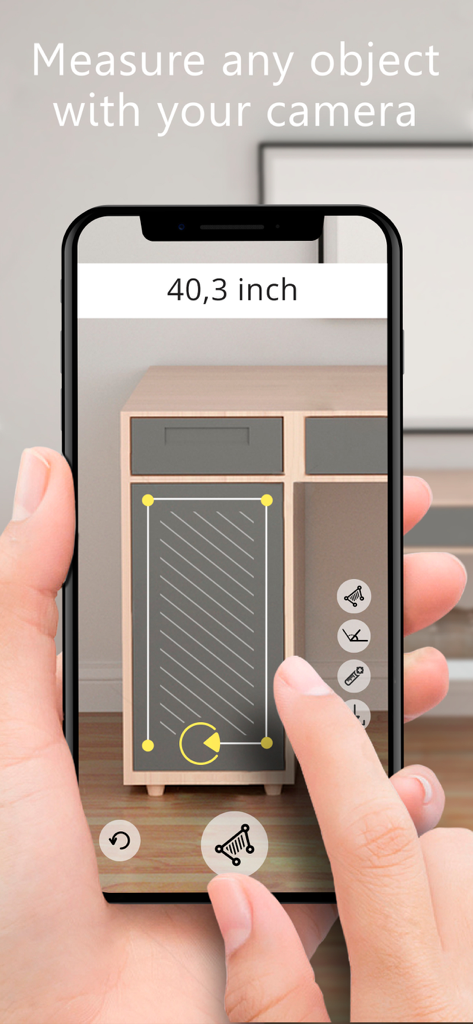
Ruler AR 앱을 사용하여 캐비닛 서랍의 치수를 측정
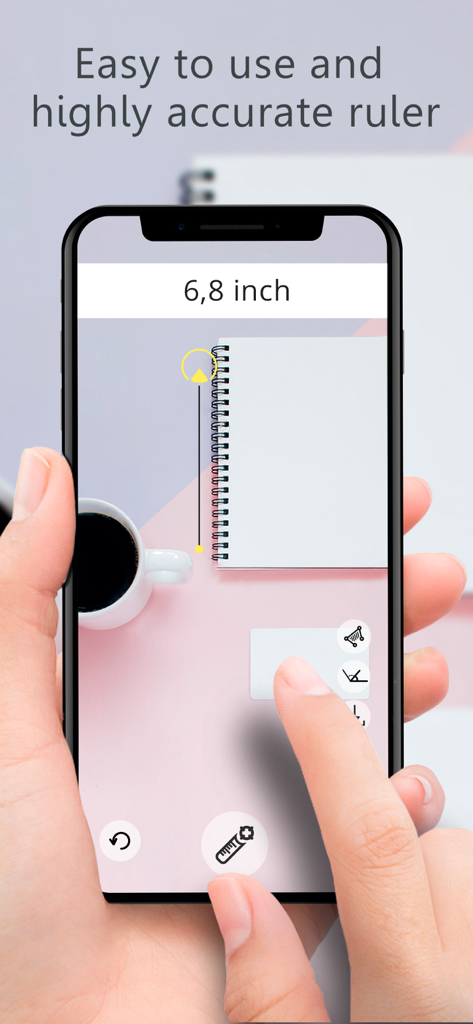
책상 위의 노트를 측정하기 위해 Ruler AR 앱을 사용하는 스마트폰을 들고 있는 손
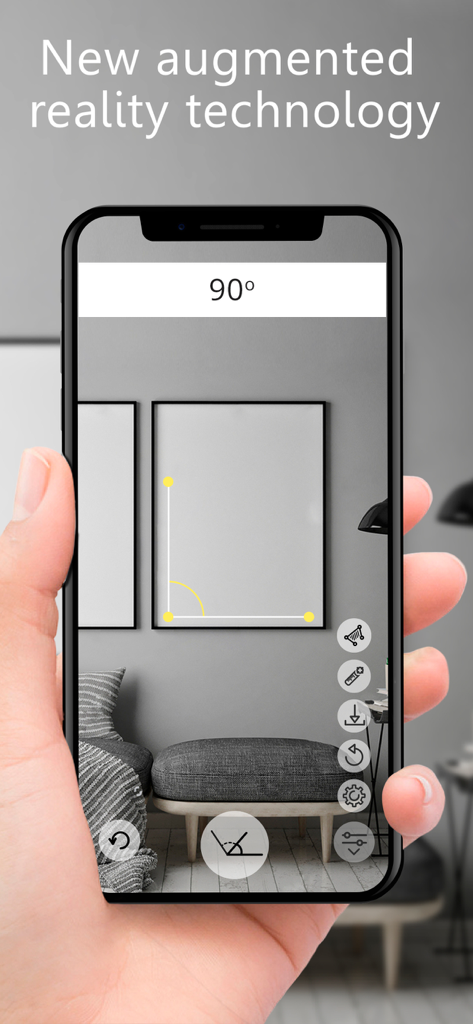
벽에 걸린 액자의 90도 각도를 측정하기 위해 iPhone에서 Ruler AR 앱을 사용하는 사람
설명
Download
비슷한 앱
유사한 기능과 사용자 경험을 가진 앱

Pocket Bubble Level XXL
ExaMobile S.A.

Measuring Tape +ㅤ
Rocket Apps GmbH

CamToPlan - 3D Scanner & LiDAR
Tasmanic Editions

Tape Measure: AR Ruler
Veysel OTI

Home Planner - AI Room Design
Room Planner Ltd

Polycam 3D Scanner, LiDAR, 360
Polycam Inc.

Measuring Tape+ Measure AR app
MEASURE TECH SOCIEDAD LIMITADA

Tape Measure®
AI Photo Editor Lab SRL

Bubble Level for iPhone
Lemondo Apps LLC
이 페이지는 앱이나 개발자의 공식 페이지가 아니며, 정보 제공 및 논평을 목적으로 작성된 독립 편집 간행물입니다. 명시적으로 달리 언급되지 않는 한, 해당 앱이나 개발자는 MWM, Apple, Google Play, 앱 퍼블리셔 또는 앱 개발자와 제휴, 보증, 후원, 승인 또는 공식적으로 연결되어 있지 않으며, 이 페이지의 어떤 내용도 해당 앱이 MWM의 서비스를 사용하여 개발되었음을 의미하지 않습니다. 모든 상표, 로고, 스크린샷 및 기타 콘텐츠는 해당 소유자의 자산입니다.