Screen Mirroring: Cast to TV
다운로드: App Store

이 페이지는 앱이나 개발자의 공식 페이지가 아니며, 정보 제공 및 논평을 목적으로 작성된 독립 편집 간행물입니다. 명시적으로 달리 언급되지 않는 한, 해당 앱이나 개발자는 MWM, Apple, Google Play, 앱 퍼블리셔 또는 앱 개발자와 제휴, 보증, 후원, 승인 또는 공식적으로 연결되어 있지 않으며, 이 페이지의 어떤 내용도 해당 앱이 MWM의 서비스를 사용하여 개발되었음을 의미하지 않습니다. 모든 상표, 로고, 스크린샷 및 기타 콘텐츠는 해당 소유자의 자산입니다.

로고: Screen Mirroring: Cast to TV
다운로드: App Store

Screen Mirroring: Cast to TV

iOS 기기와 모든 스마트 TV 간의 궁극적인 연결고리입니다. 앱을 손쉽게 미러링하고, 웹 동영상을 스트리밍하고, 추가 하드웨어 없이 휴대폰을 범용 리모컨으로 사용하세요.

주요 수치

다운로드

405K+

사용자 평점

2.9/5

총 평가 수

100

개발사

Constantin Hanganu

카테고리

Reference

지원 언어

1

최신 버전

1.5

크기

62.6 MB

출시일

2021년 2월 10일
기능

TV의 모든 잠재력을 발휘하세요

하나의 강력한 앱으로 Samsung, LG, Roku 등에서 끊김 없는 고품질 화면 미러링 및 스마트 컨트롤을 경험하세요.

즉각적인 화면 미러링

iPhone 또는 iPad 화면을 실시간으로 공유하세요. 번거로운 케이블 없이 가족 사진을 보여주거나, 모바일 게임을 하거나, 그룹에 발표하는 데 적합합니다.

웹 동영상 및 영화 스트리밍

온라인에서 동영상이나 라이브 스포츠 스트림을 찾으셨나요? 탭 한 번으로 스마트 TV로 직접 캐스트하세요. 좋아하는 웹 콘텐츠를 고화질로 대형 화면에서 즐기세요.

다음 스크린샷과 설명은 앱의 공식 스토어 목록에서 직접 가져온 것이며 앱 개발자의 자산입니다.

앱 스토어

스크린샷
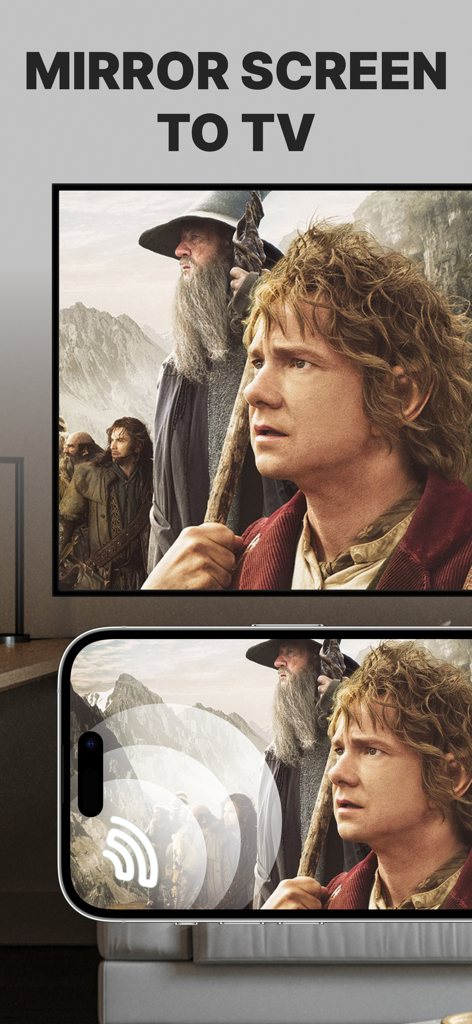
Screen Mirroring: Cast to TV - 스마트 TV 대형 화면에 영화를 미러링하는 iPhone 화면

스마트 TV 대형 화면에 영화를 미러링하는 iPhone 화면

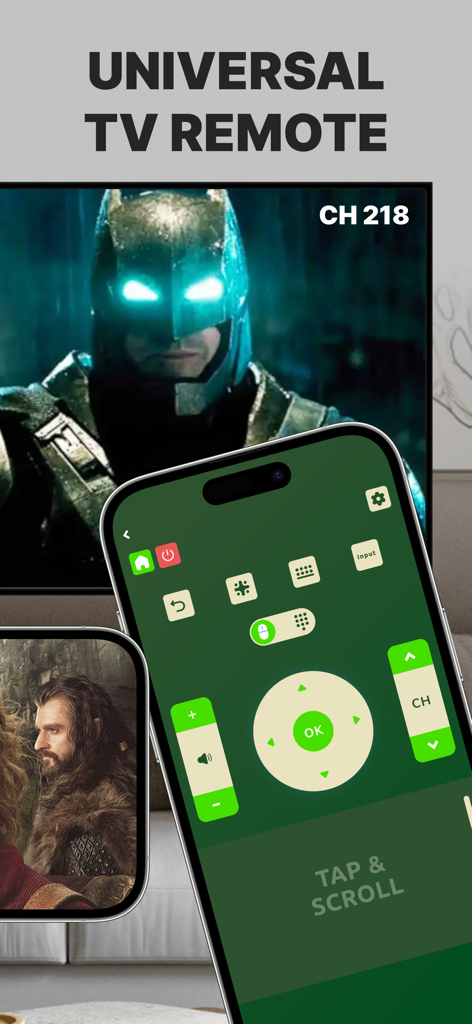
Screen Mirroring: Cast to TV - 스마트 TV 옆 iPhone 화면에 표시되는 범용 TV 리모컨 제어 인터페이스.
스마트 TV 옆 iPhone 화면에 표시되는 범용 TV 리모컨 제어 인터페이스.

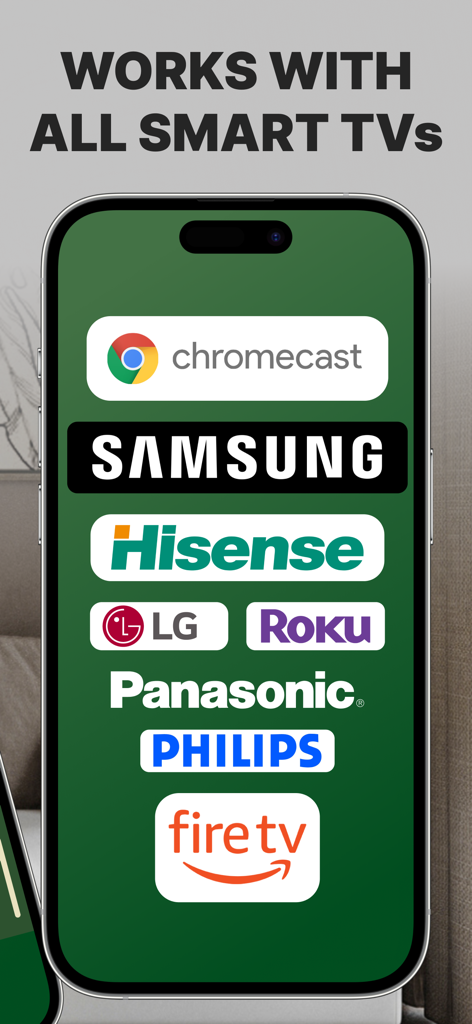
Screen Mirroring: Cast to TV - Samsung Roku LG 및 Fire TV를 포함한 호환 스마트 TV 브랜드 로고를 표시하는 스마트폰 화면

Samsung Roku LG 및 Fire TV를 포함한 호환 스마트 TV 브랜드 로고를 표시하는 스마트폰 화면

설명

Introducing Screen Mirroring: Cast to TV, the ultimate app for seamlessly mirroring your iPhone or iPad screen on your Smart TV. Our app is compatible with a wide range of TV models, including popular brands like LG, Samsung, and Roku. With Screen Mirroring: Cast to TV, you can easily connect your device and your Smart TV through the same Wi-Fi network and enjoy wirelessly mirroring any app, game, video, or photo from your iPhone or iPad on your TV. Our app also features a built-in universal TV remote control, making it easier than ever to control your TV and navigate between channels. In addition to mirroring your screen, our app also lets you stream or cast photos, videos, and music from your iPhone or iPad to your TV. You can even cast any web video to your Smart TV with just a few taps. And with support for multiple versions and models of Smart TVs, including popular brands like Sony, Vizio, and Toshiba, you can trust that Screen Mirroring: Cast to TV will work perfectly with your TV. Here are just a few of the TV models that Screen Mirroring: Cast to TV works flawlessly with: - Samsung Smart TVs - LG Smart TVs - Sony Smart TVs - Vizio Smart TVs - Toshiba Smart TVs - Sharp Smart TVs - Philips Smart TVs - Panasonic Smart TVs - Hisense Smart TVs - TCL Smart TVs - Insignia Smart TVs - JVC Smart TVs - RCA Smart TVs - Hitachi Smart TVs With our app, you can enjoy secure connections that protect your data, files, and applications, making it the perfect choice for anyone who values their privacy. Plus, our app is incredibly easy to use, so you can start enjoying all your favorite content on the big screen in no time. So why wait? Download Screen Mirroring: Cast to TV today and experience the ultimate in mirroring and casting technology! Note: Make sure your iPhone/iPad and your Smart TV, smartphone, tablet, Mac, PC, or other device that you want to use, are all connected to the same Wi-Fi network. Screen Mirroring: Cast to TV offers a premium subscription. The subscription plan renews automatically, but you can cancel it at any time. * Screen Mirroring Premium - the duration of the plan is one week (which comes with a 3-day free trial) and the price is 3.99 USD per week. There is also a monthly subscription, but it is available for users who subscribed from the last versions. We didn't delete it to give the possibility to restore it if needed. * Subscription payments will be charged to your iTunes account at confirmation of your purchase and upon commencement of each renewal term. Subscription with a free trial period will automatically renew to a paid subscription. You can cancel your subscription or free trial in the iTunes settings at least 24-hours before the end of the free trial period. The cancellation will take effect the day after the last day of the current subscription period and you will be downgraded to the free service. Account will be charged for renewal within 24-hours prior to the end of the current period, and identify the cost of the renewal. Subscriptions may be managed by the user and auto-renewal may be turned off by going to the user's Account Settings after purchase. You can cancel your subscription via this url: https://support.apple.com/en-us/HT202039 * Any unused portion of a free trial period (if offered) will be forfeited when you purchase a premium subscription during the free trial period. Before using Screen Mirroring: Cast to TV, please read and accept our Privacy Policy and Terms of Service. You can access them from within the app or from our website using the links below: Privacy Policy: https://screencast.dartcomitlabs.com/privacy.html Terms of Service: https://screencast.dartcomitlabs.com/terms.html

Download

다운로드: App Store

이 페이지는 앱이나 개발자의 공식 페이지가 아니며, 정보 제공 및 논평을 목적으로 작성된 독립 편집 간행물입니다. 명시적으로 달리 언급되지 않는 한, 해당 앱이나 개발자는 MWM, Apple, Google Play, 앱 퍼블리셔 또는 앱 개발자와 제휴, 보증, 후원, 승인 또는 공식적으로 연결되어 있지 않으며, 이 페이지의 어떤 내용도 해당 앱이 MWM의 서비스를 사용하여 개발되었음을 의미하지 않습니다. 모든 상표, 로고, 스크린샷 및 기타 콘텐츠는 해당 소유자의 자산입니다.