Screen Mirroring: Smart cast

Screen Mirroring: Smart cast

다운로드: App Store
로고: Screen Mirroring: Smart cast

화면 미러링: 스마트 캐스트: iPhone을 모든 스마트 TV에 즉시 연결하세요

작은 화면에 눈을 찡그치는 것을 멈추세요. 추가 하드웨어 없이 궁극의 공유 경험을 위해 좋아하는 사진, 동영상 및 앱을 손쉽게 큰 화면으로 미러링하세요.

다운로드: App Store

개발사

Pravin Gondaliya

카테고리

Utilities

다운로드

326K+

사용자 평점

1.8/5

총 평가 수

0

지원 언어

15

당신의 세상, 확대해서 보세요

이 인터페이스를 사용하는 326K+ 명의 사용자.

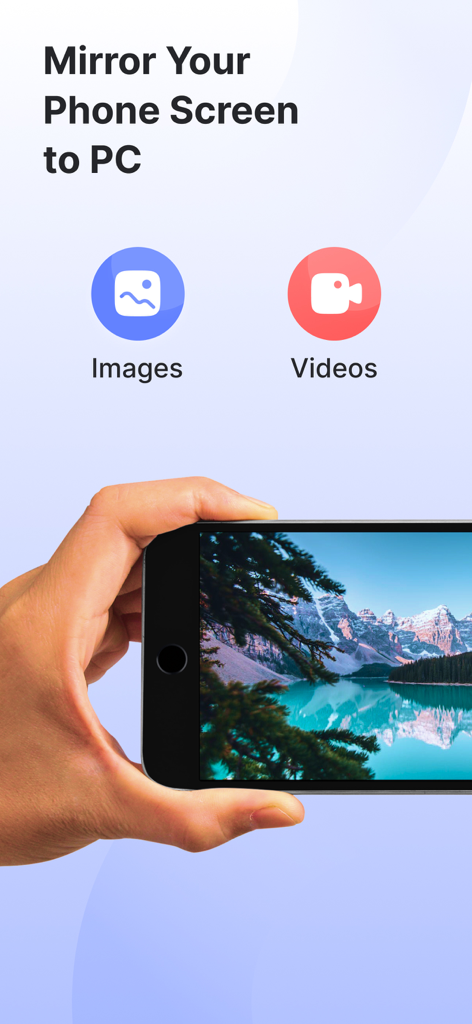
휴대폰에서 컴퓨터로 이미지 및 동영상 캐스팅 옵션을 보여주는 화면 미러링 앱 인터페이스
휴대폰에서 컴퓨터로 이미지 및 동영상 캐스팅 옵션을 보여주는 화면 미러링 앱 인터페이스

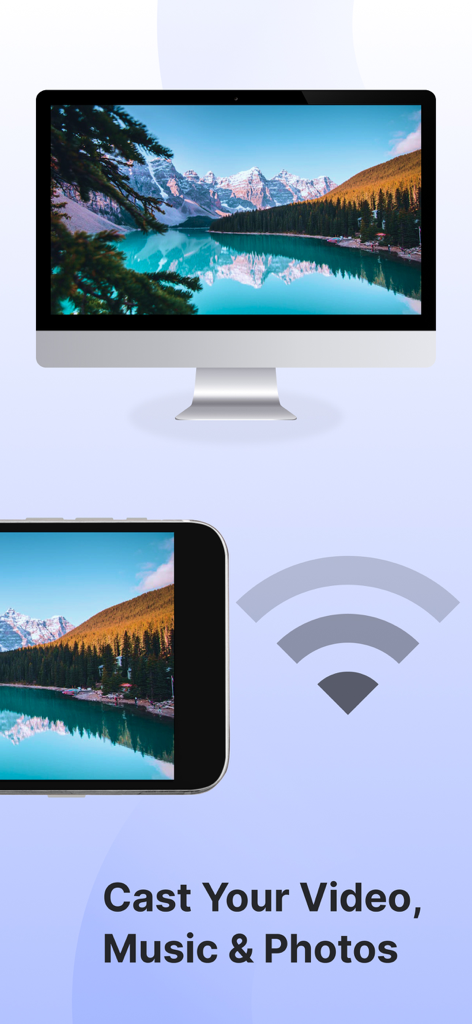
Wi-Fi를 사용하여 스마트 TV로 산악 풍경 사진을 캐스팅하는 스마트폰
Wi-Fi를 사용하여 스마트 TV로 산악 풍경 사진을 캐스팅하는 스마트폰

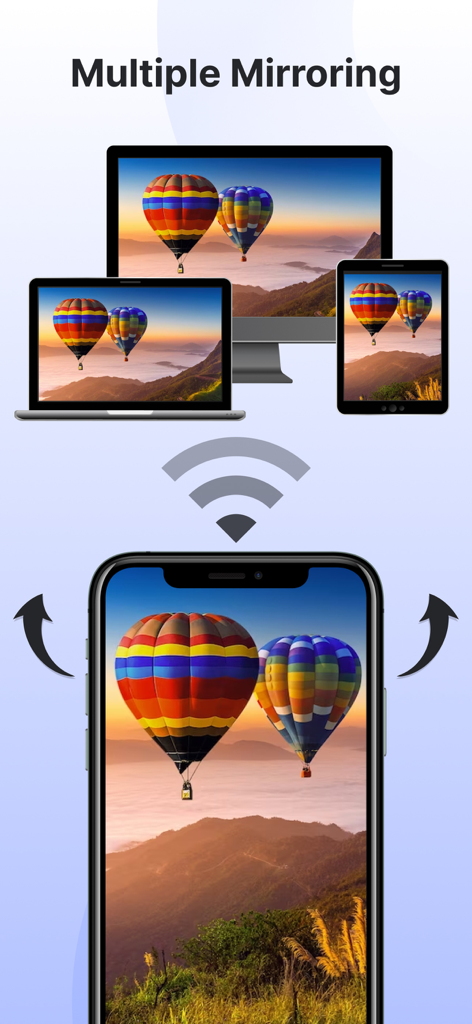
스마트폰이 TV, 노트북, 태블릿에 동시에 화면을 무선으로 미러링하고 있음
스마트폰이 TV, 노트북, 태블릿에 동시에 화면을 무선으로 미러링하고 있음

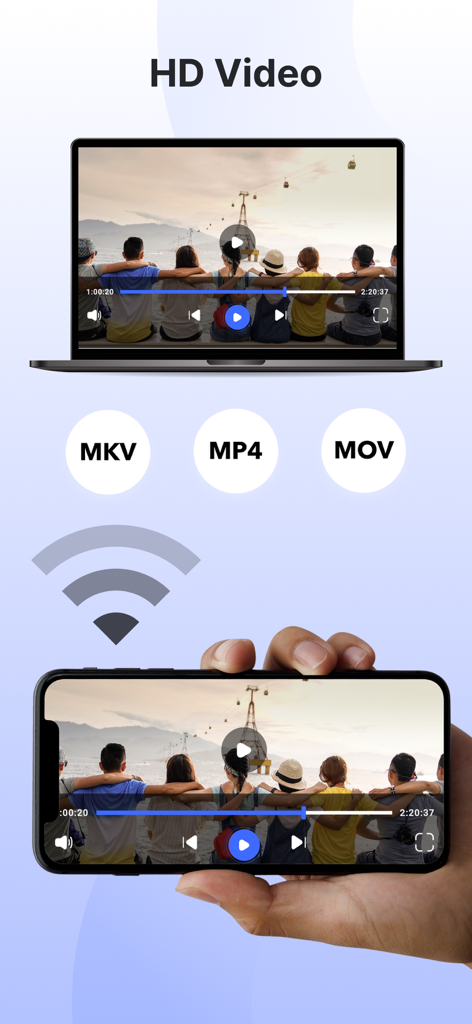
지원 형식 MKV MP4 및 MOV를 사용하여 노트북 디스플레이에 HD 비디오를 화면 미러링하는 스마트폰

지원 형식 MKV MP4 및 MOV를 사용하여 노트북 디스플레이에 HD 비디오를 화면 미러링하는 스마트폰

매끄러운 빅 스크린 경험을 위한 모든 것

이 앱을 돋보이게 하는 도구, 326K+ 명의 사용자가 선택.

📺

모든 장치 호환 화면 미러링

전체 화면을 고화질로 즉시 투사하세요. 모바일 게임, 피트니스 앱 또는 비즈니스 프레젠테이션이든 Apple TV와 같은 비싼 하드웨어 없이 실시간으로 공유하세요.

📸

직접 사진 및 동영상 캐스팅

6인치 화면 주위에 모여드는 것을 멈추세요. 개인 사진 라이브러리와 홈 비디오를 TV 화면으로 직접 캐스팅하여 친구 및 가족과 함께 좋아하는 추억을 놀라운 디테일로 다시 relive하세요.

📱

통합 스마트 리모컨

잃어버린 리모컨을 다시 찾지 마세요. 단 한 번의 탭으로 휴대폰을 강력한 컨트롤러로 변환하여 스마트 TV의 메뉴를 탐색하고, 볼륨을 조절하고, 재생을 관리하세요.

앱 소개

에 대해 알아야 할 모든 것 Screen Mirroring: Smart cast.

설명

Experience seamless connectivity & Elevate entertainment with our screen mirror app. Mirror phone to smart TV & embrace a new era of multimedia sharing! Screen Mirroring: Smarttv View app will Transform your viewing experience with this feature-packed app that empowers you to effortlessly mirror & share your device screen to Smart TVs. Whether it's for entertainment, presentations, or sharing moments with friends & family, our app is your go-to companion. The app has several features, including the ability to mirror your phone's screen to your TV, mirror photos and videos from your photo library to your TV, and mirror your phone's camera to your TV. Screen mirror & share apps are a popular way to display your phone's content on a smart TV. By using the Screen Mirror feature, you can effortlessly Cast project from phone screen to Smart TV. The Screen Mirroring app facilitates real-time screen mirroring for a seamless experience. Key Features for Screen Mirroring: Smarttv View: 1. Screen Mirroring to Smart Tv: Effortlessly mirror your smartphone or tablet screen to your Smart TV using advanced Miracast technology. Experience high-quality mirroring for a variety of content – from videos & photos to presentations & games. 2. Mirror Phone to Tv Screen: Share your screen in real-time, wirelessly. With just a tap, engage in collaborative work sessions, showcase your latest creations, or enjoy media content on the big screen. Connect seamlessly & share the joy. 3. Mirror your Smart TV: Turn your mobile device into a powerful remote control for your Smart TV. Navigate effortlessly through menus, control playback, and manage volume – all from the convenience of your device. The Screen Mirror app stands out for its user-friendly design and, notably, it's free to use! Key features of the Screen Mirror app include mirroring your phone's screen, sharing photos & videos from your phone's library, projecting your phone's camera to the TV, and supporting multiple screen mirroring simultaneously. To mirror your phone screen to your smart TV, ensure both devices are connected to the same Wi-Fi network, open the app, and follow the instructions. Here are the steps to mirror your screen: 1. Verify that your phone & TV are on the same Wi-Fi network. 2. Open the Screen Mirroring & Sharing app & connect to your Smart TV. (Note: On some devices, manual enabling may be required in System Settings.) 3. Activate the Wireless Display feature on your phone by clicking the "Start Mirroring" button & wait for the connection. When selecting a screen mirroring & sharing app, it's crucial to consider factors such as ensuring both your mobile device & the target device are connected to the same WiFi network. The Screen Mirroring app addresses these requirements, allowing you to effortlessly share your content on multiple TV screens & enhance your overall viewing experience. Important points to remember when using screen mirroring & sharing apps: 1. Connect both the target device & your TV to the same Wi-Fi network. 2. Ensure an internet connection for screen casting, mirroring, or TV projection. 3. Note that screen mirroring & sharing transfer only visual information, not audio signals from your device. Now, mirror phone to smart TV is a breeze! Simply mirror your phone to a TV or another device, and you'll be sharing your screen effortlessly in no time! Our app offers unlimited screen mirroring to Smart TVs. Enjoy the freedom to share without any financial constraints. Upgrade your screen mirroring experience today with "Screen Mirroring: Smarttv View." Download now & redefine how you connect & share with your Smart TV. Privacy Policy: https://vasundharaapps.com/screen-mirroring-and-sharing-ios/privacy-policy Terms of Use: https://vasundharaapps.com/screen-mirroring-and-sharing-ios/terms-of-use

최신 버전

1.8

크기

60.0 MB

출시일

2023년 12월 7일

콘텐츠를 큰 화면으로 옮길 준비가 되셨나요?

가정 엔터테인먼트를 간소화한 326,000명 이상의 사용자와 함께하세요. 지금 무료로 iPhone을 모든 스마트 TV에 미러링하도록 다운로드하고 좋아하는 순간을 즉시 공유하세요.

다운로드: App Store

App information, icons, screenshots, and descriptions displayed on this page are sourced from the Apple App Store and are the property of their respective developers. Download estimates and rankings are based on MWM's proprietary models and may not reflect actual figures. This page is provided for informational and analytical purposes only.

Believe this page infringes your intellectual property? File a dispute