Screen Recorder - Stream Games

Screen Recorder - Stream Games

다운로드: App Store
로고: Screen Recorder - Stream Games

Screen Recorder - Stream Games: 야심찬 크리에이터를 위한 올인원 스튜디오

고화질 게임 플레이를 캡처하고, Facecam으로 반응을 녹화하고, AI 기반 프롬프터를 사용하여 완벽한 스크립트를 제공하세요. 전문적인 TikTok, YouTube, 게임 콘텐츠로 가는 지름길이 여기 있습니다.

다운로드: App Store

개발사

Arpana Singh

카테고리

Photo & Video

다운로드

559K+

사용자 평점

3.8/5

총 평가 수

1K+

지원 언어

11

마법을 경험하세요

이 인터페이스를 사용하는 559K+ 명의 사용자.

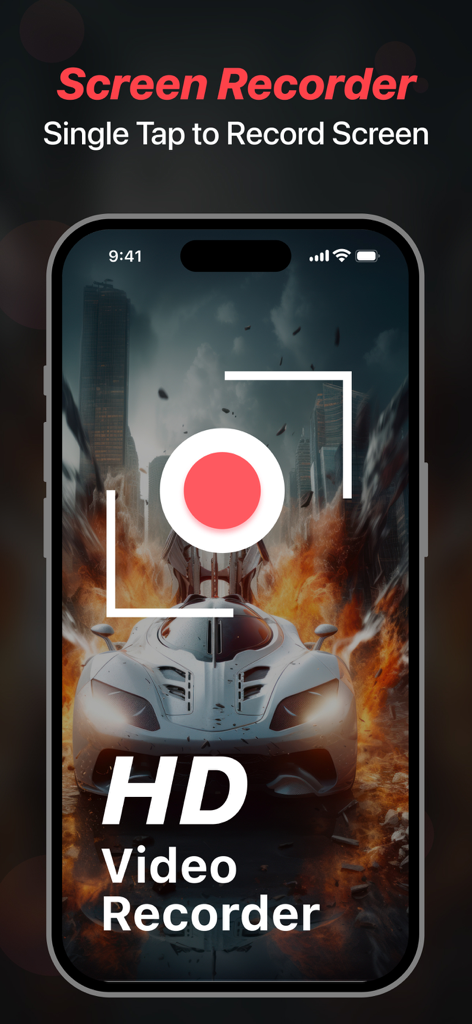
고화질 자동차 경주 게임 위에 HD 동영상 녹화 버튼이 있는 Screen Recorder 앱 인터페이스를 표시하는 iPhone 화면
고화질 자동차 경주 게임 위에 HD 동영상 녹화 버튼이 있는 Screen Recorder 앱 인터페이스를 표시하는 iPhone 화면

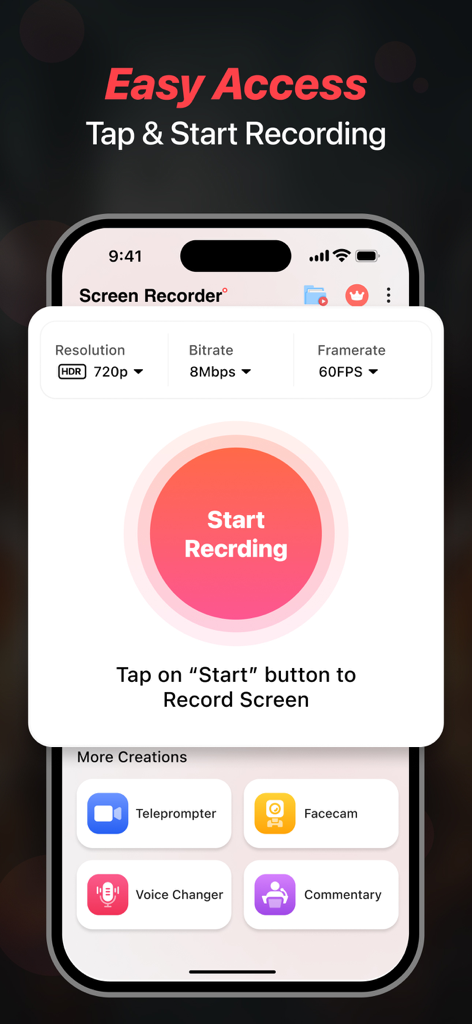
중앙에 녹화 시작 버튼과 동영상 품질 설정이 있는 Screen Recorder 앱을 보여주는 iPhone 화면
중앙에 녹화 시작 버튼과 동영상 품질 설정이 있는 Screen Recorder 앱을 보여주는 iPhone 화면

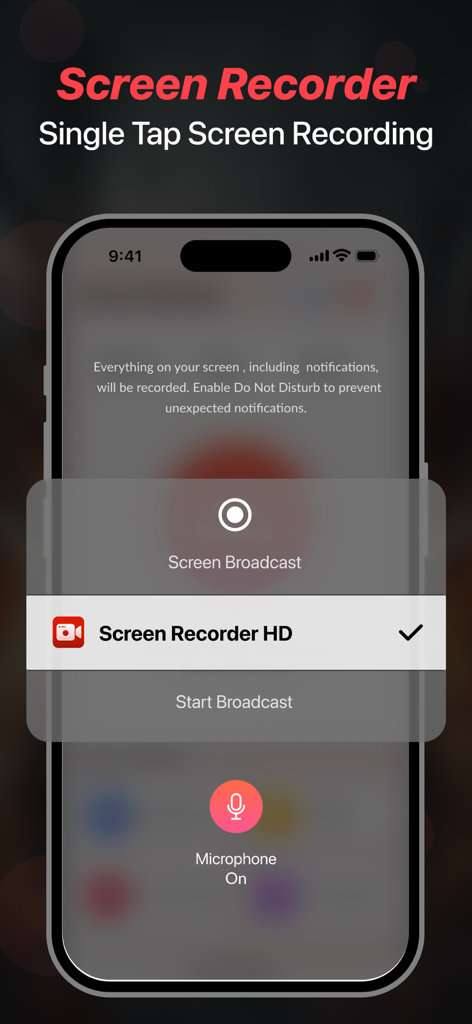
모바일 게임 플레이 및 콘텐츠 제작을 위한 원탭 화면 녹화 기능을 보여주는 iPhone 인터페이스
모바일 게임 플레이 및 콘텐츠 제작을 위한 원탭 화면 녹화 기능을 보여주는 iPhone 인터페이스

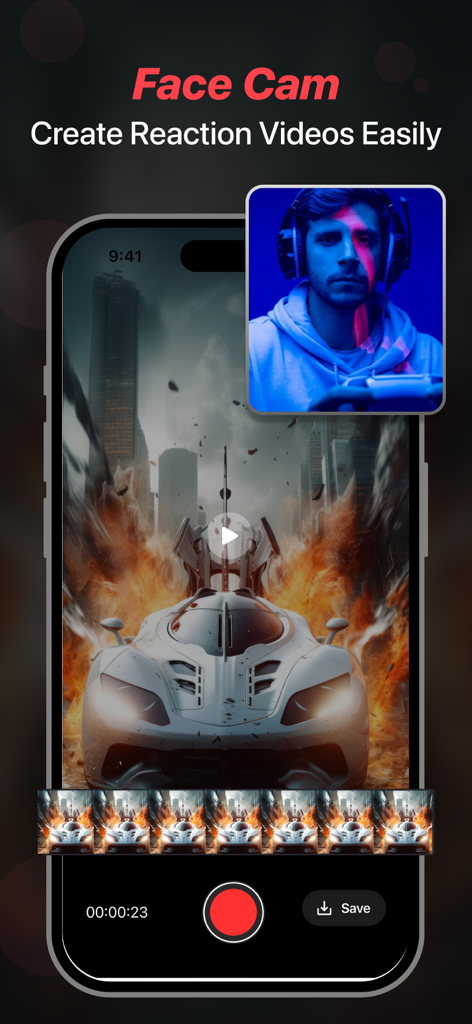
게임을 하면서 반응 동영상을 만들기 위한 얼굴 캠 기능을 보여주는 스마트폰 화면
게임을 하면서 반응 동영상을 만들기 위한 얼굴 캠 기능을 보여주는 스마트폰 화면

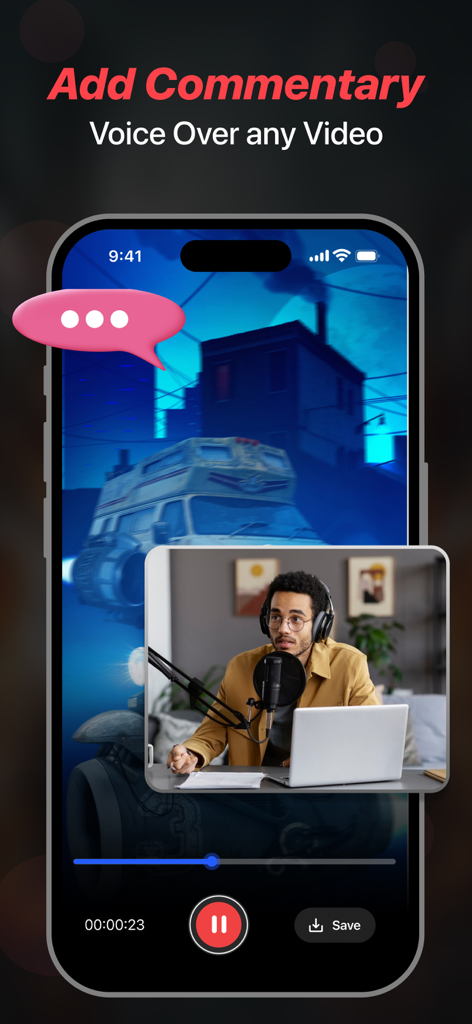
동영상 해설 및 음성 오버레이를 추가하기 위한 얼굴 캠 오버레이를 보여주는 iPhone 디스플레이
동영상 해설 및 음성 오버레이를 추가하기 위한 얼굴 캠 오버레이를 보여주는 iPhone 디스플레이

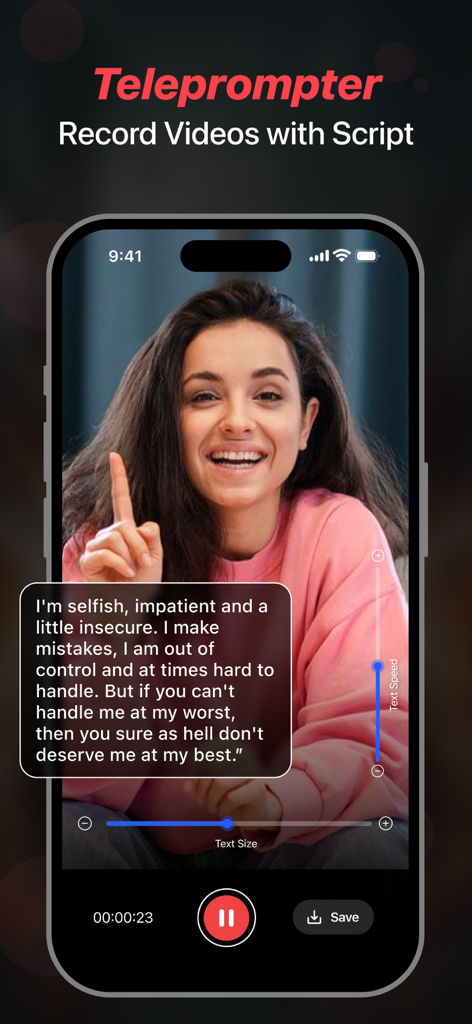
스크립트 오버레이가 있는 동영상을 녹화하기 위해 스마트폰에서 프롬프터 기능을 사용하는 크리에이터
스크립트 오버레이가 있는 동영상을 녹화하기 위해 스마트폰에서 프롬프터 기능을 사용하는 크리에이터

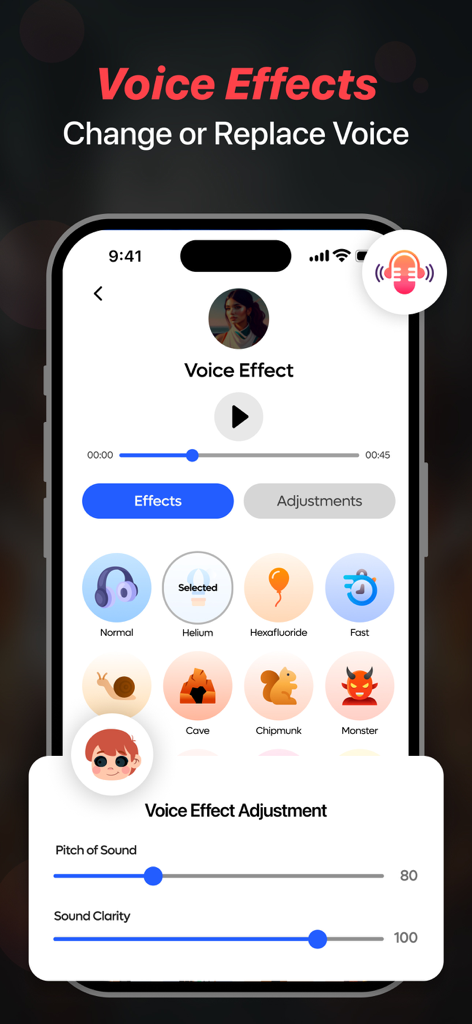
헬륨 칩munk 및 몬스터와 같은 음성 효과 옵션과 피치 및 선명도 조절 슬라이더를 표시하는 Screen Recorder 모바일 앱 인터페이스
헬륨 칩munk 및 몬스터와 같은 음성 효과 옵션과 피치 및 선명도 조절 슬라이더를 표시하는 Screen Recorder 모바일 앱 인터페이스

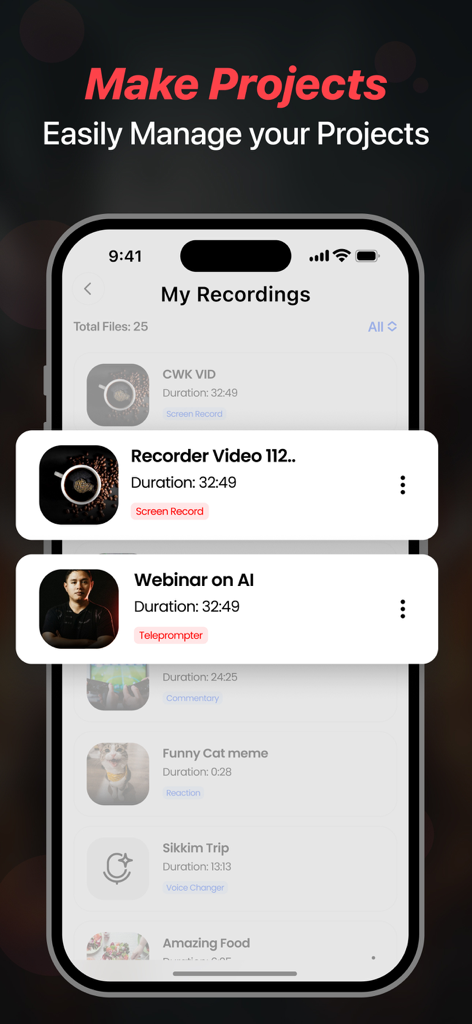
앱에서 관리되는 저장된 동영상 녹화 및 프로젝트 목록을 보여주는 Screen Recorder 앱 인터페이스

앱에서 관리되는 저장된 동영상 녹화 및 프로젝트 목록을 보여주는 Screen Recorder 앱 인터페이스

바이럴 콘텐츠 제작에 필요한 모든 것

이 앱을 돋보이게 하는 도구, 559K+ 명의 사용자가 선택.

🎙️

AI 프롬프터 및 스크립팅

더 이상 말을 더듬지 마세요. ChatGPT로 바이럴 준비된 스크립트를 생성하고 녹화 중에 화면에서 완벽하게 읽으세요.

🎮

프로 게임 및 Facecam

모든 승리를 1080p 60FPS로 캡처하세요. 내장 Facecam을 사용하여 라이브 반응을 녹화하고 TikTok 및 YouTube에서 충성도 높은 팔로워를 확보하세요.

🎭

음성 FX 및 해설

군중 속에서 돋보이세요. 전문적인 해설을 추가하거나 음성 변경기를 사용하여 콘텐츠에 독특한 개성과 유머를 더하세요.

앱 소개

에 대해 알아야 할 모든 것 Screen Recorder - Stream Games.

설명

Facecam Record-Screen Recorder records everything in High-Definition without limits. Start recording with one tap. Use Teleprompter feature to quickly make your videos using auto running scripts and never forget what you have to say while recording a video. You can write your own script or generate one by using the advanced Chatgpt service. Features Highlights - Screen Recorder, Teleprompter, Voice Changer, Face Cam & Add Commentary. Key Features in Facecam- Screen Recorder & Teleprompter - Record videos in 1080p. You can also change your resolution manually. - Let's set your bitrate. - Record awesome videos in 60FPS - Add audio & music to recordings & videos. - Add filters, effects & transitions to your recordings. - Use Screen Recorder in 11 Languages from around the world. - Change the orientation of screen to Portrait or Landscape. - Set recording duration or record without limits. - Ability to change the resolution of Facecam. - Share your recordings on social media and become a star. - Use Teleprompter so you don't need to remember your script - React on Videos using the Facecam feature - Record Videos & Change Voice using Voice Changer - Add your Commentary to videos - Use Chatgpt AI Assistant to generate scripts Screen Recorder - This feature gives you direct access to record anything quickly and you can use different resolution, bitrate & framerate. It gives you an option to record screen in HD using resolution of upto 1080 HD, 12 MBPS bitrate & 60 FPS framerate. Teleprompter - This feature lets you create videos while reading your script that will appear while recording, you can write your own script or generate one using the Chatgpt service. Face Cam - Easily react to videos to add your views on them and share them on multiple social media platforms like - Instagram, Facebook, WhatsApp or Snapchat etc. Voice Changer - With this amazing feature, you can easily change voice for your audio or video recordings. You get multiple voice changing option to add to your audio or video. Commentary - Add your comments to recorded videos or record a new one with your views on it and share them on other platforms. Some of the data we collect - Device-specific information such as device model, OS version being used. This provides knowledge of how our application is being used so we can improve the user experience and the app itself. - We collect anonymized data such as statistics, analytics, insights about your activity in order to provide you a reliable and high-quality experience. - Payment data & an optional Email (if using paid Services). Premium plans Length & Price Yearly - $79.99 Monthly - $9.99 Benefits you get by upgrading to premium plans: - No Ads Interruption - Unlimited access to premium features Subscription Info - The user can cancel their subscription at any time by going into iTunes and App Store Apple ID Settings. - All prices include applicable local sales taxes. - Payment will be charged to your iTunes Account after confirmation of purchase. - Subscription automatically renews at least 24-hours before the end of the current period. - The user's account will be charged for renewal within 24-hours before the end of the current period. Privacy Policy: https://www.q4umobileapps.com/web/screenrecorderios/privacy-policy Terms of use: https://www.q4umobileapps.com/web/screenrecorderios/tandc EULA: https://www.q4umobileapps.com/web/screenrecorderios/eula

최신 버전

14.0

크기

87.8 MB

출시일

2021년 7월 28일

콘텐츠 크리에이터 커리어 시작할 준비 되셨나요?

AI 기반 스크립트, 1080p 녹화, Facecam을 사용하여 소셜 미디어를 장악하는 50만 명 이상의 크리에이터와 함께하세요. 다음 바이럴 동영상이 단 한 번의 탭으로 완성됩니다.

다운로드: App Store

App information, icons, screenshots, and descriptions displayed on this page are sourced from the Apple App Store and are the property of their respective developers. Download estimates and rankings are based on MWM's proprietary models and may not reflect actual figures. This page is provided for informational and analytical purposes only.

Believe this page infringes your intellectual property? File a dispute