ScreenPal Screen Recorder

ScreenPal Screen Recorder

다운로드: App Store
로고: ScreenPal Screen Recorder

ScreenPal 화면 녹화기: 전문적인 화면 캡처 및 비디오 편집을 즉시 생성하세요

광고 및 워터마크 없는 최고의 녹화기를 사용하는 수백만 명의 교육자 및 전문가와 함께하세요. Facecam으로 화면을 캡처하고, 전문가급 편집 도구로 향상시키고, 모든 기기에서 원활한 데모 또는 강의를 공유하세요.

개발사

Big Nerd Software, LLC

카테고리

Photo & Video

다운로드

360K+

사용자 평점

4.6/5

총 평가 수

10K+

지원 언어

8

내부 미리보기

이 인터페이스를 사용하는 360K+ 명의 사용자.

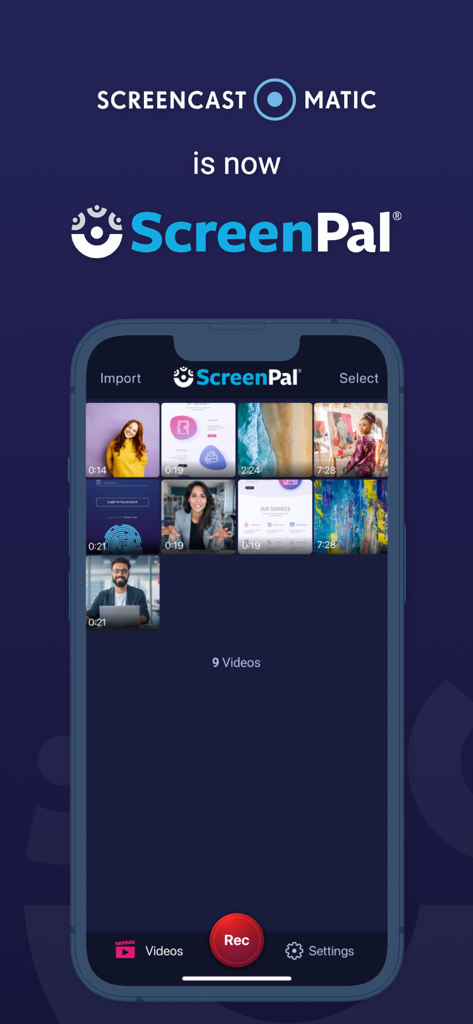
Screencast O Matic의 리브랜딩 발표 및 비디오 라이브러리를 보여주는 iPhone의 ScreenPal 앱 인터페이스
Screencast O Matic의 리브랜딩 발표 및 비디오 라이브러리를 보여주는 iPhone의 ScreenPal 앱 인터페이스

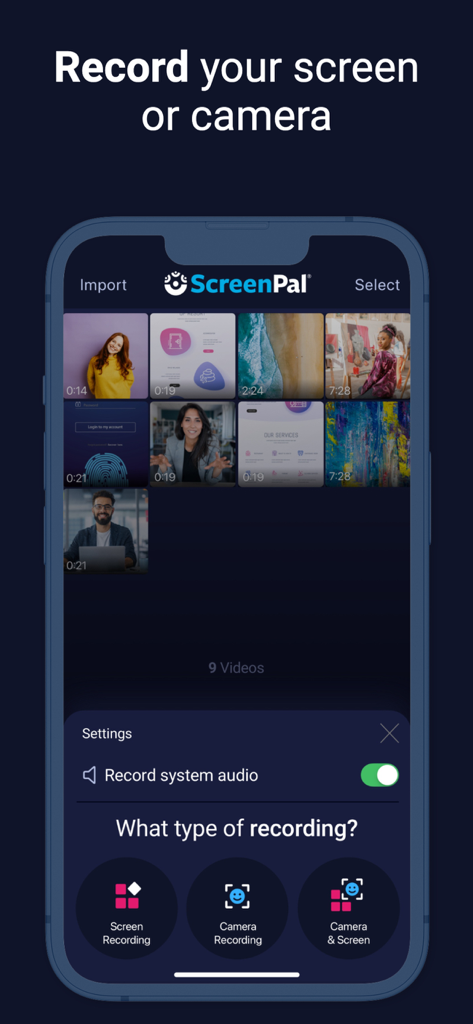
화면 녹화, 카메라 녹화 및 결합 녹화 옵션을 보여주는 ScreenPal 앱 인터페이스
화면 녹화, 카메라 녹화 및 결합 녹화 옵션을 보여주는 ScreenPal 앱 인터페이스

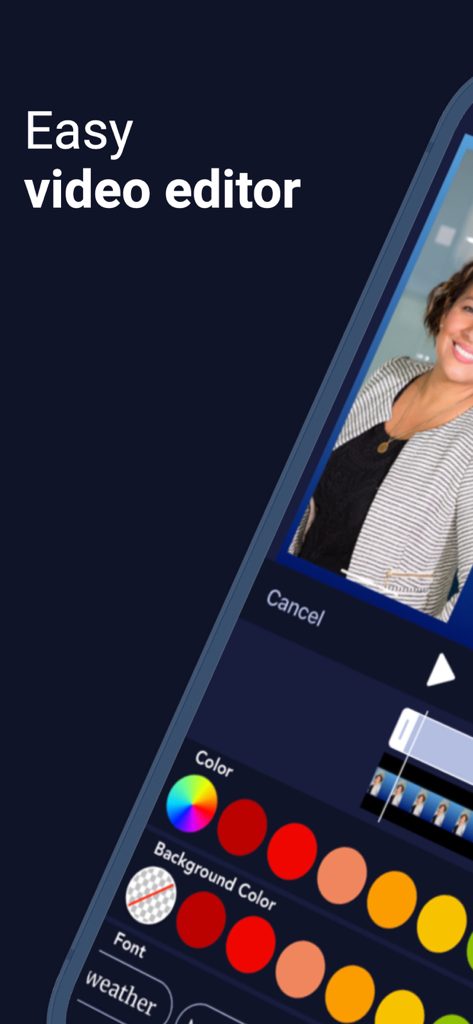
ScreenPal 모바일 앱의 쉬운 비디오 편집기 인터페이스
ScreenPal 모바일 앱의 쉬운 비디오 편집기 인터페이스

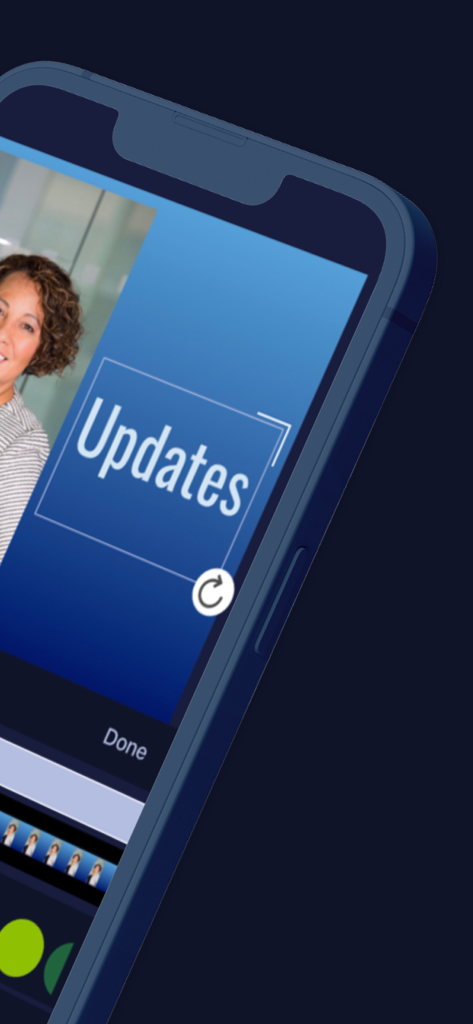
비디오 녹화에 텍스트 오버레이를 추가하기 위한 ScreenPal 앱 인터페이스
비디오 녹화에 텍스트 오버레이를 추가하기 위한 ScreenPal 앱 인터페이스

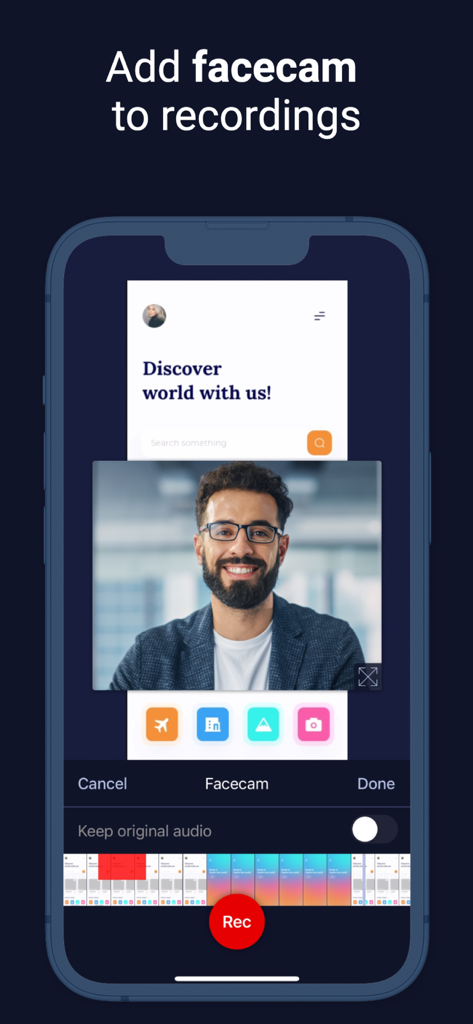
부동 Facecam 오버레이가 있는 모바일 화면 녹화를 보여주는 ScreenPal 앱 인터페이스
부동 Facecam 오버레이가 있는 모바일 화면 녹화를 보여주는 ScreenPal 앱 인터페이스

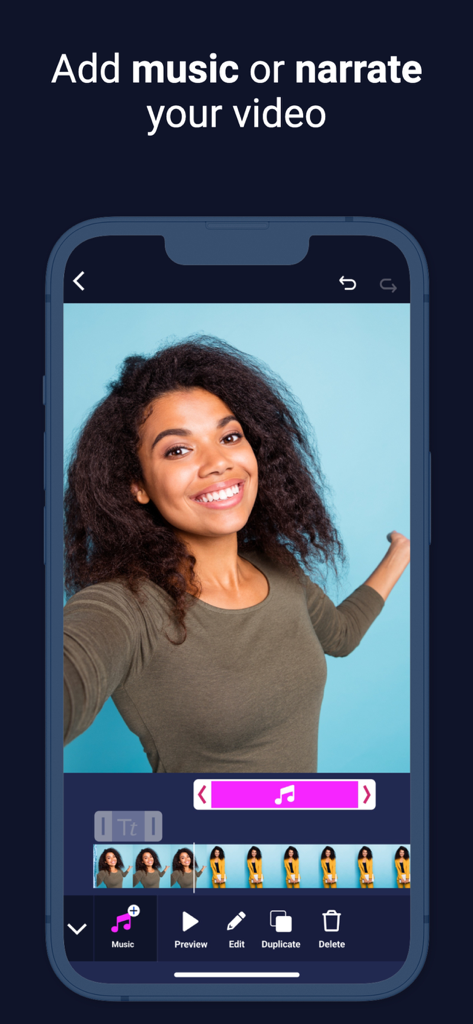
음악 및 내레이션 추가 옵션이 있는 ScreenPal 비디오 편집기 인터페이스
음악 및 내레이션 추가 옵션이 있는 ScreenPal 비디오 편집기 인터페이스

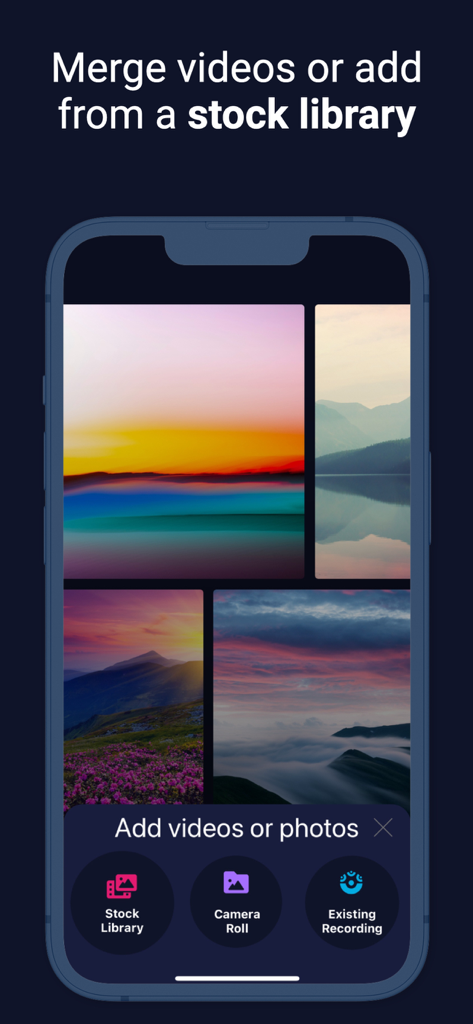
비디오를 병합하고 스톡 라이브러리에서 콘텐츠를 추가하기 위한 ScreenPal 앱 인터페이스
비디오를 병합하고 스톡 라이브러리에서 콘텐츠를 추가하기 위한 ScreenPal 앱 인터페이스

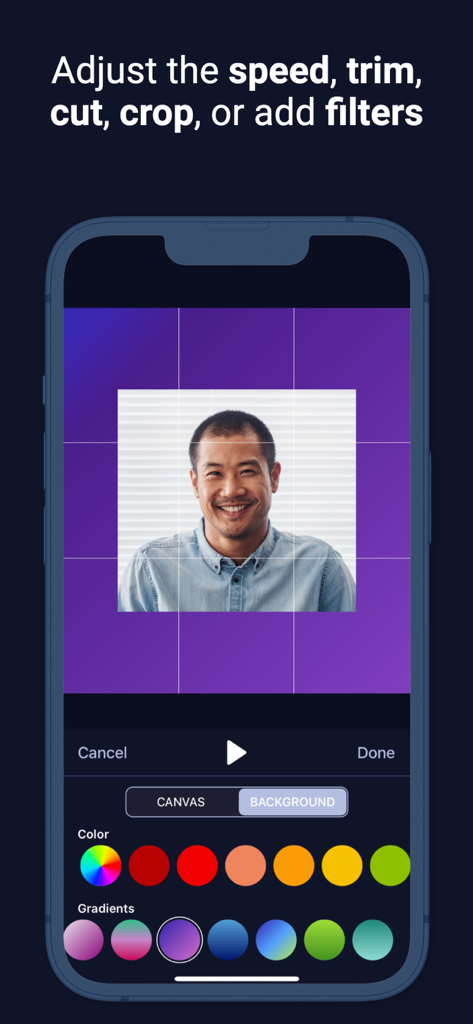
초상화 자르기 및 배경색 선택과 같은 비디오 편집 기능을 보여주는 ScreenPal 앱 스크린샷
초상화 자르기 및 배경색 선택과 같은 비디오 편집 기능을 보여주는 ScreenPal 앱 스크린샷

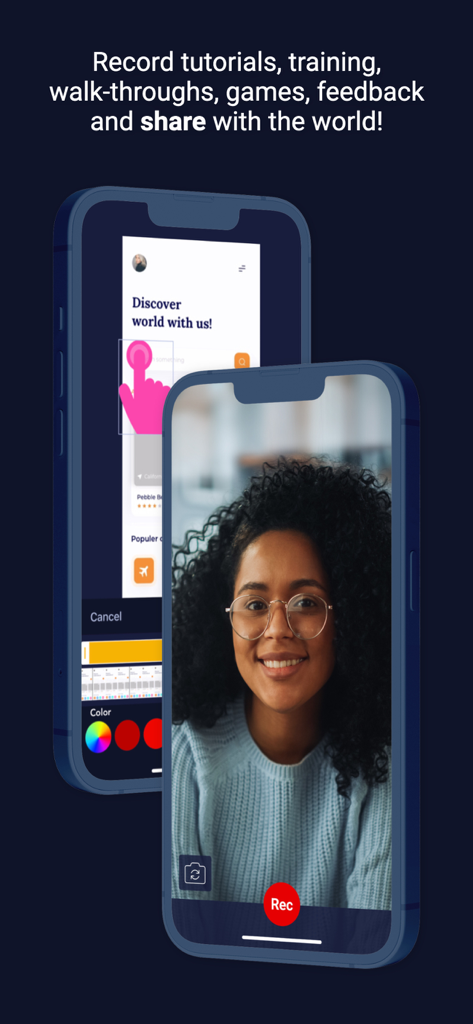
튜토리얼을 위한 화면 녹화 및 Facecam 기능을 보여주는 iPhone의 ScreenPal 앱 인터페이스

튜토리얼을 위한 화면 녹화 및 Facecam 기능을 보여주는 iPhone의 ScreenPal 앱 인터페이스

어디서든 최고의 작업을 캡처하세요

이 앱을 돋보이게 하는 도구, 360K+ 명의 사용자가 선택.

🎥

전문가용 화면 및 Facecam

화면과 카메라를 결합하여 시청자와의 신뢰와 명확성을 구축하는 매력적인 튜토리얼, 강의 및 데모를 만드세요.

🛠️

무제한 편집

클립을 자르고, 풍부한 텍스트를 추가하고, 블러 도구를 사용하여 민감한 정보를 숨겨 기기에서 직접 완성도 높은 전문 콘텐츠를 제작하세요.

☁️

원활한 워크플로

공유 가능한 링크를 즉시 생성하거나 데스크톱 편집기와 동기화하여 전체 워크스페이스에서 쉽게 협업할 수 있습니다.

앱 소개

에 대해 알아야 할 모든 것 ScreenPal Screen Recorder.

설명

Recommended by PC Magazine: “ScreenPal is an excellent, free screen-capture utility that boasts a subscription option that offers even more powerful features.” ScreenPal for iOS Free screen recorder with face cam and audio + video editor – unlimited recording time, ad-free and no watermarks! Have a paid plan? One plan unlocks editing and sharing on all of your devices! ScreenPal (formerly Screencast-O-Matic), the original and #1 ranked desktop screen recorder, facecam recorder and video editor, is also available on your iPhone and iPad. Our free, easy-to-use mobile app allows you to capture your screen and create high-quality videos quickly. The powerful, intuitive video editor gives you all the tools you need to personalize your videos. Key features: • Record your screen, camera, microphone, and internal audio. • Crop, trim or adjust the speed of your video. • Enhance your videos with rich text, filters, effects, and music. • Add image, shape and sticker overlays. • Use the blur tool to hide sensitive information. • Import existing clips to edit, combine and more. • Explore a stock library with over 15 million pieces of content. • Insert video reactions with audio narrations and facecam. • Videos saved on your camera roll – share when and where you want! • Upload to ScreenPal to get a share link, add comments, and more. • Easily connect with our intuitive desktop video editor to work across devices. Perfect for recording: • App demos • Lessons • Tutorials • Reviews • Training • Video react and more. Trusted: ScreenPal has been trusted by millions of users in our global community. Used by Fortune 100 companies school districts, and 98 of the top 100 universities in the US. 100,000,000+ videos captured (and counting) since 2006. Easily share or connect with our intuitive desktop video editor to work across devices. Start making amazing videos today! Terms of Service: https://screenpal.com/tos

최신 버전

3.0.11

크기

70.1 MB

출시일

2019년 6월 23일

1억 명의 크리에이터 및 전문가와 함께하세요

오늘 iOS용 최고의 화면 녹화기를 다운로드하세요. 무제한 녹화 시간, 전문가급 편집 도구, 그리고 전혀 없는 워터마크를 이용해 보세요.

다운로드: App Store

App information, icons, screenshots, and descriptions displayed on this page are sourced from the Apple App Store and are the property of their respective developers. Download estimates and rankings are based on MWM's proprietary models and may not reflect actual figures. This page is provided for informational and analytical purposes only.

Believe this page infringes your intellectual property? File a dispute