이 페이지는 앱이나 개발자의 공식 페이지가 아니며, 정보 제공 및 논평을 목적으로 작성된 독립 편집 간행물입니다. 명시적으로 달리 언급되지 않는 한, 해당 앱이나 개발자는 MWM, Apple, Google Play, 앱 퍼블리셔 또는 앱 개발자와 제휴, 보증, 후원, 승인 또는 공식적으로 연결되어 있지 않으며, 이 페이지의 어떤 내용도 해당 앱이 MWM의 서비스를 사용하여 개발되었음을 의미하지 않습니다. 모든 상표, 로고, 스크린샷 및 기타 콘텐츠는 해당 소유자의 자산입니다.
Screens for Organizations
어디서든 Mac, PC 및 Linux 장치를 원활하게 제어할 수 있도록 IT 관리자 및 교육자를 지원하세요. 보안에 민감한 학교 및 비즈니스를 위해 구축된 전문가 수준의 원격 액세스.
주요 수치
다운로드
0
사용자 평점
1.0/5
총 평가 수
0
개발사
Edovia Inc.
카테고리
Utilities
지원 언어
17
최신 버전
5.8
크기
45.6 MB
출시일
2024년 10월 31일
기능
조직 장비에 대한 완벽한 제어
IT 전문가 및 교육자를 위한 최고의 원격 데스크톱 솔루션입니다. iPhone, iPad 또는 Vision Pro에서 Mac, Windows 및 Linux 시스템을 안전하게 관리하세요.
안전하고 개인적인 세션
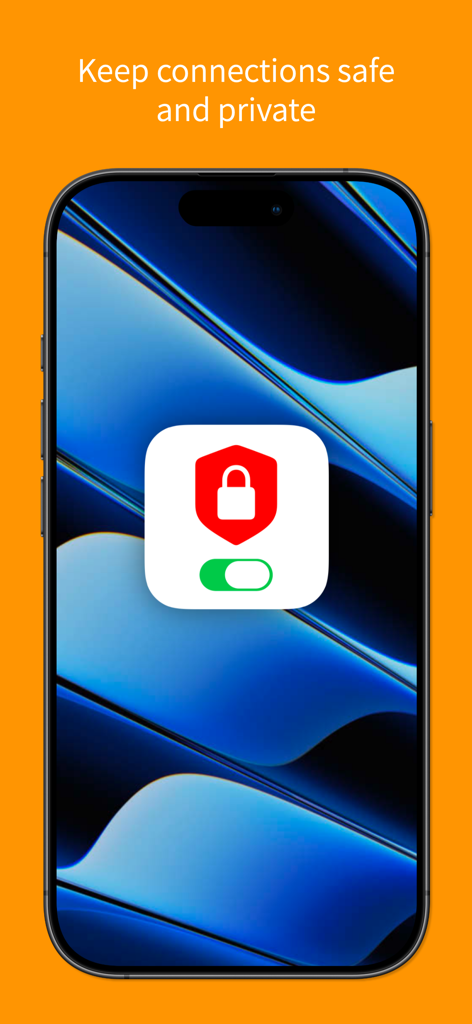
SSH 암호화 및 커튼 모드를 사용하여 관리 작업을 원격 디스플레이에 숨겨 안심하고 배포하세요.
통합 장치 관리
Mac, PC 및 Linux 간의 격차를 해소하세요. 내장된 Tailscale 통합으로 모든 서버 또는 워크스테이션에 원활하게 액세스하세요.
다음 스크린샷과 설명은 앱의 공식 스토어 목록에서 직접 가져온 것이며 앱 개발자의 자산입니다.
앱 스토어
스크린샷
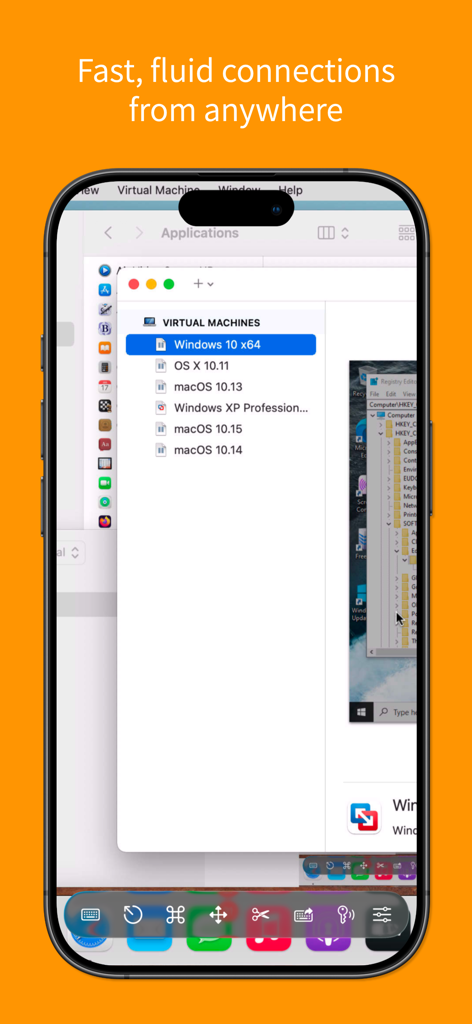
가상 머신에 대한 원격 데스크톱 제어를 보여주는 기관용 Screens 모바일 인터페이스.
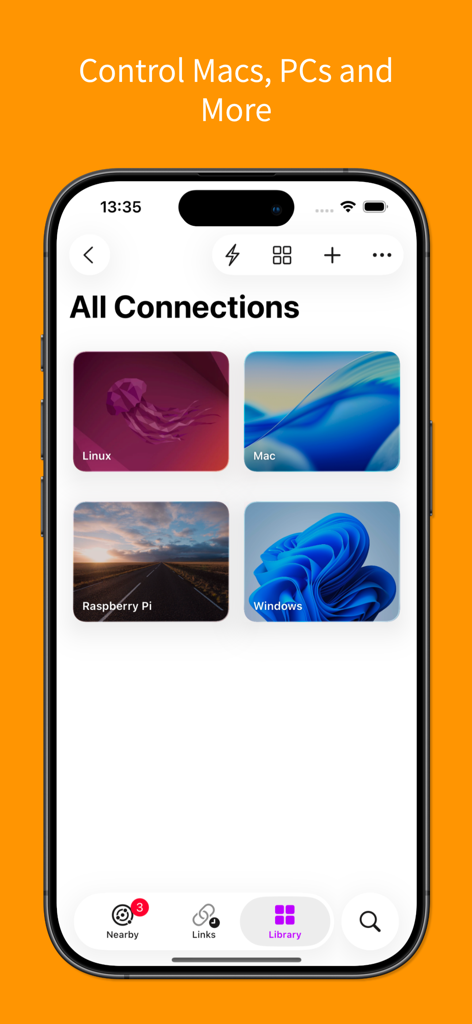
Mac, Windows, Linux 및 Raspberry Pi에 대한 원격 연결을 보여주는 기관용 Screens 앱의 스크린샷.
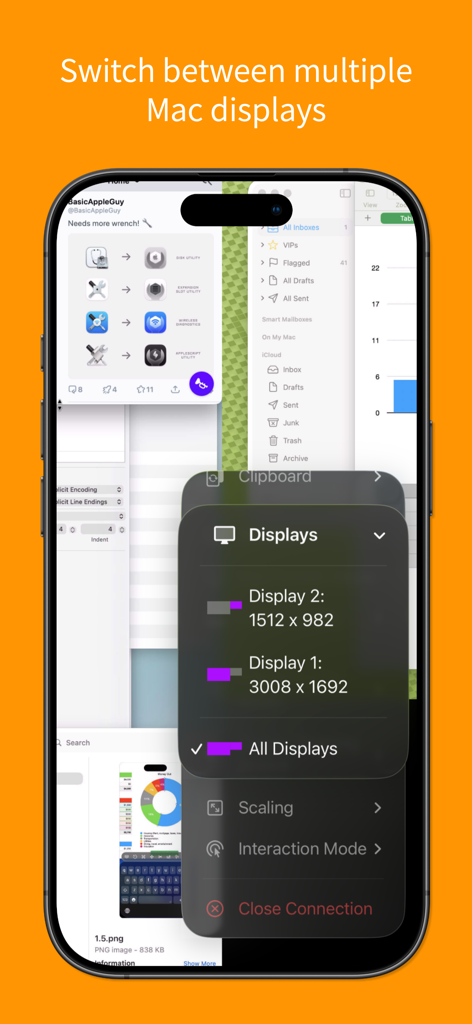
여러 원격 Mac 디스플레이 간 전환 옵션을 보여주는 기관용 Screens 앱의 iPhone 인터페이스
기관용 Screens 인터페이스는 안전하고 개인적인 원격 연결 기능을 보여줍니다.
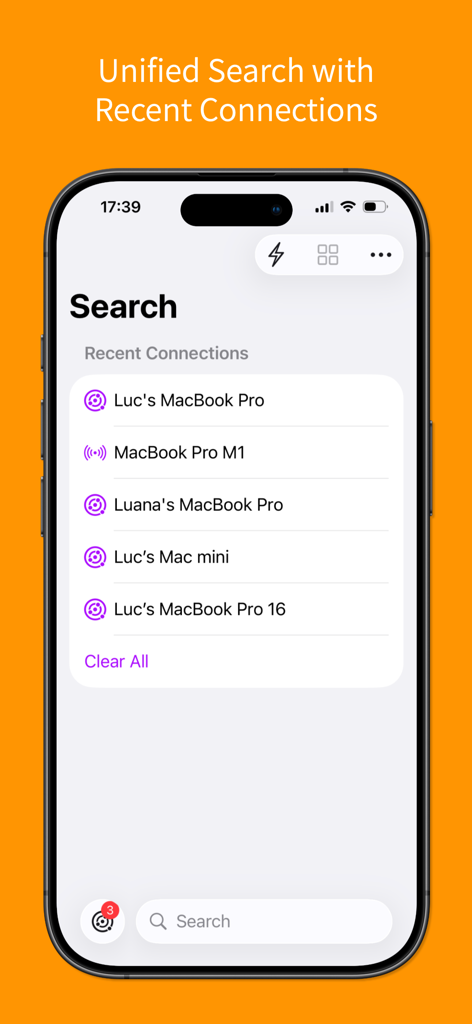
iPhone에서 최근 원격 연결을 표시하는 통합 검색 인터페이스.
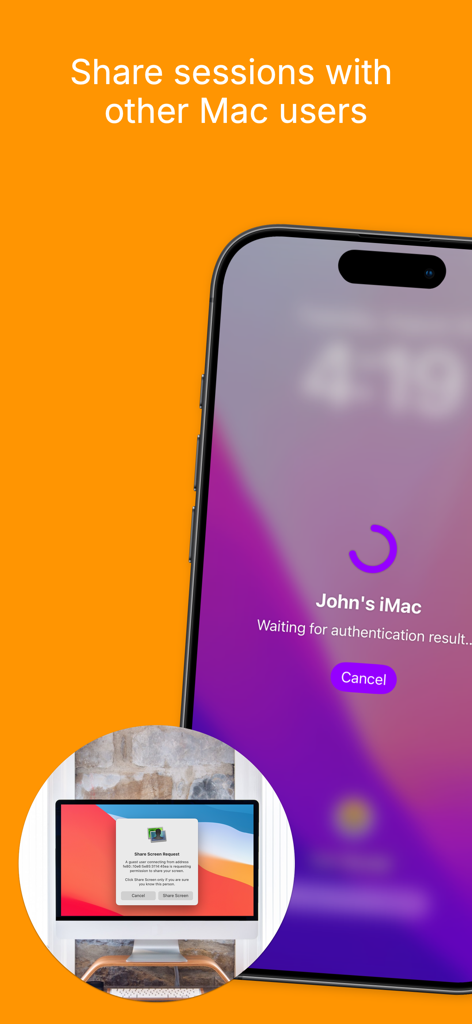
Mac 화면 공유를 위한 원격 세션 요청을 보여주는 기관용 Screens 앱의 iPhone 인터페이스
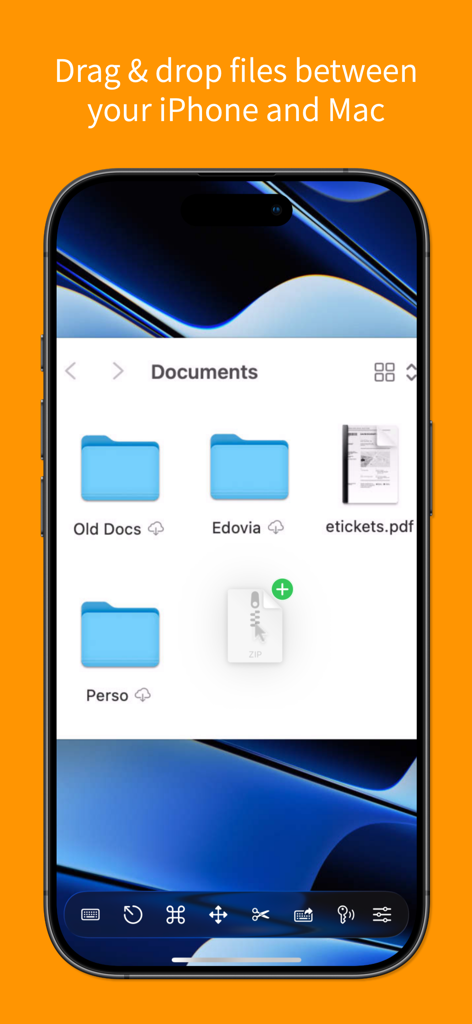
iPhone과 Mac 간의 드래그 앤 드롭 파일 전송을 보여주는 기관용 Screens 앱의 스크린샷
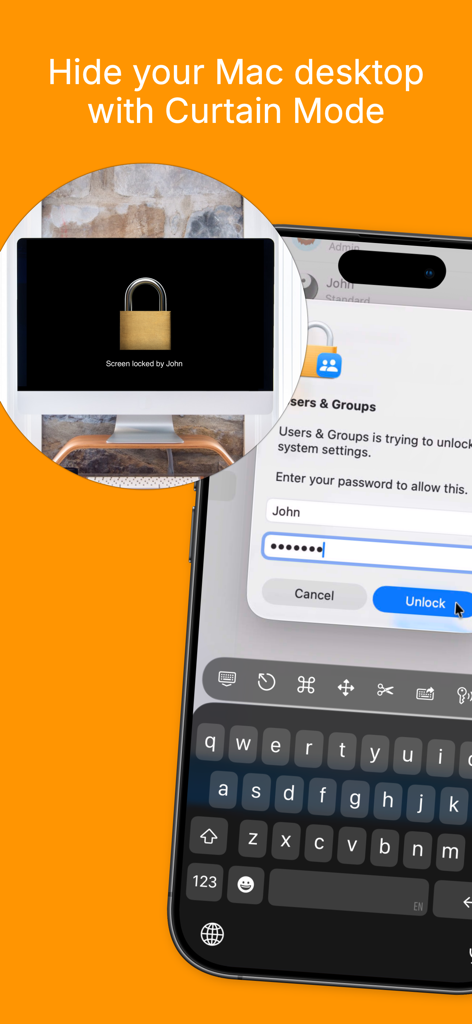
개인 정보 보호를 위해 원격 Mac 데스크톱을 숨기는 기관용 Screens 커튼 모드 기능을 보여주는 iPhone
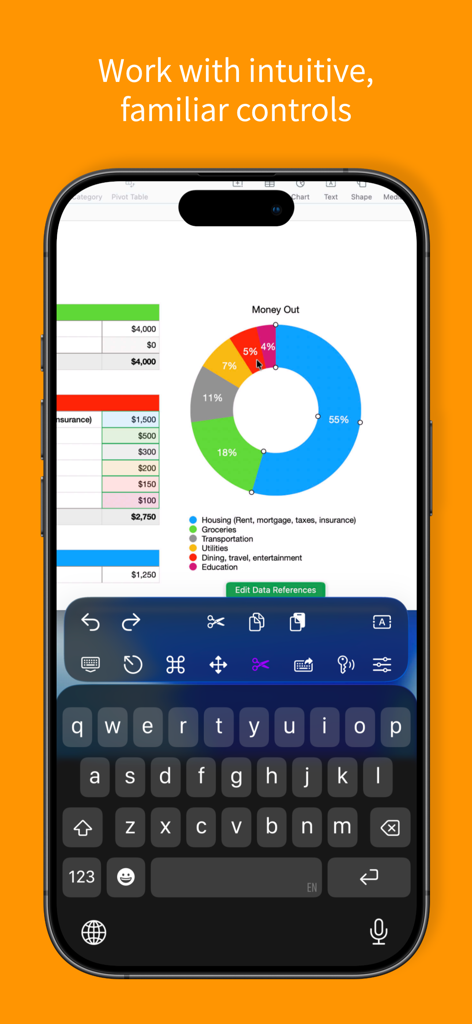
스프레드시트 도넛 차트와 사용자 지정 바로 가기 도구 모음이 있는 원격 데스크톱 세션을 보여주는 iPhone의 기관용 Screens 앱
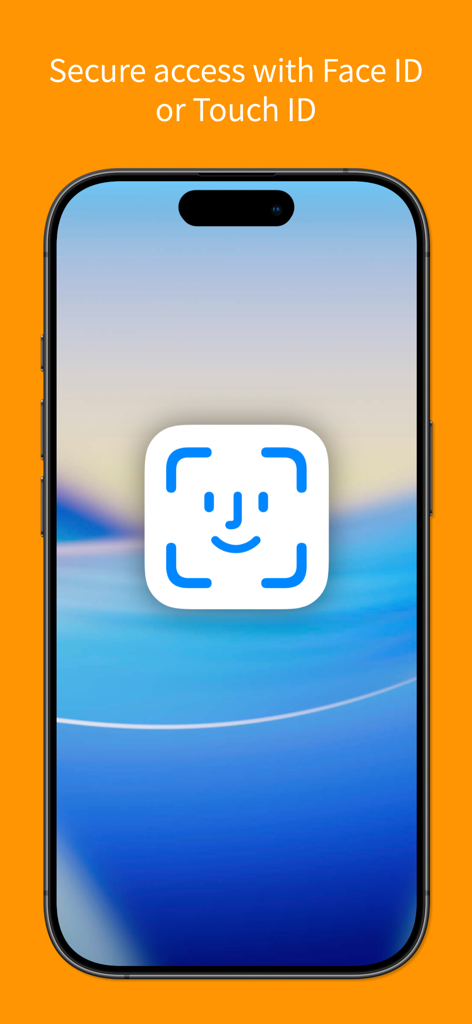
기관용 Screens 앱의 Face ID 및 Touch ID를 사용한 안전한 액세스를 보여주는 스마트폰 화면.
설명
Screens for Organizations: Remote Computer Control for Schools and Businesses
Control your Mac, Windows PC, Linux PC, or Raspberry Pi effortlessly from any location—be it a classroom, office, or even across the globe. Screens for Organizations is your dependable remote desktop solution, designed for institutions that value speed, security, and reliability, offering seamless control over multiple devices.
With Screens for Organizations, remote access is at your fingertips, tailored for educational and business environments. Here’s why it’s the ideal choice for your organization:
Connect from Anywhere
Install Screens Connect on your Mac or Windows PC to gain remote access from anywhere. Your computers are now within reach wherever you are. Screens for Organizations fully integrates with Tailscale, making remote connections to Linux PCs and Raspberry Pi devices seamless.
Curtain Mode
Maintain privacy during sessions with Curtain Mode, which masks the remote Mac’s display. Ideal for classrooms and shared workspaces, this feature keeps your activity discreet.
Secure Connections
Screens provides secure access to your computers. Enable Remote Login on your Mac or configure SSH for Windows, Linux, or Raspberry Pi. For enhanced security, Screens also supports SSH key authentication.
Effortless Login
With automated password entry, connecting to your remote computer is fast and hassle-free. Save time with a seamless login experience.
Display Selection
Choose the display you want on multi-screen Macs or show them all. Screens remembers your choice for each session.
Clipboard Sharing
Synchronize text, URLs, images, and more between local and remote clipboards. Keep everything in sync without interruption.
Session Selection
When someone is using a remote Mac, Screens allows you to either share their session or start a new one, giving you control over access.
Raspberry Pi 5 Compatibility
Screens supports Bookworm and WayVNC with RSA-AES authentication, ensuring fast, reliable performance.
Shortcuts Toolbar
Boost productivity with easy access to your favorite shortcuts through a scrollable toolbar.
External Input Devices Support
Use your Magic Keyboard or any compatible external keyboard and pointing device for a seamless, intuitive control experience.
Easy to Use
Screens for Organizations offers familiar, intuitive controls, ensuring a consistent experience across iOS, Mac, and Vision Pro devices.
Assist Students and Staff
With the free Screens Assist utility (Mac), support your team by troubleshooting issues, updating apps, and more, making tech support simple.
Other Features
- Adaptive and Full display quality
- Observe or control the remote computer
- iCloud Synchronization
- Full URL Schemes Support
- Secure access with Touch ID and Face ID
- And much more!
Special Requirements
- A VNC Server like UltraVNC or TightVNC is needed for Windows connections.
- Windows, Linux PCs, and Raspberry Pi support text and URL sharing.
- Due to VNC protocol limitations, Screens does not support audio.
- Screens Connect requires macOS 10.11 or later for Mac, Windows 7 SP1 or later for PCs, and a free Screens ID.
- Screens does not support remote connections initiated from a PC.
Screens for Organizations is your trusted tool for secure, reliable remote control, whether in a classroom, office, or beyond. Empower your organization with seamless access and control.
이 페이지는 앱이나 개발자의 공식 페이지가 아니며, 정보 제공 및 논평을 목적으로 작성된 독립 편집 간행물입니다. 명시적으로 달리 언급되지 않는 한, 해당 앱이나 개발자는 MWM, Apple, Google Play, 앱 퍼블리셔 또는 앱 개발자와 제휴, 보증, 후원, 승인 또는 공식적으로 연결되어 있지 않으며, 이 페이지의 어떤 내용도 해당 앱이 MWM의 서비스를 사용하여 개발되었음을 의미하지 않습니다. 모든 상표, 로고, 스크린샷 및 기타 콘텐츠는 해당 소유자의 자산입니다.