Secure Folder: Photo Vault
다운로드: App Store

이 페이지는 앱이나 개발자의 공식 페이지가 아니며, 정보 제공 및 논평을 목적으로 작성된 독립 편집 간행물입니다. 명시적으로 달리 언급되지 않는 한, 해당 앱이나 개발자는 MWM, Apple, Google Play, 앱 퍼블리셔 또는 앱 개발자와 제휴, 보증, 후원, 승인 또는 공식적으로 연결되어 있지 않으며, 이 페이지의 어떤 내용도 해당 앱이 MWM의 서비스를 사용하여 개발되었음을 의미하지 않습니다. 모든 상표, 로고, 스크린샷 및 기타 콘텐츠는 해당 소유자의 자산입니다.

로고: Secure Folder: Photo Vault
다운로드: App Store

Secure Folder: Photo Vault

기능성 계산기 뒤에 개인 사진, 비밀번호, 메모를 위장하세요. Face ID, 가짜 비밀번호, 스텔스 모드를 사용하여 개인적인 삶을 진정으로 개인적으로 유지하세요.

주요 수치

다운로드

85K+

사용자 평점

4.6/5

총 평가 수

1K+

개발사

Huynh Thuy

카테고리

Photo & Video

지원 언어

33

최신 버전

5.1.2

크기

33.8 MB

출시일

2019년 4월 22일
기능

평범해 보이는 곳에 당신의 사생활을 숨기세요

가장 민감한 데이터를 위한 두 번째, 보이지 않는 공간. 시크릿 폴더는 세상에 보여주고 싶지 않은 모든 것을 위한 유령 금고 역할을 합니다.

스텔스 계산기 모드

개인 정보를 위한 완벽한 위장. 완벽하게 작동하는 계산기로 전체 금고를 위장하여 절대적으로 합리적인 의심을 유지하세요.

미끼 금고 및 가짜 비밀번호

호기심 많은 사용자로부터의 궁극적인 방어. 압박 속에서도 실제 비밀을 보호하기 위해 더미 금고를 여는 두 번째 비밀번호를 설정하세요.

다음 스크린샷과 설명은 앱의 공식 스토어 목록에서 직접 가져온 것이며 앱 개발자의 자산입니다.

앱 스토어

스크린샷
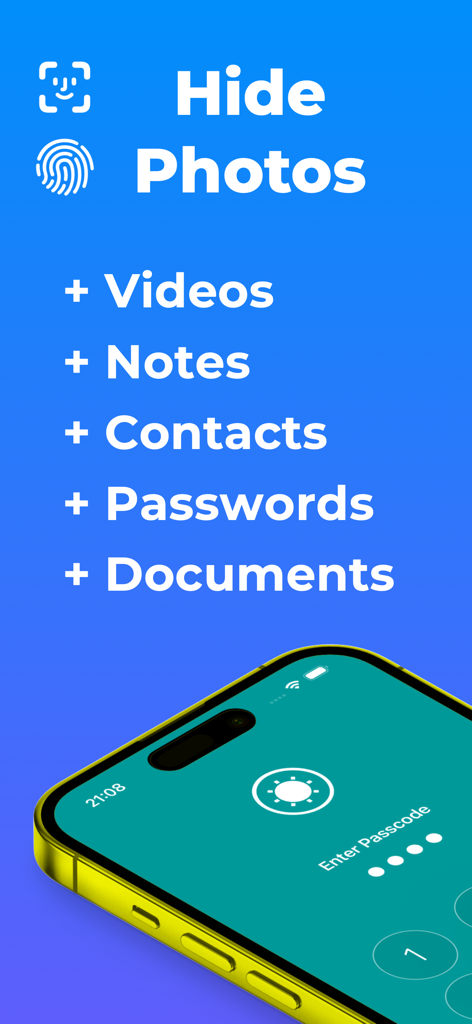
Secure Folder: Photo Vault - 시크릿 폴더 앱 화면에 사진, 동영상, 메모, 연락처, 문서를 생체 인식 보안으로 숨기는 기능이 나열되어 있습니다.
시크릿 폴더 앱 화면에 사진, 동영상, 메모, 연락처, 문서를 생체 인식 보안으로 숨기는 기능이 나열되어 있습니다.

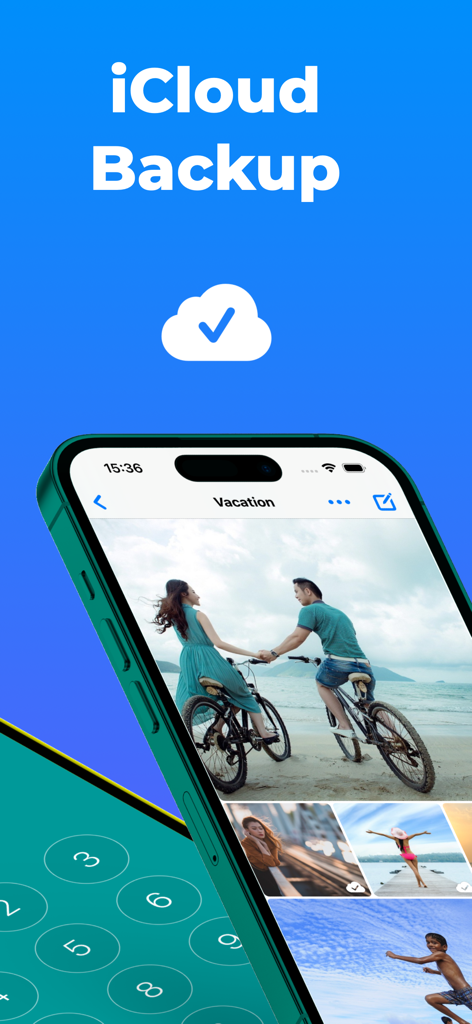
Secure Folder: Photo Vault - 시크릿 폴더 앱 인터페이스에 개인 사진 앨범에 대한 iCloud 백업이 표시됩니다.
시크릿 폴더 앱 인터페이스에 개인 사진 앨범에 대한 iCloud 백업이 표시됩니다.

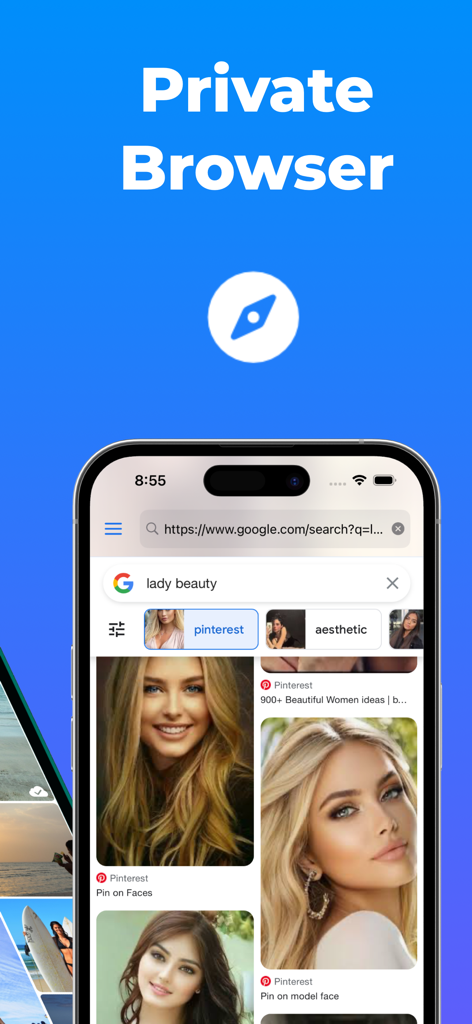
Secure Folder: Photo Vault - 시크릿 폴더 사진 보관함 앱 내 개인 브라우저 인터페이스에 안전한 검색 결과가 표시됩니다.
시크릿 폴더 사진 보관함 앱 내 개인 브라우저 인터페이스에 안전한 검색 결과가 표시됩니다.

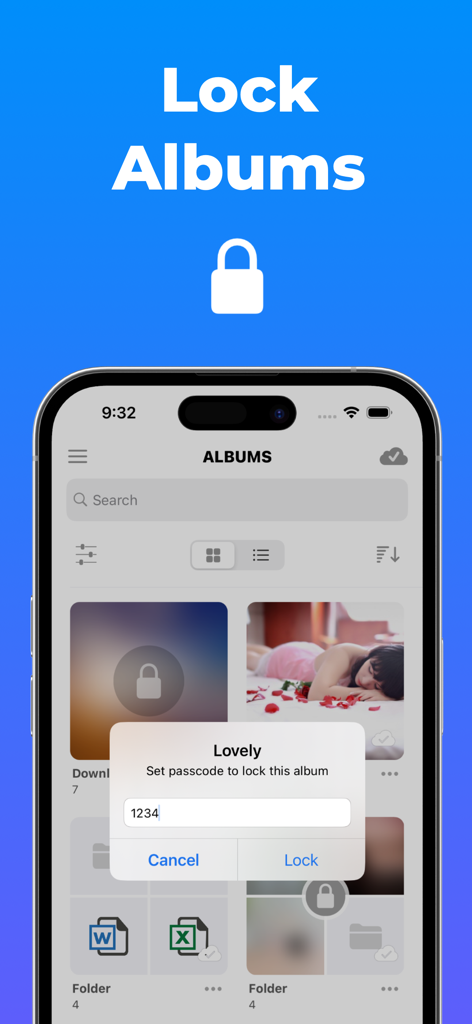
Secure Folder: Photo Vault - 시크릿 폴더 앱에 Lovely라는 제목의 사진 앨범에 대한 고유한 비밀번호를 설정하라는 메시지가 표시됩니다.
시크릿 폴더 앱에 Lovely라는 제목의 사진 앨범에 대한 고유한 비밀번호를 설정하라는 메시지가 표시됩니다.

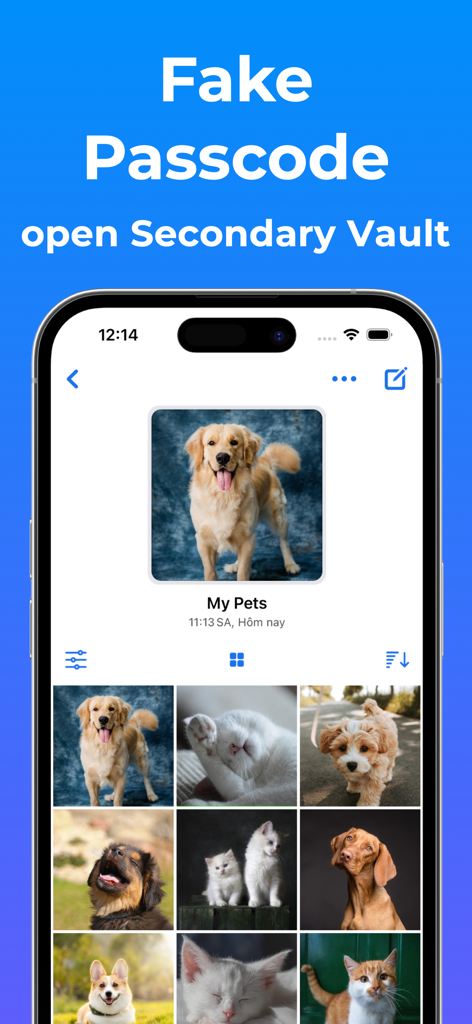
Secure Folder: Photo Vault - 시크릿 폴더 앱에서 애완동물 사진 앨범이 포함된 두 번째 미끼 금고를 보여주는 스마트폰.
시크릿 폴더 앱에서 애완동물 사진 앨범이 포함된 두 번째 미끼 금고를 보여주는 스마트폰.

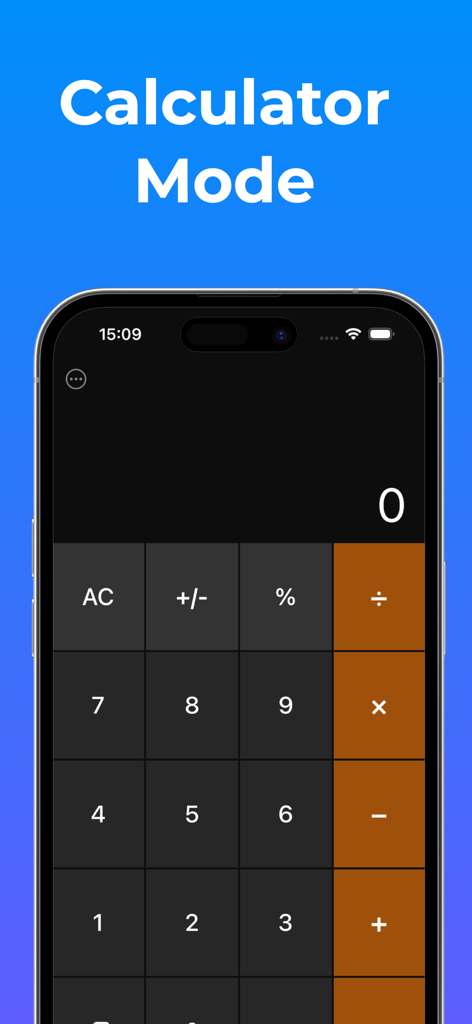
Secure Folder: Photo Vault - 시크릿 사진 보관함 앱 콘텐츠를 숨기는 기능성 계산기 인터페이스

시크릿 사진 보관함 앱 콘텐츠를 숨기는 기능성 계산기 인터페이스

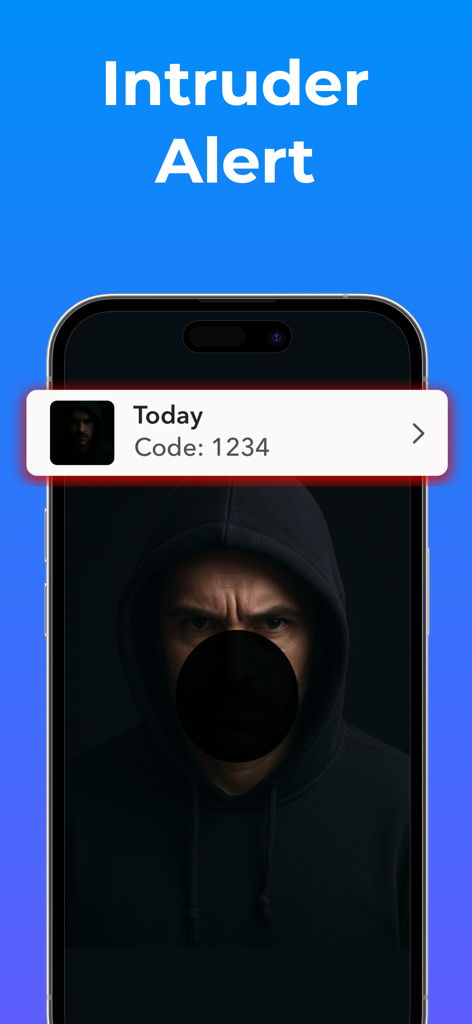
Secure Folder: Photo Vault - 금고에 접근하려는 사람의 사진과 함께 침입자 경고 알림을 표시하는 스마트폰 화면.
금고에 접근하려는 사람의 사진과 함께 침입자 경고 알림을 표시하는 스마트폰 화면.

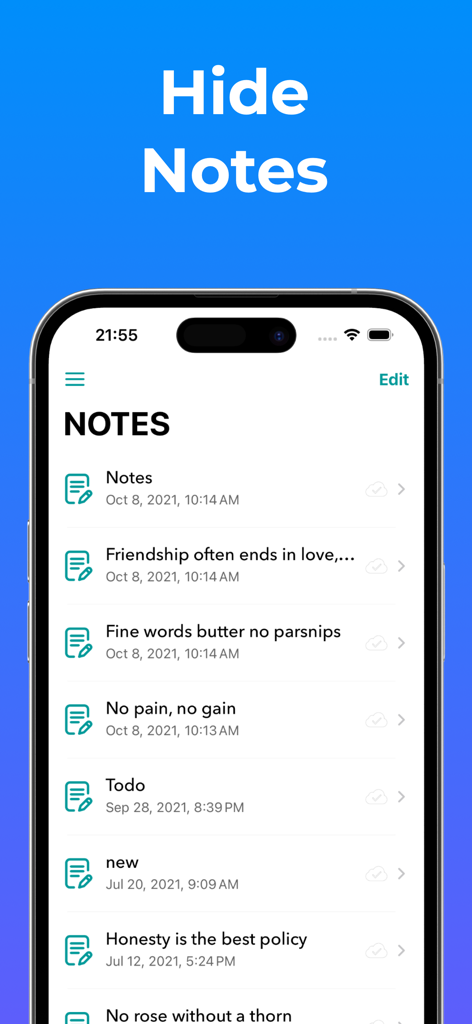
Secure Folder: Photo Vault - 시크릿 폴더 앱의 사용자 인터페이스에 숨겨진 개인 메모 목록이 표시됩니다.
시크릿 폴더 앱의 사용자 인터페이스에 숨겨진 개인 메모 목록이 표시됩니다.

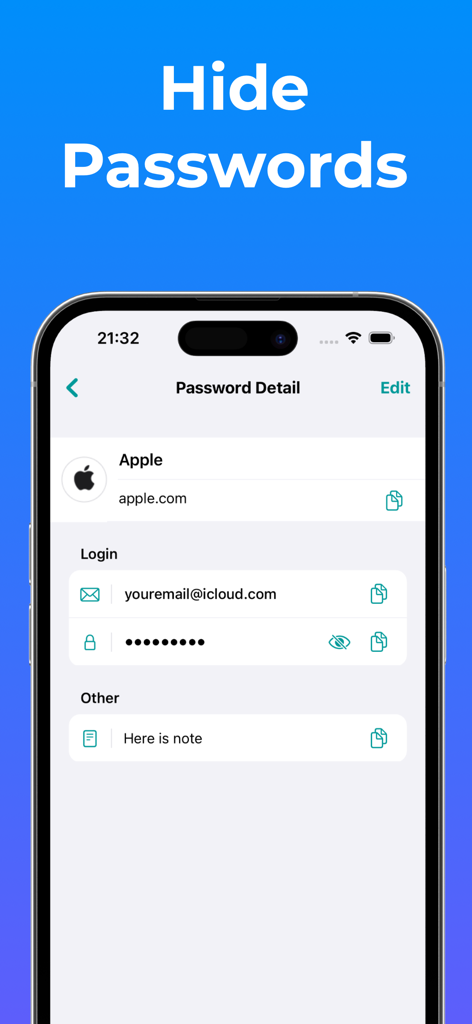
Secure Folder: Photo Vault - 시크릿 폴더 앱의 비밀번호 관리 기능을 보여주는 휴대폰 인터페이스에 Apple 계정에 대한 로그인 정보가 숨겨져 있습니다.
시크릿 폴더 앱의 비밀번호 관리 기능을 보여주는 휴대폰 인터페이스에 Apple 계정에 대한 로그인 정보가 숨겨져 있습니다.

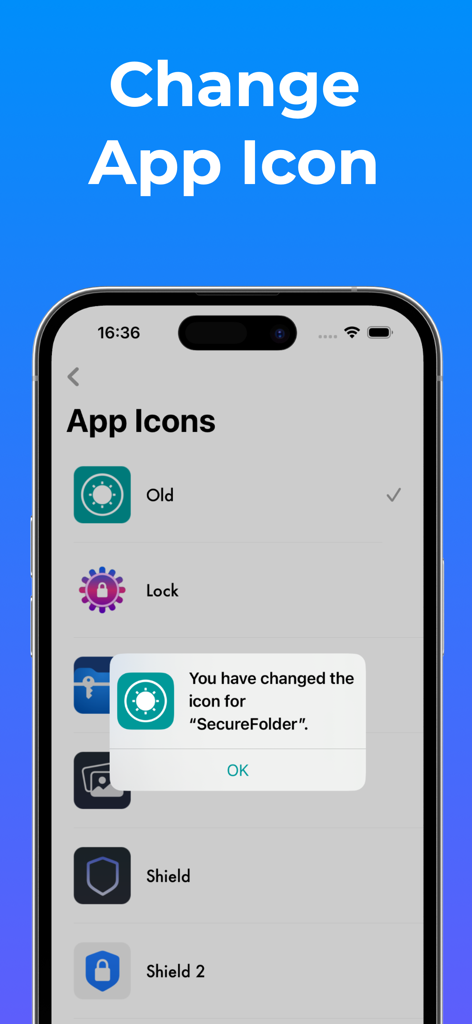
Secure Folder: Photo Vault - 시크릿 폴더 사진 보관함 앱의 아이콘을 사용자 정의하고 위장하기 위한 다양한 아이콘 옵션을 보여주는 모바일 인터페이스.

시크릿 폴더 사진 보관함 앱의 아이콘을 사용자 정의하고 위장하기 위한 다양한 아이콘 옵션을 보여주는 모바일 인터페이스.

설명

Secure Folder is your personal vault to lock and hide private photos, videos, contacts, notes, passwords, and more behind Face ID, Touch ID, or a secure PIN. All in a clean, elegant, and easy-to-use interface. Whether it’s family memories, confidential documents, or sensitive contacts, Secure Folder keeps your personal content truly private. Everything stays on your device or in your private iCloud, never on our servers. Powerful Protection: - Lock the entire app with Face ID / Touch ID / PIN - Lock specific albums or folders with their own PINs - Fake Passcode (Optional): Set up a separate passcode to unlock a secondary vault. Content in this vault is added by you and stored only on your device, not synced to iCloud. - Calculator Mode: Use a functional calculator interface to securely access your private space. You can enable or disable this mode anytime in Settings. - Automatically sync your data to your private iCloud for safe access across all your devices (only if you enable it). Organize Everything: - Create unlimited folders and albums - Nest albums inside folders for better organization - Customize album covers with any photo you like Enjoy Your Media: - Import from Camera, Photo Library, Files, or Wi-Fi - View photos & videos in fullscreen or slideshow mode - Smooth transitions, zoomable thumbnails, and editing support Store More Than Just Photos: - Save secure notes, contacts, and passwords - Browse the web privately, with no trace left behind - Attach files to notes for quick reference Tailored to You: - Custom app tint colors and icons - Full dark mode support - Simple, beautiful design for a smooth experience Premium Features: - Album & Folder Lock: Add an extra layer of privacy by assigning individual passwords to specific albums or folders. - Custom Album Covers: Personalize each album by choosing a cover photo from within the album or selecting an external image. - iCloud Sync (optional): Automatically back up and sync your data to your private iCloud storage for secure access across devices and protection against data loss. - Trash Recovery: Restore photos and videos you’ve accidentally deleted. - File Attachments for Notes: Enhance your notes by attaching relevant files for quick reference. - Unlimited Storage: Save as many photos, videos, documents, contacts, passwords and notes as you need with no limits on your device. ======================== Premium Subscription: Secure Folder includes an optional auto-renewable subscription to access current and future premium categories: - a 1-week subscription - a 1-month subscription - a 1-year subscription with 3 days free trial • Check in app for exact pricing in your region • Payment will be charged to your iTunes account at confirmation of purchase and will automatically renew (at the duration/price selected) unless auto-renew is turned off at least 24 hours before the end of the current period. • Account will be charged for renewal within 24-hours prior to the end of the current period, and identify the cost of the renewal. • Any unused portion of a free trial period, if offered, will be forfeited when the user purchases a subscription to that publication, where applicable • You can manage your subscription and/or turn off auto-renewal by going to your iTunes Account Settings, but refunds will not be given for any unused portion of the term. ======================== Privacy Policy: https://huynhthuyapps.blogspot.com/2021/05/privacy-policy.html Terms of Service: https://huynhthuyapps.blogspot.com/2021/06/terms-of-service.html Email support: privatephotovideolocker@gmail.com

Download

다운로드: App Store

이 페이지는 앱이나 개발자의 공식 페이지가 아니며, 정보 제공 및 논평을 목적으로 작성된 독립 편집 간행물입니다. 명시적으로 달리 언급되지 않는 한, 해당 앱이나 개발자는 MWM, Apple, Google Play, 앱 퍼블리셔 또는 앱 개발자와 제휴, 보증, 후원, 승인 또는 공식적으로 연결되어 있지 않으며, 이 페이지의 어떤 내용도 해당 앱이 MWM의 서비스를 사용하여 개발되었음을 의미하지 않습니다. 모든 상표, 로고, 스크린샷 및 기타 콘텐츠는 해당 소유자의 자산입니다.